
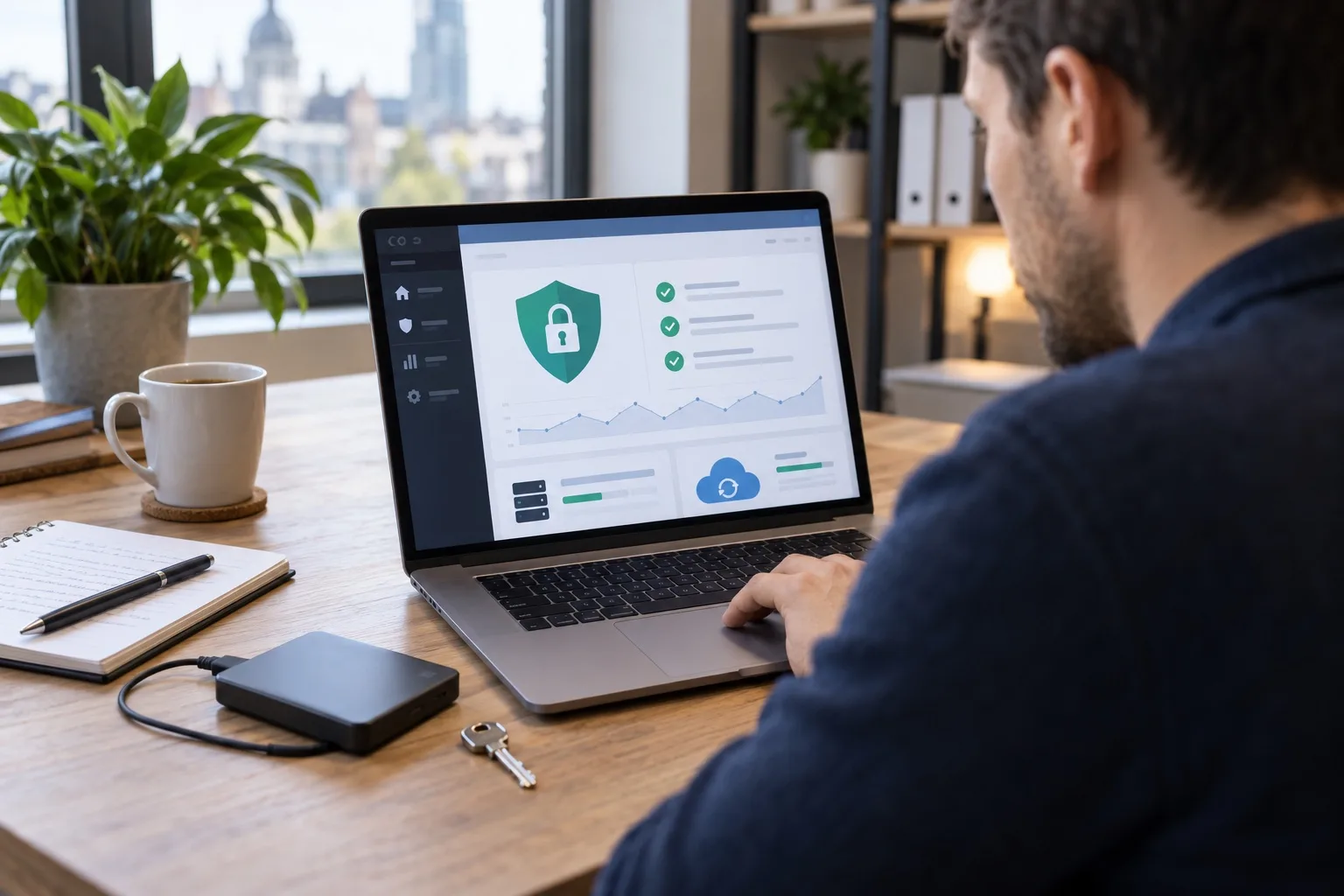
WordPress remains one of the most flexible platforms for UK business websites, but its popularity also makes it a frequent target for automated attacks, credential theft and vulnerable plugin scans. The good news is that most common security risks can be reduced with consistent maintenance, sensible access control and a clear recovery plan. For business owners, WordPress security is not only a technical concern; it protects customer trust, search visibility, enquiry flow and the reputation your website works hard to build.
Why WordPress security matters for UK businesses in 2026
A business website is often connected to contact forms, analytics, email marketing tools, payment providers, booking systems, customer portals and search campaigns. If a WordPress site is compromised, the impact can reach far beyond a few broken pages. Visitors may be redirected to scam content, search engines may display warnings, email deliverability may suffer, and confidential form submissions could be at risk.
Many attacks are not targeted in the way business owners imagine. Bots scan the web for outdated plugins, weak passwords, exposed login pages and misconfigured hosting environments. A small local website can be attacked simply because it uses the same vulnerable component as thousands of others. That is why a repeatable security process matters more than occasional panic-fixing.
Effective WordPress security in 2026 is focused on reducing the attack surface, spotting issues quickly and being able to restore service confidently. It is not about making a site impossible to attack; it is about making compromise much less likely and limiting damage if something goes wrong.
Keep WordPress core, themes and PHP up to date
Updates are still one of the most important parts of WordPress security. WordPress core, themes and plugins are updated regularly to fix bugs, close vulnerabilities, improve compatibility and support newer web standards. Delaying updates for months can leave a business website exposed to publicly known weaknesses.
A sensible update routine should cover:
- WordPress core: Enable minor security releases where appropriate and schedule major version updates after compatibility checks.
- Plugins: Review updates weekly for business-critical websites, especially where forms, ecommerce, memberships or SEO functionality are involved.
- Themes: Keep the active theme updated and remove unused themes that are no longer needed.
- PHP: Use a supported PHP 8.x version recommended by your hosting provider and test before switching major versions.
- Server software: Check that the hosting environment receives regular security patches and supports a modern TLS configuration.
For a small brochure website, a monthly maintenance window may be enough. For a lead generation site or ecommerce website, weekly checks are usually more appropriate. The key is to test important functions after updates: forms, checkouts, search, navigation, tracking, cookie tools and any integrations with third-party systems.
Where a site is business-critical, updates should not be handled directly on the live website without a plan. A staging environment allows updates to be tested before deployment, reducing the chance of visible errors, failed forms or broken layouts.
Tighten user roles, passwords and two-factor login
Weak login security is a common route into WordPress websites. A surprising number of security incidents begin with an old user account, a reused password or an administrator role granted to someone who only needed editing access.
Use the principle of least privilege
Every user should have the lowest level of access they need to do their job. A copywriter may only need Author or Editor access. A marketing team member may need access to landing pages but not plugin settings. External suppliers should not remain administrators once their project work is complete.
Review users at least quarterly and whenever staff, agencies or contractors change. Remove accounts that are no longer needed, downgrade unnecessary administrators and avoid shared logins. Shared accounts make it difficult to audit activity and increase the risk of passwords spreading across teams.
Make two-factor authentication standard
Two-factor authentication, often shortened to 2FA, adds a second step to the login process. Even if a password is guessed, phished or reused from another breach, the attacker still needs the second factor. For administrators and editors, 2FA should be treated as a standard security measure rather than an optional extra.
Authentication apps are usually preferable to email-only codes because email accounts can also be compromised. Recovery codes should be stored securely, and at least two trusted administrators should have access so the business is not locked out if one person is unavailable.
Strengthen login behaviour
In addition to 2FA, use strong unique passwords, limit repeated login attempts and monitor unusual login activity. If your team works remotely or across multiple locations, be cautious with overly aggressive IP restrictions, as they can lock out legitimate users. The aim is to create sensible friction for attackers without making everyday publishing unworkable.
Review plugins before and after installation
Plugins are one of WordPress’s biggest strengths, but they are also a major source of risk when chosen carelessly. A plugin can add valuable functionality, but it can also introduce security vulnerabilities, performance problems, privacy concerns or long-term maintenance issues.
Before installing a plugin, ask:
- Is the plugin actively maintained and compatible with the current WordPress version?
- Does it have a clear support history and regular updates?
- Does it request access to more data or permissions than it reasonably needs?
- Is the functionality already available through the theme, existing plugins or custom development?
- Will it slow the website down or load unnecessary scripts on every page?
It is also worth checking whether the plugin has a history of serious vulnerabilities and how quickly the developer has responded. A past vulnerability is not always a reason to avoid a plugin, but a poor response and long periods without updates are warning signs.
After installation, plugins should be reviewed regularly. Remove inactive plugins rather than leaving them dormant. Keep a simple register of what each plugin does, who approved it and whether it is essential. This helps avoid plugin sprawl, where a website accumulates overlapping tools that increase complexity and risk.
A secure WordPress website is often a simpler WordPress website. Fewer unnecessary plugins mean fewer updates, fewer conflicts and fewer potential entry points.
Build backups that are reliable, tested and easy to restore
Backups are not a substitute for security, but they are essential to recovery. If a website is hacked, damaged by an update or affected by hosting issues, a reliable backup can reduce downtime and stress.
A strong backup routine should include:
- Database backups: These preserve posts, pages, users, orders, form entries and settings.
- File backups: These include uploads, themes, plugins and custom code.
- Off-site storage: Backups should not only exist on the same server as the website.
- Retention periods: Keep multiple restore points, not just the most recent backup.
- Restore testing: A backup is only useful if it can be restored successfully.
For websites that change rarely, daily backups may be sufficient. For ecommerce, membership or booking websites, more frequent backups may be needed because new customer data is created throughout the day. Businesses should also understand what is and is not included in their hosting backup arrangement. Some hosting backups are designed for server recovery, not for convenient website-level restoration.
Testing matters. Schedule a periodic restore test to a staging area so you know the process works before an emergency. Record who is responsible, where backups are stored, how to access them and how long restoration is likely to take.
Use malware monitoring and file change detection
Malware monitoring helps identify suspicious code, unauthorised file changes, malicious redirects, spam pages and blacklisting warnings. It is particularly useful because some compromises are designed to be quiet. A hacked site may look normal to the business owner while serving different content to search engines or visitors from certain locations.
Effective monitoring may include:
- Scanning WordPress files for known malware patterns.
- Checking for unexpected changes to core files, themes and plugins.
- Monitoring new administrator accounts or unusual user activity.
- Looking for suspicious redirects, injected links or hidden spam pages.
- Checking search engine security warnings and indexing anomalies.
Monitoring should trigger action, not simply generate alerts. If a scan reports a suspicious change, someone needs to review it, identify whether it is legitimate and clean the website if necessary. A website maintenance process should include escalation steps for urgent issues, especially outside normal office hours if the website generates leads or revenue continuously.
Secure forms, customer data and integrations
Many business websites collect personal data through contact forms, quote requests, newsletter sign-ups, bookings and ecommerce checkouts. Security therefore overlaps with privacy, data handling and brand trust.
Start by collecting only the information you genuinely need. A contact form asking for excessive personal details creates more risk than value. Use secure form plugins that are maintained, protect forms from spam and store submissions only where necessary. If form entries are stored in WordPress, decide how long they should be retained and who can access them.
Payment handling should use reputable payment integrations rather than attempting to store card details in WordPress. For customer portals or membership areas, pay particular attention to role permissions, session security, password policies and account recovery flows.
Integrations also need review. Email marketing, CRM systems, analytics platforms and booking tools often rely on API keys or connection tokens. These should be protected, rotated when staff or suppliers change and removed when no longer required.
Protect SEO performance from security issues
Security problems can quickly become SEO problems. Search engines may reduce trust in compromised pages, display warnings to users or index spam content injected into the site. A hacked website can also damage the user experience signals that support organic performance, including page quality, reliability and brand confidence.
Common SEO-related security symptoms include sudden indexed pages in another language, unexpected gambling or pharmaceutical terms appearing in search results, unexplained redirects, warnings in browser results and unusual spikes in crawl activity. If these appear, treat them as urgent indicators rather than routine SEO fluctuations.
After a clean-up, it is important to remove malicious files, patch the entry point, review users, change passwords, update plugins and request any necessary reviews through search engine tools. Simply deleting visible spam without fixing the vulnerability can lead to repeated reinfection.
30-day WordPress security checklist
If you are unsure where to start, use the next month to bring the essentials under control. This checklist is designed for UK business owners and marketing teams who want a structured approach without getting lost in technical detail.
- Day 1 to 3: List all administrator accounts, remove unused users and downgrade permissions where appropriate.
- Day 4 to 6: Enable two-factor authentication for administrators, editors and any supplier accounts.
- Day 7 to 10: Review all plugins and themes. Remove anything inactive, duplicated or no longer maintained.
- Day 11 to 14: Update WordPress core, plugins and themes in a controlled way, testing key pages and forms afterwards.
- Day 15 to 18: Confirm the PHP version and hosting environment are supported and suitable for the website.
- Day 19 to 21: Set up off-site backups with appropriate frequency and retention.
- Day 22 to 24: Run a restore test in a safe environment and document the recovery process.
- Day 25 to 27: Add malware monitoring, login monitoring and file change alerts.
- Day 28 to 30: Review forms, data storage, API connections and supplier access.
Once the initial work is complete, turn it into a recurring maintenance routine. Security is strongest when it is consistent, documented and owned by someone specific.
Common WordPress security mistakes to avoid
Many avoidable issues come from convenience. Leaving an old developer account active feels harmless until the password is compromised. Installing a quick plugin to solve a small problem seems efficient until it becomes abandoned. Postponing updates avoids disruption in the short term but can create a much larger risk later.
Watch out for these common mistakes:
- Using administrator access for everyday content editing.
- Allowing multiple people to share one login.
- Keeping unused themes and plugins installed.
- Relying on hosting backups without understanding restore options.
- Ignoring plugin update notices for long periods.
- Collecting more customer data than the business needs.
- Assuming a small website is too minor to be attacked.
The best approach is not to make security overly complex. It is to make the basics non-negotiable and repeatable.
FAQs about WordPress security
Is WordPress secure enough for a business website?
Yes, WordPress can be secure enough for a business website when it is maintained properly. Most risks come from weak passwords, outdated plugins, poor hosting, excessive user permissions and a lack of monitoring rather than from WordPress itself.
How often should a WordPress website be updated?
Security updates should be applied promptly, especially for plugins with known vulnerabilities. For most business websites, a weekly review is sensible, with urgent updates handled sooner. Major updates should be tested before being applied to a live site.
Do small UK businesses really need two-factor authentication?
Yes. Two-factor authentication is one of the most effective ways to protect administrator accounts. Small businesses are regularly scanned by automated bots, and 2FA can prevent a stolen or guessed password from becoming a full website compromise.
How many plugins are too many?
There is no fixed number. The quality, purpose and maintenance of each plugin matter more than the total. However, every plugin adds some level of complexity, so remove anything that is duplicated, inactive or not genuinely needed.
What should I do if my WordPress site is hacked?
Take the site out of harm’s way if needed, preserve evidence, scan for malware, remove malicious files, update vulnerable components, change passwords, review users and restore from a clean backup if appropriate. After cleaning, identify the original entry point so the issue does not return.
Clear next steps for a safer website
WordPress security is best handled as an ongoing business process, not a one-off technical task. Start with the fundamentals: updates, user roles, two-factor authentication, plugin reviews, reliable backups and malware monitoring. These measures reduce the most common risks and give your business a stronger foundation for digital marketing, SEO and lead generation.
If your website is central to how customers find, evaluate or contact your business, it is worth reviewing security alongside design, performance and conversion. A secure website supports trust, protects your marketing investment and helps ensure your digital presence continues to work when it matters.
Giraffe Digital can help UK businesses assess WordPress security, improve website foundations and plan manageable maintenance processes that support wider digital strategy. The next step is to review your current website setup, identify the highest-risk gaps and put a clear action plan in place.