
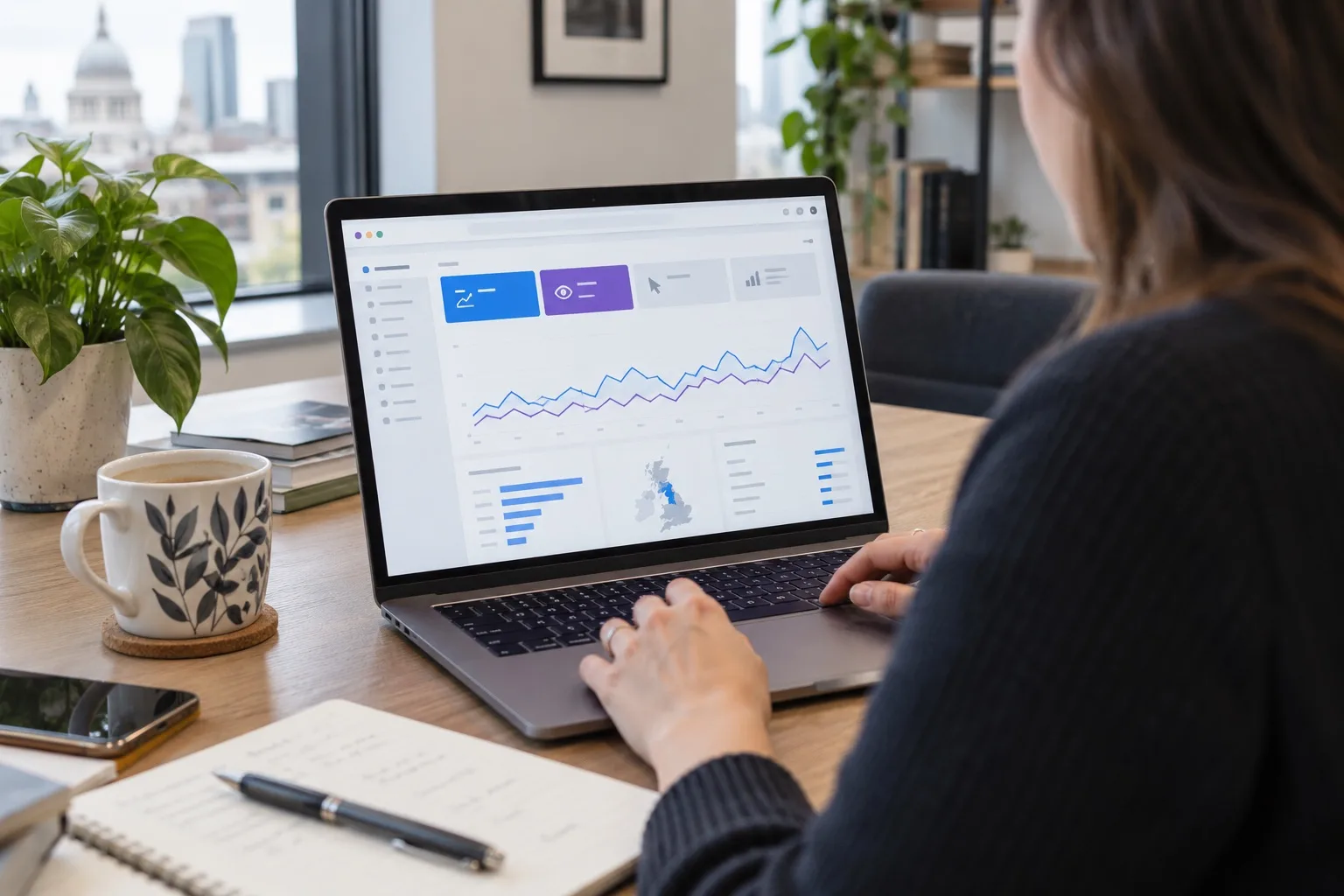
Google Search Console is one of the most useful SEO tools available to UK business owners because it shows how Google sees your website, not just how visitors behave once they arrive. Used well, it can help you decide which pages need improvement, which search terms are gaining traction, where indexing problems are holding you back and whether technical issues are affecting visibility. In 2026, with search results becoming more varied and competitive, the businesses making the strongest SEO decisions are those using reliable data rather than assumptions.
Used as part of a structured review process, Google Search Console can guide practical SEO decisions across content, website design, technical fixes and ongoing digital strategy. It is especially useful for business owners and marketing teams who want clearer priorities, rather than more reports for the sake of reporting.
Why Google Search Console should sit at the centre of SEO decision-making
Many website reports focus on traffic after a user has already clicked through. Google Search Console is different because it focuses on your visibility in Google Search itself. It shows impressions, clicks, click-through rate, average position, indexing status, page experience signals, structured data issues, sitemap processing and manual actions, where relevant.
For business owners, this makes it especially valuable. It can answer questions such as:
- Which search queries are people using to find our website?
- Which pages appear often in search but do not receive enough clicks?
- Are important service pages indexed properly?
- Has a website redesign affected search visibility?
- Are mobile usability or Core Web Vitals issues limiting performance?
- Which content topics deserve more investment?
The key is to treat Google Search Console as a decision-making tool rather than a dashboard to glance at once a month. The data becomes powerful when it is tied to specific actions.
Start with the basics: set-up, verification and property type
Before making SEO decisions, check that Google Search Console is set up correctly. Ideally, your website should use a domain property, which includes all versions of your domain, such as subdomains and both HTTP and HTTPS variations. This gives a more complete view than a single URL-prefix property.
Once verified, make sure the right people have access. Business owners should retain ownership access, while SEO specialists, web designers or marketing partners can be added with appropriate permissions. This protects long-term visibility if suppliers change.
You should also confirm that your live website version is the one Google is using. If your site has recently moved from HTTP to HTTPS, changed domain, launched a new design or consolidated pages, Search Console can help confirm whether Google has understood the changes.
Use the Performance report to find content opportunities
The Performance report is often the most-used area of Google Search Console. It shows how your website performs in Google Search, including clicks, impressions, average click-through rate and average position. The real value comes from comparing queries, pages, countries, devices and time periods.
Look beyond average position
Average position can be useful, but it should not be viewed in isolation. Search results vary by location, device, personalisation, search intent and result type. A page with an average position of 8 may still attract valuable leads if it appears for commercially relevant searches. Equally, a page ranking in position 2 may underperform if its title and description do not encourage clicks.
For better decisions, compare several metrics together:
- High impressions, low clicks: your page is being seen but may need a stronger title, meta description or clearer search intent match.
- High clicks, low average position: the query may be highly relevant and worth investing in further.
- Falling impressions: demand may have changed, competitors may have improved, or Google may be interpreting the page differently.
- Rising impressions but limited clicks: the content may be gaining visibility and need refinement before competitors overtake it.
Find queries that deserve stronger pages
One of the best uses of Google Search Console is identifying queries where your website already appears but does not yet have a dedicated, focused page. For example, a web design company might find that a general services page is appearing for searches such as “e-commerce website design for small business” or “WordPress support for local businesses”. If those queries are relevant and show repeated impressions, they may justify new content or a more detailed service page.
This is more reliable than guessing blog topics. Search Console shows that Google already associates your website with the subject, giving you a stronger foundation for optimisation.
Compare branded and non-branded searches
Branded searches include your company name or product names. Non-branded searches include broader terms such as “SEO agency in Kent”, “website redesign for accountants” or “local SEO for trades”. Both matter, but they mean different things.
If branded clicks are rising, awareness may be improving. If non-branded impressions are growing, your SEO reach may be expanding. If non-branded clicks are weak despite strong impressions, you may need better content relevance, stronger page titles or clearer calls to action.
Use page-level data to improve the right URLs
Rather than reviewing queries alone, switch to the Pages tab in the Performance report. This shows which URLs are earning visibility and which are not. Page-level analysis helps you avoid making broad assumptions about the whole website.
For each important page, ask:
- Which queries does this page appear for?
- Are those queries aligned with the page’s purpose?
- Is the page attracting impressions but failing to win clicks?
- Has performance changed after a content update, redesign or algorithm update?
- Does the page need clearer headings, stronger internal links or more helpful content?
For example, a UK business with several service pages may find that one page receives many impressions for informational queries, while another attracts fewer but more commercially focused clicks. That insight can shape the content strategy: the first page may need supporting educational content, while the second may deserve conversion improvements.
Check indexing before blaming rankings
If a page is not receiving organic traffic, do not immediately assume it needs more keywords. It may not be indexed, may be excluded for a valid reason or may be affected by a technical issue. The indexing reports in Google Search Console help you understand which pages Google has discovered, indexed or excluded.
The Pages report shows categories such as indexed pages, crawled pages, discovered pages and pages excluded by redirects, noindex tags, canonical decisions or duplication. Not every excluded page is a problem. Thank-you pages, filtered URLs, admin pages and duplicate variants often should not be indexed. The priority is to check whether important pages are missing.
Use URL Inspection for individual pages
The URL Inspection tool is useful when reviewing a specific page. It can show whether the page is indexed, when it was last crawled, which canonical URL Google selected, whether the page is eligible for enhancements and whether there are crawl or indexing issues.
Use it when:
- You publish a new service page and want to check whether Google can access it.
- You update an important page and want to request re-indexing.
- A page is not appearing in search results despite being live.
- You suspect canonical tags, redirects or noindex rules are causing problems.
Requesting indexing is not a guarantee of instant ranking, but it can help Google discover new or updated content more efficiently. It is especially useful after significant page improvements, technical fixes or website migrations.
Keep sitemaps clean and purposeful
An XML sitemap helps search engines discover your important URLs. In Google Search Console, the Sitemaps report shows whether your sitemap has been submitted and processed, as well as how many URLs Google discovered from it.
A good sitemap should include the pages you actually want indexed. It should not be filled with old redirects, thin tag pages, test URLs, duplicate filter pages or outdated content. If your sitemap contains poor-quality or irrelevant URLs, it sends mixed signals about what matters on your website.
Review your sitemap after major changes such as:
- A new website launch or redesign.
- A change in content management system.
- Adding or removing service pages.
- Changing URL structures.
- Consolidating blog categories or old content.
For most business websites, the sitemap should be simple, accurate and automatically updated. Search Console can help confirm whether Google is processing it correctly.
Use Core Web Vitals and page experience signals sensibly
Page experience remains an important part of creating a website that performs well for users, even though it should not be treated as the only ranking factor. Google Search Console includes Core Web Vitals reporting based on real-world usage data where enough data is available.
The key Core Web Vitals metrics in 2026 are:
- Largest Contentful Paint: how quickly the main content appears.
- Interaction to Next Paint: how responsive the page feels when users interact with it.
- Cumulative Layout Shift: whether visible elements move unexpectedly as the page loads.
For UK businesses, these metrics matter because slow or unstable pages can reduce enquiries, frustrate mobile users and weaken trust. A beautifully designed website still needs to load quickly, respond smoothly and feel reliable.
Use the Core Web Vitals report to identify groups of affected URLs. Then combine that data with a design and development review. Common fixes include improving image optimisation, reducing unnecessary scripts, reviewing third-party embeds, improving hosting configuration, refining font loading and simplifying heavy page sections.
Turn issues into a practical SEO action plan
Google Search Console can flag many issues, but not every warning deserves the same urgency. A common mistake is treating every item as equally important. Better SEO decisions come from prioritising issues by business impact.
A useful prioritisation framework is:
- Critical visibility issues: important pages not indexed, accidental noindex tags, broken redirects, server errors or blocked resources.
- Commercial page improvements: service pages with strong impressions but poor clicks, weak rankings for high-value queries or unclear search intent.
- Technical quality fixes: Core Web Vitals problems, mobile usability concerns, structured data errors or crawl inefficiencies.
- Content development: query gaps, supporting blog content, FAQs, internal linking and topic expansion.
- Ongoing refinement: title testing, meta description improvements, seasonal updates and competitor review.
This approach helps avoid spending hours fixing low-impact issues while important lead-generating pages remain underdeveloped.
Practical examples for UK businesses
Example 1: A service page gets impressions but few clicks
A professional services firm notices that its “business consultancy” page has 12,000 impressions over three months but a very low click-through rate. Search Console shows that the page appears for queries around “small business growth consultancy” and “business strategy adviser”. The page title is generic and the meta description does not mention the specific audience.
A sensible next step would be to rewrite the title and description to better reflect the queries, improve the opening copy, add clearer sections answering buyer questions and strengthen internal links from relevant blog posts. The goal is not to chase every keyword, but to make the page a better match for the searches where it already appears.
Example 2: A new website loses traffic after launch
After a redesign, a business sees a drop in organic traffic. In Google Search Console, the Pages report shows that several old URLs now return errors, while the sitemap contains only the new URLs. The Performance report shows clicks falling for pages that previously ranked well.
This points towards a migration issue rather than a content issue. The priority would be to map old URLs to relevant new pages, add appropriate redirects, check canonical tags, resubmit the sitemap and monitor recovery through Search Console. Without that data, the business might wrongly assume the new design itself is the problem.
Example 3: Blog content attracts visitors but not leads
A local business finds that blog articles are earning many clicks, but enquiries are not increasing. Search Console reveals that the articles rank for early-stage informational queries, while key service pages receive fewer impressions. This suggests the content is visible, but the journey from research to enquiry is weak.
The next step could include adding stronger internal links from blog posts to service pages, creating comparison or buying-guide content, improving calls to action and building topic clusters around commercially relevant services.
Build a monthly Search Console routine
Google Search Console is most useful when reviewed regularly. A monthly routine gives enough data to spot trends without overreacting to daily fluctuations. For many small and medium-sized businesses, the following review works well:
- Check overall clicks, impressions and click-through rate compared with the previous period.
- Review top queries and identify new opportunities.
- Check top pages and note significant increases or decreases.
- Look for important pages with high impressions and low clicks.
- Review indexing issues affecting valuable URLs.
- Check sitemap status after website changes.
- Review Core Web Vitals trends and prioritise affected templates.
- Record actions taken so future changes can be measured.
Seasonality matters too. Many UK businesses experience predictable changes around school holidays, Christmas, tax deadlines, events, weather patterns or industry cycles. Comparing year-on-year data can be more useful than only comparing month-on-month performance.
Common mistakes to avoid
Search Console data is powerful, but it can be misread. Avoid these common mistakes:
- Reacting too quickly: short-term fluctuations are normal. Look for patterns over sensible timeframes.
- Optimising for irrelevant queries: impressions do not matter if the query is unlikely to become a customer.
- Ignoring page intent: a blog post and a service page should not always be judged by the same conversion expectations.
- Chasing average position alone: clicks, impressions, intent and business value are just as important.
- Leaving technical issues unresolved: content improvements will struggle if important pages cannot be crawled or indexed.
- Forgetting mobile users: mobile search behaviour is central for many local and service-based businesses.
The aim is to combine Search Console data with commercial judgement. SEO should support real business goals, not just produce larger spreadsheets.
FAQs about Google Search Console
Is Google Search Console the same as Google Analytics?
No. Google Search Console focuses on how your website appears in Google Search, including queries, impressions, clicks and indexing. Google Analytics focuses on user behaviour after people arrive on your website. Both are useful, but they answer different questions.
How often should a business check Google Search Console?
For most UK businesses, a monthly review is enough for strategic decisions, with additional checks after website launches, major content updates, technical changes or sudden traffic drops.
Can Google Search Console improve rankings directly?
Using the tool does not directly improve rankings. However, the insights it provides can help you fix indexing issues, improve content relevance, refine page titles, strengthen internal linking and prioritise technical work, all of which can support better SEO performance.
Why does Search Console show different data from other SEO tools?
Search Console uses Google’s own search performance data for your verified property. Third-party SEO tools estimate rankings, traffic and keyword volumes using their own datasets. Differences are normal, and both types of tool can be useful when interpreted correctly.
Should every page on a website be indexed?
No. Only useful, public, search-worthy pages should usually be indexed. Duplicate pages, admin areas, thank-you pages, filtered URLs and low-value archives may be intentionally excluded. The important thing is that your valuable pages are accessible, indexable and supported by strong content.
Clear next steps for better SEO decisions
If you already have Google Search Console installed, start by reviewing your top pages, highest-impression queries, indexing status and Core Web Vitals trends. Choose three to five actions that could make a measurable difference, such as improving a key service page, fixing excluded important URLs or updating titles for pages with poor click-through rates.
If you are planning a new website, redesign or SEO campaign, make Search Console part of the process from the beginning. It can help protect existing visibility, guide content structure and confirm that technical foundations are working after launch.
For many business owners, the challenge is not accessing the data; it is knowing what to do with it. Giraffe Digital helps businesses turn search data into practical improvements across SEO, website design, content and digital strategy. If your website is visible but not performing as well as it should, a focused Search Console review is a sensible place to begin.