
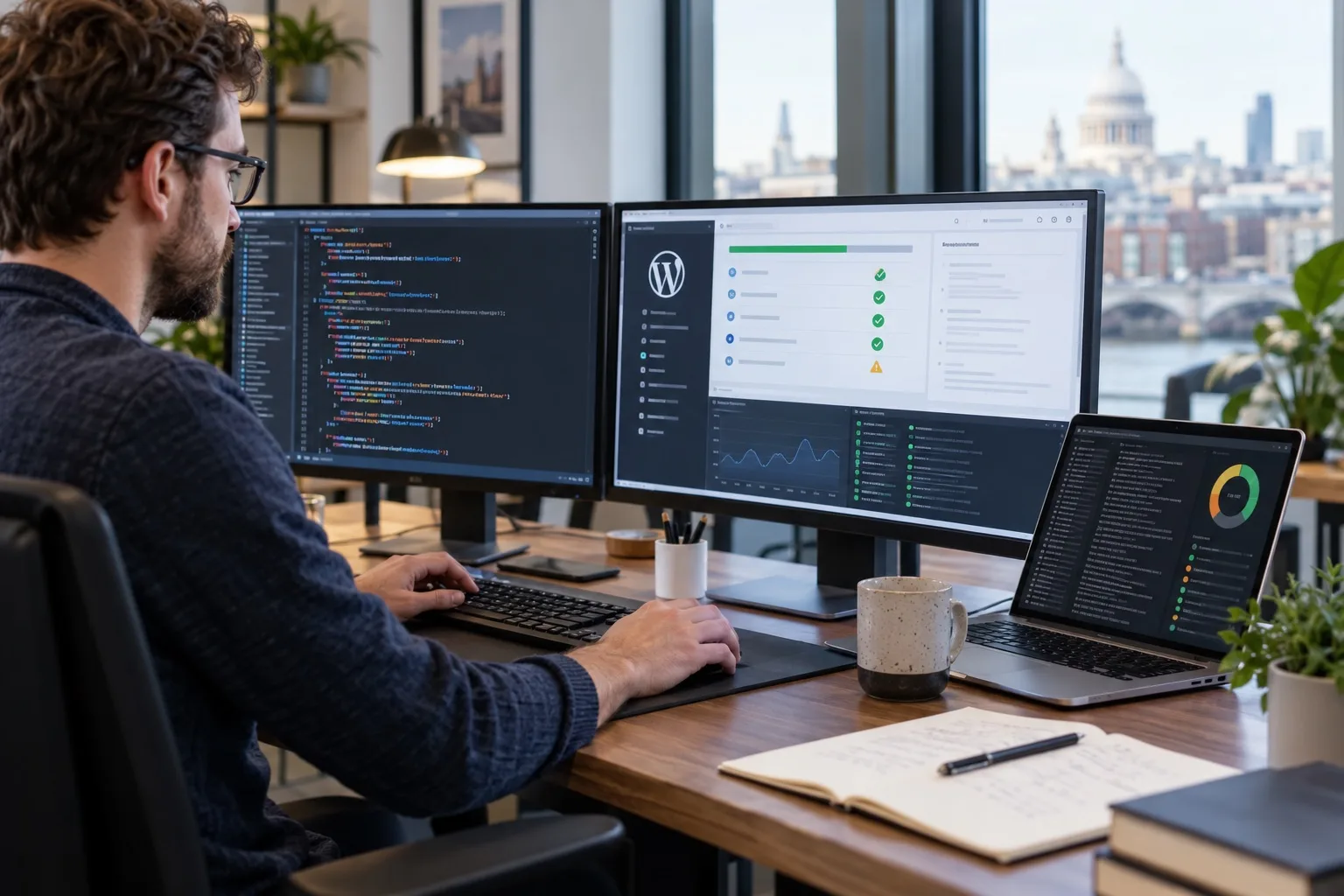
PHP 8.4 is now a serious consideration for WordPress website owners, not because every site should be switched over immediately, but because it affects performance, security, plugin reliability and future maintenance planning. For UK businesses relying on WordPress for enquiries, bookings, e-commerce, recruitment, member areas or lead generation, a PHP upgrade should be treated as a controlled technical change rather than a quick hosting setting.
The phrase PHP 8.4 compatibility with WordPress may sound like a developer topic, but the impact is commercial. If a website becomes faster, more stable and easier to support, it can improve user experience and reduce operational risk. If the upgrade is rushed, however, an incompatible plugin, abandoned theme function or outdated integration can break key parts of the site at exactly the wrong moment.
The sensible approach is clear: understand why PHP 8.4 matters, test the full WordPress stack in staging, check business-critical journeys and have a rollback plan ready before touching the live website.
Why PHP 8.4 matters for WordPress in 2026
PHP is the server-side programming language that powers WordPress. It runs the code behind your pages, templates, plugins, checkout processes, forms, dashboards and integrations. When your hosting environment updates from one PHP version to another, the same WordPress site may behave differently because the underlying language has changed.
PHP 8.4 was released on 21 November 2024. In 2026, it remains supported, but it is not the newest PHP branch. Choose a supported version that works with your complete WordPress installation and your hosting environment. It brings language improvements and ongoing support, but it also tightens expectations around older coding practices. For a well-maintained website, that is usually a positive step. For a site built on ageing plugins, custom code or an old theme, it can reveal problems that have been hidden for years.
There are three reasons UK business owners should pay attention:
- Security support: Running outdated PHP increases exposure to unsupported software and reduces the options available when vulnerabilities are discovered.
- Performance and stability: Newer PHP versions can improve execution efficiency, but only when the WordPress site, plugins and hosting environment are properly aligned.
- Long-term maintainability: Developers, plugin authors and hosting providers increasingly focus their testing on supported PHP versions, making older stacks harder to maintain.
That does not mean every WordPress website should move to PHP 8.4 immediately. It means every serious business website should know whether it is ready.
Compatibility is about the whole WordPress stack
When people talk about WordPress compatibility, they often think only of WordPress core. In reality, a typical business website is a combination of several moving parts. WordPress core may be ready for a newer PHP version while a plugin, payment integration, booking tool or custom theme function is not.
A proper compatibility review should include:
- WordPress core version and update history.
- Active theme and child theme code.
- All active plugins, including premium and custom plugins.
- Must-use plugins installed by developers or hosting platforms.
- Page builder extensions, custom blocks and shortcodes.
- Forms, CRM connections, email marketing integrations and tracking scripts.
- WooCommerce, membership, booking or learning management features where relevant.
- Server configuration, caching, object cache, cron jobs and database behaviour.
Many compatibility problems do not appear on the homepage. They appear when a visitor submits a form, completes a purchase, filters a product archive, logs into an account, downloads a file or triggers an automated email. That is why a quick visual check after upgrading PHP is not enough.
Performance benefits should be measured, not assumed
One reason businesses look at PHP 8.4 for WordPress is performance. Newer PHP versions can process requests more efficiently, and this may help with page generation time, admin responsiveness and resource usage. On a busy WordPress website, those gains can support better user experience, stronger Core Web Vitals work and more resilient hosting under load.
However, PHP is only one part of performance. A slow website may also be affected by heavy page builder output, unoptimised images, excessive third-party scripts, database bloat, poor caching, slow plugin queries or underpowered hosting. Upgrading PHP can help, but it will not automatically fix every performance issue.
Useful measurements before and after a PHP 8.4 test include:
- Time to first byte on key landing pages.
- Server response time for uncached pages.
- Admin area load time for editors and shop managers.
- Checkout, basket, login and account page performance.
- CPU and memory usage during normal and peak activity.
- Error logs before and after the upgrade.
For SEO-focused businesses, this matters because technical performance supports the wider search experience. Google does not rank a site simply because it uses a newer PHP version, but a faster, cleaner and more reliable website helps users complete tasks and gives your SEO work a stronger technical foundation.
Security support is a business continuity issue
Security is one of the strongest reasons to keep PHP under review. Unsupported or ageing server software can limit the security fixes available to your hosting environment. As PHP versions move through active support and security support windows, older versions become less suitable for production websites.
For business owners, the key question is not only whether the website works today. It is whether it can be responsibly supported over the next year. If your site relies on old PHP because a legacy plugin will not run on a newer version, that plugin has become a business risk. It may be quietly preventing your website from moving forward.
Common warning signs include:
- Plugins that have not been updated for a long period.
- Theme files containing old PHP functions or unmaintained bundled libraries.
- Custom code with no documentation or known maintainer.
- Hosting accounts still using older PHP versions because previous upgrades caused errors.
- WooCommerce extensions or payment add-ons that lag behind core updates.
Security planning should also include backup integrity, access control, update routines and monitoring. PHP compatibility is important, but it sits within a broader website maintenance strategy.
Plugin testing is where many PHP 8.4 issues appear
Plugins are often the most likely source of PHP compatibility problems because they vary widely in quality, update frequency and coding standards. A WordPress site with 35 plugins is not just running WordPress; it is running code from many different authors, sometimes with overlapping functions and dependencies.
PHP 8.4 can expose deprecated coding patterns, stricter behaviours or issues in third-party libraries bundled inside plugins. Some problems produce visible errors. Others are logged silently until a specific action triggers a failure.
Practical example: a contact form that appears fine
A business checks its homepage and service pages after a PHP upgrade, and everything looks normal. Later, a customer submits an enquiry form, but the submission fails because an add-on connecting the form to a CRM uses outdated code. The site looked fine, but the lead generation journey was broken.
Practical example: e-commerce checkout disruption
An online shop tests product pages after switching PHP versions but does not test the full basket and checkout process. A payment gateway extension throws a PHP warning or fatal error only when a discount code is applied. The issue affects revenue, not just presentation.
Practical example: page builder elements missing
A brochure website uses a premium theme and page builder combination. The main pages load, but a custom module used for case study filters depends on an outdated library. Visitors can still browse the site, but a key conversion path becomes frustrating or incomplete.
These examples show why PHP 8.4 compatibility testing for WordPress should focus on real user journeys, not just whether the front end loads.
What to test in a staging environment
A staging website is a private copy of your live site where updates can be tested without affecting real visitors. For PHP 8.4, staging is essential. It allows your team or web partner to identify errors, fix issues and compare performance before the live environment changes.
A strong staging test should follow a structured checklist:
- Create a recent copy: Use an up-to-date version of the live website, including files, database, media, plugins and theme settings.
- Confirm backups: Take verified backups before making changes and ensure they can be restored.
- Switch PHP in staging: Change only the staging environment first, then observe errors and behaviour.
- Enable useful logging: Review PHP error logs, WordPress debug logs and hosting logs where appropriate.
- Update in the right order: Bring WordPress core, plugins and themes up to suitable versions before final PHP testing.
- Test key templates: Check homepage, service pages, blog posts, landing pages, archives, search results and 404 pages.
- Test conversions: Submit forms, complete test purchases, trigger emails, check downloads and test booking flows.
- Test admin workflows: Edit pages, upload media, process orders, review form entries and use any operational dashboards.
- Check mobile behaviour: Compatibility is server-side, but front-end issues can still appear after plugin or theme changes.
- Record findings: Document errors, fixes, plugin replacements and decisions before scheduling live deployment.
The aim is not to create unnecessary delay. It is to make the live upgrade predictable.
Rollback planning prevents panic
A rollback plan is the agreed process for returning a website to its previous working state if something goes wrong. It should be decided before the upgrade, not during an incident.
A practical PHP 8.4 rollback plan should include:
- The current live PHP version and server configuration.
- A verified full-site backup taken immediately before deployment.
- A database backup taken close to the change window.
- A list of plugins, themes and custom code changed during testing.
- Clear responsibility for who can switch PHP versions, restore files and restore the database.
- A suitable deployment window, avoiding peak enquiry or sales periods.
- A post-upgrade testing checklist for the live site.
- A decision point for whether to proceed, pause or revert.
For e-commerce and booking websites, rollback planning needs extra care because orders, customer accounts and bookings may change between backup and rollback. In those cases, a developer should plan how data will be protected if a restore is required.
A PHP upgrade is successful when visitors notice a faster, smoother website but never notice the technical change that made it possible.
How PHP 8.4 affects SEO, UX and digital strategy
PHP compatibility may sit in the technical maintenance category, but it has clear links to SEO, user experience and brand trust. A website that returns errors, loads slowly or fails during a form submission undermines marketing activity. Paid campaigns, organic rankings, email marketing and social traffic all depend on a stable destination.
From an SEO perspective, a technically healthy WordPress site supports crawling, indexation, page experience and content performance. Search engines need to access pages reliably. Users need pages to load quickly and complete the promise made in search results. If compatibility problems create server errors, broken templates or inconsistent redirects, SEO performance can suffer.
From a brand perspective, stability matters because users rarely separate the website from the business. A broken checkout, failed enquiry form or confusing error message can reduce confidence. For professional services, construction firms, e-commerce brands, charities, hospitality businesses and local service providers, website reliability is part of the customer experience.
PHP 8.4 testing is therefore not just an IT task. It is part of responsible digital management.
When to upgrade and when to wait
The right timing depends on the condition of your website. A modern WordPress site with actively maintained plugins, clean custom code and reliable hosting may be ready for PHP 8.4 after staging checks. A complex or neglected site may need preparatory work first.
You may be ready to proceed if:
- Your WordPress core, theme and plugins are actively maintained.
- Your hosting platform supports PHP 8.4 properly.
- Staging tests show no unresolved critical errors.
- Your conversion journeys work from start to finish.
- You have a clear backup and rollback process.
You may need to pause if:
- A key plugin is abandoned or not PHP 8.4 compatible.
- Your theme contains old custom code that generates errors.
- The website has not been updated for a long period.
- There is no staging environment available.
- No one is responsible for monitoring and rollback after launch.
Waiting can be sensible if it is part of a plan. Ignoring the issue is different. If an old plugin is blocking the move, use the PHP 8.4 review to decide whether to replace it, rebuild that feature or plan a wider WordPress redevelopment.
PHP 8.4 compatibility with WordPress checklist for UK businesses
If you want to turn the issue into action, start with this checklist:
- Audit your current environment: Record the current PHP version, WordPress version, active theme, plugins and hosting configuration.
- Identify business-critical journeys: List enquiry forms, checkout flows, booking journeys, login areas, gated downloads and integrations.
- Review plugin health: Check update history, developer support, PHP compatibility notes and whether each plugin is still needed.
- Create staging: Do not use the live website as the test environment.
- Run the PHP 8.4 test: Switch staging to PHP 8.4 and check logs as well as visible pages.
- Fix or replace problem components: Update code, remove unnecessary plugins or find better-supported alternatives.
- Measure performance: Compare key pages before and after the change.
- Plan deployment: Choose a low-risk time, confirm backups and assign responsibilities.
- Test live immediately after launch: Repeat the most important checks and monitor logs.
- Document the outcome: Keep a record for future maintenance, SEO reviews and website planning.
This process gives business owners confidence that the upgrade is controlled and commercially sensible.
FAQs about PHP 8.4 and WordPress
Is WordPress compatible with PHP 8.4?
WordPress core has continued to improve compatibility with newer PHP versions, including PHP 8.4. However, your full website may still have issues because themes, plugins, custom code and hosting settings all affect compatibility. Testing your own site is essential.
Will PHP 8.4 make my WordPress website faster?
It can contribute to better performance, particularly on well-maintained sites. The final result depends on hosting quality, caching, database condition, theme output, plugin behaviour, image optimisation and third-party scripts. Measure performance in staging rather than relying on assumptions.
Can I just ask my host to switch PHP versions?
You can, but it is not the safest route for a business website. A direct live switch may expose plugin or theme issues without warning. Use staging, backups, logging and a rollback plan before changing the live environment.
What happens if a plugin is not compatible with PHP 8.4?
The plugin may show warnings, fail silently, break specific features or cause a fatal error. The best option is usually to update it, replace it with a maintained alternative or adjust custom code. If the plugin is business-critical and abandoned, it should be treated as a strategic website risk.
How often should PHP compatibility be reviewed?
At minimum, review PHP compatibility during major website updates, hosting changes, plugin audits and annual maintenance planning. Larger e-commerce, membership or booking websites may need more frequent reviews because the risk of disruption is higher.
Clear next steps
If your WordPress website is important to your marketing, sales or operations, PHP 8.4 compatibility should be on your maintenance agenda for 2026 and beyond. The goal is not to chase version numbers. The goal is to keep your website secure, fast, stable and ready for future development.
Start by finding out which PHP version your website currently uses. Then review your plugins, confirm whether staging is available and test the upgrade away from the live site. If problems appear, treat them as useful warnings. They show where your website needs attention before those weaknesses affect customers.
Giraffe Digital helps UK businesses plan, maintain and improve WordPress websites with a focus on performance, SEO, user experience and long-term reliability. If you are unsure whether your site is ready for PHP 8.4, a structured compatibility review is the right place to begin.
PHP 8.4 receives active support until 31 December 2026 and security support until 31 December 2028. Check current support dates in PHP’s supported versions table.