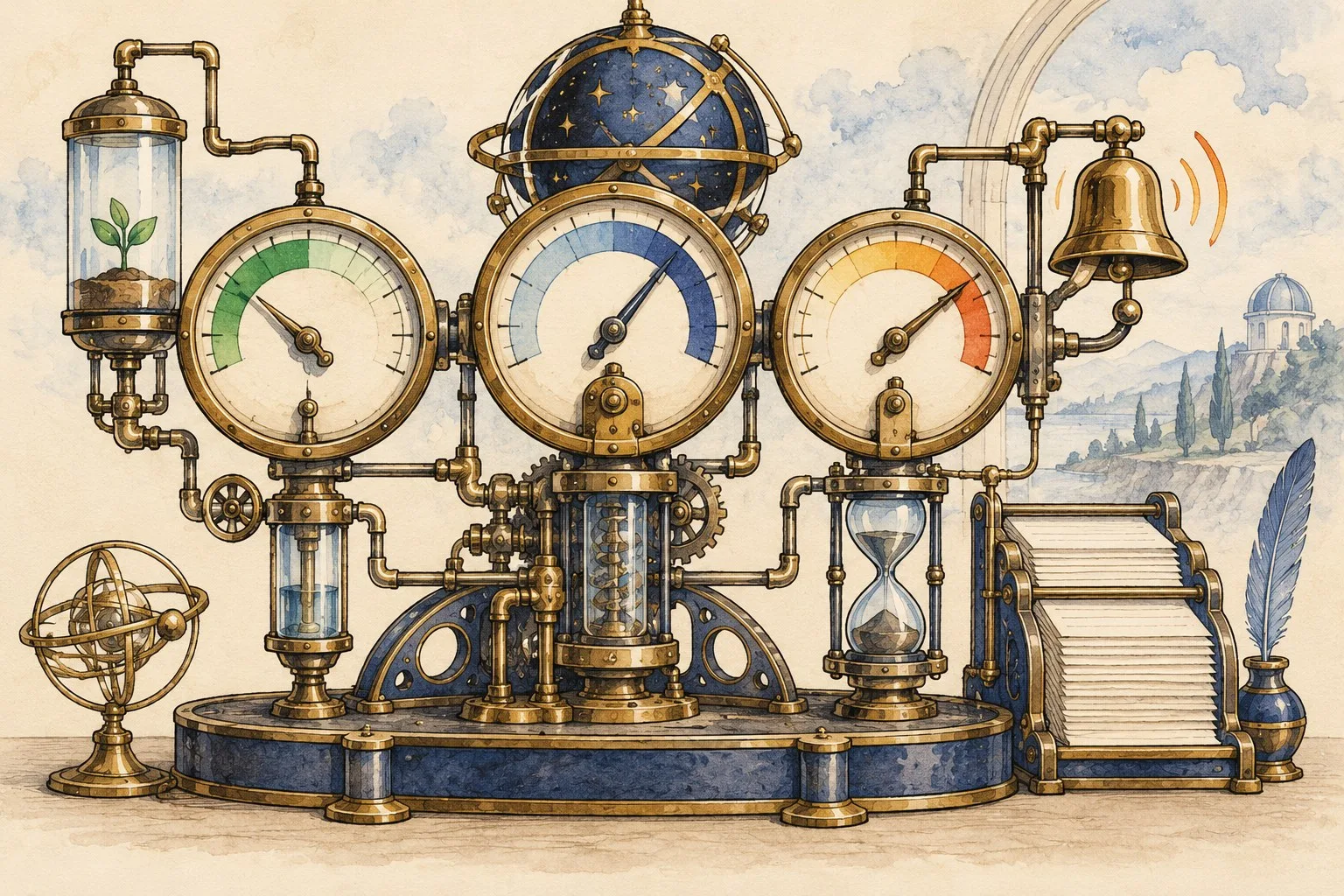
Monitoring should show whether customers and staff can complete important tasks and whether someone will respond when they cannot. A server responding to one request is useful evidence, but it does not prove that an enquiry reaches staff or a background job completes.
This guide connects logs, metrics, alerts and ownership. It helps a business ask what each signal establishes and what remains outside its coverage.
Start with the tasks that matter
Identify critical journeys such as submitting an enquiry, signing in, confirming a booking or generating a daily work list. Define the expected outcome and acceptable delay for the actual business. Avoid adopting another organisation's thresholds without a reason.
Use external checks of visible behaviour alongside internal observations where needed. A public page check can detect a failed response, while application records may reveal an unprocessed notification. Neither perspective provides a complete account of every dependency alone.
Make log events understandable
Record the time, relevant component, action, affected object and outcome using appropriate safe identifiers. Distinguish an attempted action from a successful change. An event saying update does not establish whether a page changed, permission was denied or processing failed.
Choose a correlation strategy for work crossing several components. Logs may record both the original event time and the time a collector observed it. Explain which timestamp is being used so delayed collection is not mistaken for the moment the underlying fault occurred.
Keep diagnostic data proportionate
Exclude passwords, access tokens and unnecessary personal content from routine logs. Define who can read the records, how long they are retained and how access is reviewed. Diagnostic usefulness should be assessed alongside the information collected.
Check whether the logging system itself reports failures or gaps. A missing record might mean the operation never happened, the logging condition was not met or collection was interrupted. Establish those limits before using absence as conclusive evidence.
Measure completion as well as activity
For a scheduled job, record the last successful completion and the relevant result, not just its start time. A daily import that starts every morning but repeatedly fails halfway through is not dependable. Include duration, processed work and unresolved exceptions where useful.
Relate the measurement to the business cut-off. A job can complete eventually while missing the time staff need its output. Define how late completion is detected and who decides whether a recovery run or manual alternative is appropriate.
Interpret statistics in their time window
Sums, averages, maxima and percentiles answer different questions. An average response time can conceal slow requests affecting a smaller group. A percentile describes a position in the measured distribution, within the sampling and time-window limits of the monitoring system.
Record the period, population and underlying samples for important reports. Compare like with like and inspect errors alongside timing. Check whether failed requests are included in timing reports. If failures are excluded, the average describes only the measured subset and may hide a deteriorating customer experience.
Configure uptime checks to test something useful
Check the actual hostname, route, expected status and any required response content. Test the configuration through the supported monitoring method and retain the observed result. A saved check is not evidence that it reaches the intended service.
Confirm that synthetic checks do not create real customer orders, emails or bookings. Where a controlled journey is necessary, isolate its records and processing routes appropriately. Test changes to the check when the application or deployment route changes.
Understand file integrity monitoring
A file integrity monitor compares recorded states according to its configuration. It may observe checksums, attributes, creation, modification or deletion through scheduled or real-time methods. Establish which files and changes are actually covered.
Define how approved deployments are distinguished from unexpected changes. A detected modification needs investigation; it is not automatically evidence of compromise. Keep the relevant release record and assign someone who can assess the change's purpose and consequences.
Make alerts actionable
- Name the task or service affected.
- Explain the observed condition and its time window.
- Identify the responder and supported contact route.
- Provide the appropriate investigation or recovery instructions.
- Define escalation when no acknowledgement arrives.
- Test that notification delivery actually works.
Prioritise symptoms that affect users and avoid overwhelming staff with unowned warnings. Review alert usefulness after incidents and routine changes. Our restore-testing guide supports recovery preparation, while Giraffe Digital's digital strategy service can connect monitoring with business outcomes and a realistic support arrangement.