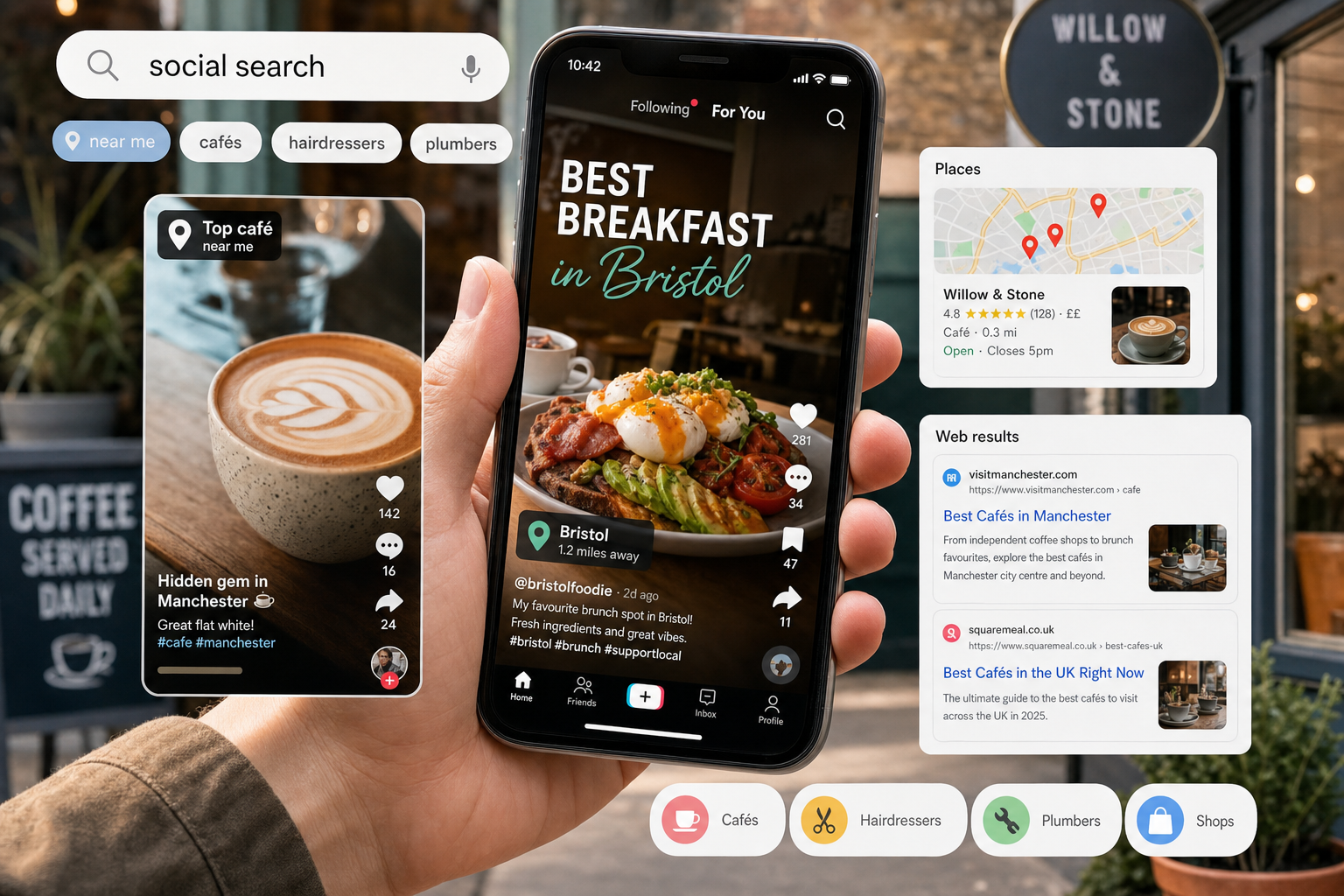
Social publishing connects public promises with the business's actual service. An approval process should check the message, destination and timing, while profile information and incident arrangements remain accurate between campaigns.
Define the purpose and audience
Describe the people being addressed, the question the post answers and the action it supports. For business audiences, buying decisions can involve several people with different needs. Use your own research to identify them rather than treating an average buying-cycle figure as a timetable.
Plan content that helps those people understand the service and make informed decisions. Review whether the linked page answers the same question. Keep educational material, promotional claims and operational announcements appropriate to their purposes.
Use real destinations in approved copy
Keep placeholders clearly marked during drafting and replace them before publication. Test the finished link on the actual public destination. Check that the offer, availability, contact route and next step match what the post promises.
For example, a retailer's new-stock announcement should lead to the relevant available products, while a service introduction should lead to an accurate service page. A generic example address should never be mistaken for a working business link.
Separate drafting, review and scheduling
Assign the writer, factual reviewer and publishing authority. Review wording, claims, dates, permissions and images together. Keep the approved version identifiable, including any platform-specific variation.
Check the scheduling tool's actual roles and plan. Some tools separate users who need approval from users with full access, who may move drafts to a queue without the same restriction. A written policy does not mean every account is technically prevented from bypassing review.
Confirm the timezone and selected publication time. Distinguish adding to the next queue slot from setting a particular schedule. If approved wording changes substantially, send that version through the agreed review route again.
Maintain public profile information
Inventory the profiles customers actually use. Check service descriptions, opening information, website destinations and contact methods. Assign responsibility for updating them when a business detail changes.
Use the same confirmed operational facts across the website and profiles. Adapt presentation to the platform without inventing different service promises. Keep a dated record of significant updates, so people can investigate inconsistent information.
Plan moderation and corrections
Define who handles customer questions, complaints and inaccurate posts. Provide a route to the appropriate operational team. Do not move private customer information into a public comment merely because the original question was public.
When correcting an error, assess the live post, scheduled copies, destination pages and other affected channels. Record what changed and whether a clearer correction is needed for people who saw the original claim.
Make incident reporting available
Prepare an accessible reporting route for suspicious messages and compromised accounts. Keep an alternative communication method available if the usual device or account cannot be trusted. Practise the response with the responsible team.
Combine suitable technical controls with clear processes and supportive reporting. Staff cannot be expected to recognise every phishing message. A useful checklist tells them how to report uncertainty and obtain help without hiding a mistake.
Publishing checklist
- Confirm the audience, purpose and destination.
- Check claims, availability and asset permissions.
- Identify the approved version and reviewer.
- Verify tool permissions, timezone and schedule.
- Maintain consistent public profile details.
- Provide moderation, correction and incident routes.
The content lifecycle guide covers ownership and review. Our account access guide helps prepare recovery arrangements.