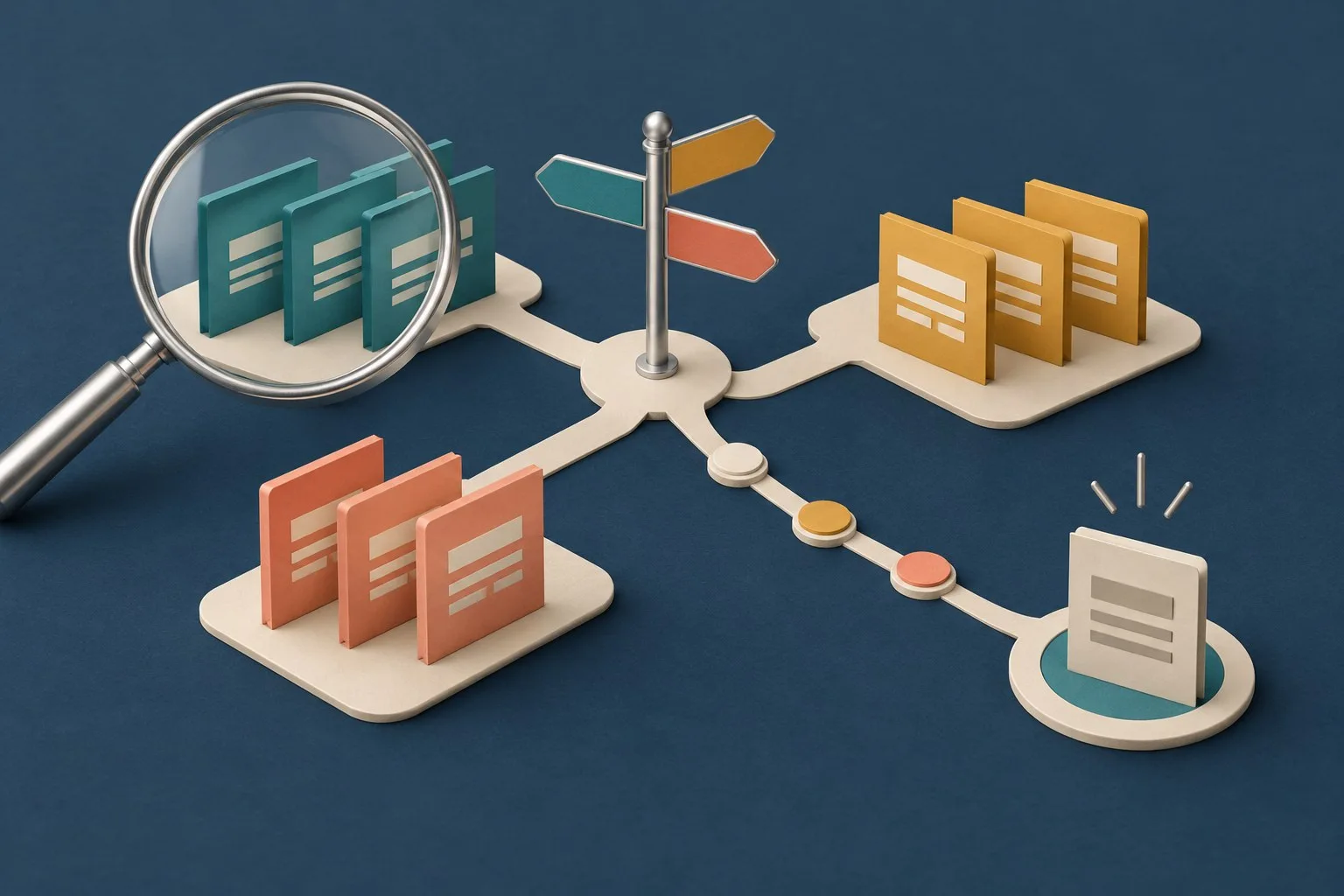
Website navigation should help visitors recognise useful routes without understanding the business's internal structure. Menus, search, breadcrumbs and contextual links can work together, provided each has a clear purpose.
Organise content around real tasks
Inventory the information people need and the decisions it supports. Group related content using customer language. Keep the distinction between a service overview, a detailed explanation and an action page understandable.
Card sorting can help explore how suitable participants group representative topics and describe their reasoning. It supplies evidence about organisation, not a finished navigation system. Check the proposed groupings against real tasks and the content available.
Test the hierarchy separately from its appearance
A text-based tree test can examine the structure without the surrounding design. Give realistic goals and observe whether people choose an appropriate destination. Record ambiguous labels and unexpected routes.
A tree does not reproduce all the visual cues and contextual links of the final interface. Follow structural testing with checks on the actual website. For example, an apparently clear service category can become difficult to find inside an unfamiliar mobile control.
Keep repeated routes recognisable
Maintain the relative order of repeated navigation unless the user initiates a change. Identify recurring functional components consistently while allowing meaningful contextual variation. A visitor should be able to carry their understanding from one page to another.
Use clear link labels and identifiable current or expanded states. Check keyboard operation, visible focus, touch targets and the order in which controls are reached. A successful demonstration on one phone does not establish how the site works for every visitor.
Choose appropriate menu behaviour
Ordinary site navigation does not automatically require the complex ARIA menu role. Disclosure buttons can show or hide groups of ordinary navigation links when their semantics and interaction are implemented appropriately.
Test opening, moving through and leaving the expanded content. Review how the state is communicated and whether the user can recover easily. An illustrative pattern is a starting point for implementation and assistive technology testing, rather than production-ready proof.
Use breadcrumbs for genuine ancestry
A breadcrumb trail represents parent pages in hierarchical order. Give each parent a meaningful destination and identify the current page appropriately. Place the trail in a labelled navigation landmark.
Do not invent a hierarchy merely to display more keywords. Check the trail against the page's actual place in the site. A visitor arriving from search should be able to understand both the current page and the broader section.
Make search and filtering useful
Search can help people find specific information or recover when navigation does not supply the route they expect. A very small site may manage without it. Decide from the content and audience, then provide a labelled field and clear submission action where search is offered.
Retain the query in the results interface so it can be reviewed and refined. Test likely customer wording, no-result states and relevant destinations. Avoid treating a search box's presence as evidence that useful results will be returned.
Catalogue filters depend on the actual system, configuration and theme support. A configured filter may not appear in a theme that does not support it. Test available values, combinations and empty results on the public shop rather than assuming every platform exposes identical controls.
Review the complete route
- Use task-based content groups and understandable labels.
- Check structure and final interface separately.
- Keep repeated routes and components recognisable.
- Test menu states, keyboard use and assistive technology.
- Represent genuine ancestry in breadcrumbs.
- Test search queries, filters and recovery paths.
The website discovery guide explains neutral task research. Our accessible forms guide covers the enquiry controls visitors reach through navigation.