Phishing awareness is no longer just an IT concern. For small businesses, it is part of protecting enquiries, customer relationships, brand reputation and the digital channels that generate revenue. A single convincing email, text message or social media direct message can lead to a compromised inbox, a redirected payment, a damaged website or unauthorised access to advertising accounts. Many phishing risks can be reduced with sensible processes, better website and domain management, and a more security-conscious approach to digital marketing.
For UK business owners investing in website design, SEO, branding or social media, cyber security should sit alongside conversion rates, search visibility and customer experience. A well-designed website builds trust, but that trust can be quickly undermined if customers receive fraudulent messages that appear to come from your business, or if your domain is used in a spoofing attempt. Cyber Security and Phishing Awareness for Small Businesses is therefore a practical business priority in August 2023, not a technical issue to leave until something goes wrong.
What phishing looks like for small businesses
Phishing is the use of deceptive messages to trick people into sharing information, clicking harmful links, downloading malicious files or authorising payments. It often arrives by email, but it can also appear through SMS, messaging apps, social media inboxes, fake login pages, online forms and even phone calls that follow up on a fraudulent message.
Small businesses are often targeted because they rely on a small number of people to manage many responsibilities. The same person may handle invoices, customer enquiries, social media, website updates and supplier relationships. Attackers understand this and create messages that feel routine, urgent or linked to a trusted service.
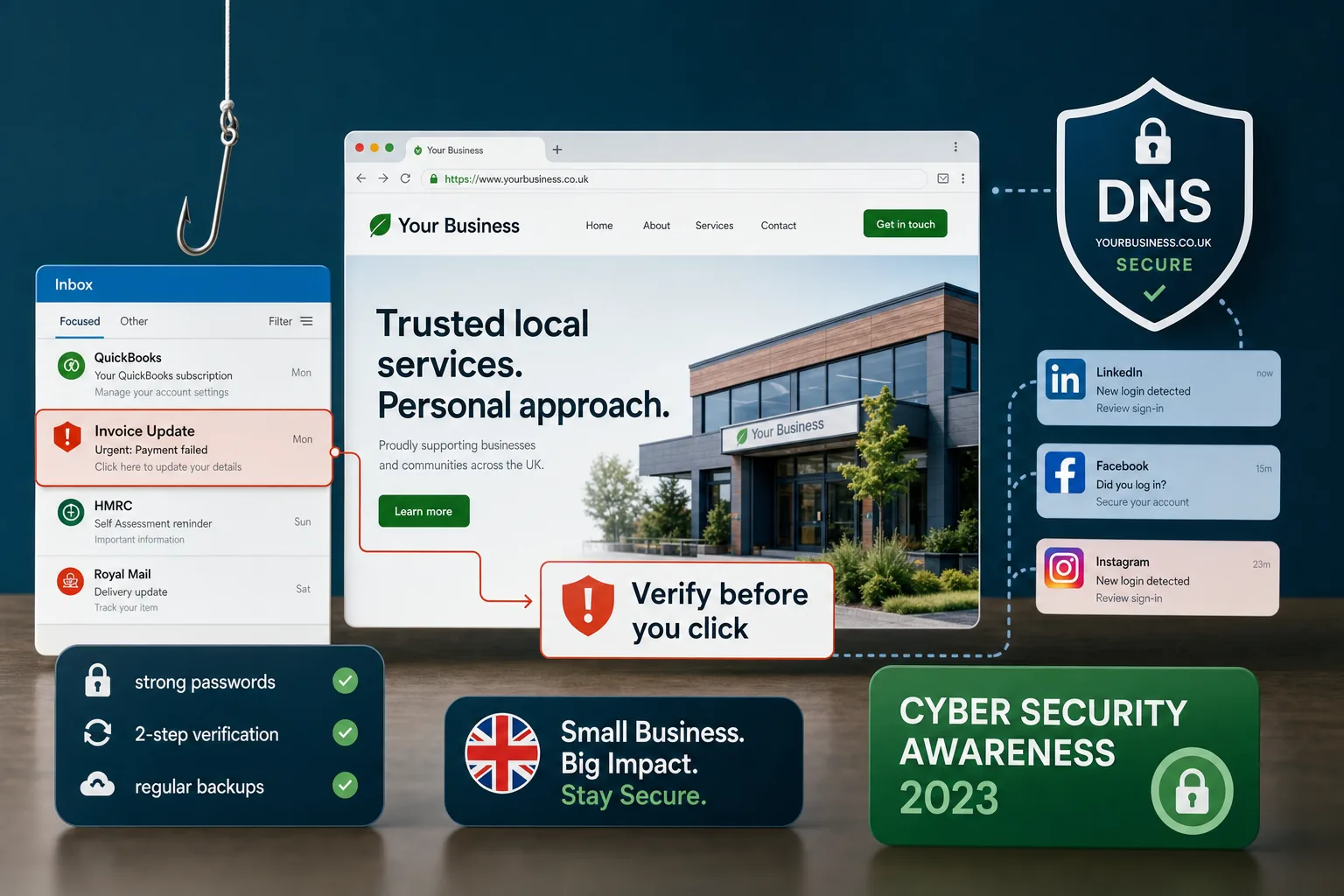
Common examples include fake invoice notifications, delivery updates, password reset messages, social media account warnings, domain renewal reminders, website contact form spam, recruitment-related attachments and messages pretending to be from senior staff requesting an urgent payment. In marketing teams, phishing may focus on access to advertising accounts, analytics dashboards, social media profiles or email newsletter platforms.
The most effective phishing attempts are rarely full of obvious spelling mistakes. Many are well written, branded convincingly and timed to coincide with normal business activity. Some use information found on websites, LinkedIn profiles or public company pages to make the message feel more believable. That is why phishing awareness must go beyond simply telling staff not to click suspicious links.
Why phishing awareness creates practical business value
Good cyber security is sometimes viewed as a technical overhead, but phishing awareness has direct commercial value. It helps protect cash flow, reduces downtime, preserves customer trust and supports the reliability of your marketing activity.
If a business email account is compromised, attackers may monitor conversations, send fraudulent payment instructions or use the account to target customers and suppliers. This can create confusion, reputational damage and time-consuming recovery work. If a social media account is taken over, a business may lose access to a valuable audience, experience disruption to campaigns or publish content that harms the brand. If website administrator details are stolen, attackers may add spam pages, malicious redirects or unwanted code that affects SEO and user trust.
Phishing awareness also supports customer experience. Customers are more likely to enquire, buy or share personal details when a business appears consistent, professional and secure. A clear website, accurate contact details, trustworthy domain, secure forms and well-managed social channels all contribute to confidence. Security is part of design credibility, not separate from it.
For search marketing, a compromised website can cause serious disruption. Search engines may flag pages as unsafe, remove affected URLs from results or reduce visibility while issues are resolved. Even when recovery is possible, the interruption can affect enquiries and reporting. Preventing compromise is usually far easier than repairing the damage afterwards.
Build phishing awareness into everyday processes
The strongest defence is a business culture where people feel comfortable pausing, checking and asking questions. Phishing succeeds when staff feel rushed, distracted or worried about making a mistake. An effective awareness programme should give people simple actions they can use in real situations.
Teach staff to check the message, not just the logo
A familiar logo does not prove a message is genuine. Staff should be encouraged to check the sender address carefully, look at the domain, question unexpected attachments and avoid using login links from emails where possible. If a message claims an account will be closed, an invoice is overdue or access will be removed, the safest approach is to go directly to the relevant website or app using a saved bookmark or typed address.
Hovering over links on desktop can reveal the destination, although this is not always practical on mobile. On phones, where many people deal quickly with email and social media messages, it is particularly important to slow down. A link that looks like a recognised service may actually point to a lookalike domain or a shortened URL.
Set clear rules for payments and sensitive changes
Many business-focused phishing attacks aim to change payment details or trigger urgent transfers. Set a rule that bank detail changes, new supplier payments and unusual requests must be verified through a separate channel. For example, if a supplier emails new bank details, call a known contact number already held on file rather than using the number in the email. If a director appears to request an urgent payment by email or message, verify it directly before taking action.
These rules should be documented and repeated regularly. They protect staff as much as the business because they remove uncertainty. When everyone knows the process, it becomes easier to challenge suspicious requests without feeling obstructive.
Run short, regular reminders
Phishing awareness is more effective when it is reinforced little and often. A five-minute discussion in a team meeting, a quarterly reminder email or a simple checklist near the accounts process can help keep security front of mind. Use examples that match your business: invoice emails, contact form enquiries, quote requests, supplier documents, social media password alerts and domain renewal messages.
Avoid creating a blame culture. If someone clicks a suspicious link, they need to report it quickly. The earlier a business responds, the easier it is to reset passwords, revoke sessions, check forwarding rules and limit damage.
Secure the website and customer journey
Your website is one of the most visible trust signals your business has. Good design should make it clear who you are, what you offer and how customers can contact you. It should also reduce opportunities for phishing and impersonation.
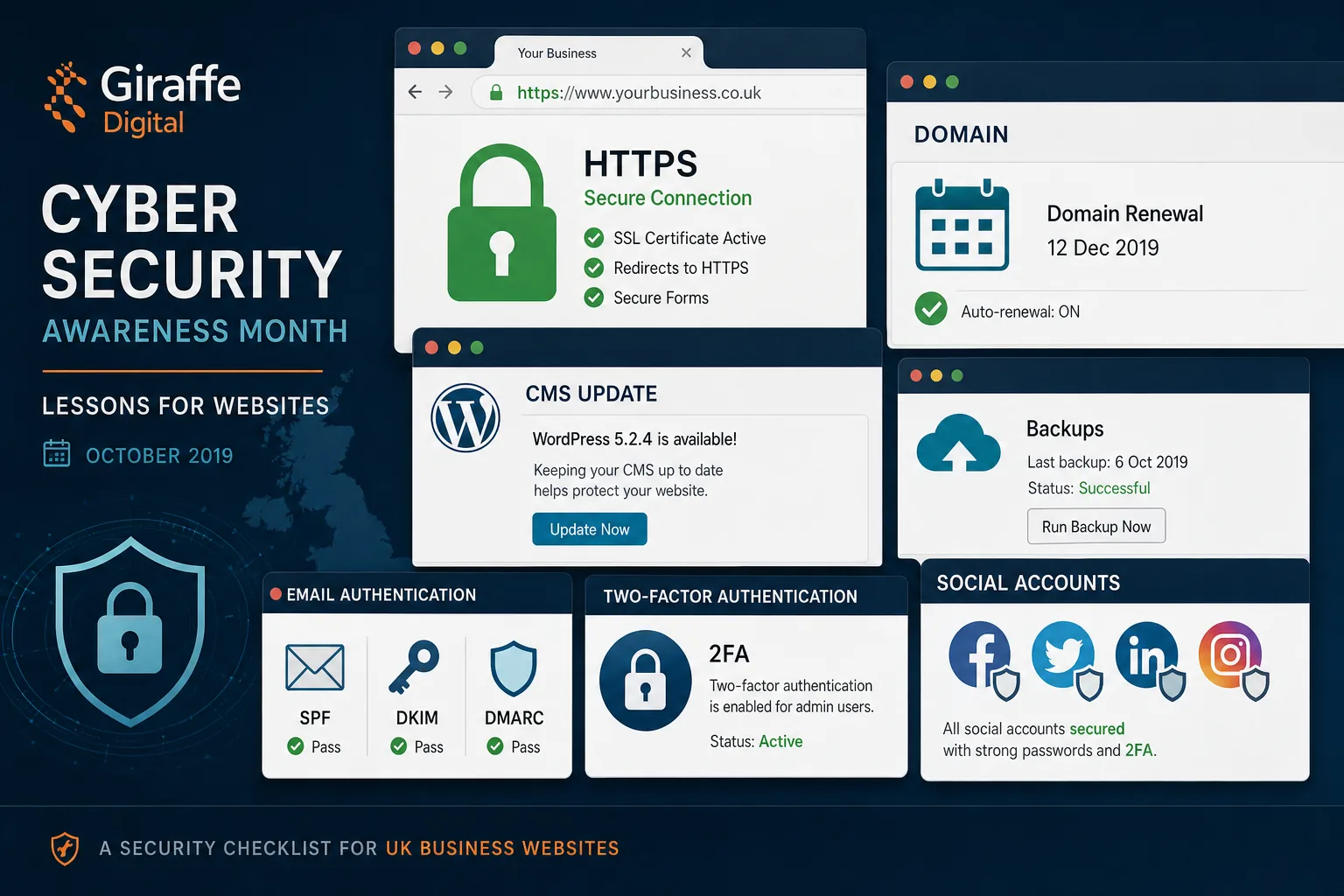
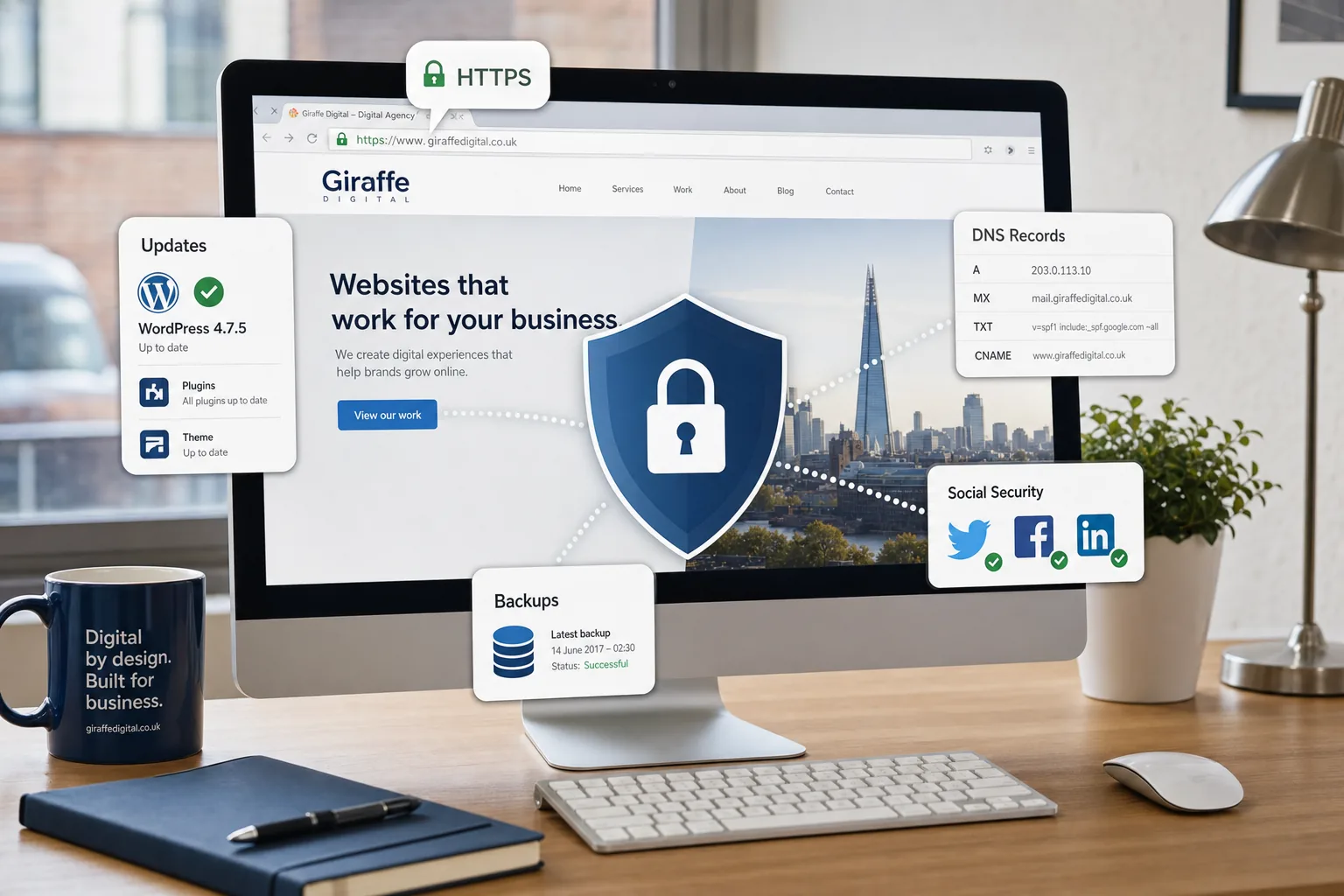
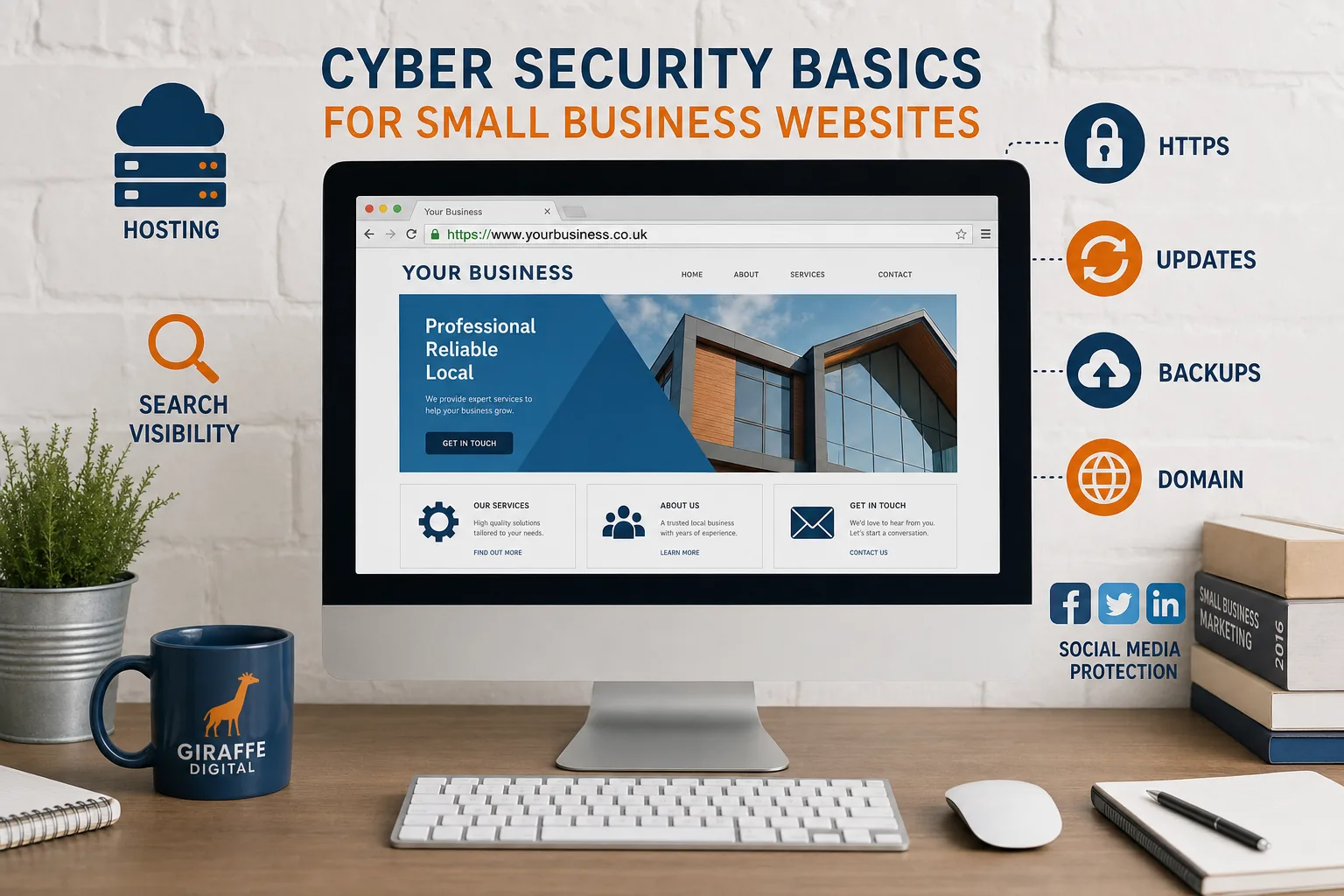
Use HTTPS across the whole site and ensure certificates are renewed correctly. Customers increasingly expect to see a secure connection, particularly when completing forms or submitting personal information. Forms should only ask for the information you genuinely need, and any automated email notifications should be carefully configured so they do not expose unnecessary personal data.
Keep your content management system, themes, plugins and integrations updated. In 2023, many small business websites rely on platforms and add-ons that need regular maintenance. Outdated software can create vulnerabilities that lead to spam injections, fake landing pages or malicious redirects. These issues can damage both user trust and SEO performance.
Website administrators should use strong, unique passwords and multi-factor authentication where available. Access should be limited to people who need it. If a freelancer, agency or former employee no longer needs access, remove it promptly. For ongoing marketing work, create named user accounts rather than sharing a single login. This makes access easier to manage and helps with accountability.
From a design perspective, make official contact routes easy to find. Clear contact pages, consistent email addresses and accurate footer information help customers recognise legitimate communications. If you publish payment instructions, client portals or booking links, keep them consistent and explain how customers should verify anything unusual.
Protect your domain and email reputation
Your domain name is central to your brand. It appears in your website address, email addresses, search listings, business cards, social profiles and advertising. If your domain is poorly managed, attackers may exploit confusion or attempt to impersonate you using similar-looking addresses.
Register domain names using accurate business details and keep contact information up to date. Make sure domain renewal responsibilities are clear within the business so you are not reliant on a single person noticing a reminder. Where possible, enable account-level security features such as multi-factor authentication and domain lock settings. These help reduce the risk of unauthorised changes.
It can also be sensible to register obvious variations of your main domain, especially if you use a distinctive brand name. Consider common spelling variations, relevant UK extensions and versions that customers may naturally type. The aim is not to buy every possible domain, but to reduce easy opportunities for impersonation and customer confusion.
Email authentication is particularly important for phishing awareness. SPF, DKIM and DMARC are DNS-based controls that help receiving mail servers check whether messages claiming to come from your domain are legitimate. They do not stop all phishing, but they can reduce spoofing and improve trust in your email. A well-configured setup is especially important if you send newsletters, order confirmations, quote responses or automated website emails.
Take care when adding new marketing platforms, booking systems or CRM tools that send email on your behalf. Each platform may require DNS records to be added to your domain. Keep a record of what has been authorised and remove entries that are no longer needed. A tidy domain setup supports deliverability as well as security.
Reduce phishing risks across social media and marketing platforms
Social media accounts are valuable business assets. They hold audiences, messages, advertising access and brand reputation. Phishing messages often claim that a page has violated a policy, an advert has been rejected, a verified status is at risk or an account will be disabled. The message then encourages the user to click a link and sign in through a fake page.
Protect social accounts with multi-factor authentication, strong passwords and careful access management. Business owners should know who has administrator rights and should review permissions regularly. Where platforms provide business management tools, use them to assign appropriate roles rather than sharing passwords among staff or suppliers.
Be cautious with browser extensions, third-party scheduling tools and competitions that request account permissions. Only connect tools you understand and still use. If a member of staff leaves, remove their access from social, advertising, analytics, email marketing and design platforms as part of the offboarding process.
For digital marketing campaigns, build verification into the workflow. If a message claims there is a problem with an advert, log in directly through the platform rather than clicking the email link. If a landing page supplier or campaign partner sends a new file, check it through an agreed channel. If an unexpected invoice arrives for advertising, domain renewal, stock imagery or listing services, verify it before payment.
Marketing teams should also be careful about what they publish publicly. Staff names, job titles and email formats can help attackers craft convincing messages. You do not need to hide your team, but consider whether every detail needs to be visible, and keep internal approval routes private.
Use technology to support better decisions
Technology cannot replace human judgement, but it can reduce risk and make safer behaviour easier. Start with strong, unique passwords for every important account. A reputable password manager can help staff avoid reusing passwords and make it easier to share access securely where appropriate.
Multi-factor authentication should be enabled on email, website administration, domain accounts, social media, cloud storage, accounting systems, CRM tools and advertising platforms. App-based authentication is generally stronger than relying only on SMS codes, although any additional factor is usually better than a password alone.
Email filtering and malware protection can block many obvious threats before they reach staff, but do not assume they will catch everything. Attackers continuously adapt their wording and delivery methods. Use filtering as one layer of protection, alongside awareness, verification processes and good account management.
Backups are also essential. Keep reliable backups of your website and important business data, and make sure you know how to restore them. A backup that has never been tested may not help when it is needed. For websites, backups should be stored separately from the live site where possible, so a site compromise does not affect every copy.
Logging and alerts can help spot suspicious behaviour. Many platforms allow users to review recent logins, active sessions and connected apps. If an account behaves unusually, check whether forwarding rules, recovery email addresses or authorised devices have been changed. Attackers sometimes retain access quietly rather than making immediate changes.
Create a simple response plan
Even careful businesses can encounter phishing attempts, so it is important to know what to do next. A simple response plan should explain who to tell, which accounts to secure first and how to communicate internally.
If someone clicks a suspicious link but has not entered details, they should still report it. If they have entered a password, change it immediately from the genuine website, sign out of other sessions where possible, and enable or review multi-factor authentication. If the same password has been used elsewhere, change those accounts too.
If an email account is suspected to be compromised, check mailbox forwarding rules, recovery details, sent items, deleted items and connected applications. Inform relevant contacts if fraudulent messages may have been sent. If payment details are involved, act quickly and contact the appropriate financial institution through a verified route.
For website issues, place the site or affected pages under review, update credentials, scan for malicious files, check administrator accounts and review recent changes. If search engines or browsers show warnings, address the underlying issue before requesting any review. A calm, documented process helps reduce confusion and speeds up recovery.
Make security part of your digital strategy
Phishing awareness works best when it is built into the way your business manages its digital presence. That means considering security when designing a website, choosing forms, setting up email marketing, creating landing pages, registering domains, managing social media access and planning SEO activity.
For a small business, the aim is not to create unnecessary complexity. It is to put sensible safeguards around the channels that customers already use to find, assess and contact you. Clear ownership, well-managed access, secure website foundations and confident staff can significantly reduce the chance of a phishing attempt becoming a business problem.
If you are planning a new website or reviewing your digital marketing, include phishing awareness in the conversation from the start. A secure, credible and well-structured online presence does more than look professional. It protects the trust that your brand is working hard to build.