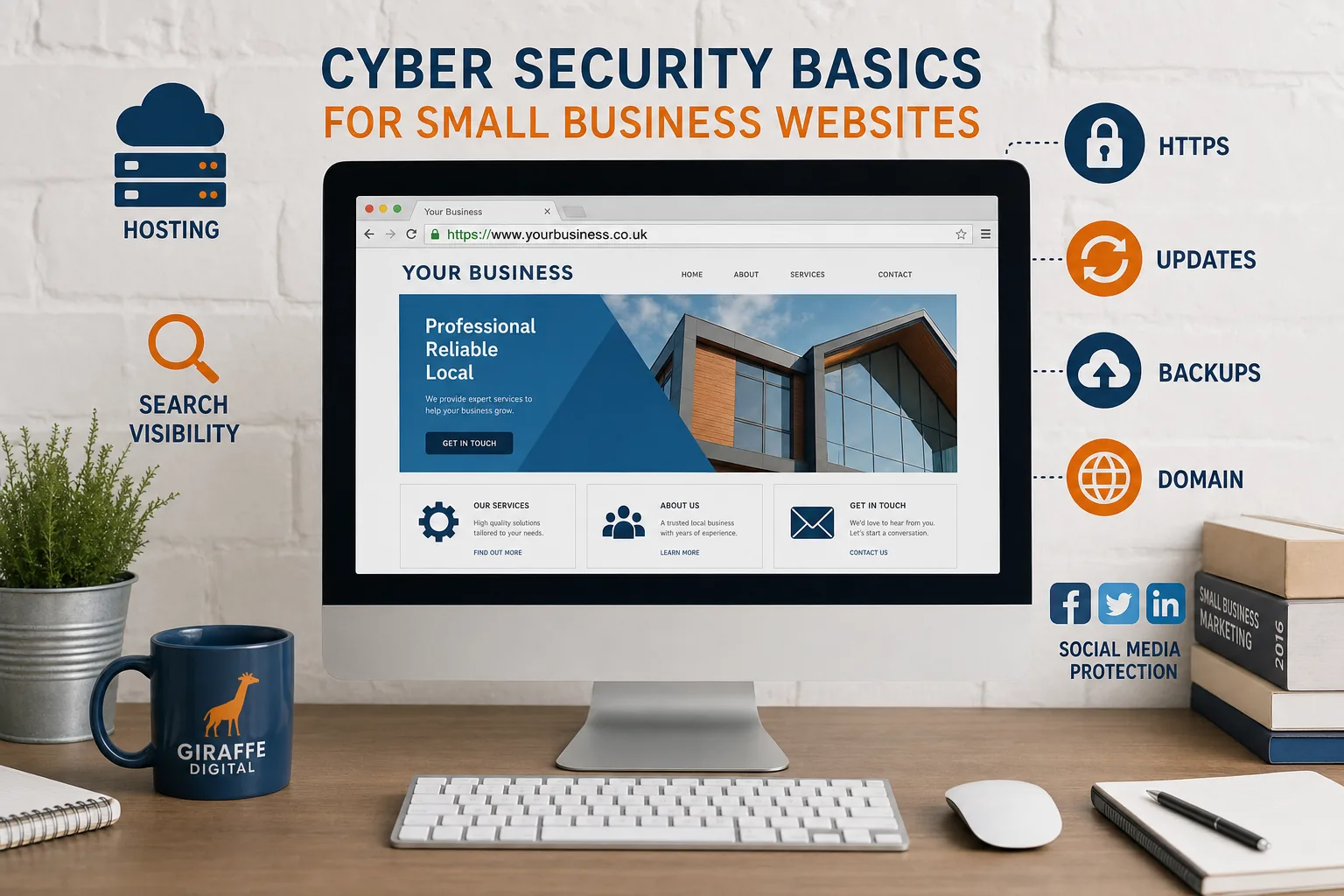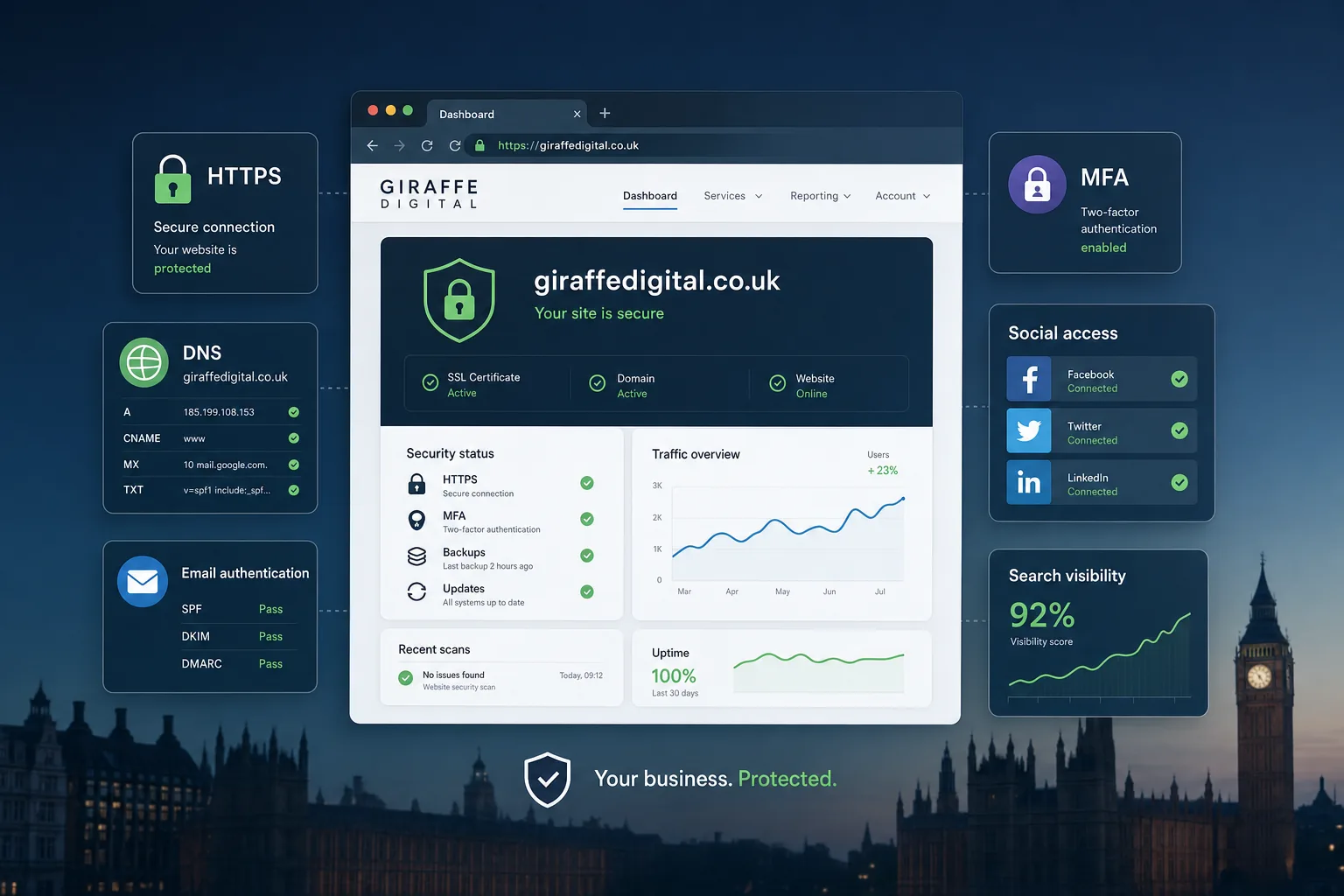
Digital business security is no longer a concern reserved for large organisations with dedicated IT departments. For growing UK businesses, websites, email accounts, social media profiles, customer data, domain names and marketing platforms are all commercial assets. If any one of them is compromised, the impact can reach far beyond a short technical inconvenience. It can affect enquiries, sales, search visibility, customer trust and the reputation you have worked hard to build.
The good news is that many of the most valuable security improvements are practical, affordable in terms of effort, and closely connected to sensible digital housekeeping. Whether you are planning a new website, improving your search marketing, expanding an e-commerce presence or refreshing your brand online, it is worth treating security as part of the strategy rather than an afterthought.
Why digital business security matters for growth
A growing business often becomes more exposed online before it realises it has become a target. More website traffic, staff accounts, customer enquiries, suppliers and connected platforms all create more points of access. Criminals do not only target household names. They often look for small and medium-sized businesses with weak passwords, outdated software, poorly protected email accounts or neglected websites.
The commercial risks are very real. A hacked website can display spam content, redirect visitors, collect form submissions without permission or trigger browser warnings. A compromised email account can be used to send convincing phishing messages to customers or suppliers. A lost social media account can disrupt campaigns and damage brand credibility. Even a short period of downtime can interrupt lead generation, paid advertising performance and customer service.
Security also supports trust. A well-maintained, secure website gives visitors confidence when they complete a contact form, subscribe to updates, create an account or make a purchase. For businesses investing in website design, SEO and digital marketing, security protects the foundations on which those channels depend.
Start with the essentials: access, passwords and multi-factor authentication
The simplest security failures are still among the most common. Weak passwords, shared logins and old accounts that are never removed can create avoidable risk. Every important platform should have a named owner, clear access rules and a process for removing access when staff, freelancers or suppliers no longer need it.
Use strong, unique passwords for each service. Reusing a password across email, website administration, social media and analytics platforms means that one breach elsewhere can quickly become a problem across the business. A reputable password manager can help staff create and store strong credentials without relying on memory or insecure documents.
Multi-factor authentication, often called MFA or two-step verification, should be enabled wherever it is available. This is particularly important for email accounts, website content management systems, social media profiles, advertising platforms, payment systems, domain accounts and cloud storage. MFA adds an extra layer of protection if a password is guessed, stolen or reused.
For shared marketing responsibilities, avoid giving everyone the same login. Where platforms allow it, create individual user accounts with appropriate permissions. This makes access easier to manage and gives the business a clearer record of activity.
Build website security into design and development
Security should be considered from the start of a website design or redevelopment project. A visually impressive website still needs a dependable technical foundation. If the site is slow, outdated, insecure or difficult to maintain, it can become a liability even if the branding looks polished.
All business websites should use HTTPS, supported by a valid SSL/TLS certificate. This helps protect information sent between the visitor and the website, such as contact form submissions and login details. It also avoids the browser warnings associated with insecure pages. For users, HTTPS has become a basic sign that a business takes its website seriously.
Choose a content management system and hosting environment that can be maintained properly. Security updates for the core platform, themes, plugins and extensions should be applied promptly, with a sensible testing process for more complex websites. Outdated plugins are a common route into compromised websites, particularly when old features remain installed but unused.
Good website design also means collecting only the information you need. A contact form that asks for unnecessary personal data increases responsibility without adding business value. Keep forms clear, protect them from spam where appropriate, and make sure submissions are handled securely. If form entries are stored in the website database, they should be reviewed and removed in line with your retention policy.
Practical website security checks
- Confirm that every public page loads over HTTPS without mixed content warnings.
- Remove unused themes, plugins, test pages and old user accounts.
- Keep administrator access limited to people who genuinely need it.
- Use secure forms and avoid collecting unnecessary personal information.
- Set up regular backups and check that they can be restored.
- Monitor for unexpected changes, suspicious redirects or unfamiliar admin users.
Protect your domain name and DNS settings
Your domain name is one of your most important digital assets. It supports your website, your email addresses, your brand visibility and, often, your search performance. Losing control of it, allowing it to expire or having its settings changed without permission can cause serious disruption.
Use a reputable domain registration provider, keep ownership details accurate, and make sure renewal reminders go to a monitored business email address rather than a personal inbox that may be forgotten. Where possible, enable account security features such as multi-factor authentication and domain locking. Keep a clear internal record of who has access to the domain account and why.
DNS settings should be treated carefully. They control where your website loads from, how email is delivered and how various digital services verify ownership. Changes should be documented, especially when working with website developers, email providers or marketing platforms. If several suppliers have been involved over time, it is worth reviewing DNS records to remove obsolete entries and reduce confusion.
When registering new domains for campaigns, product launches or brand protection, keep naming simple and consistent. Avoid buying large numbers of unnecessary variations without a plan for managing them. A forgotten domain can expire, be acquired by someone else, or continue pointing to an outdated campaign page that no longer reflects the business.
Secure business email and reduce phishing risk
Email remains central to digital business activity, which makes it a common target. A compromised mailbox can expose customer conversations, invoices, supplier details, login reset links and internal documents. It can also be used to impersonate the business with convincing messages.
Start with strong passwords and MFA for every mailbox. Then review forwarding rules, mailbox delegation and shared inbox permissions. Unexpected forwarding rules can silently copy emails to an attacker, so they should be checked if there is any suspicion of compromise.
Businesses should also consider email authentication records, including SPF, DKIM and DMARC. These DNS records help receiving mail servers understand which systems are authorised to send email for your domain. They are not a complete solution to phishing, but they can reduce spoofing and improve the reliability of legitimate email when configured correctly.
Staff awareness is equally important. People should feel comfortable questioning urgent requests, unusual payment instructions, unexpected file attachments or login prompts. A simple internal habit, such as confirming bank detail changes by phone using a trusted number, can prevent costly mistakes.
Keep social media and advertising accounts under control
Social media marketing often involves several people: business owners, internal staff, freelancers, designers, photographers and agencies. Without proper access management, accounts can become difficult to control. A lost social media profile can interrupt campaigns, confuse customers and create reputational risk.
Use platform roles and business management features where available rather than sharing passwords. Give users the minimum access they need for their role, and remove access promptly when a project ends. Make sure the business, not an individual employee or supplier, retains overall control of key profiles, pages, advertising accounts and associated assets.
Pay attention to direct messages as well as public posts. Attackers may send fake copyright warnings, collaboration offers or account verification messages designed to capture login details. Anyone involved in social media marketing should be cautious about links in messages, especially where the message creates urgency.
Advertising accounts deserve particular care because they may have payment methods attached. MFA, individual access, regular reviews and clear billing oversight can help prevent unauthorised campaigns or unexpected spend.
Consider SEO, search visibility and online reputation
Security and search marketing are closely connected. Search engines want to send users to useful, safe pages. If a website is hacked, injected with spam pages or flagged for malware, organic visibility can suffer. Even after a clean-up, it may take time to rebuild trust and resolve warnings.
For SEO, prevention is much better than recovery. Keep the website technically healthy, monitor indexing, and investigate sudden changes in search performance. If unfamiliar pages appear in search results, page titles change unexpectedly or users report strange redirects, treat it as a potential security issue as well as an SEO concern.
Set up appropriate webmaster and analytics tools so you can spot unusual activity. Regularly review indexed pages, form conversion patterns, referral sources and landing pages. Spikes in strange traffic, irrelevant indexed URLs or unexpected foreign-language pages may indicate that the site has been abused.
Website security also supports conversion. A visitor who sees browser warnings, broken forms, suspicious pop-ups or outdated design is less likely to enquire. For a growing business investing in content, local SEO, paid search or social campaigns, a secure and reliable website protects the return on that marketing activity.
Backups, updates and recovery planning
No security measure is perfect, so every business should plan for recovery. Backups are essential, but they are only useful if they are recent, complete and restorable. A backup that has never been tested may provide false confidence.
For websites, backups should include files and databases. Store copies separately from the live website so that a hosting issue or compromise does not affect every copy at once. The frequency of backups should reflect how often the website changes. An e-commerce site or busy lead generation website may need more frequent backups than a brochure site that changes occasionally.
Updates should be managed consistently. This includes website software, plugins, themes, server software where relevant, devices, browsers and security tools. Leaving updates for months can allow known vulnerabilities to remain open. For complex sites, updates should be tested carefully to avoid breaking important features, but delaying them indefinitely creates unnecessary risk.
A simple incident plan is valuable. It does not need to be complicated. It should state who to contact, which accounts to secure first, where backups are stored, how to take the website offline if necessary, and how to communicate with customers if there is a data issue. If personal data may have been affected, UK data protection obligations should be considered promptly, including whether advice or reporting is required.
Data protection and customer confidence
Security is part of responsible data protection. UK businesses handling personal data should understand their obligations under the UK GDPR and the Data Protection Act 2018. This includes knowing what data is collected, why it is collected, where it is stored, who can access it and how long it is kept.
From a website perspective, privacy information should be clear and accessible. Cookie notices and tracking choices should be handled carefully, especially when using analytics, advertising pixels or remarketing tools. Marketing teams should work with website and compliance support to make sure tracking supports business goals without ignoring user rights.
Customer confidence is built through many small signals: a secure website, professional email, clear privacy information, consistent branding, working forms and responsive support. Security may not be the first thing a potential customer praises, but its absence is quickly noticed when something goes wrong.
Digital business security checklist
For many growing businesses, the challenge is knowing where to begin. The following checklist is a sensible starting point for owners, marketing managers and operations teams reviewing their online presence.
- Enable multi-factor authentication on email, website, social media, advertising, domain and cloud accounts.
- Use unique passwords stored in a secure password manager.
- Review who has access to each key platform and remove unnecessary users.
- Keep website software, plugins and themes updated.
- Check that the website uses HTTPS correctly across all pages.
- Maintain tested backups of website files, databases and important documents.
- Protect domain accounts with strong access controls and accurate renewal information.
- Review DNS records and remove obsolete or unexplained entries.
- Configure appropriate email authentication records for the business domain.
- Train staff to recognise phishing, suspicious links and unusual payment requests.
- Monitor search visibility for unexpected pages, redirects or warnings.
- Keep privacy information, cookie notices and data handling processes up to date.
Making security part of your digital strategy
Digital business security should not sit separately from website design, SEO, branding or marketing. It supports all of them. A secure website protects enquiries. Well-managed access protects social media reach. A properly controlled domain protects email and search visibility. Responsible data handling protects customer relationships.
As your business grows, revisit security whenever you launch a new website, add an e-commerce feature, start a new campaign, bring in a supplier or open accounts on additional platforms. Small checks at the right time can prevent significant disruption later.
The aim is not to make every business owner a cyber security specialist. The aim is to put sensible habits, clear ownership and reliable systems in place so your digital presence can grow with confidence. When security is treated as a core part of digital strategy, it becomes a business enabler rather than a barrier.