For many UK businesses, the website is the first place a potential customer checks before making an enquiry, visiting a showroom, booking an appointment or deciding whether to trust a brand. That makes website cyber security more than a technical concern. It is part of reputation, customer service, search visibility and the overall quality of your digital presence.
A secure website does not need to be complicated, but it does need to be taken seriously. Whether your organisation runs a small brochure website, an e-commerce shop, a members’ area or a regularly updated blog, there are sensible steps you can take to reduce risk. CyCyber securitys not only about stopping dramatic attacks. It is also about preventing avoidable disruption, protecting customer confidence and ensuring your marketing activity is not undermined by poor maintenance.
Why website cyber security matters to business owners
A website can be affected in many ways: defaced pages, spam links, malware warnings, stolen login details, unwanted redirects, contact form abuse or a complete loss of access. Even a short period of downtime can cause missed enquiries and create doubt in the mind of a visitor. If a customer sees a browser warning, a suspicious pop-up or a hacked search result, they may not return.
Security also has a direct connection with marketing. Search engines want to send users to reliable websites. If a site is compromised, it may be flagged in search results, removed from advertising campaigns or lose rankings while the issue is investigated. Social media traffic can also be wasted if the landing page feels unsafe or fails to load correctly.
For businesses investing in website design, SEO, content marketing or social media, security should sit alongside performance, accessibility and usability. A well-designed website should look professional, load quickly, communicate clearly and provide visitors with a trustworthy experience. Security supports all of those aims.
Start with strong access control
Many website problems begin with weak or reused passwords. A simple password may be convenient, but it gives attackers an easy opportunity to access your content management system, hosting control panel, email account or domain management area.
Every website owner should use long, unique passwords for each important account. Avoid using the same password for your CMS, email, social media and hosting. If one account is compromised, shared passwords can turn a small issue into a much larger one.
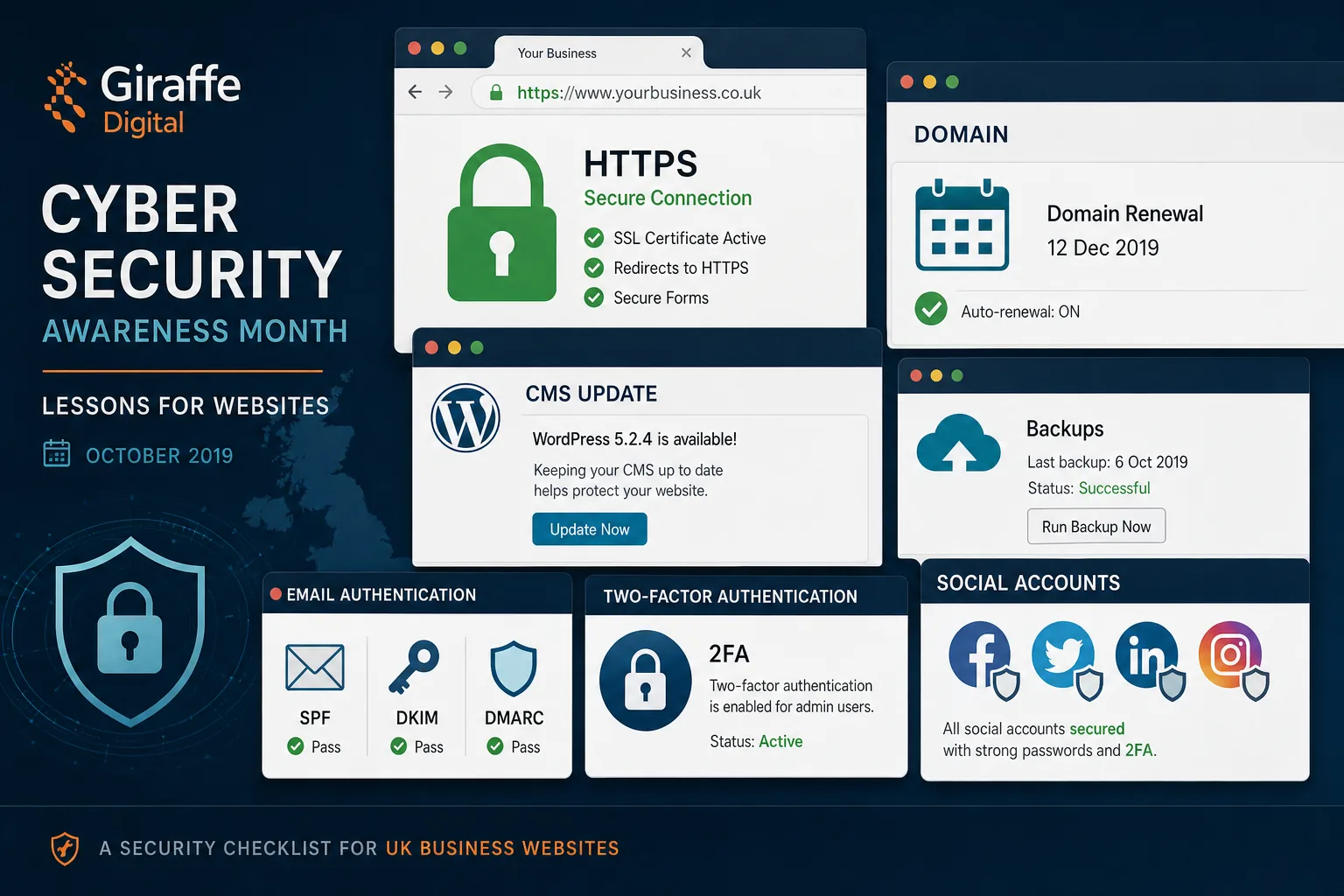
Where available, enable two-factor authentication. This adds an extra step to the login process, such as a code generated by an app or sent to a trusted device. In 2017, many major online services offer some form of two-step verification, and it is particularly useful for email accounts, administrator accounts and social media profiles.
It is also worth reviewing who has access. Former staff, old suppliers and unused administrator accounts should be removed. Freelancers and agencies should only have the level of access needed to carry out their work. If someone only needs to publish blog posts, they should not necessarily have full administrative control of the website.
Keep your CMS, themes and plugins updated
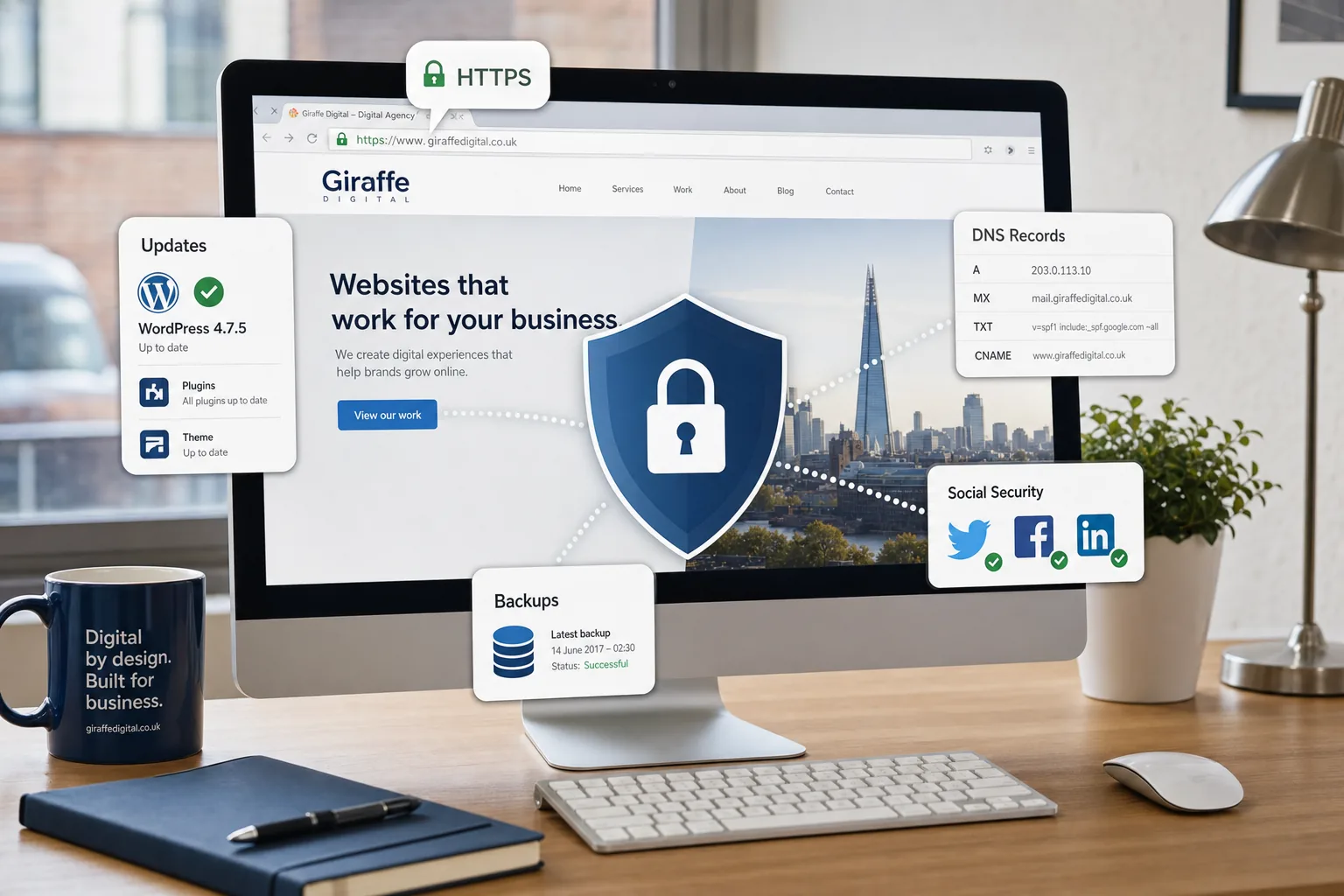
Content management systems such as WordPress, Joomla, Drupal and e-commerce platforms are popular because they make websites easier to manage. Their popularity also means they are common targets. Attackers often look for known vulnerabilities in outdated software, themes and plugins.
Updates are not only about new features. They frequently include security fixes. Delaying updates for months can leave a site exposed to issues that are already widely known. A sensible update process is one of the most practical ways to improve website cyber security.
That does not mean every update should be applied without thought. For business-critical websites, especially e-commerce or booking systems, updates should be tested where possible. A good website maintenance process includes:
- Checking for CMS, plugin and theme updates regularly.
- Removing unused plugins, themes and extensions.
- Testing important forms, checkouts and enquiry journeys after updates.
- Keeping a record of significant changes.
- Taking a backup before major updates.
Many compromised websites contain old plugins that are no longer used but are still installed. If a feature is not needed, remove it rather than simply deactivating it. The fewer moving parts a site has, the easier it is to maintain securely.
Use HTTPS and protect data in transit
HTTPS is now expected on professional websites, particularly where visitors submit forms, log in, buy products or share personal details. It encrypts information between the visitor’s browser and the website, helping to prevent interception or tampering.
For a business website, HTTPS also has a trust benefit. Visitors recognise the padlock in the browser and may be cautious when it is missing. Browsers have become more visible in warning users about insecure forms, especially on pages that request passwords or payment information. Search engines also use HTTPS as a positive signal, so it supports both user trust and search marketing.
When moving to HTTPS, it is important to do the job properly. The certificate should be correctly installed, all important pages should redirect from HTTP to HTTPS, internal links and images should not create mixed content warnings, and analytics or Search Console settings should be reviewed. An incomplete migration can create broken links, duplicate versions of pages or warning messages that confuse visitors.
For e-commerce websites, HTTPS is essential. Payment processing, account areas and checkout forms must be handled with care. If payments are taken through a third-party provider, make sure the checkout journey still feels coherent, secure and clear to the customer.
Backups are not optional
A backup is one of the most valuable safeguards a website owner can have. If a website is hacked, accidentally damaged during an update or affected by a hosting issue, a recent clean backup can dramatically reduce downtime.
Backups should be regular, complete and tested. A useful backup usually includes the website files, database, uploaded media and relevant configuration. It should not be stored only on the same server as the website. If the server itself fails or is compromised, a backup kept in the same place may be lost as well.
Consider how often your website changes. A brochure website that is updated monthly may not need the same backup frequency as an e-commerce site receiving orders every hour. The backup schedule should reflect the commercial value of the data and the likely impact of losing recent changes.
It is also wise to test restoration. A backup that has never been checked may give a false sense of security. Ask whoever manages your website how backups are taken, where they are stored, how long they are retained and how quickly a restoration could be completed if needed.
Choose hosting that supports security and reliability
Hosting quality affects speed, uptime and security. The cheapest hosting arrangement is not always suitable for a business website, particularly if the site supports sales, lead generation or customer service. Good hosting should include server-level security, regular patching, reliable support and appropriate separation between accounts.
Shared hosting can be suitable for many small websites, but it should still be professionally managed. If one poorly maintained website on a server creates problems for others, your business could suffer through no fault of your own. For larger sites, e-commerce businesses or organisations with specific compliance needs, a more managed environment may be appropriate.
Ask practical questions before choosing or reviewing hosting:
- How are server updates and security patches handled?
- Is support available when the business needs it?
- Are backups included, and are they separate from the website?
- Is malware scanning or monitoring provided?
- Can the hosting environment cope with marketing campaigns and traffic spikes?
Security and performance often work together. A fast, stable website provides a better user experience and supports SEO, while a neglected server can lead to downtime, errors and loss of confidence.
Secure forms, comments and user-generated content
Contact forms, enquiry forms, comments and account registration pages are useful, but they can also be abused. Spam submissions can fill inboxes, waste staff time and sometimes include malicious links or attachments.
Use appropriate form protection, such as validation, anti-spam measures and sensible limits. Forms should only collect information that is genuinely needed. The more personal data a business collects, the more responsibility it has to store and handle it properly.
If your website allows comments, reviews, forum posts or user uploads, moderation is important. User-generated content can be valuable for community and search visibility, but it can also attract spam links or inappropriate material. Clear moderation settings and regular checks help protect both the website and the brand.
For file uploads, be especially careful. Uploaded files can be a security risk if they are not properly restricted and scanned. Many small business websites do not need public file upload functionality at all. If it is necessary, it should be configured by someone who understands the risks.
Protect your domain name and DNS
Your domain name is a critical business asset. If it expires, is transferred without permission or has its DNS records changed incorrectly, your website and email can stop working. Domain security is therefore part of website cyber security, not a separate administrative detail.
Keep domain registration details accurate, especially the administrative contact email address. Renewal reminders and important notices may be sent there. Use a secure, monitored email account rather than an old personal address that no one checks.
Where available, enable domain locking to reduce the risk of unauthorised transfer. Make sure only trusted people can access the account used to manage the domain. Record renewal dates and avoid relying entirely on one individual to remember them.
DNS changes should be handled carefully. A small mistake in DNS records can take a website offline or interrupt email delivery. If your website, email marketing or e-commerce activity depends on specific records, document them before making changes. For business owners, the key point is simple: treat the domain name with the same care as a shop sign, telephone number or brand trademark.
Do not forget email and social media accounts
Website security is closely linked to email and social media. Email is often used to reset website passwords, receive hosting alerts and manage domain accounts. If an attacker gains access to a key email account, they may be able to take control of several connected services.
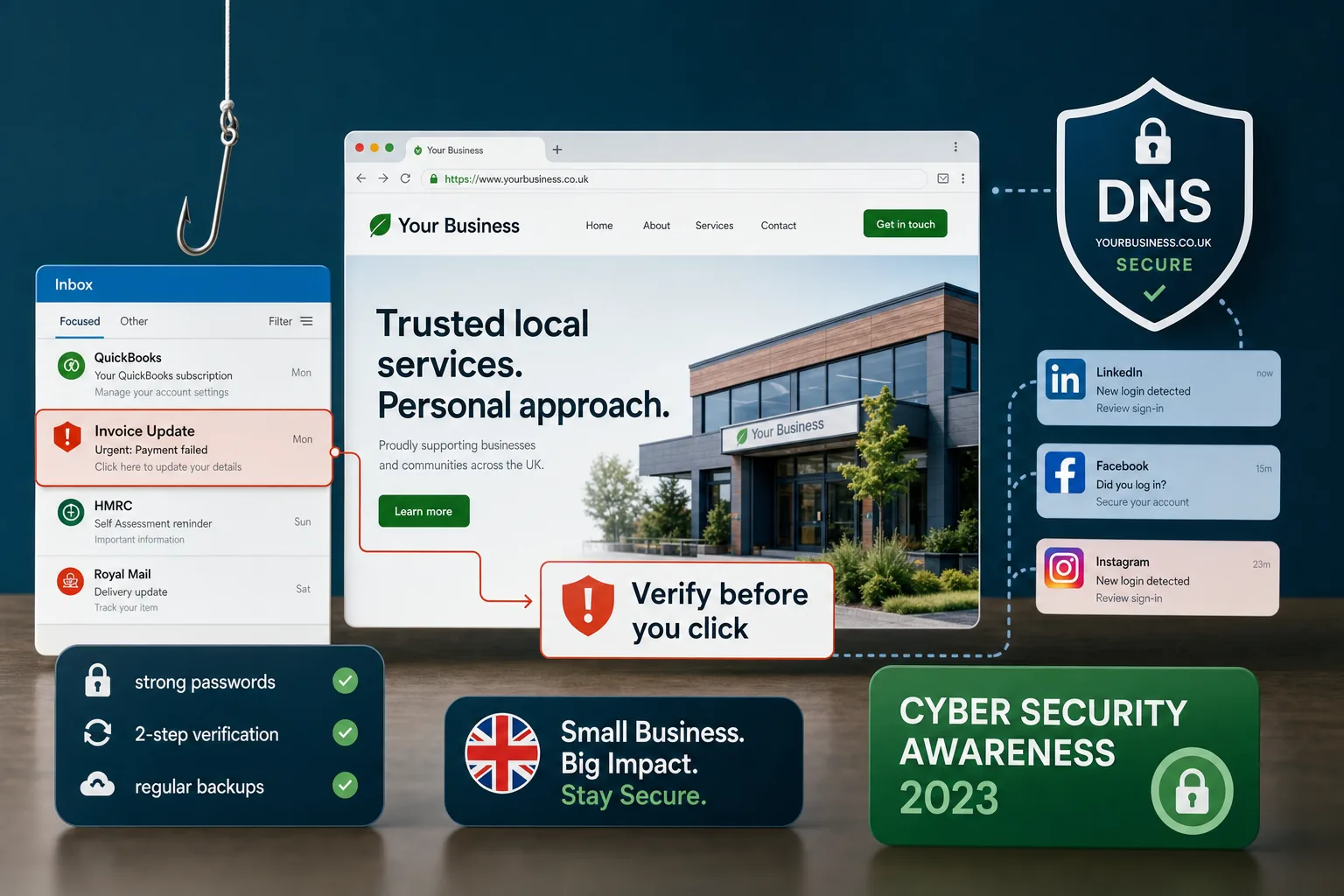
Use strong passwords and two-factor authentication on important email accounts. Be cautious of phishing messages that imitate delivery notifications, invoices, hosting alerts or password reset emails. Staff should know not to click suspicious links or enter passwords on unfamiliar pages.
Social media accounts also need protection. Facebook, Twitter, LinkedIn and Instagram can all drive traffic to a business website, but a compromised social profile can damage reputation quickly. Review page administrators, remove people who no longer need access and keep login details separate from personal accounts where possible.
For campaigns, consider who can publish, who can approve content and who can access advertising accounts. Good governance is not about slowing marketing down; it is about preventing avoidable mistakes and protecting the brand voice.
Security supports website design and conversion
Visitors make quick judgements. A modern layout, clear navigation and strong calls to action all help, but trust signals are just as important. Security contributes to how confident a visitor feels when contacting a business or making a purchase.
Visible signs of care include HTTPS, clear contact details, professional copy, well-maintained pages, working forms and a consistent brand identity. Broken pages, outdated copyright dates, browser warnings or suspicious redirects can create uncertainty.
For e-commerce sites, reassurance is especially important. Delivery information, returns policies, secure checkout messaging and recognisable payment methods all contribute to confidence. Security should be built into the user journey, not added as an afterthought.
Design decisions can also affect security. Overcomplicated functionality, unnecessary plugins and poorly integrated third-party scripts can increase maintenance demands. A focused website that does what the business needs, without avoidable clutter, is often easier to secure and easier for customers to use.
Search marketing risks of a compromised website
A hacked website can cause serious SEO problems. Attackers may add hidden links, create spam pages, redirect visitors to other sites or inject malicious code. Search engines can detect many of these issues and may display warnings to users. In some cases, the website’s visibility may fall until the problem is fixed and reviewed.
For businesses that rely on organic enquiries, this can be costly. It can take time to clean a site, submit reconsideration or review requests where needed, and regain trust. Prevention is usually far easier than recovery.
Regular monitoring helps. Check analytics for unusual traffic patterns, sudden drops or unexpected referral sources. Review search performance and watch for strange pages appearing in search results. If your website has a CMS, look for unfamiliar administrator accounts, unexpected posts or unexplained changes to templates.
Security should also be considered when launching a new website or moving to a new platform. Redirects, HTTPS settings, robots files, sitemaps and analytics should all be reviewed as part of a professional launch process. A secure launch protects the marketing investment behind the project.
Create a simple security routine
Website cyber security is easier to manage when it becomes a routine rather than a panic response. A small amount of regular attention can prevent many common issues.
A sensible monthly routine might include:
- Reviewing CMS, plugin and theme updates.
- Checking that backups have completed successfully.
- Testing important forms, checkout pages and login areas.
- Reviewing administrator accounts and removing unused access.
- Checking for browser warnings, broken pages or suspicious redirects.
- Looking at analytics and search data for unusual activity.
- Confirming domain and hosting renewal dates are under control.
For larger websites, this routine may need to be weekly or supported by active monitoring. For smaller businesses, the main objective is accountability. Someone should clearly own the task, whether that is an internal team member, a website agency or a managed support provider.
What to do if you suspect a problem
If you think your website has been compromised, act quickly but carefully. Do not ignore warning signs such as unfamiliar content, sudden redirects, unusual administrator accounts, browser warnings or unexpected emails from customers.
Start by preserving access and gathering information. Change key passwords from a clean device, contact your hosting provider or web support team, and avoid deleting evidence before someone has assessed the issue. If the site is actively harming visitors, it may need to be temporarily taken offline or placed into maintenance mode while it is cleaned.
Once the immediate issue is fixed, investigate the cause. Restoring a backup without closing the security gap may simply allow the same problem to return. Updates, password resets, plugin removal, file checks and server reviews may all be needed.
Communication may also matter. If customer data could have been affected, take appropriate advice and follow your legal responsibilities. UK businesses should already be thinking carefully about data protection, especially with the General Data Protection Regulation due to apply from May 2018.
Make security part of your digital strategy
Website cyber security is not a one-off box to tick during a website build. It is an ongoing part of looking after a professional digital presence. The businesses that benefit most from their websites are usually those that treat them as active assets, not static brochures.
When planning a new website design, SEO campaign, content strategy or social media push, ask how security, maintenance and measurement will be handled. A strong digital strategy should consider what happens after launch: updates, backups, hosting, analytics, conversion tracking, content governance and account access.
The aim is not to frighten business owners or make security feel inaccessible. Most risks can be reduced with sensible planning, reliable maintenance and clear responsibilities. A secure website gives visitors more confidence, protects marketing activity and helps your business make the most of its online presence.
If your website has not had a security review recently, now is a good time to start. Check the basics, ask the right questions and make sure your digital foundations are strong enough to support your next stage of growth.