HTTPS websites are becoming a normal expectation for credible businesses, not just for banks, online shops and large organisations. When a visitor sees a secure padlock in the browser address bar, it sends a small but important message: this website has taken care with privacy, data and professional presentation. For UK business owners planning a new website, redesigning an existing one or improving search performance, HTTPS should now be part of the early conversation rather than an afterthought.
At its simplest, HTTPS helps protect the connection between a visitor’s browser and your website. It is especially important when people submit information through contact forms, enquiry forms, login areas, email sign-up boxes or payment pages. However, its value is broader than technical security alone. HTTPS can influence trust, wewebsite designecisions, analytics accuracy, social media campaign performance and long-term search marketing.
What HTTPS means for a business website
HTTPS stands for Hypertext Transfer Protocol Secure. It uses a security certificate to encrypt data moving between the website and the visitor. Many people still refer to this as an SSL certificate, although the modern technology behind it is more accurately described as TLS. In everyday business conversations, the phrase SSL certificate remains widely understood.
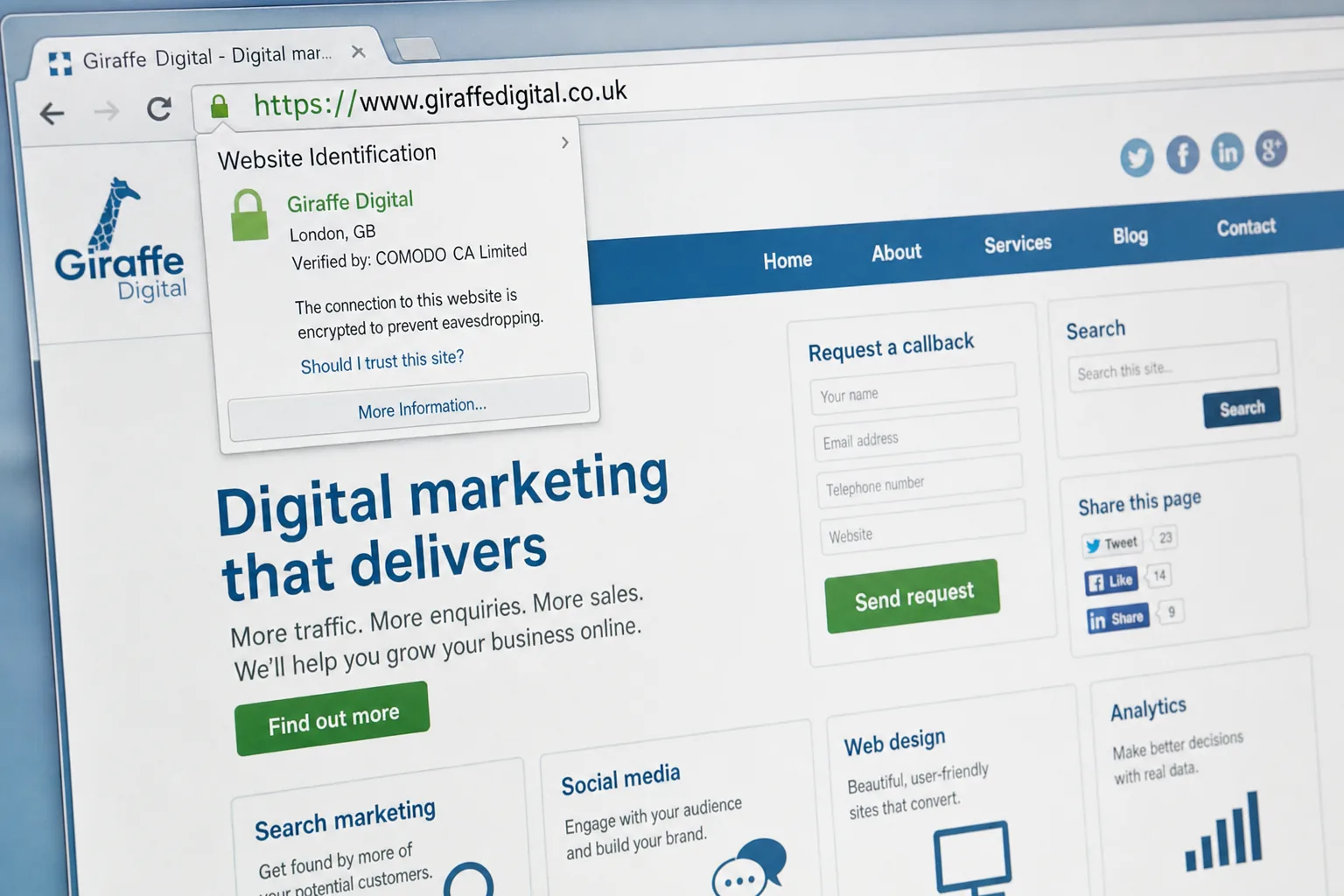
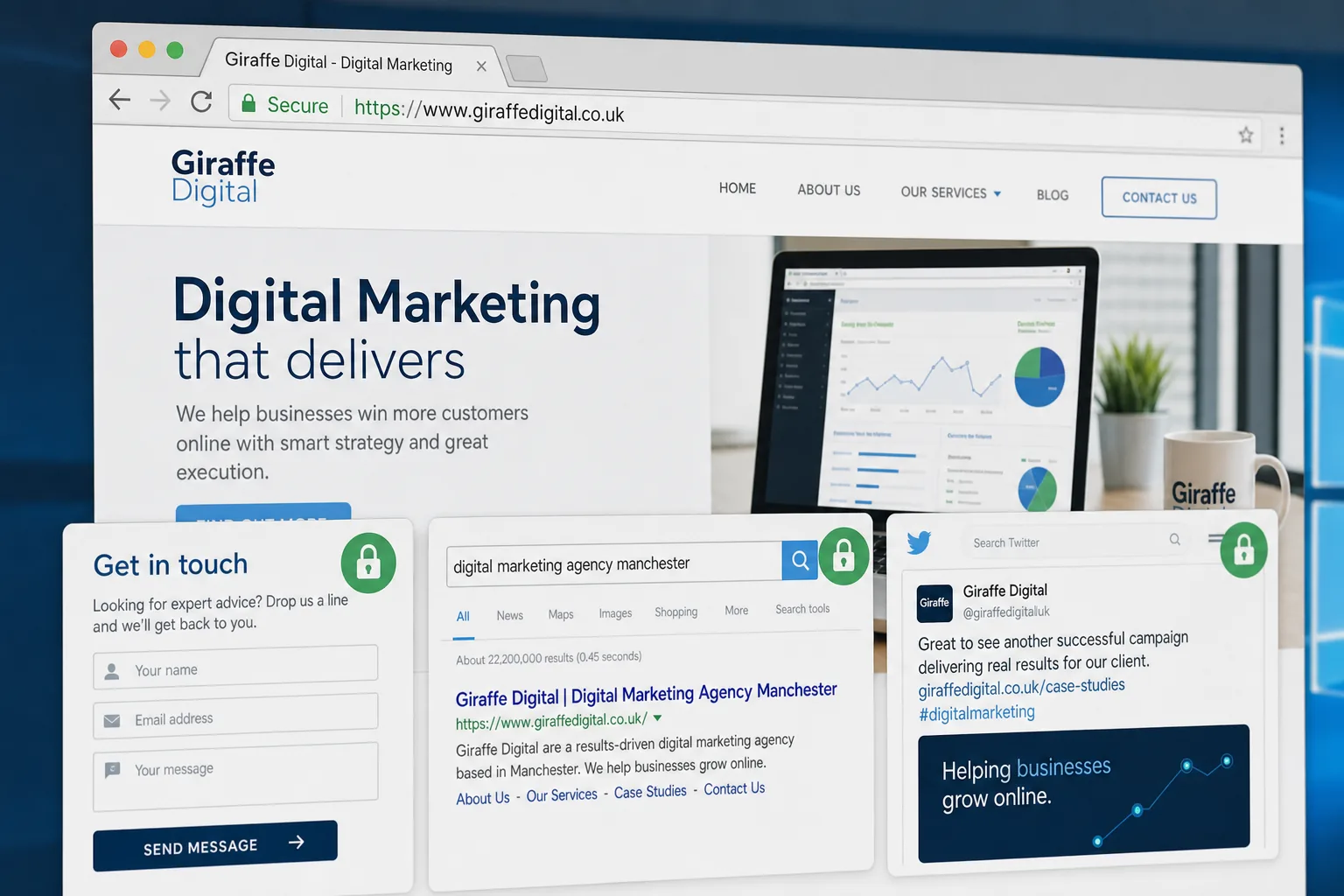
For a visitor, the most visible sign is the padlock in the browser address bar and the use of https:// at the start of the web address. For some certificate types, browsers may also display additional organisation details. The key point is that HTTPS reduces the risk of information being intercepted or altered while in transit.
This matters even if your website does not take card payments. A brochure website with a contact form may still collect names, email addresses, telephone numbers and project details. A recruitment website may collect CVs. A professional services website may receive confidential enquiries. A membership website may ask for passwords. If visitors are sharing information with you, they should be able to do so through a secure connection.
Why HTTPS is no longer only for e-commerce
For many years, businesses tended to think about secure pages only when payments were involved. A common approach was to keep the main website on HTTP and use HTTPS only at checkout. That distinction is becoming less useful. Customers move quickly between pages, forms, email links and social media referrals. They expect a consistent, trustworthy experience from the first landing page to the final enquiry.
There are several practical reasons to use HTTPS across the whole website:
- Consistent trust signals: visitors are less likely to feel uncertain when every page uses the same secure address format.
- Better protection for forms: enquiries, newsletter sign-ups and account logins benefit from encryption.
- Cleaner user experience: switching between HTTP and HTTPS can create avoidable redirects and mixed content issues.
- Improved brand perception: a secure website suggests attention to detail and professional standards.
- Stronger foundations for future development: secure delivery is useful for membership areas, booking tools, customer portals and online sales.
Security is not the only measure of a good website, but it is becoming one of the visible markers of a well-built one. If two similar businesses appear in search results and one presents a more secure, polished and reliable website, that can influence the user’s decision before they ever make contact.
HTTPS and search marketing in January 2016
Search engines want to send users to websites that are relevant, useful and safe. HTTPS has been recognised as a positive ranking signal, although it should not be treated as a shortcut to search success. A secure certificate will not compensate for thin content, poor mobile usability, slow pages or weak technical structure. It is best viewed as one part of a wider search marketing programme.
For business owners, the practical message is straightforward: if you are investing in search engine optimisation, website redesign or a new content strategy, HTTPS should be included in the technical plan. It supports credibility and helps avoid future disruption. It also prevents the awkward situation of launching a new website on HTTP and then having to migrate it shortly afterwards.
When moving an existing website to HTTPS, care is essential. Search engines need clear signals that the secure pages are the correct versions. A rushed migration can create duplicate pages, broken links, missing redirects and temporary ranking fluctuations. A careful migration will usually include:
- Installing a suitable certificate for the domain and any required subdomains.
- Redirecting every HTTP URL to its matching HTTPS URL using permanent redirects.
- Updating internal links, canonical tags and XML sitemaps to use HTTPS.
- Checking that images, scripts, fonts and embedded resources load securely.
- Adding and verifying the HTTPS version of the website in webmaster tools where appropriate.
- Monitoring crawl errors, indexation and organic search traffic after launch.
HTTPS should be handled with the same care as a site restructure or domain change. It is not simply a hosting switch; it affects the way users, browsers and search engines access your website.
Website design and the importance of trust
Good website design is not just about colour, photography and layout. It is also about reassurance. Visitors ask themselves quiet questions as they browse: Is this business credible? Will they handle my enquiry properly? Is this form safe to use? Does the website feel current and maintained?
HTTPS supports those trust signals, but it works best alongside other design and content choices. A secure website should also have clear contact details, well-written service pages, visible privacy information where appropriate, sensible form fields and a professional visual style. Asking for too much information too early can reduce enquiries, even on a secure page. Asking only for what is needed often improves completion rates.
Designers and developers should also pay attention to mixed content. This occurs when a secure HTTPS page tries to load an image, script or other file over an insecure HTTP connection. Browsers may show warnings or fail to display certain elements correctly. To the user, this can look unprofessional or concerning. For the business, it may mean forms, tracking scripts, videos or design elements do not behave as intended.
For new websites, the cleanest approach is to build with HTTPS from the start. This allows navigation, forms, analytics, social sharing buttons and content management system settings to be configured correctly before launch.
Choosing the right type of certificate
There are several types of security certificate, and the right choice depends on the nature of the website. A simple informational website may only need a certificate for one domain. A business running several subdomains, such as a main website, client portal and support area, may need a certificate that covers more than one hostname. Larger organisations may want a certificate that displays more visible identity information in supported browsers.
The most common categories include:
- Domain validated certificates: these confirm control of the domain and are suitable for many straightforward business websites.
- Organisation validated certificates: these include additional checks relating to the organisation behind the website.
- Extended validation certificates: these involve more detailed verification and can display stronger identity cues in some browsers.
- Wildcard certificates: these can secure multiple subdomains under the same main domain.
Business owners do not need to become certificate experts, but they should ask the right questions. Does the certificate cover the exact domain people will use? Does it include the www and non-www versions where needed? Will it cover any subdomains? Who is responsible for renewal? What happens if the certificate expires? An expired certificate can cause browser warnings that may stop visitors from using the website at all.
Domain registration and secure website planning
HTTPS planning should sit alongside domain name planning. Your domain is one of your most important digital assets, so it should be chosen, registered and managed carefully. For a UK business, it is common to consider both a .co.uk and a .com where appropriate, particularly if brand protection or future international activity is relevant.
When registering or reviewing a domain, consider practical details:
- Use a domain that is easy to spell, remember and say aloud.
- Avoid unnecessary hyphens or confusing variations where possible.
- Keep renewal details accurate so the domain is not lost accidentally.
- Make sure the business has access to the domain account or a clear management arrangement.
- Register obvious brand variations where there is a sensible commercial reason to do so.
- Decide whether the website will primarily use the www or non-www version, then redirect the other version correctly.
Do not treat the domain, hosting, email and certificate as isolated items. They work together. A change to one can affect the others. If your website is being redesigned, it is a good opportunity to review whether the domain structure still supports your brand, search visibility and marketing plans.
Social media, advertising and campaign landing pages
Social media marketing often brings people to a website at the point where they are curious but not yet committed. They may click from a Facebook post, LinkedIn update, promoted tweet, email newsletter or campaign landing page. The landing experience needs to reassure them quickly.
HTTPS can help make that first impression more confident. If someone arrives from a social media campaign and sees a secure, well-designed page with a clear message and a simple form, they are more likely to continue. If they see browser warnings, inconsistent branding or an insecure-looking form, the campaign spend and effort may be wasted.
This is particularly important for lead generation campaigns. A landing page may ask for an email address, phone number, postcode or details about a project. Even when the information is not highly sensitive, visitors appreciate signs that a business is taking their data seriously. Secure pages, concise copy and clear calls to action work together.
Social sharing can also be affected by website migrations. If you move from HTTP to HTTPS, check that important campaign URLs redirect correctly and that share buttons, tracking parameters and embedded media still work. Consistency matters: a visitor should not feel that they have moved from a polished social post to a neglected website.
Common mistakes when moving to HTTPS
A move to HTTPS is often straightforward when planned properly, but there are common mistakes that can create avoidable problems. One of the biggest is only securing some pages while leaving important supporting files on HTTP. Another is forgetting to update internal links, causing visitors and search engines to pass through unnecessary redirects on every click.
Other issues include using the wrong certificate name, failing to include subdomains, allowing the certificate to expire, blocking secure pages from search engines by mistake, or forgetting to update sitemap and analytics settings. Businesses should also check third-party tools such as booking systems, email marketing forms, maps, video embeds and payment gateways. These must be compatible with secure pages.
Speed should not be ignored either. A properly configured HTTPS website can perform well, but poor hosting, oversized images and inefficient scripts will still create slow pages. Security and performance should be improved together, especially for mobile visitors using variable connections.
HTTPS checklist for business owners
If you are planning a new website or reviewing an existing one, use the following checklist as a starting point:
- Decide whether the whole website should run on HTTPS. For most modern business websites, this is the sensible approach.
- Choose a suitable certificate for your domain, subdomains and level of identity assurance.
- Confirm who will install, test and renew the certificate.
- Update all website links, forms, images, scripts and embedded content to use secure URLs.
- Set up permanent redirects from HTTP to HTTPS for every page.
- Check the website in major browsers for padlock display and mixed content warnings.
- Update sitemaps, analytics settings and search engine webmaster accounts.
- Test contact forms, newsletter sign-ups, checkout pages and login areas.
- Monitor search traffic, crawl errors and user behaviour after the change.
- Keep a record of renewal dates and technical contacts.
This checklist is not a substitute for professional implementation, but it helps business owners understand what should be covered. The aim is not merely to install a certificate, but to deliver a secure, reliable and consistent website experience.
HTTPS as part of a broader digital strategy
HTTPS websites are now part of the standard toolkit for serious online marketing. They support search engine optimisation, strengthen user trust, improve the quality of lead generation pages and prepare a website for future features such as customer accounts, bookings or e-commerce. They also show that a business is paying attention to the details that affect visitors.
For UK businesses planning a redesign in 2016, the best time to consider HTTPS is at the beginning of the project. It should be discussed alongside content structure, mobile usability, domain strategy, hosting, analytics and conversion goals. When all of these elements are planned together, the result is a website that feels more coherent and performs more effectively.
A secure website will not automatically make a weak proposition successful, but it can remove doubt and build confidence. In competitive markets, those small signals matter. If your website asks visitors to trust your business, it is reasonable that the website itself should offer a secure and professional experience in return.
Frequently asked questions
What should we know about HTTPS and search marketing in January 2016?
Search engines want to send users to websites that are relevant, useful and safe. HTTPS has been recognised as a positive ranking signal, although it should not be treated as a shortcut to search success. A secure certificate will not compensate for thin content, poor mobile usability, slow pages or weak technical structure. It is best viewed as one part of a wider search marketing programme. For business owners, the practical message is straightforward: if you are investing in search engine optimisation, website redesign or a new content strategy, HTTPS should be included in the technical plan. It supports credibility and helps avoid future disruption. It also prevents the awkward situation of launching a new website on HTTP and then having to migrate it shortly afterwards.
What should we consider when choosing the right type of certificate?
There are several types of security certificate, and the right choice depends on the nature of the website. A simple informational website may only need a certificate for one domain. A business running several subdomains, such as a main website, client portal and support area, may need a certificate that covers more than one hostname. Larger organisations may want a certificate that displays more visible identity information in supported browsers. The most common categories include: Domain validated certificates: these confirm control of the domain and are suitable for many straightforward business websites; Organisation validated certificates: these include additional checks relating to the organisation behind the website; Extended validation certificates: these involve more detailed verification and can display stronger identity cues in some browsers; Wildcard certificates: these can secure multiple subdomains under the same main domain.