When a potential customer visits your website, they make a judgement within seconds. They look at the design, the wording, the quality of your imagery and whether the site feels credible enough to trust with an enquiry, a booking or a purchase. One of the clearest technical signals of trust is also one of the easiest to overlook: SSL certificates. For many UK businesses, SSL is no longer something only banks and large retailers need to think about. If your website collects personal details, handles payments, supports customer accounts or relies on online enquiries, a secure connection can play an important role in how visitors perceive your organisation.
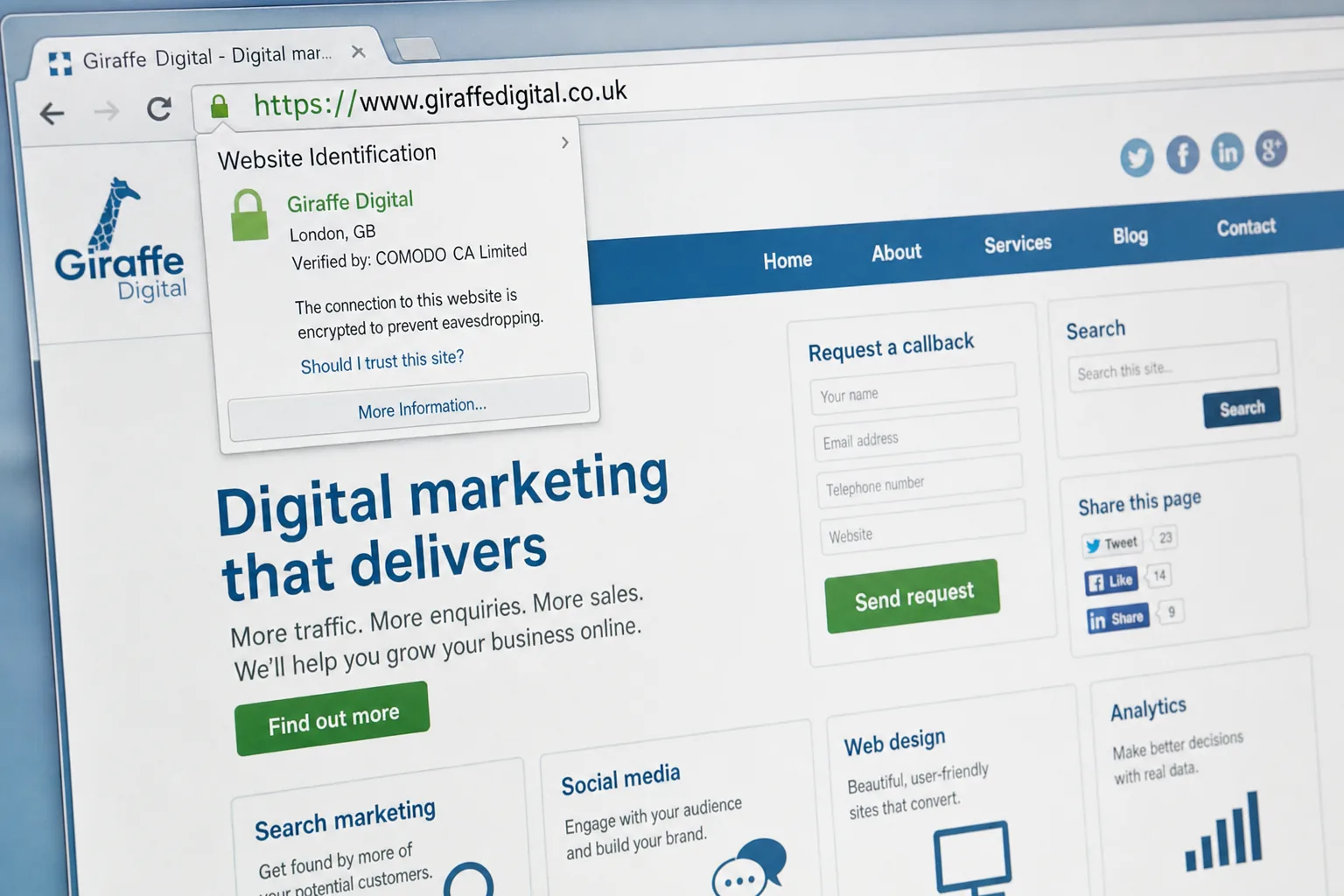
SSL certificates help create an encrypted connection between a visitor’s browser and your website. In practical terms, this is what allows a web address to use https rather than http, and it is what gives browsers the familiar padlock symbol. Customers may not understand the technical details, but many recognise that the padlock is a sign that the site is taking their information seriously. For a business trying to build confidence online, that matters.
What SSL certificates actually do
SSL stands for Secure Sockets Layer, although the more current underlying technology is often referred to as TLS. In everyday business conversation, however, SSL remains the common term. An SSL certificate is issued to confirm that a website is associated with a particular domain, organisation or server. Once installed correctly, it helps encrypt information sent between the visitor and the website.
Without encryption, information submitted through a form can be more vulnerable as it travels across networks. With SSL in place, details such as names, email addresses, passwords, delivery addresses and card-related information are far better protected in transit. This does not make a website automatically secure in every respect, but it is a fundamental part of responsible web management.
For example, a visitor completing a contact form on a professional services website may be sharing a phone number, an email address and the nature of their enquiry. A shopper on an e-commerce website may be creating an account or entering delivery details. A member logging into a client area may be sending a password. These are all common situations where SSL certificates provide both practical protection and visible reassurance.
Why the padlock affects customer confidence
Trust is not built by one element alone. A strong brand, clear copy, professional design, transparent contact details and helpful content all contribute. SSL certificates add another layer because they demonstrate that the business has considered the safety of the user experience.
Customers are becoming more alert to signs of online risk. Many have seen warnings from browsers, banks and payment providers about checking for secure pages before submitting information. If a visitor reaches a payment page, account login or enquiry form and does not see a secure connection, doubt can set in. That doubt may be enough for them to abandon the page and look elsewhere.
The issue is particularly important for smaller businesses. Larger brands often benefit from familiarity; people already know who they are. Smaller organisations have to earn trust quickly. A well-presented website with SSL in place feels more deliberate, more established and more professional. It says, in a quiet but important way, that the business has invested in doing things properly.
A secure website is not just a technical consideration. It is part of the customer experience, the brand impression and the decision-making process.
When your business website should use SSL
There are some situations where SSL should be treated as essential rather than optional. If your website takes online payments, uses a checkout, allows customers to log in or stores account details, a secure connection is a basic requirement. Payment services and e-commerce platforms generally expect secure pages, and customers certainly do.
SSL is also highly advisable for websites that use enquiry forms, booking forms, newsletter sign-up forms or application forms. Even if you are not taking payment, you may still be collecting personal information. A simple contact form can still ask for details that a visitor would reasonably expect you to handle carefully.
Businesses in sectors such as finance, legal services, healthcare, recruitment, training, property, travel and professional consultancy should be especially mindful. These websites often invite users to share sensitive or commercially valuable information. If the website experience does not feel secure, the business may lose enquiries before a conversation even begins.
There is also a growing argument for using SSL across an entire website rather than only on selected pages. A consistent secure experience avoids confusion, reduces the risk of mixed messages in the browser and supports a more polished brand presentation. It can also make site management cleaner, provided the migration is planned correctly.
The search marketing angle in 2015
Search visibility is another reason SSL certificates are receiving more attention. Google has confirmed that HTTPS is used as a lightweight ranking signal. It is not a substitute for relevant content, strong technical structure, quality links, good page titles or a useful user experience, but it is a signal worth taking seriously.
For most businesses, SSL should not be seen as an overnight route to higher rankings. It is better understood as one part of a broader digital marketing foundation. A secure website supports trust, conversion and credibility, while also aligning with the direction search engines are encouraging: safer, better-quality websites for users.
If you move a website from HTTP to HTTPS, the change needs to be handled carefully. Search engines treat different versions of URLs as separate addresses, so simply installing a certificate is not the whole job. Redirects, canonical tags, internal links, XML sitemaps and analytics settings should be reviewed. Poor implementation can cause unnecessary disruption, especially if important pages are left accessible on both versions or if redirects are inconsistent.
For businesses investing in SEO, this is a good opportunity to tidy other technical elements too. Check whether the site has duplicated home page URLs, outdated internal links, slow pages, thin content or old tracking code. SSL implementation can be planned as part of a wider website health review rather than a standalone technical task.
SSL and website design: more connected than it looks
Website design is often discussed in terms of layout, colour, typography and imagery, but good design also includes reassurance. Visitors should feel clear about where they are, what action to take and whether the site is safe to use. SSL certificates support that feeling, especially when combined with thoughtful page design.
Consider a landing page for a service enquiry. The visitor arrives from a search result or a social media post, reads the page and decides whether to fill in a form. If the page has a clear heading, helpful supporting text, visible contact details, professional branding and a secure address, the experience feels coherent. If the design looks modern but the form is not secure, confidence may drop at the very moment the visitor is ready to act.
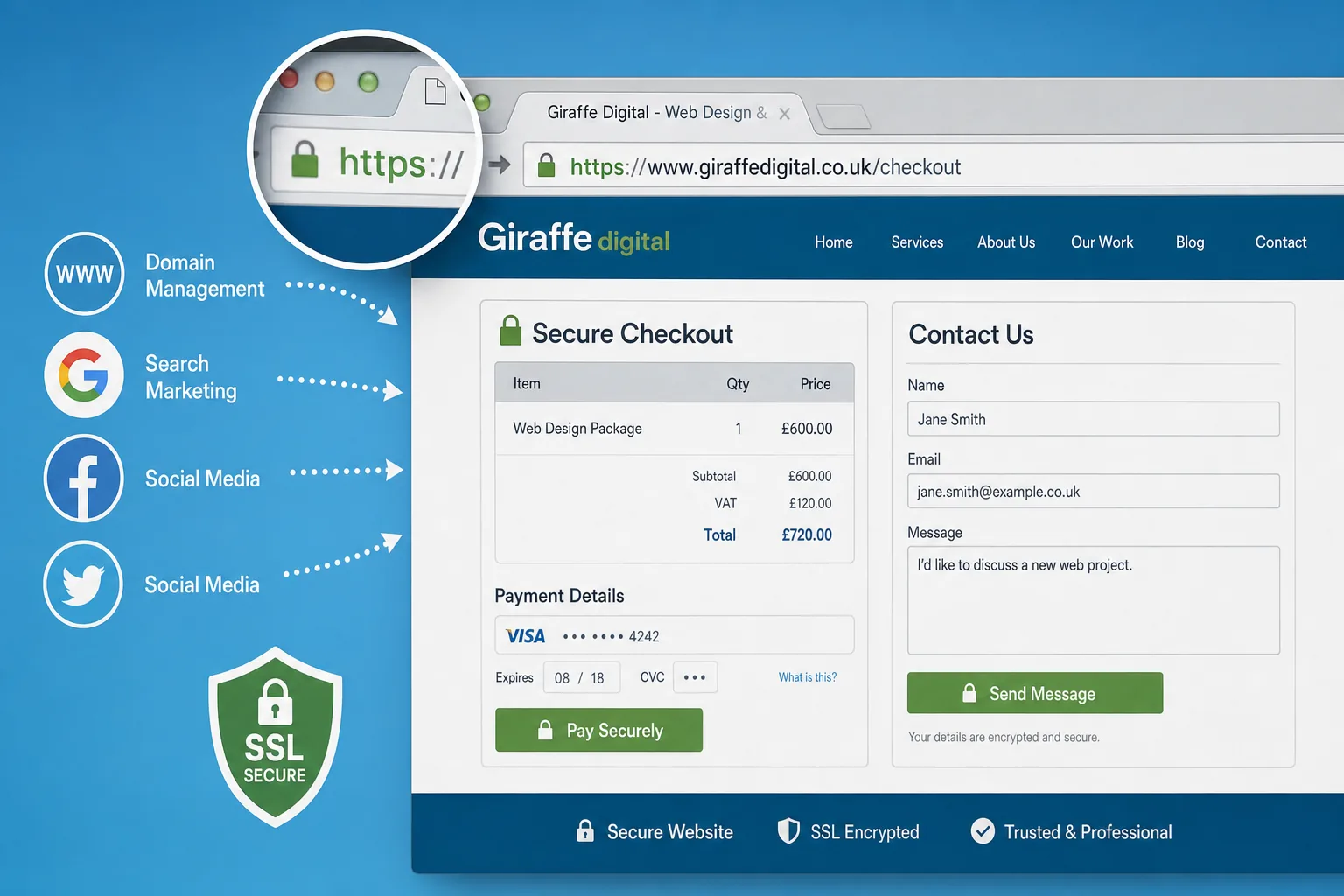
E-commerce design provides an even clearer example. Product pages need persuasive photography, accurate descriptions, delivery information and clear calls to action. The checkout then needs to feel simple and safe. SSL is part of that final reassurance. It helps reduce friction by giving customers one less reason to hesitate.
Designers and developers should also watch for mixed content. This happens when a secure page still loads some images, scripts or styles from insecure HTTP addresses. The result can be browser warnings or a missing padlock, even though the certificate itself is installed. For the user, that looks untidy and potentially worrying. For the business, it can undermine the very trust SSL is meant to create.
Choosing the right type of certificate
There are different types of SSL certificates, and the best choice depends on the nature of the website. A basic domain-validated certificate confirms control of the domain and is often suitable for straightforward brochure websites or simple forms. Organisation-validated certificates involve additional checks and can provide stronger assurance about the business behind the site. Extended validation certificates require a more thorough vetting process and may display additional company information in compatible browsers.
There are also wildcard certificates, which can secure multiple subdomains, and multi-domain certificates, which can cover several different domains. These can be useful for businesses with separate areas such as a main website, client portal, shop or booking system. The right setup depends on how the website is structured and how the business plans to grow.
When choosing, avoid looking at the certificate in isolation. Think about hosting, content management, domain structure and future marketing plans. A business that intends to add e-commerce within the year may need a different approach from one that simply wants to secure a single contact form. Taking advice at the planning stage can prevent awkward changes later.
Domain names, hosting and practical setup
Your SSL certificate must be issued for the correct domain or domains. This is where domain registration and website planning become important. Decide whether your primary address will use the www version or the non-www version, and make sure all alternatives redirect consistently. If you own common variations of your domain, keep them well managed and ensure they point to the right place.
When registering a domain, choose a name that is clear, memorable and appropriate for your brand. Keep ownership details, renewal dates and administrative access under proper business control. Avoid leaving domain management solely with an individual employee or an old supplier account without clear records. Your domain is a business asset, and SSL relies on accurate domain control.
Hosting also matters. A certificate must be installed on the server that delivers your website, and the hosting environment should support modern encryption settings. By 2015, businesses should be avoiding outdated configurations and should favour certificates using SHA-256 rather than older SHA-1 arrangements. If your website is on an old hosting package, it may be sensible to review the server environment before adding SSL.
Social media, advertising and secure landing pages
SSL certificates also have a role beyond organic search and e-commerce. Many businesses now use social media marketing to drive traffic to campaign pages, competitions, downloads and booking forms. If a visitor clicks from Facebook, Twitter, LinkedIn or another social platform and lands on a page asking for details, a secure connection helps maintain trust from click to conversion.
The same applies to paid search and display advertising. If you are paying for traffic, every unnecessary concern on the landing page can reduce the value of that spend. A secure form, clear privacy wording and professional design can all help visitors feel more comfortable completing the action you want them to take.
Email marketing is another area to consider. A newsletter sign-up form may not feel sensitive to the business, but users still expect their email address to be handled responsibly. Linking email campaigns to secure pages supports a consistent brand experience and reduces hesitation.
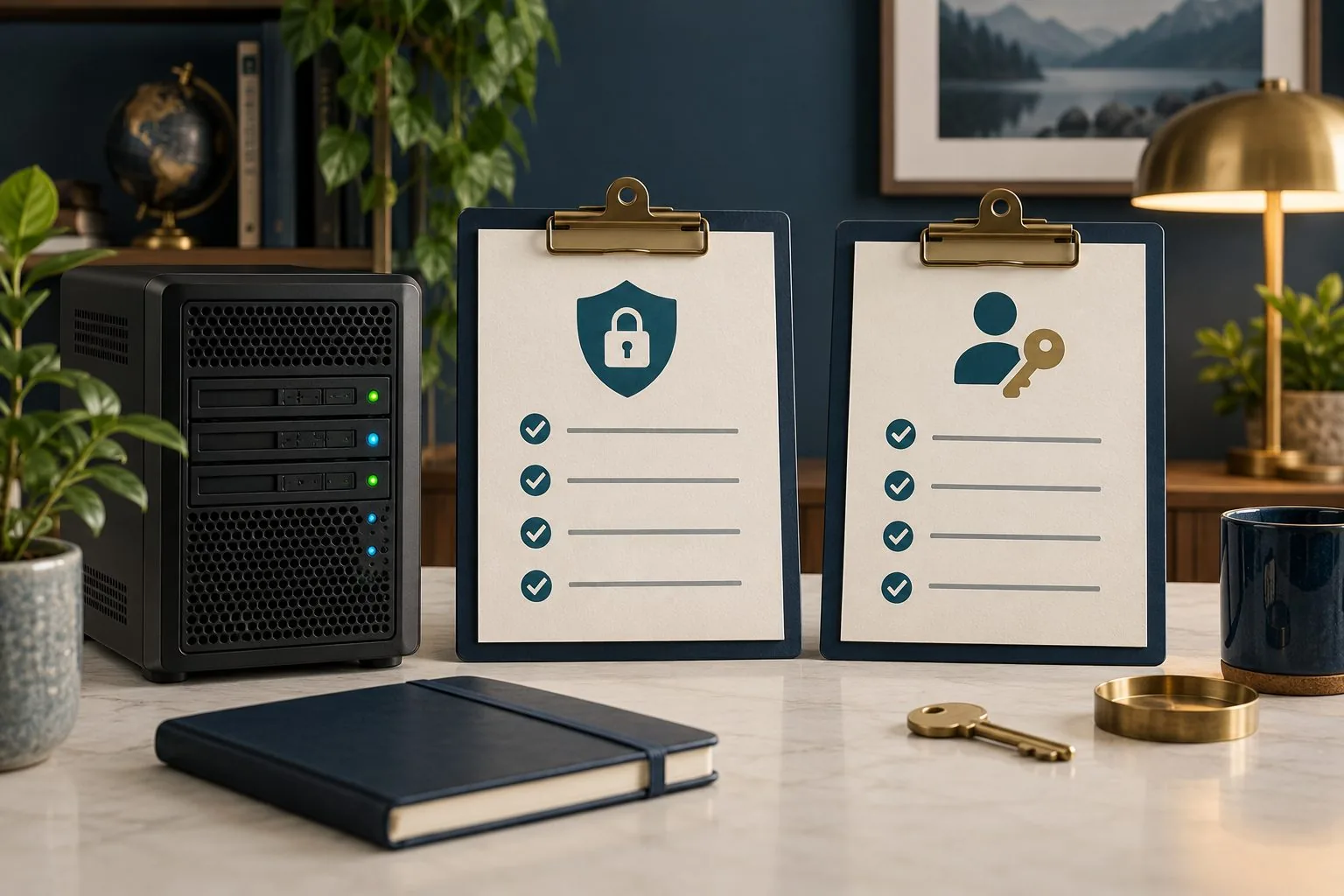
A sensible SSL checklist for UK businesses
- Identify where users submit information: Review contact forms, checkouts, login pages, booking forms and newsletter sign-ups.
- Choose the right certificate: Match the certificate type to your domain structure, business needs and the level of customer reassurance required.
- Plan redirects properly: Redirect HTTP pages to HTTPS using consistent, permanent redirects where appropriate.
- Update internal links: Make sure menus, buttons, images, scripts and canonical tags point to secure URLs.
- Check for mixed content: Test key pages in common browsers to confirm the padlock displays correctly.
- Review analytics and webmaster settings: Ensure reporting tools recognise the secure version of the website.
- Keep renewal dates organised: An expired certificate can produce alarming browser warnings and damage confidence quickly.
- Combine SSL with broader security: Keep your content management system, plugins, passwords and hosting environment properly maintained.
SSL is part of a bigger trust strategy
It is important to be clear about what SSL certificates can and cannot do. SSL helps protect data in transit and gives users a visible sign of security. It does not guarantee that a website is free from vulnerabilities, that a business is reputable or that data is handled correctly after it reaches the server. Customers still need clear privacy information, sensible forms, transparent contact details and a professional experience throughout the site.
For that reason, SSL should sit alongside good website design, clear copywriting, reliable hosting, strong maintenance and well-planned digital marketing. A secure connection is most powerful when the rest of the website reinforces the same message: this is a credible organisation that respects its customers.
If your business is planning a new website, refreshing an existing one or investing more seriously in SEO and social media, SSL deserves a place in the conversation from the start. It is easier to build secure architecture into a project than to patch it in later. It also helps ensure that search, advertising, email and social campaigns all lead to pages that feel trustworthy and professional.
Customers may not always comment on a secure website, but they often notice when something feels wrong. SSL certificates reduce that uncertainty. They support confidence at the point where trust matters most: when a visitor is deciding whether to share their details, make an enquiry or become a customer.