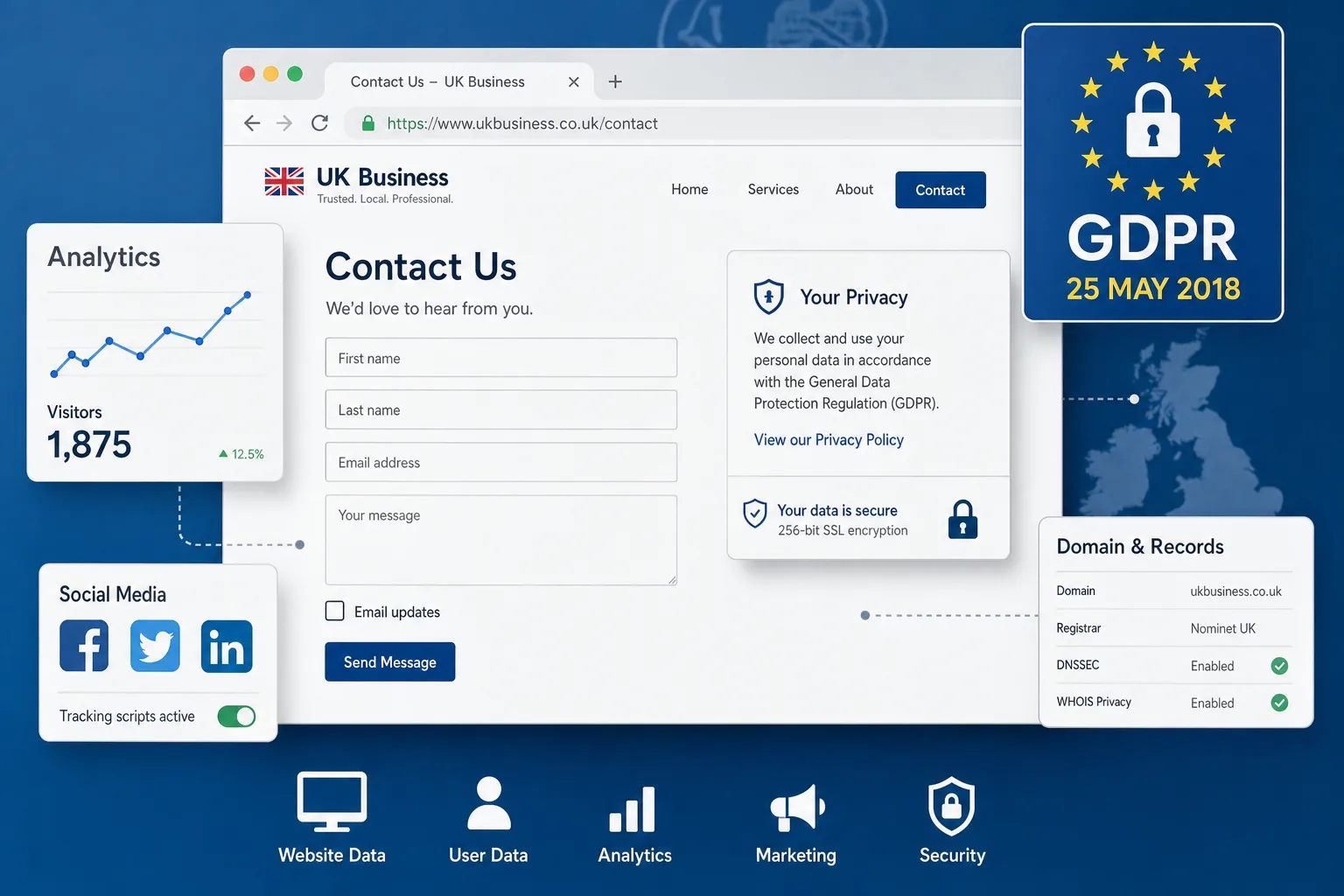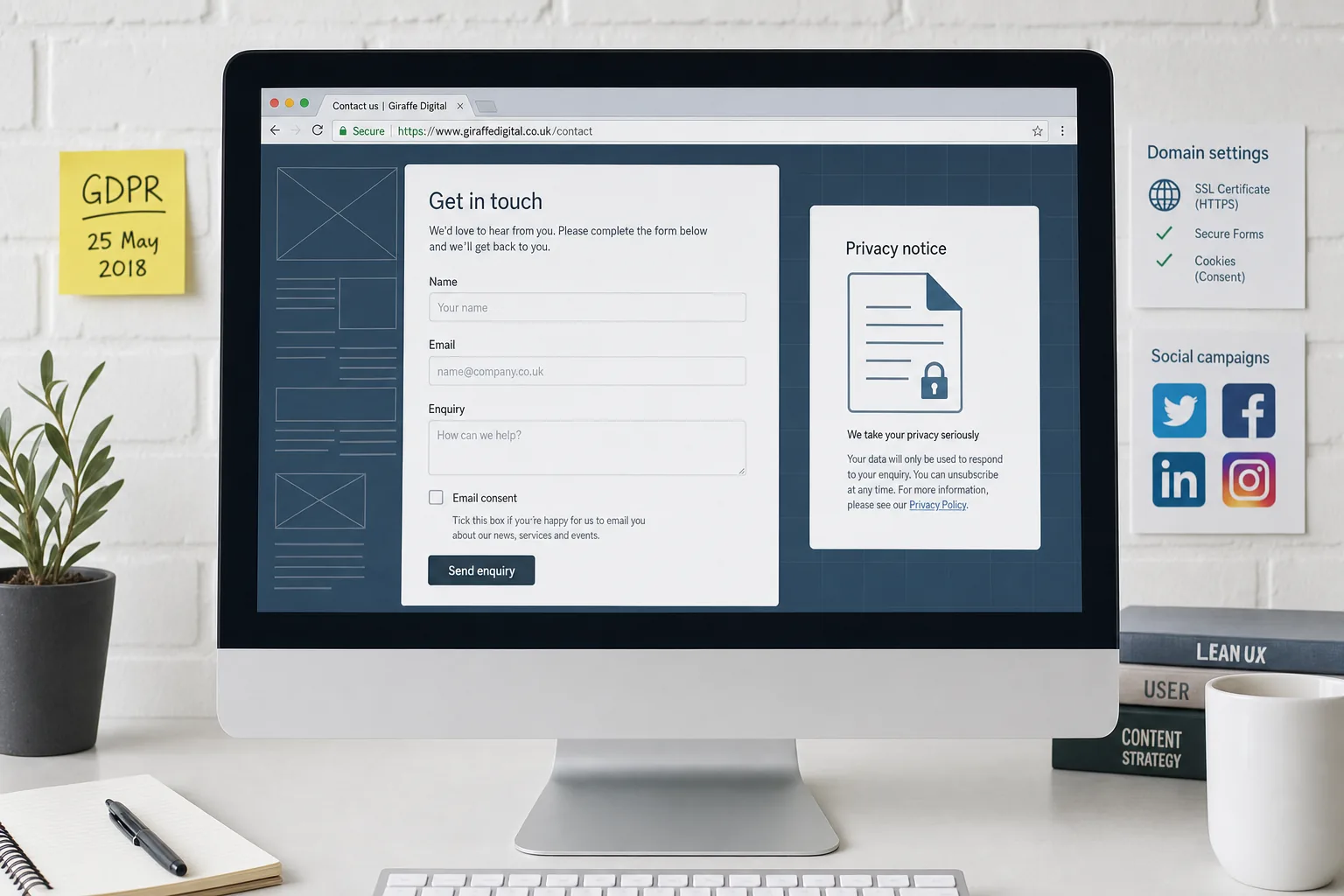
GDPR is now in force, and many UK businesses are reviewing how their websites collect, store and use personal data. For most organisations, the most visible place to start is the humble website form. Contact forms, enquiry forms, newsletter sign-ups, downloadable guide requests, quote forms and event registrations all ask visitors to share information. That makes website forms and data collection after GDPR a practical design, marketing and trust issue, not just a legal one.
The good news is that improving your forms for GDPR can also make them clearer, more useful and more effective. A well-designed form helps visitors understand what they are signing up for, reduces unnecessary friction, improves the quality of enquiries and supports better follow-up. For business owners investing in website design, SEO, branding or digital marketing, this is an opportunity to tidy up the whole customer journey.
Why website forms matter under GDPR
GDPR applies when you collect and process personal data. Personal data is any information that can identify a living individual, either directly or indirectly. A name, email address, phone number, postal address, IP address, job title, business email or message submitted through a form can all fall within that definition, depending on the context.
That means a simple contact form is not outside the scope of GDPR just because it looks basic. If someone uses it to ask for a quote, request support or join a mailing list, your organisation needs to be clear about why the information is being collected, how it will be used, how long it may be kept and who it may be shared with.
For many businesses, website forms are also connected to other systems. A form may send an email to a sales inbox, store submissions in a website database, add a contact to a customer relationship management system, trigger an automated reply or subscribe someone to an email marketing list. Each of those steps should be understood and documented.
Start with the purpose of each form
A useful first step is to list every form on your website and ask what each one is for. This should include obvious forms in the main navigation as well as smaller forms on landing pages, blog posts, download pages and campaign pages. If your site has been added to over several years, you may find old newsletter boxes, duplicated enquiry forms or plugin forms that are no longer needed.
For each form, define the purpose in plain English. For example:
- A contact form may be used to respond to a customer enquiry.
- A quote request form may be used to prepare and send an estimate.
- A newsletter form may be used to send email updates and marketing messages.
- A download form may be used to provide a guide and, if clearly stated, to send follow-up marketing.
- An event form may be used to manage attendance and related communications.
Once the purpose is clear, the form can be designed around it. This avoids asking for data simply because a template had a field available. It also helps your team handle the information consistently after submission.
Collect only what you genuinely need
One of the most useful principles for website forms and data collection after GDPR is data minimisation. In simple terms, do not ask for more information than you need for the stated purpose. Shorter forms often perform better for users as well, especially on mobile devices.
If someone is making a general enquiry, you may only need their name, email address and message. Asking for a full postal address, company size, date of birth or multiple phone numbers may be unnecessary. If you need additional details later, you can request them as part of the sales or service process.
For a quote form, it may be reasonable to ask for more information if it helps you assess the request. However, every field should still earn its place. A field marked as required should genuinely be required. Optional fields can be helpful, but too many of them can make a form feel intrusive or time-consuming.
From a website design perspective, clearer forms reduce hesitation. Good labels, helpful microcopy and sensible field order can all improve completion rates. GDPR compliance and conversion rate optimisation should not be treated as opposing goals; in many cases, they support each other.
Be clear about consent and lawful basis
Consent is one lawful basis for processing personal data, but it is not the only one. For example, if someone completes a contact form asking you to call them back about a service, you may need to process their details in order to respond to that request. In that situation, your lawful basis may not necessarily be consent. However, if you want to add that person to a marketing mailing list, you should handle that separately and clearly.
Where you rely on consent, GDPR requires it to be freely given, specific, informed and unambiguous. Pre-ticked boxes should not be used for consent. People should take a clear positive action, such as ticking an unchecked box, to agree to receive marketing emails.
For a contact form, one useful approach is to keep the enquiry separate from marketing:
- The main form lets the visitor submit their enquiry.
- A separate optional checkbox invites them to receive email updates.
- The checkbox explains what type of messages they can expect.
- A link to the privacy notice is placed close to the form.
This approach avoids bundling marketing consent into a general enquiry. It also gives you a cleaner record of what the person agreed to at the point of submission.
Review newsletter and lead generation forms
Newsletter forms deserve particular attention because they are directly connected to marketing. If a form says only sign up or submit, it may not be clear enough. Tell people what they are subscribing to, how often they might hear from you and what sort of content you send.
For example, a clearer message might say: Tick this box to receive occasional email updates about our services, guides and company news. You can unsubscribe at any time. That is more helpful than a vague consent statement. It also sets expectations, which can reduce unsubscribes and complaints later.
For downloadable guides, white papers or resources, avoid hiding marketing consent behind the download. If a visitor must provide an email address to receive a guide, state what will happen next. If you want to send further marketing, make that choice separate and explicit. A good lead generation form should be honest as well as persuasive.
Update privacy notices near your forms
Your privacy notice should explain how your organisation handles personal data. It should be written in clear language and be easy to find. A link in the footer is useful, but for forms it is also wise to place a link or short privacy statement near the submit button.
The short text does not need to repeat the full privacy notice. It can simply reassure the visitor and point them to the detailed version. For instance: We will use the information you provide to respond to your enquiry. Read our privacy notice for details about how we handle your data.
For forms that have a marketing element, the wording should be more specific. If you use an external email marketing platform or customer database, the privacy notice should explain the types of third parties involved and why the data is shared. It should also explain how people can withdraw consent or object to certain types of processing where applicable.
Keep evidence without overcomplicating the form
If you rely on consent, you should be able to demonstrate that consent was given. For website forms, that may include keeping a record of the date, time, form wording, consent option selected and source page. This does not mean you need to make the form visually complicated. The evidence can often be captured in the background by your website or marketing system.
However, it is important to check what is actually stored. Some websites send form submissions by email but do not keep a structured record. Others store every submission indefinitely in the website database. Neither approach should be assumed to be right. The best arrangement depends on your business process, retention needs and security controls.
It is sensible to document how form data moves through your organisation. Who receives the notification email? Is it stored in the website admin area? Is it exported to a spreadsheet? Is it copied into a CRM? Is it used for remarketing or email campaigns? A simple map can reveal risks and unnecessary duplication.
Think about security, hosting and access
Security is a key part of responsible data collection. In 2018, every business website that collects personal data should be using HTTPS, shown by the padlock in the browser. This helps protect information submitted through forms and is also a trust signal for visitors. Search engines have also encouraged the use of secure websites, so HTTPS supports both user confidence and wider digital marketing performance.
Website software, themes, plugins and form extensions should be kept up to date. Old form plugins can become a security weakness, especially if they store submissions. Administrator access should be limited to people who genuinely need it, and passwords should be strong. If staff or suppliers leave, their access should be reviewed promptly.
Backups are also worth considering. If form submissions are included in website backups, personal data may be retained for longer than expected. That does not automatically make backups a problem, but it should be understood and managed. Retention periods should be practical, proportionate and aligned with your business needs.
Design forms for trust and completion
GDPR has encouraged many businesses to add legal text to their websites, but more wording is not always better. Visitors need clarity, not clutter. A well-designed form balances compliance, usability and brand confidence.
Useful design improvements include:
- Clear form headings that explain the benefit of completing the form.
- Plain language labels rather than internal jargon.
- Logical field order, starting with the simplest information.
- Helpful error messages that explain what needs fixing.
- Large, easy-to-tap fields for mobile users.
- Visible reassurance about privacy and response times.
- Separate consent choices for different types of communication.
The submit button should also be specific. Send enquiry, Request a callback or Subscribe to email updates is clearer than Submit. Small wording changes can help users understand exactly what action they are taking.
Social media, advertising and tracking considerations
Many businesses use website forms alongside social media marketing and paid advertising. A visitor might click from a social post, arrive on a landing page and complete an enquiry form. GDPR does not prevent this, but it does mean you should understand the data journey and be transparent about it.
If you use tracking pixels, analytics tags or advertising cookies, your privacy and cookie information should explain this in a clear way. If form submissions are used to build advertising audiences or measure campaign performance, that should be considered as part of your wider data protection review. Marketing teams and website teams should not work in isolation.
Social media lead forms can also collect personal data before the visitor reaches your website. If you run campaigns using those tools, make sure the wording matches your own privacy information and that the data is transferred and stored securely. Consistency matters. A person should not receive a different message about data use depending on whether they came through your website, a social advert or an email campaign.
Domain registration and business ownership details
GDPR has also affected the way personal information is displayed in some domain registration records. For business owners, the key point is to keep domain ownership well managed without exposing unnecessary personal data.
Use appropriate business contact details for domain registration where possible, rather than personal home addresses or private email accounts. Make sure renewal notices go to an inbox that is monitored, and ensure more than one trusted person knows how the domain is managed. Losing access to a domain can create serious problems for your website, email and brand visibility.
It is also good practice to keep a record of who controls your domain, hosting, DNS settings and website administration. These details often sit with different suppliers or former staff members. A tidy digital asset register can save time, reduce risk and make future website projects much smoother.
SEO and conversion benefits of better forms
Search marketing is not only about rankings. It is also about turning the right visitors into the right enquiries. If your SEO activity brings people to a service page, but the form is confusing or asks for too much information, you may lose valuable leads. Improving website forms can therefore support the return on your SEO investment.
Clear privacy wording can improve trust, especially for visitors who have not heard of your business before. Secure pages, professional design, relevant calls to action and transparent data use all contribute to credibility. These factors may not all be direct ranking signals, but they influence user behaviour and enquiry quality.
For local businesses, professional service firms and growing e-commerce brands, forms often sit at the point where marketing becomes measurable. By reviewing form completion rates, enquiry quality and follow-up processes, you can identify where the website is helping and where it is creating friction. GDPR review work can therefore uncover useful marketing improvements.
Checklist for UK business owners
If you are not sure where to begin, work through the following checklist:
- List every form on your website, including landing pages and older content.
- Confirm the purpose of each form and remove any that are no longer needed.
- Check every field and remove information you do not genuinely require.
- Separate service enquiries from marketing consent.
- Remove any pre-ticked marketing consent boxes.
- Add clear privacy wording and a link to your privacy notice near each form.
- Check where form submissions are stored, emailed and backed up.
- Review access permissions for staff, agencies and suppliers.
- Make sure your website uses HTTPS.
- Ensure consent records can be evidenced where consent is your lawful basis.
- Review connected marketing platforms, social campaigns and analytics tags.
- Keep domain, hosting and website access details properly documented.
This checklist is not a substitute for legal advice, especially if your organisation handles sensitive personal data or operates in a regulated sector. However, it will help most business owners have a more informed conversation with their web designer, marketing agency or data protection adviser.
Turning compliance into better customer experience
GDPR has given businesses a clear reason to review their data collection practices, but the outcome should be more than a set of tick boxes. Better forms can make your website easier to use, improve the quality of your enquiries and strengthen trust in your brand.
When a visitor understands what you are asking for and why, they are more likely to complete the form with confidence. When your internal process is clear, your team can respond more effectively. When your website, SEO, social media and email marketing all use consistent data practices, your digital strategy becomes stronger.
For UK businesses planning a new website or reviewing an existing one, website forms and data collection after GDPR should be considered early in the project. It affects page layout, copywriting, user experience, marketing automation, hosting, security and ongoing maintenance. With the right approach, compliance work can become part of building a more professional and more effective online presence.