Google Consent Mode is becoming an important part of website planning for UK businesses that rely on analytics, advertising and remarketing. It does not replace the need for a clear cookie notice or a proper consent process, but it does help your website communicate visitor choices to Google tags in a more controlled way. For business owners investing in a new website, SEO, paid search or social media campaigns, consent should be treated as a design and measurement decision rather than a last-minute compliance box.
Why consent planning matters for business websites in 2024
Most business websites now depend on several connected systems: analytics, enquiry forms, call tracking, live chat, embedded maps, advertising pixels, remarketing audiences and social media sharing tools. Each can affect privacy, performance and data quality. When these systems are added without a plan, websites often end up with confusing cookie banners, inconsistent tracking and reports that are difficult to trust.
For UK organisations, privacy planning sits alongside the UK GDPR and the Privacy and Electronic Communications Regulations. In practical terms, this means visitors should receive clear information about cookies and similar technologies, and non-essential cookies generally need consent before they are set. The exact approach should be reviewed with suitable legal or data protection advice, but the marketing and website implications are clear: your website needs to respect user choices while still giving you enough insight to make sensible decisions.
That balance is especially important in 2024, with Google strengthening its consent requirements for advertisers targeting users in the UK and European Economic Area. Businesses using Google Ads, Google Analytics 4 and remarketing should pay close attention to how consent is collected and passed through to Google systems. If consent signals are missing or poorly configured, advertising features such as audience building, measurement and personalisation may be limited.
What Google Consent Mode does
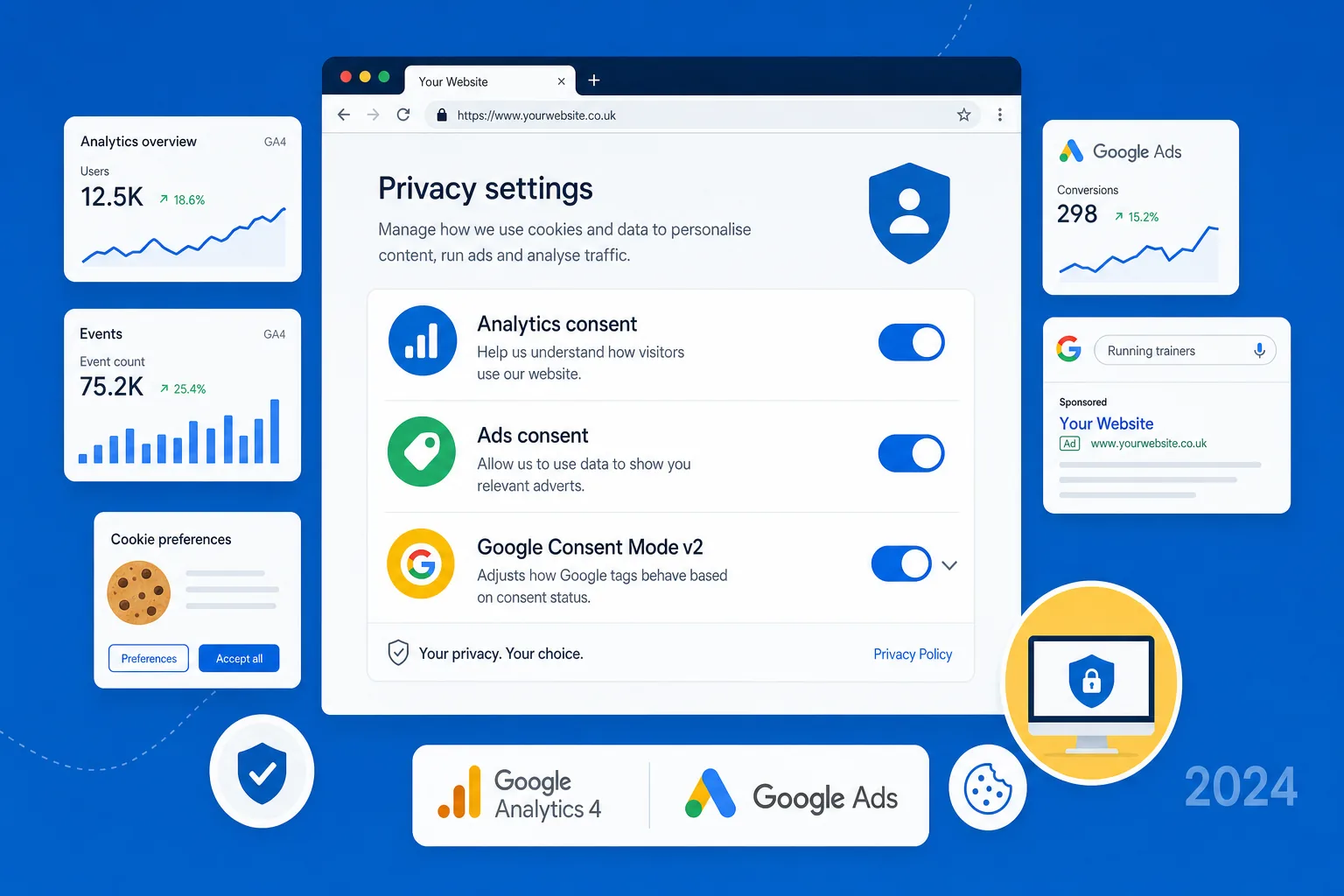
Google Consent Mode is a method for adjusting how Google tags behave based on a visitor's consent choices. Instead of treating tracking as simply on or off, Consent Mode allows your website to tell Google whether consent has been granted for different purposes.
For example, if a visitor accepts analytics cookies, Google Analytics 4 can collect data in the usual way, according to your configuration. If the visitor declines analytics cookies, the tag behaviour changes. Depending on your setup, Google may receive limited, cookieless signals that help with aggregated modelling, rather than setting analytics cookies in the visitor's browser.
Consent Mode supports several consent states. Commonly discussed signals include analytics_storage for analytics cookies and ad_storage for advertising cookies. Consent Mode v2 also includes ad_user_data and ad_personalization, which are particularly relevant to advertising measurement, personalised advertising and remarketing. Other consent types, such as functionality, personalisation and security storage, may also be relevant depending on the tools used on your website.
The key point for business owners is that Consent Mode helps your site communicate permission choices in a structured way. It is not a magic switch that makes all tracking compliant, and it does not remove the need for a well-written cookie policy or consent banner. It is one part of a wider privacy, analytics and marketing setup.
Basic and advanced implementations
There are two broad approaches to Google Consent Mode: basic and advanced. The right option depends on your risk appetite, technical setup, data protection position and the tools you use.
Basic Consent Mode
With a basic implementation, Google tags are generally blocked until the visitor gives consent. If consent is not granted, the tags do not load for that purpose. This approach is easier to understand and can be suitable for businesses that want a more conservative setup.
The trade-off is that you may receive less data for modelling and measurement because there is less interaction between the site and Google systems when consent is declined. For smaller websites, this may be acceptable. For larger advertisers, it can reduce the visibility of campaign performance and conversion behaviour.
Advanced Consent Mode
With an advanced implementation, Google tags can load before consent but adjust their behaviour depending on the default consent state. If the visitor has not granted consent, tags are configured to avoid setting certain cookies and instead send limited, consent-aware signals. If the visitor later grants consent, the tags update accordingly.
This can improve measurement modelling and help preserve aggregated insights, but it also needs careful implementation. Your cookie banner, tag manager, privacy notices and Google settings must all work together. It is not something to copy and paste without understanding what data is being sent, when it is being sent and why.
Consent Mode should be planned as part of the website's measurement architecture, not added after launch as a small technical extra.
Why it matters for GA4, Google Ads and SEO decisions
Many business owners first hear about Consent Mode because of Google Ads, but its value is broader than paid media. Good measurement supports decisions about SEO, content, landing pages, website design and user experience.
In GA4, consent settings can affect the completeness of your reporting. If a significant proportion of visitors decline analytics cookies, your data may show fewer sessions, conversions and returning users than the website is actually generating. Consent Mode can help Google use behavioural and conversion modelling where eligible, giving a more useful aggregated picture without ignoring user consent choices.
For Google Ads, Consent Mode is closely linked to conversion tracking and remarketing. If a website collects leads through contact forms, phone clicks, quote requests or booking journeys, the business needs reliable conversion data to understand which campaigns are working. Poor consent implementation can make campaigns look weaker than they are, reduce the quality of automated bidding signals and limit audience features.
SEO is affected indirectly. Organic search rankings do not depend on whether you have Consent Mode installed. However, SEO decisions rely on evidence. If analytics is misconfigured, you may undervalue important landing pages, misread enquiry journeys or fail to spot content that supports conversions. A privacy-aware measurement setup gives your SEO strategy a stronger foundation.
Website design considerations for better consent experiences
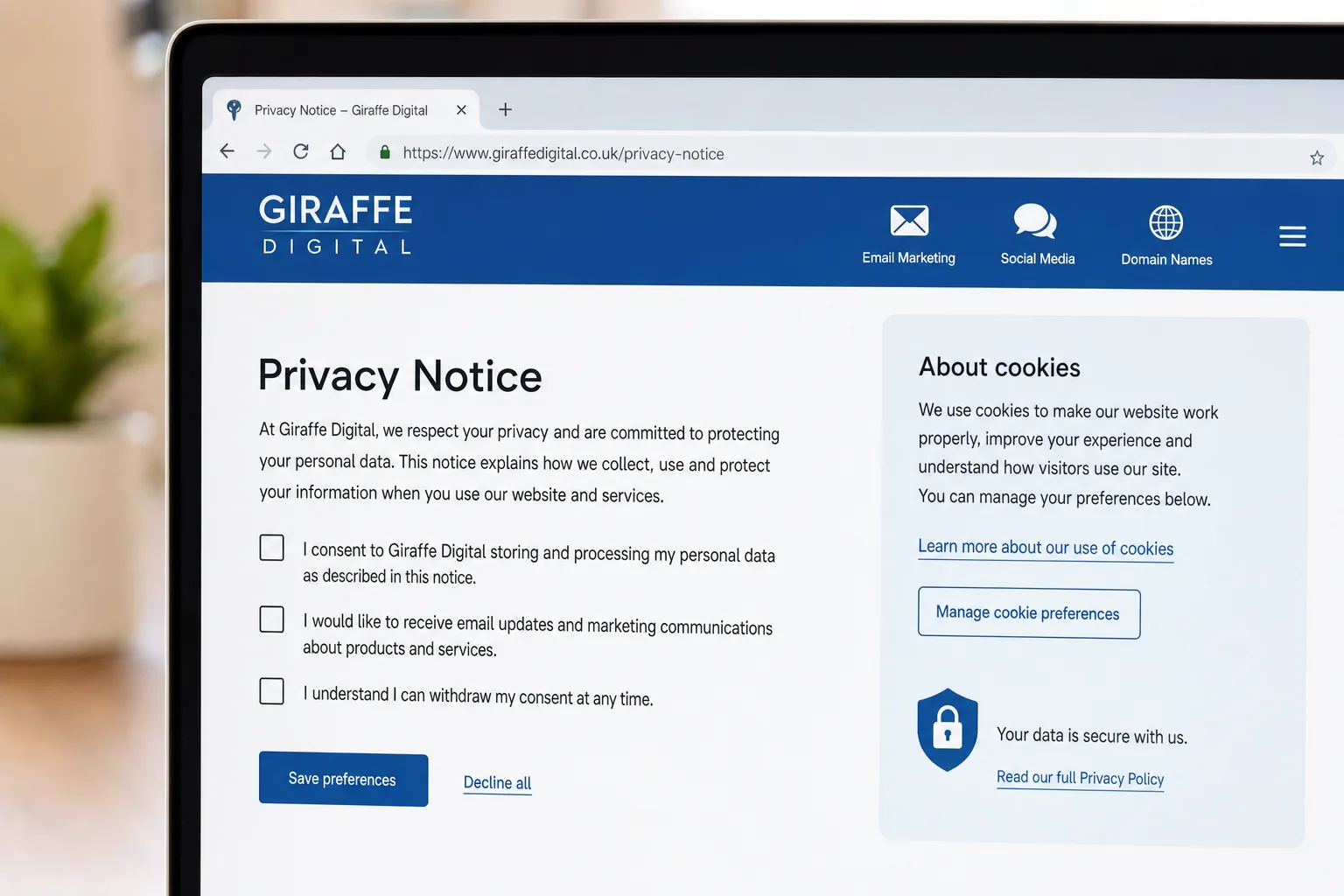
A consent banner is part of the user experience. If it is intrusive, confusing or visually disconnected from the site, it can reduce trust. If it is hidden, vague or difficult to manage, it can create compliance and reputational problems. Good website design should make privacy choices understandable without turning the first visit into a battle.
Clear language is essential. Visitors should understand what they are agreeing to, including the difference between essential cookies, analytics, advertising and personalisation. Avoid vague statements such as we use cookies to improve your experience without explaining the purposes in plain English.
The banner should work properly on mobile devices. Many UK service businesses receive a high proportion of enquiries from mobile search, local SEO and social media traffic. A banner that covers the call button, hides the main navigation or makes the form difficult to use can directly affect lead generation. Buttons should be readable, tap targets should be accessible and preference controls should not be buried.
Branding also matters. The consent interface should feel like part of your website, with consistent typography, spacing and tone. That does not mean making privacy choices decorative or minimising important options. It means presenting them professionally, so the visitor sees your business as trustworthy and organised.
Practical examples for UK business owners
Consider a local professional services firm running Google Ads to promote consultation enquiries. The website uses GA4, Google Ads conversion tracking and a contact form. Without a consent-aware setup, the form may fire a conversion tag even where advertising consent has not been granted, or it may fail to record conversions properly after consent is accepted. Either outcome is unhelpful. A better setup defines the conversion event, connects it to the visitor's consent choice and tests the full journey from advert click to thank-you page.
For an e-commerce business, the stakes can be higher. Product views, basket actions and purchases may feed analytics and advertising reports. Consent Mode does not remove the need to configure e-commerce tracking correctly, but it can help align those events with consent choices. The business can then assess product performance, campaign quality and conversion rates with more confidence.
For a B2B organisation using long-form content to generate leads, consent planning supports content strategy. If downloadable guides, newsletter sign-ups and demo requests are all tracked inconsistently, the marketing team may struggle to see which content attracts valuable prospects. Consent-aware measurement helps separate genuine content performance from tracking gaps.
Social media marketing and consent
Although Google Consent Mode is focused on Google tags, the same planning principles apply to social media marketing. Many websites use social advertising pixels, embedded feeds, share buttons and campaign tracking links. These tools may involve cookies or similar technologies, and they should be considered when designing the consent experience.
If you are running paid social campaigns, use clear campaign naming and UTM parameters so traffic can be identified in GA4 where consent and reporting conditions allow. This helps you compare channels more fairly. For instance, a lead might first discover your brand through a social post, return through organic search and then convert after a paid search advert. Without well-planned tracking, those interactions can be difficult to interpret.
Remarketing also needs attention. If your website builds advertising audiences from visitors, you should understand which consent category controls those tags and how users can change their preferences. The aim is not simply to collect as much data as possible. The aim is to build a marketing system that respects choices, supports trust and still gives you enough insight to improve campaigns.
Domain registration, branding and privacy trust
Privacy planning also connects with brand credibility. Your domain name is often the first technical trust signal a visitor sees, especially when they arrive from search results, email campaigns or social media posts. A clear, memorable domain supports brand recognition and reduces hesitation.
When choosing or reviewing a domain, keep it simple, easy to spell and closely aligned with your organisation's name or service. Avoid unnecessary hyphens, confusing abbreviations or names that could be mistaken for another business. If you operate mainly in the UK, consider whether a UK-focused domain extension supports customer confidence, while also securing relevant alternatives where appropriate to protect the brand.
Keep domain ownership details, renewal responsibilities and access records well organised. Losing access to a domain can disrupt websites, email, advertising campaigns and analytics verification. For growing businesses, domain management should be treated as part of digital governance rather than an admin detail left to one person's inbox.
It is also sensible to align your domain, website, privacy policy and cookie policy. Visitors should not feel that they have moved between unrelated brands or unclear legal entities. Consistency across these touchpoints supports confidence, especially when asking users to make privacy choices or submit personal information through a form.
A sensible implementation checklist
Before installing or revising Google Consent Mode, take stock of your current digital setup. A structured audit can prevent accidental tracking gaps and make the final configuration easier to maintain.
- List the tags on your website: include GA4, Google Ads, tag manager containers, social pixels, embedded media, live chat, heatmapping tools and form integrations.
- Map each tag to a purpose: decide whether it is essential, analytics, advertising, personalisation or functionality.
- Review your consent banner: check that it offers clear choices, works on mobile and records consent in a reliable way.
- Check your Consent Mode version: ensure your setup supports the relevant v2 signals, including ad_user_data and ad_personalization where advertising features require them.
- Set default consent states: decide what happens before a visitor makes a choice, and make sure this is reflected in your tag configuration.
- Test user journeys: check page views, form submissions, call clicks, purchases and thank-you pages with different consent choices.
- Update documentation: keep your cookie policy, privacy policy and internal tracking notes aligned with the actual website setup.
- Review reporting: compare GA4 and advertising data after implementation so you understand any changes in attribution, conversions or audience sizes.
Common mistakes to avoid
One common mistake is installing a consent banner but allowing tags to fire before a choice has been made. This can happen when a website builder, plugin or tag manager container is added without proper testing. The banner may look correct to visitors, while the underlying tags behave differently.
Another issue is using unclear categories. If advertising, analytics and functionality are grouped together in a way that visitors cannot reasonably understand, consent quality may be undermined. Clear categories help users make informed choices and help your technical team configure tags properly.
Businesses also forget to test after website changes. A new landing page, form plugin, booking widget or social media embed can introduce additional tracking. Consent planning should be included in website maintenance, not only in new-build projects.
Finally, avoid treating modelled data as a perfect replacement for observed data. Consent Mode can improve measurement where direct tracking is limited, but reporting still requires interpretation. Look for trends, compare multiple sources and avoid making major marketing decisions based on a single metric.
How Giraffe Digital approaches privacy-aware marketing
For a business owner, the main challenge is that consent touches several disciplines at once: website design, development, analytics, SEO, paid media, content and brand trust. A technically correct setup that damages the user experience is not good enough. Equally, a beautifully designed banner that fails to control tags properly is not doing its job.
At Giraffe Digital, we see Google Consent Mode as part of a wider digital strategy. The goal is to help businesses build websites that are clear, measurable and respectful of user choices. That means considering the customer journey, the data needed for marketing decisions and the privacy expectations visitors bring with them.
If you are planning a new website in 2024, reviewing your Google Ads performance or improving your analytics setup, consent should be discussed early. It affects how forms are tracked, how landing pages are assessed, how remarketing audiences are built and how confidently you can invest in future campaigns.
Preparing your website for better measurement and trust
Google Consent Mode is not just a technical requirement for advertising accounts. Used well, it supports a more mature approach to digital marketing. It encourages businesses to understand what they track, why they track it and how that tracking supports better decisions.
For UK businesses, the practical next step is to review the current website setup: what cookies are used, what tags are installed, how consent is collected and whether GA4 and Google Ads are receiving the right signals. From there, you can improve the banner experience, update the technical configuration and build reporting that is more useful for SEO, PPC, social media and conversion optimisation.
Privacy and performance do not need to work against each other. With careful planning, your website can respect visitor choices, present your brand professionally and still provide the insight needed to grow online.
Frequently asked questions
What should we know about a sensible implementation checklist?
Before installing or revising Google Consent Mode, take stock of your current digital setup. A structured audit can prevent accidental tracking gaps and make the final configuration easier to maintain. List the tags on your website: include GA4, Google Ads, tag manager containers, social pixels, embedded media, live chat, heatmapping tools and form integrations; Map each tag to a purpose: decide whether it is essential, analytics, advertising, personalisation or functionality; Review your consent banner: check that it offers clear choices, works on mobile and records consent in a reliable way; Check your Consent Mode version: ensure your setup supports the relevant v2 signals, including ad_user_data and ad_personalization where advertising features require them; Set default consent states: decide what happens before a visitor makes a choice, and make sure this is reflected in your tag configuration; Test user journeys: check page views, form submissions, call clicks, purchases and thank-you pages with different consent choices; Update documentation: keep your cookie policy, privacy policy and internal tracking notes aligned with the actual website setup; Review reporting: compare GA4 and advertising data after implementation so you understand any changes in attribution, conversions or audience sizes.