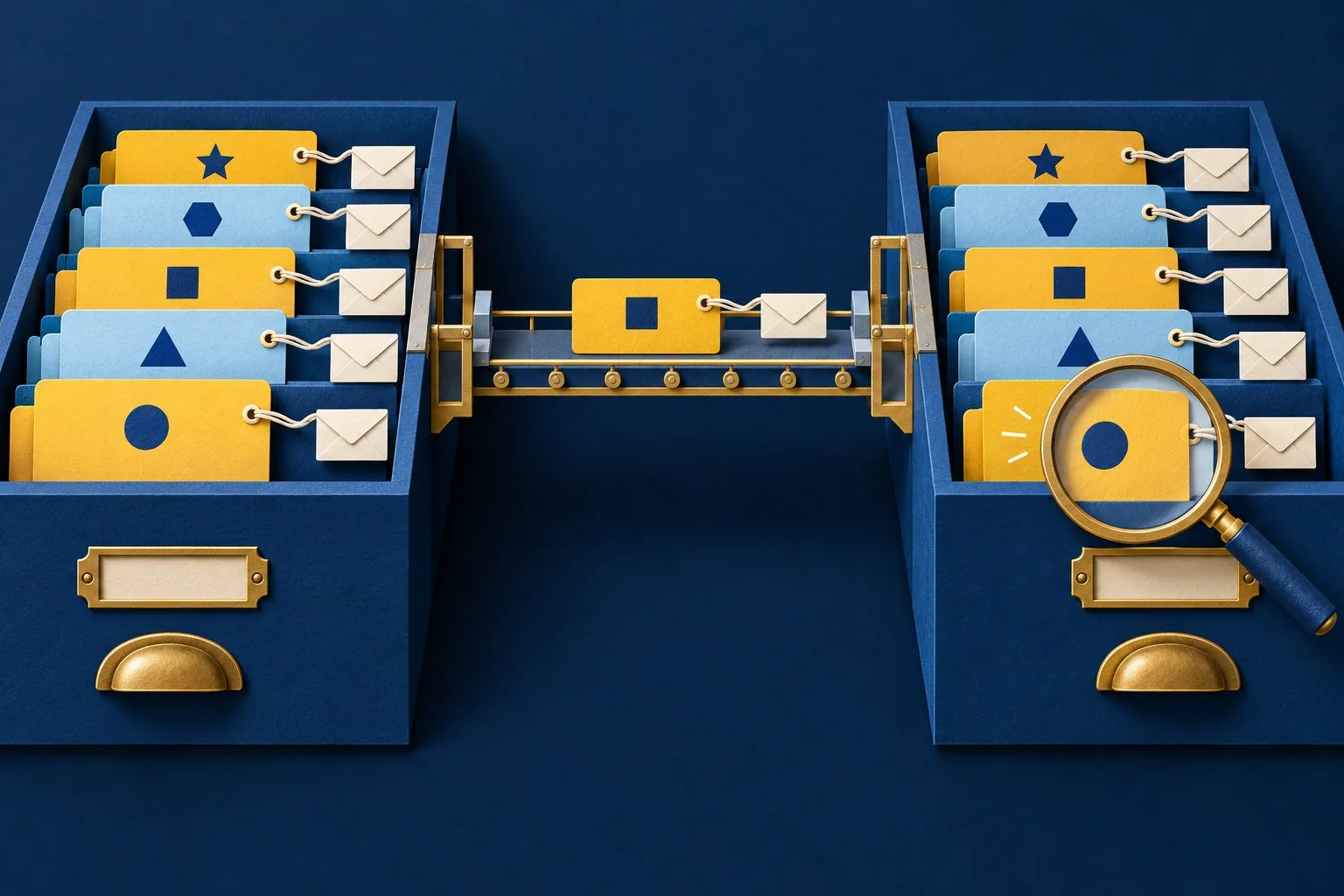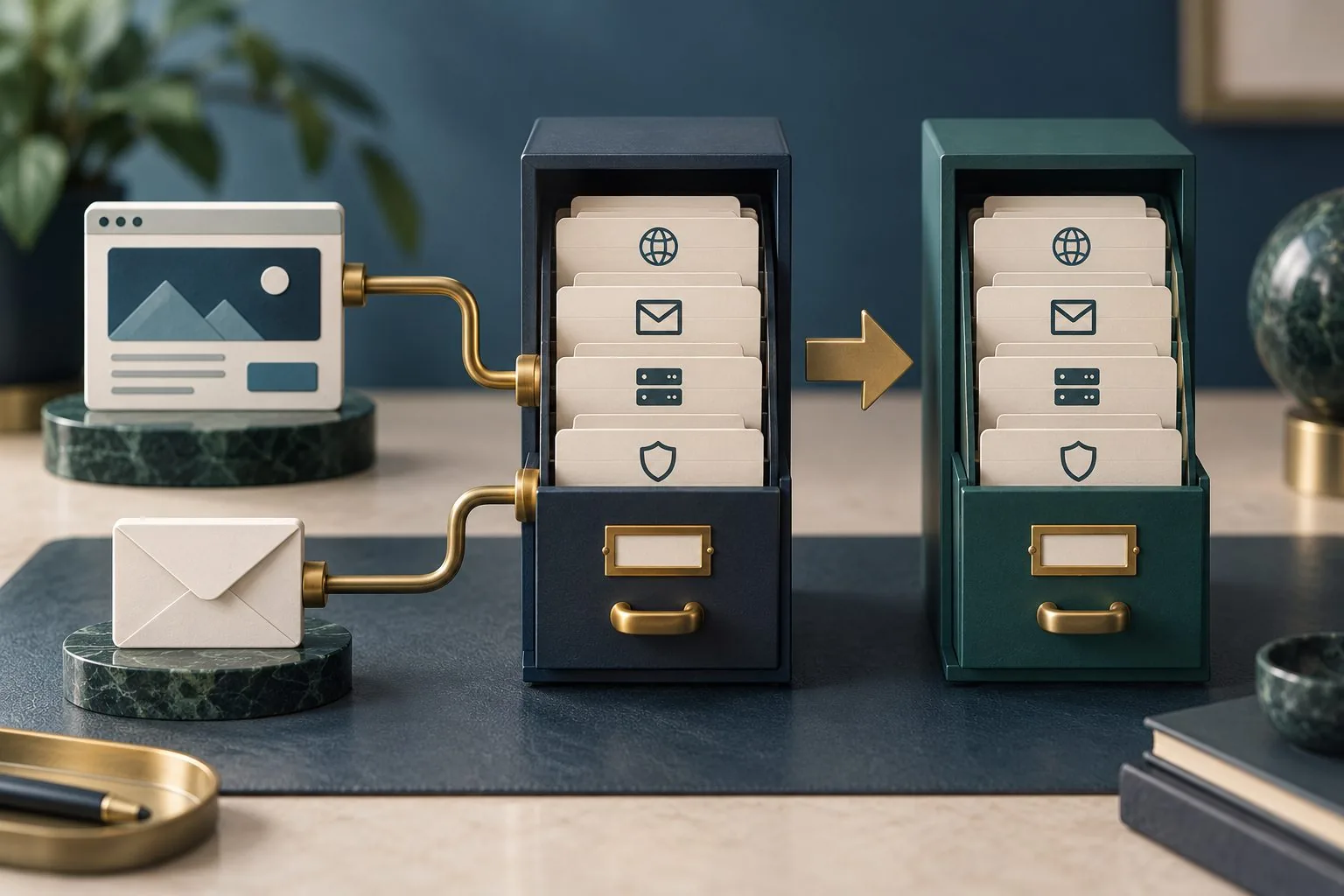
A CRM migration moves business relationships as well as records. Contacts connect to companies, opportunities connect to activities, and staff rely on notes, ownership and follow-up dates to understand what happens next. Copying a spreadsheet into a new system does not automatically preserve those relationships.
The migration plan should explain which information will move, how it will be interpreted and how the business will verify the result. It also needs a decision about records that should be corrected, archived or excluded through the organisation's agreed information-handling process.
Begin with the tasks the new CRM must support, then work backwards to the data and dependencies those tasks require. This creates a practical migration scope and avoids carrying years of unexplained fields into a new platform simply because an export contains them.
Define the business outcome and the migration boundary
List the workflows that must work after the move: responding to enquiries, managing opportunities, recording activity, assigning work and producing important reports. Identify which teams perform each task and what information they need to do it.
Define the source systems and the destination. The relevant data may sit in an existing CRM, spreadsheets, email integrations and another operational platform. Record which system is authoritative for each type of information when the same field appears in several places.
Agree the release boundary and the treatment of older history. The business may need current opportunities immediately while selected archive information remains accessible elsewhere. Document that arrangement, so users do not interpret a deliberate exclusion as lost data.
Prepare field mapping, data quality checks and relationship dependencies before a CRM migration. Platform details vary, but imports need a clear interpretation and verification plan. Test whether related records retain the intended business meaning. Our data migration validation guide provides the related checks.
Inventory records, fields and relationships
List the main record types and their approximate volumes, then identify important relationships. A contact may belong to an organisation and appear on several opportunities. Activities may refer to different record types. These connections need to survive the move in a usable form.
Record identifiers that distinguish records and connect them. Keep a mapping between source identifiers and destination identifiers where the migration requires it. Without that relationship, later reconciliation or activity migration can become a guessing exercise.
Inspect attachments and long-form notes separately. They may not be included in a standard export, or the new system may store them differently. Test a representative sample rather than assuming a CSV file contains every part of the existing customer history.
Identify dependencies such as users, teams, status values and product lists. An opportunity cannot retain a valid owner if the destination user mapping is undefined. Prepare those dependencies in the appropriate order before importing the records that rely on them.
Build a mapping that preserves meaning
Create a mapping record for each relevant field. Include the source, destination, format, transformation, default behaviour and owner of the decision. A matching field name does not establish matching meaning, especially for statuses or commercial stages.
For example, a source stage called “proposal” may mean that a document has been drafted, while the new system's equivalent means it has been sent. Ask the business to agree the interpretation. Moving the label without the distinction can change reports and staff expectations.
Handle blank values deliberately. Decide whether a missing field remains blank, receives a justified default or needs review. A convenient default can make the destination look complete while introducing false information that staff later treat as fact.
Review dates, time zones, currencies and choice values with realistic examples. Check whether a value describes an event date, a deadline or a timestamp. Test the displayed result in the new CRM, so a technically successful import does not shift an important follow-up to the wrong day.
Agree data quality decisions before import
Profile the source for missing required fields, inconsistent formats and possible duplicates. Share examples with the people who understand the business records. Automated checks can identify candidates, but deciding whether two entries represent the same organisation may require context.
Do not merge records solely because they share an email address or a similar name. Different legitimate relationships can use common contact details. Define the evidence needed for a merge and retain a review route for uncertain cases.
Apply correction rules consistently and record their effect. If telephone formatting is standardised or a status is translated, keep the transformation reproducible. Manual changes made only in one trial spreadsheet may not be repeated in the final migration.
Agree which data should move through the organisation's retention and access decisions. Preserve the records needed for the defined workflows, and handle exclusions through an approved process. The migration team should not make unexplained deletion decisions as a side effect of tidying an export.
Rehearse with representative data
Use an appropriate test environment and data-handling arrangement. Select examples that cover different record types, relationships, incomplete fields and long histories. A successful import of five simple contacts tells you little about complex opportunities and their activities.
Run the planned transformations and import sequence as they will operate during the actual move. Record versions of mapping rules and import files. This helps the team identify why a result changed between rehearsals.
Test a repeated import in the rehearsal environment. Establish whether the process updates recognised records, creates additional copies or rejects them. Use stable source references and the destination's supported controls where appropriate. A failed import may need to be resumed, so the team must understand which records can be safely processed again.
Inspect business tasks in the destination. Ask users to find a customer, interpret the opportunity stage, review its history and take the next action. A migration can preserve values while placing them where staff cannot find or use them.
Measure the time needed for preparation, transfer, checks and correction. The cutover window needs to accommodate the whole process. Counting only file upload time can produce an unrealistic plan for returning the team to work.
Reconcile more than the total record count
Compare counts by record type and agreed category, but go further. Inspect relationships, important field values, ownership and selected report outputs. Equal totals can hide missing records offset by duplicate entries.
Track the source-to-destination result for each imported record where practical. Distinguish created, updated, excluded, failed and awaiting review. The business should be able to explain the difference between the source inventory and the final destination.
Check representative summaries against known expectations. For example, compare open opportunities by stage and owner, then inspect discrepancies. Make sure the two systems use equivalent definitions before treating every difference as an import failure.
Record unresolved issues and decide whether they prevent launch. Assign ownership for corrections and repeat the affected checks afterwards. A reconciliation report is useful when it supports a decision, rather than simply recording that an import job completed.
Plan cutover and ongoing ownership
Agree when edits stop in the old system and how new activity is handled during the move. If both systems remain editable, define how changes will be captured and reconciled. Otherwise, staff can create valid work that never reaches the destination.
Prepare the decision points for proceeding, delaying or reverting, including how records created after launch would be handled. Returning to the old system can become complicated once new information exists only in the new CRM.
Giraffe Digital's digital strategy service considers tools within the business journey. A CRM migration planned around meaning, relationships and verified tasks gives the team a more dependable foundation for enquiries, follow-up and reporting.
Frequently asked questions
How should we define the business outcome and the migration boundary?
List the workflows that must work after the move: responding to enquiries, managing opportunities, recording activity, assigning work and producing important reports. Identify which teams perform each task and what information they need to do it. Define the source systems and the destination. The relevant data may sit in an existing CRM, spreadsheets, email integrations and another operational platform. Record which system is authoritative for each type of information when the same field appears in several places. Agree the release boundary and the treatment of older history. The business may need current opportunities immediately while selected archive information remains accessible elsewhere. Document that arrangement, so users do not interpret a deliberate exclusion as lost data.
How should we build a mapping that preserves meaning?
Create a mapping record for each relevant field. Include the source, destination, format, transformation, default behaviour and owner of the decision. A matching field name does not establish matching meaning, especially for statuses or commercial stages. For example, a source stage called "proposal" may mean that a document has been drafted, while the new system's equivalent means it has been sent. Ask the business to agree the interpretation. Moving the label without the distinction can change reports and staff expectations. Handle blank values deliberately. Decide whether a missing field remains blank, receives a justified default or needs review. A convenient default can make the destination look complete while introducing false information that staff later treat as fact.
How should we agree data quality decisions before import?
Profile the source for missing required fields, inconsistent formats and possible duplicates. Share examples with the people who understand the business records. Automated checks can identify candidates, but deciding whether two entries represent the same organisation may require context. Do not merge records solely because they share an email address or a similar name. Different legitimate relationships can use common contact details. Define the evidence needed for a merge and retain a review route for uncertain cases. Apply correction rules consistently and record their effect. If telephone formatting is standardised or a status is translated, keep the transformation reproducible. Manual changes made only in one trial spreadsheet may not be repeated in the final migration.
How should we rehearse with representative data?
Use an appropriate test environment and data-handling arrangement. Select examples that cover different record types, relationships, incomplete fields and long histories. A successful import of five simple contacts tells you little about complex opportunities and their activities. Run the planned transformations and import sequence as they will operate during the actual move. Record versions of mapping rules and import files. This helps the team identify why a result changed between rehearsals. Test a repeated import in the rehearsal environment. Establish whether the process updates recognised records, creates additional copies or rejects them. Use stable source references and the destination's supported controls where appropriate. A failed import may need to be resumed, so the team must understand which records can be safely processed again.
How should we plan cutover and ongoing ownership?
Agree when edits stop in the old system and how new activity is handled during the move. If both systems remain editable, define how changes will be captured and reconciled. Otherwise, staff can create valid work that never reaches the destination. Prepare the decision points for proceeding, delaying or reverting, including how records created after launch would be handled. Returning to the old system can become complicated once new information exists only in the new CRM. Giraffe Digital's digital strategy service considers tools within the business journey. A CRM migration planned around meaning, relationships and verified tasks gives the team a more dependable foundation for enquiries, follow-up and reporting.