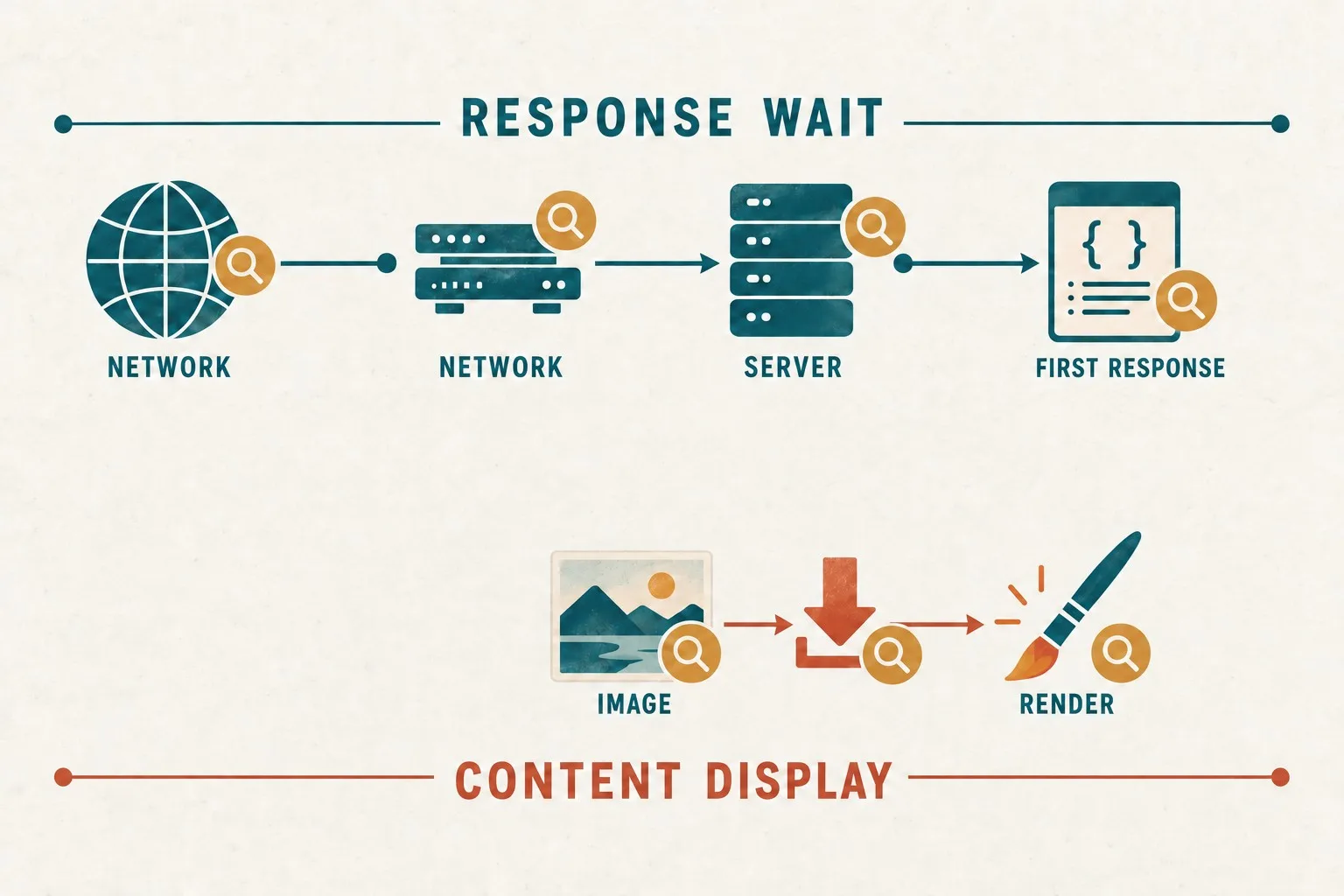
A successful backup notification tells you that a backup process completed. It does not prove that the website can be restored to a usable state. The archive may be incomplete, the database may be missing, or the restored site may depend on credentials and services that nobody has documented.
A recovery test closes that gap. It demonstrates whether a selected backup can produce a working website in a controlled environment, how long the process takes and what information the team needs. The test should protect the live site and customer communications while revealing weaknesses before an actual incident.
Define what recovery needs to achieve
Start with the business function, not the backup product. Identify the journeys that must work after recovery: enquiries, bookings, purchases, customer logins or access to important information. A homepage loading is only one check.
Discuss acceptable interruption and data loss with the people responsible for operations. A brochure website updated monthly has different recovery needs from a site receiving transactions throughout the day. Express the requirements in business terms before asking the technical owner to recommend the backup schedule.
Agree what counts as a successful test. Include restored content, functional journeys, relevant integrations and a documented recovery process. Record any parts that cannot be tested in the selected environment, rather than presenting an incomplete rehearsal as proof of complete recovery.
Confirm what the backup actually contains
Inventory the website's components and compare them with the backup set. A typical WordPress site needs both files and its database. Files alone do not contain the database records needed to recreate the complete site. Our backup coverage and restore guide provides the related checks.
Check uploaded media, themes, plugins, custom code and configuration. Identify components stored outside the normal website directory, such as separate applications or documents in an external storage service. A backup tool cannot protect material it has not been configured to include.
Review whether files and data belong to a consistent recovery point. If one component was captured before a significant change and another afterwards, restoration may require additional work. Ask how the chosen backup method handles a site that changes while the backup is running.
Record the dependencies that are not part of the archive, including domain control, DNS, email, licences and external provider accounts. A restored website can remain unusable if the business cannot regain access to those services.
Prepare a controlled restoration environment
Use a separate test environment agreed with the technical owner. Confirm its location, access restrictions and resource requirements. Do not rehearse by overwriting the live website merely to see whether the restore button works.
Prevent the restored copy from sending real customer messages or performing live transactions. Review scheduled jobs, enquiry notifications, CRM updates and payment connections before allowing the copy to run. Use appropriate test services or disable outbound actions in a controlled way.
Protect any customer information contained in the backup. Limit access to the people conducting the test and keep the copy out of public search. Document how the test data will be handled and removed afterwards under the business's agreed procedures.
Check that the environment is representative enough for the intended test. A copy running on a different database or server configuration may still help, but it does not establish compatibility with the actual recovery destination.
Restore from the backup rather than from the live site
Select a known backup and record its date, source and components. Retrieve it through the process the business would use during an incident. A test that copies fresh files from the working live site may bypass the very backup weakness you need to identify.
Follow the documented restoration method for the platform and provider. For WordPress, restoring the database is separate from putting files in place. Have the technical owner perform the procedure with the correct target clearly identified. Our restore testing checklist provides the related checks.
Record manual steps and information that the instructions omit. These might include a configuration setting, a required server extension or access to an encrypted archive. If the test depends on one person's memory, improve the procedure while that person is available.
Measure the recovery work from retrieving the backup through to verified service readiness. An archive extraction time alone is not the time the business would need to resume operating.
Check data and content against the recovery point
Compare representative pages, media and records with what should exist at the backup date. Include recently changed material and older content from different sections. Check that attachments and images load, not simply that their links appear.
For a transactional site, agree how records will be reconciled. Orders, appointments and customer changes made after the recovery point may need separate investigation. A recovery plan should explain how the business detects and handles that gap.
Check configuration and permissions too. Verify that authorised staff can access the appropriate functions and that the restored copy does not accidentally expose restricted content. Use suitable test accounts where possible.
Keep a short evidence record for each check. A date, result and relevant screenshot or reference can be enough for a small site. The aim is to demonstrate what was verified and make unresolved problems visible.
Test the important customer journeys
Complete the journeys defined at the start. For an enquiry form, test valid submission, error recovery and delivery to the controlled destination. For booking or checkout, use the appropriate test arrangement and verify that the expected record is created once.
Check navigation, search, downloads and mobile layouts where they are important to the service. Restoration can succeed at the storage level while leaving a broken route or missing dependency that customers would encounter immediately.
Review background work as well as visible pages. A site may rely on scheduled processing, message queues or synchronisation jobs. Decide how those functions can be exercised safely and record any limitation.
If testing uncovers a live configuration problem, handle it as a separate controlled change. Do not mix a recovery rehearsal with unrelated updates without recording which result belongs to which change.
Review access and independence during an incident
Ask whether the business can retrieve a usable backup if the original hosting account is unavailable. Review where copies are held, who can access them and whether the required encryption or recovery credentials are available through an approved process.
Consider account failure separately from website failure. A backup stored only behind the same inaccessible account may not provide the recovery route the business expects. Agree an appropriate independent arrangement with the provider or technical owner.
Identify the person who authorises a live recovery and the people who carry it out. Include how customer communications and external services will be checked before reopening the site. Clear roles reduce confusion when time matters.
Close the findings and repeat after meaningful changes
Produce a short test report showing the backup used, environment, steps, timings, verified journeys and unresolved issues. Assign each issue an owner and priority. A failed check is useful evidence if it leads to a correction and a relevant retest.
Update the recovery instructions with what the rehearsal revealed. Keep them accessible to authorised people during an incident. Review the test after major platform changes, new integrations or a hosting move, and agree a sensible routine with the technical owner.
Giraffe Digital's digital strategy service considers hosting and business tools as part of the customer journey. Recovery planning belongs in that wider picture. A tested backup gives the business more than a reassuring notification: it provides a demonstrated route from a selected recovery point to a website whose important functions have been checked.
Frequently asked questions
How should we define what recovery needs to achieve?
Start with the business function, not the backup product. Identify the journeys that must work after recovery: enquiries, bookings, purchases, customer logins or access to important information. A homepage loading is only one check. Discuss acceptable interruption and data loss with the people responsible for operations. A brochure website updated monthly has different recovery needs from a site receiving transactions throughout the day. Express the requirements in business terms before asking the technical owner to recommend the backup schedule. Agree what counts as a successful test. Include restored content, functional journeys, relevant integrations and a documented recovery process. Record any parts that cannot be tested in the selected environment, rather than presenting an incomplete rehearsal as proof of complete recovery.
How should we prepare a controlled restoration environment?
Use a separate test environment agreed with the technical owner. Confirm its location, access restrictions and resource requirements. Do not rehearse by overwriting the live website merely to see whether the restore button works. Prevent the restored copy from sending real customer messages or performing live transactions. Review scheduled jobs, enquiry notifications, CRM updates and payment connections before allowing the copy to run. Use appropriate test services or disable outbound actions in a controlled way. Protect any customer information contained in the backup. Limit access to the people conducting the test and keep the copy out of public search. Document how the test data will be handled and removed afterwards under the business's agreed procedures.
How should we check data and content against the recovery point?
Compare representative pages, media and records with what should exist at the backup date. Include recently changed material and older content from different sections. Check that attachments and images load, not simply that their links appear. For a transactional site, agree how records will be reconciled. Orders, appointments and customer changes made after the recovery point may need separate investigation. A recovery plan should explain how the business detects and handles that gap. Check configuration and permissions too. Verify that authorised staff can access the appropriate functions and that the restored copy does not accidentally expose restricted content. Use suitable test accounts where possible. Keep a short evidence record for each check. A date, result and relevant screenshot or reference can be enough for a small site.
How should we test the important customer journeys?
Complete the journeys defined at the start. For an enquiry form, test valid submission, error recovery and delivery to the controlled destination. For booking or checkout, use the appropriate test arrangement and verify that the expected record is created once. Check navigation, search, downloads and mobile layouts where they are important to the service. Restoration can succeed at the storage level while leaving a broken route or missing dependency that customers would encounter immediately. Review background work as well as visible pages. A site may rely on scheduled processing, message queues or synchronisation jobs. Decide how those functions can be exercised safely and record any limitation. If testing uncovers a live configuration problem, handle it as a separate controlled change.
How should we close the findings and repeat after meaningful changes?
Produce a short test report showing the backup used, environment, steps, timings, verified journeys and unresolved issues. Assign each issue an owner and priority. A failed check is useful evidence if it leads to a correction and a relevant retest. Update the recovery instructions with what the rehearsal revealed. Keep them accessible to authorised people during an incident. Review the test after major platform changes, new integrations or a hosting move, and agree a sensible routine with the technical owner. Giraffe Digital's digital strategy service considers hosting and business tools as part of the customer journey. Recovery planning belongs in that wider picture. A tested backup gives the business more than a reassuring notification: it provides a demonstrated route from a selected recovery point to a website whose important functions have been checked.