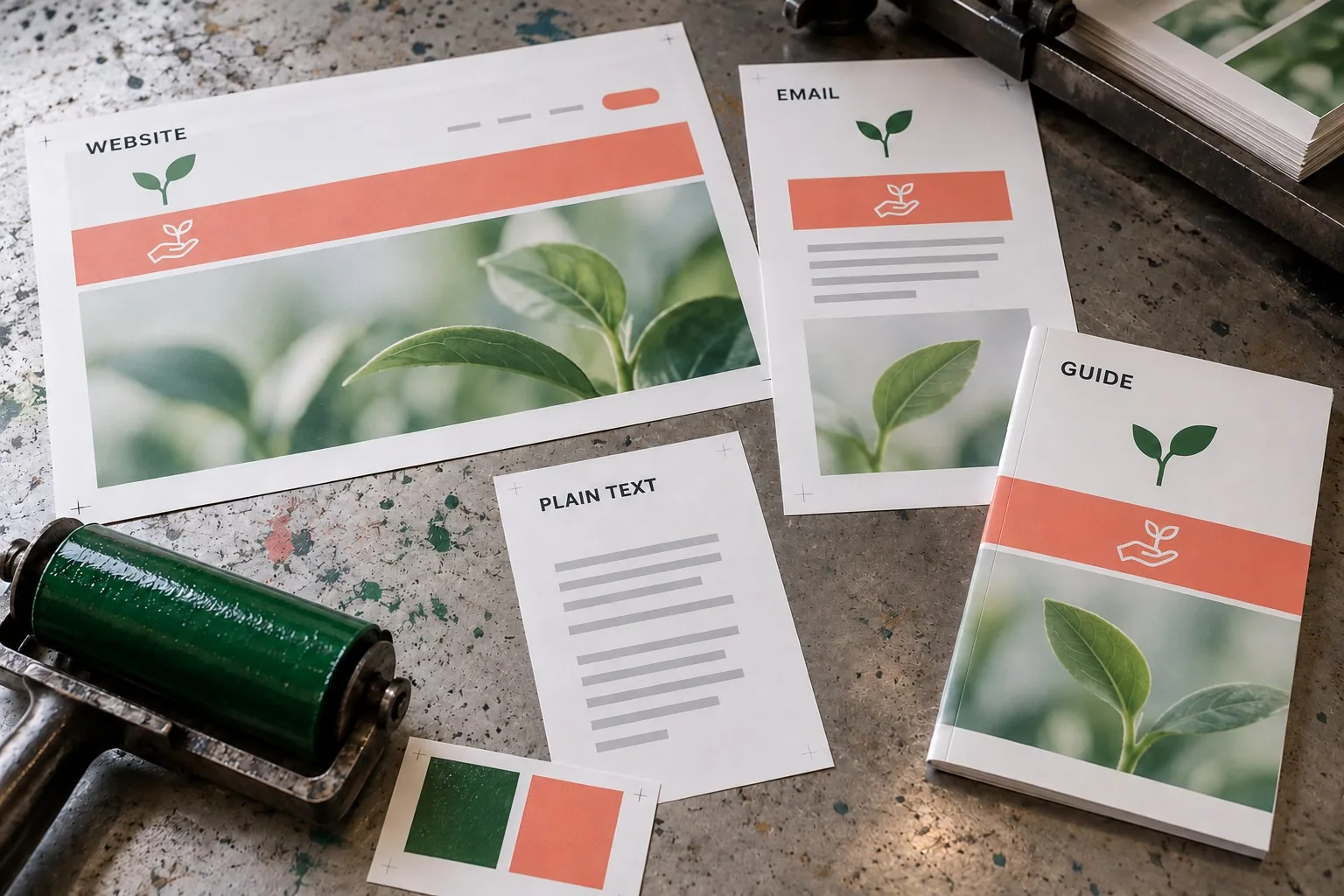
A digital brand guidelines document helps people produce consistent work without asking the original designer to make every decision. It should explain how the identity and language appear across the website, email, social content and everyday business materials. A folder of logo files and colour swatches is useful, but it does not provide all that guidance.
The most effective document is practical enough for the people using it. A developer needs usable design values and component examples. A copywriter needs a clear message and tone. A colleague preparing a presentation needs to know which assets are approved and where to find them. Build the guidelines around those tasks.
Introduce the brand's purpose and audience
Begin with a concise explanation of what the business offers, who it serves and the qualities it wants the experience to communicate. Connect those qualities to customer needs rather than listing broad adjectives without explanation.
If the brand aims to make a complex service understandable, show how that affects headings, navigation and illustrations. If personal support matters, explain how the language and contact routes should make responsibility clear. A purpose becomes useful when it guides decisions.
Include the approved positioning or messaging reference and its owner. The guidelines should not leave each writer to invent a different promise. Record the claims the business can support and the evidence or service information that belongs with them.
Explain logo versions and their intended uses
Show the approved primary mark and any permitted variations, such as a compact version or a version suitable for a dark background. Explain when each should be used. Avoid giving people a large collection of files without a clear selection rule.
Specify spacing and size guidance in a form that can be applied. Demonstrate the logo within a website header, email signature or social image rather than relying only on an isolated diagram. Review whether small versions remain recognisable in the intended context.
Include examples of changes that should not be made, such as stretching the mark, altering its proportions or placing it on a background that makes it difficult to see. Keep the explanation tied to preserving recognisability and legibility.
Link to approved master files and exports. Label them clearly by purpose and format. Make it easy to choose the right asset without encouraging staff to copy a low-quality version from an old presentation or webpage.
Define a usable colour system
List the core colours and their roles. A primary brand colour, a background colour and a feedback colour should not be treated as interchangeable simply because they appear in the same palette. Provide the values the digital team needs and show approved combinations.
Explain how colour behaves in interface elements. For example, identify the intended button, link and focus styles. A social graphic can use colour differently from a form where people need to understand status and take action.
Review contrast and the meaning communicated through colour. Colour should not be the only way important information is conveyed. Include text, shapes or other suitable cues and check relevant examples in their intended context. Our website accessibility guide provides the related checks.
Show tested combinations rather than implying that every palette colour can be used for text on every background. If a light accent colour is decorative, say so. This saves developers and content creators from guessing at unsuitable combinations.
Specify typography for real content
Identify the approved typefaces, permitted alternatives and where the required files or licences are managed. Explain which styles apply to headings, body copy and supporting labels. Include practical examples with realistic content lengths.
Do not define typography only through a large hero heading. Test long article titles, short service headings, lists, form labels and mobile layouts. A system that looks elegant on one sample page may be difficult to use with everyday material.
Record how the website handles resizing and smaller screens. The developer may express the system through responsive values, while the guidelines can explain the intended hierarchy and readability. Keep the implementation and visual reference consistent.
For presentations and ordinary documents, provide a usable fallback where the website font is unavailable. Consistency should remain achievable for colleagues using the business's actual tools.
Document image and illustration choices
Describe the qualities that images should communicate and the subjects that are useful. A professional service brand might favour genuine working environments and clear process illustrations. Explain the reason rather than prescribing a style with no connection to the offer.
Include examples of appropriate crops, lighting and composition. Show how a featured image behaves in a wide archive card and on an article page. A visually attractive image can still fail if the important subject disappears at the actual display size.
Record permissions and sourcing responsibilities. Identify where approved assets are stored and who checks usage rights. Keep information about licences or commissioned work accessible to the people publishing it.
For generated illustrations or photography concepts, define the review standard. Avoid material that implies a real client result, real premises or a real team member when it does not represent those things. The image should support the content without making a misleading factual claim.
Give writers a practical tone and messaging guide
Describe tone through examples. Instead of only saying friendly and professional, show how the business explains a service, requests missing information and responds when something goes wrong. The same brand can sound clear across several situations without using identical phrases.
Define the language preferences that matter, including British English, terminology and treatment of abbreviations. Keep common service names consistent across pages, forms and emails. Record choices that would otherwise be debated repeatedly.
Include examples of claims that require evidence or approval. Writers should know where to find current service details, pricing information and permissioned case studies. A confident tone must remain aligned with what the business can deliver.
Explain calls to action in relation to the customer journey. A page inviting an initial discussion may need different wording from a confirmed booking step. The guidelines should help writers choose a useful instruction rather than enforce one button phrase everywhere.
Show reusable digital components and templates
Include the patterns people use frequently: buttons, links, cards, forms, alerts and content sections. Show relevant states such as focus, error and confirmation. A brand reference that covers only the ideal appearance leaves important interaction details unresolved.
Connect the examples with the website's implemented design system where one exists. Agree which source governs the current component. If the document and website disagree, identify the owner who resolves the difference.
Provide templates for recurring work, such as social announcements, newsletters or presentations. Include enough guidance to adapt the template without breaking its hierarchy. A rigid layout that only works with one headline length is difficult to reuse responsibly.
Keep accessibility and clear communication part of the pattern. A decorative brand element should not make a field label difficult to read or obscure the next action. Test examples with realistic content and on the relevant devices.
Make the document easy to find and maintain
Assign an owner, version and review date. Link the document to the approved asset library and remove ambiguity about which version is current. An old PDF sent around by email can remain in use long after the brand has changed.
Decide how people request exceptions or new patterns. If an unusual format is needed, give the team a route to a decision rather than leaving them to improvise silently. Record useful decisions in the guidelines so that the next person can apply them.
Test the handover with someone who did not create the identity. Ask them to prepare a simple page, email or presentation using the document. Their questions will reveal missing guidance more reliably than another review by the original team.
Giraffe Digital's branding service connects identity with messaging, and website design carries that identity into customer journeys. A useful digital brand guidelines document joins the two: approved assets, clear rules, realistic examples and an owner who keeps the reference current as the business grows.