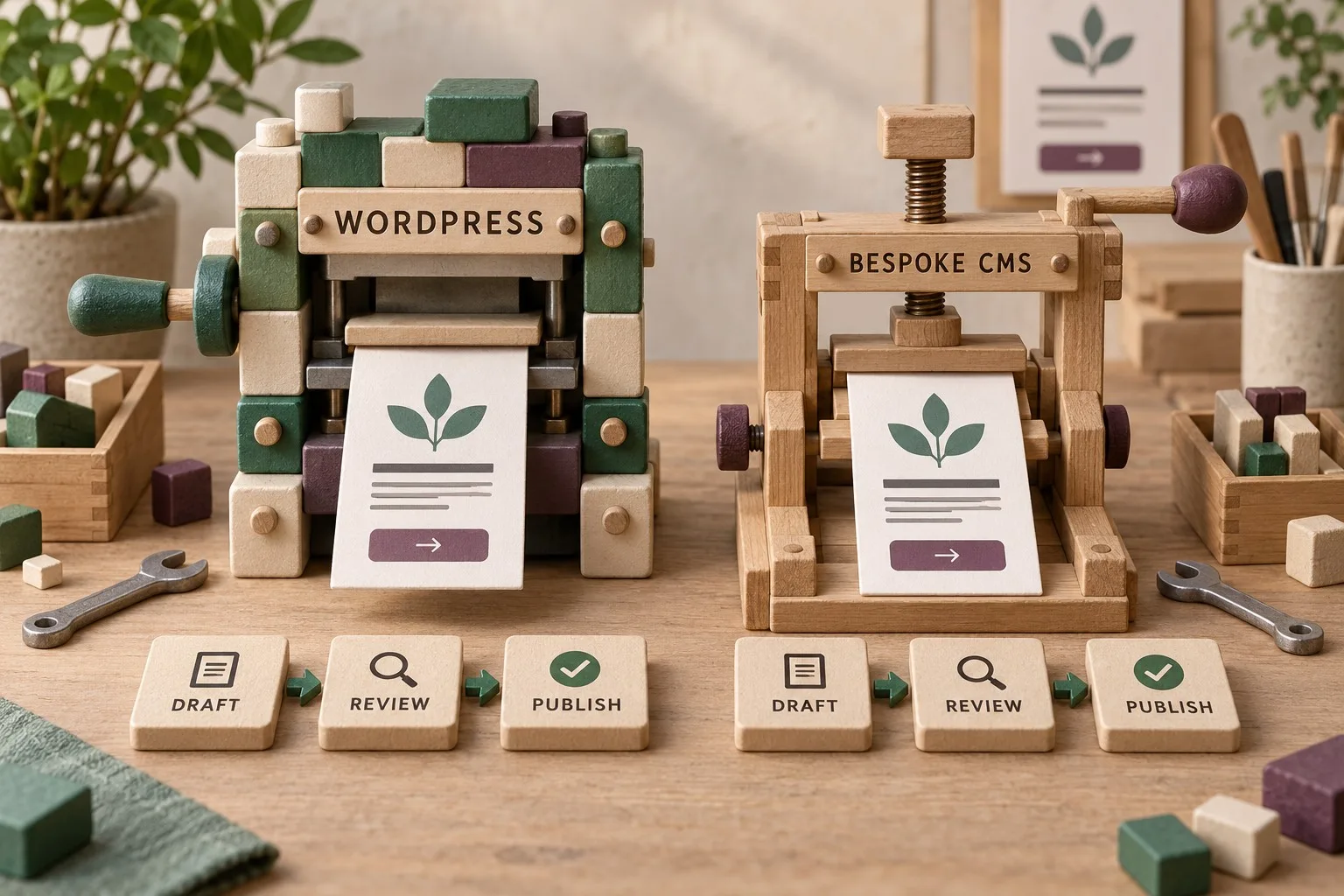
Choosing a website platform is a decision about how your business will publish, operate and maintain its online service. WordPress and a bespoke content management system can both support a useful service-business website. The better choice depends on your content workflow, functional requirements, ownership arrangements and the people responsible after launch.
A familiar platform name does not establish the quality of a proposed implementation. Equally, a custom-built system is not automatically faster, safer or easier to use. Compare the actual solutions against realistic tasks and operating commitments, rather than treating the platform label as the answer.
Start with the website's job and editorial workload
List what customers need to do: understand services, establish suitability, check coverage, read useful guidance and make an enquiry. Identify any additional journeys such as bookings, downloads or customer access. Keep confirmed requirements separate from features that might be useful later.
Then describe how the business will maintain that information. Who edits service pages? Who approves claims? How often are articles published? Does one team manage everything, or do several people need distinct responsibilities? The answers shape the CMS requirements more clearly than a preferred technology does.
Include the content structures you use repeatedly. A service page may need a summary, process, evidence, frequently asked questions and contact route. A well-designed editing interface should support that structure without forcing staff to reconstruct the layout every time.
Understand what WordPress brings to the proposal
WordPress provides a publishing platform with pages, posts, media, drafts, scheduled publication and revisions. Themes and plugins extend the system. Assess the actual configuration and maintenance responsibilities alongside those foundations. Our WordPress platform and maintenance guide provides the related checks.
The useful question is how the supplier will configure them for your business. A carefully structured editor can make routine content work straightforward. An uncontrolled collection of page-builder elements can leave staff guessing how to preserve the design. Both can sit behind the same WordPress label.
Ask which features come from the platform, which rely on third-party products and which require custom development. Record the purpose, licence owner and maintenance responsibility for each dependency. The presence of an available plugin does not prove that it fits the intended customer journey.
Discuss the editing experience with real material. If a supplier demonstrates a short headline and one paragraph, ask to see a long service title, an image change and a substantial article. Ordinary content variations reveal whether the configuration is usable.
Define what bespoke means in the offered system
A bespoke CMS is built or tailored around a particular set of requirements. It may provide a focused editing interface with only the fields your team needs. It may also rely on established frameworks or external services rather than being written entirely from scratch.
Ask the supplier to explain the actual architecture and ownership in accessible terms. Which parts are custom? Which are maintained by other projects or providers? Who owns the source code, and what rights does the business have to use, modify and transfer it?
Check the scope of the administration tools. A custom system can be excellent at a narrow workflow while omitting functions you assumed were standard, such as revisions, scheduling, redirects, user management or bulk exports. Make those requirements explicit in the comparison.
A smaller interface can reduce editorial complexity, but it still needs validation, access controls and a recovery process. Simplicity in the screen does not remove the work behind the screen. Request evidence of the features and checks the proposal actually includes.
Compare the complete editing and approval journey
Use the same demonstration task for both options. Ask a member of your team to prepare a draft service update, preview it, submit it for review and publish the approved version. Include correcting a mistake afterwards. Observe how much explanation the person needs.
Check whether roles match responsibilities. A writer may need to draft without changing configuration, while a reviewer may need to publish others' work. WordPress separates tasks through capabilities, but extensions and the proposed configuration still need review. Our WordPress roles and safe administration guide provides the related checks.
Compare media handling, link entry and metadata editing too. Staff should understand what a field affects and how to check the result. An interface with fewer fields is helpful only if it still supports the information the website needs.
Record approval responsibilities outside the software. A CMS can provide draft states and permissions, but the business still needs an owner for factual accuracy and service promises. Platform selection does not replace that editorial process.
Evaluate customer-facing quality independently
Review the proposed design for clear navigation, useful content and accessible interaction. Neither platform automatically creates a convincing explanation of your service. The implementation must connect the customer's questions with information and a practical next step.
Ask how the supplier will test performance on representative pages. Use realistic images, content lengths and integrations. A demonstration with almost no content or external activity is weak evidence for the completed site. Agree the conditions under which performance will be assessed.
Compare the SEO controls required for the project, including titles, descriptions, indexability, canonical handling, sitemaps and redirects. Ask which are included and how staff will maintain them. Avoid treating either a plugin installation or a custom sitemap as a complete SEO strategy.
For a replacement website, inspect the migration plan. Important existing URLs, content and customer routes need consideration regardless of the destination platform. Include post-launch checks and an owner for investigating unexpected errors.
Check integrations and the cost of change
List the business systems the website needs to connect with. For each, identify the required operation, data map, account owner and failure route. Compare the actual integration design rather than assuming that a standard platform can connect to everything automatically.
Ask how a foreseeable change would be delivered. Adding a new service category, changing a form or introducing a booking step can reveal how flexible the content model and code are. Request an explanation of the likely process and dependencies, not a promise that every future feature will be easy.
Include maintenance and change costs in the comparison. A plugin licence may be inexpensive but require testing when updated. A custom feature may have no recurring licence but need developer support. Compare the complete operating effort over a realistic period.
Examine ownership, recovery and supplier independence
Establish who controls the domain, hosting, administration accounts and external tools. Request the handover material needed to operate the site: credentials managed through an appropriate process, source or export rights, configuration references and dependency information.
Ask how backups are created and how restoration will be demonstrated. Content export and full recovery are different capabilities. An article export may help with a future migration, but it does not recreate every integration, design asset and configuration setting.
Consider what happens if the original supplier becomes unavailable. WordPress has a broad ecosystem, but another developer still needs to understand custom work and account dependencies. A bespoke CMS can be maintainable by a new team when its code, documentation and rights are suitably organised.
Review support commitments without assuming that open-source software means free ongoing care or that bespoke development means permanent supplier involvement. Put responsibilities, response arrangements and planned maintenance into the actual agreement.
Make the decision against evidence
Create a concise comparison covering customer journeys, editorial tasks, required features, dependencies, ownership, maintenance and expected changes. Mark unknowns as unknowns and ask the suppliers to resolve them. A numerical score cannot repair an unanswered essential requirement.
Choose the solution your team can use and support at an acceptable total cost. For some service businesses, a well-configured WordPress site will fit that need. For others, a focused bespoke system may match a particular workflow more closely. The reasoning should be visible in the requirements and demonstrations.
Giraffe Digital's website design service focuses on structure, content and clear enquiry journeys. Platform choice should support those outcomes and the people maintaining them. A useful CMS is the one that turns an agreed design into a dependable, editable business website with a clear operating model.
Frequently asked questions
How should we start with the website's job and editorial workload?
List what customers need to do: understand services, establish suitability, check coverage, read useful guidance and make an enquiry. Identify any additional journeys such as bookings, downloads or customer access. Keep confirmed requirements separate from features that might be useful later. Then describe how the business will maintain that information. Who edits service pages? Who approves claims? How often are articles published? Does one team manage everything, or do several people need distinct responsibilities? The answers shape the CMS requirements more clearly than a preferred technology does. Include the content structures you use repeatedly. A service page may need a summary, process, evidence, frequently asked questions and contact route. A well-designed editing interface should support that structure without forcing staff to reconstruct the layout every time.
How should we define what bespoke means in the offered system?
A bespoke CMS is built or tailored around a particular set of requirements. It may provide a focused editing interface with only the fields your team needs. It may also rely on established frameworks or external services rather than being written entirely from scratch. Ask the supplier to explain the actual architecture and ownership in accessible terms. Which parts are custom? Which are maintained by other projects or providers? Who owns the source code, and what rights does the business have to use, modify and transfer it? Check the scope of the administration tools. A custom system can be excellent at a narrow workflow while omitting functions you assumed were standard, such as revisions, scheduling, redirects, user management or bulk exports.
How should we evaluate customer-facing quality independently?
Review the proposed design for clear navigation, useful content and accessible interaction. Neither platform automatically creates a convincing explanation of your service. The implementation must connect the customer's questions with information and a practical next step. Ask how the supplier will test performance on representative pages. Use realistic images, content lengths and integrations. A demonstration with almost no content or external activity is weak evidence for the completed site. Agree the conditions under which performance will be assessed. Compare the SEO controls required for the project, including titles, descriptions, indexability, canonical handling, sitemaps and redirects. Ask which are included and how staff will maintain them. Avoid treating either a plugin installation or a custom sitemap as a complete SEO strategy.
How should we check integrations and the cost of change?
List the business systems the website needs to connect with. For each, identify the required operation, data map, account owner and failure route. Compare the actual integration design rather than assuming that a standard platform can connect to everything automatically. Ask how a foreseeable change would be delivered. Adding a new service category, changing a form or introducing a booking step can reveal how flexible the content model and code are. Request an explanation of the likely process and dependencies, not a promise that every future feature will be easy. Include maintenance and change costs in the comparison. A plugin licence may be inexpensive but require testing when updated. A custom feature may have no recurring licence but need developer support.
How should we make the decision against evidence?
Create a concise comparison covering customer journeys, editorial tasks, required features, dependencies, ownership, maintenance and expected changes. Mark unknowns as unknowns and ask the suppliers to resolve them. A numerical score cannot repair an unanswered essential requirement. Choose the solution your team can use and support at an acceptable total cost. For some service businesses, a well-configured WordPress site will fit that need. For others, a focused bespoke system may match a particular workflow more closely. The reasoning should be visible in the requirements and demonstrations. Giraffe Digital's website design service focuses on structure, content and clear enquiry journeys. Platform choice should support those outcomes and the people maintaining them. A useful CMS is the one that turns an agreed design into a dependable, editable business website with a clear operating model.