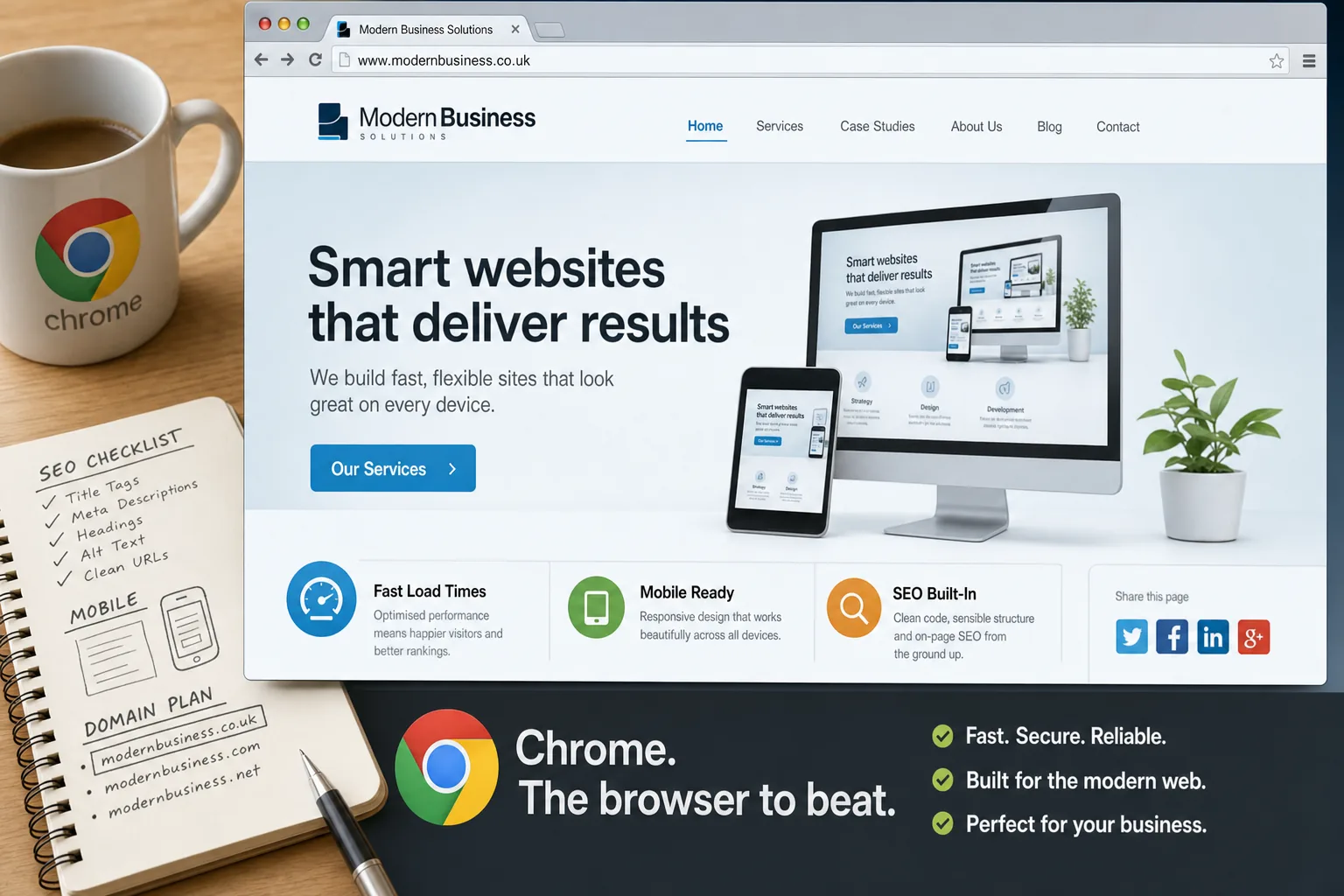
The Chrome browser has moved from being an interesting alternative to a serious everyday choice for business users, developers and customers. For UK organisations planning a new website, refreshing an existing one or reviewing digital marketing performance, this matters. A website is no longer judged only by how it looks in one familiar browser on an office desktop. It has to load quickly, behave consistently, support useful features and make it easy for visitors to enquire, buy, share or return. Chrome has helped raise expectations in all of these areas.
Why the Chrome browser is gaining attention
Chrome's rise has been driven by several practical advantages. It is fast, it updates quietly in the background and it handles modern web pages well. For many users, the result is a browsing experience that feels cleaner and more responsive than older alternatives. Pages open quickly, tabs are easy to manage, and the address bar doubles as a search box, encouraging people to search and navigate from one simple place.
For businesses, the important point is not simply that one browser is fashionable. It is that visitors are becoming less patient. If your site is slow, awkward or broken in a popular browser, potential customers may leave before they have read your offer. The Chrome browser has encouraged more people to expect websites to be quick, uncluttered and easy to use. That expectation should influence how a business approaches website design and digital marketing in 2013.
Chrome also appeals to people who use more than one device or work across several locations. Signing in to the browser can synchronise bookmarks and settings, which is useful for business owners, sales teams and marketing staff moving between office machines and home computers. This behaviour supports a wider shift: people want continuity online. Your website should therefore work smoothly wherever a visitor encounters it, whether they arrive from search, social media, an email link or a bookmarked page.
What Chrome means for website design
A well-designed business website should be tested across the main browsers used by its audience. In practical terms, that means Chrome, Internet Explorer, Firefox and Safari all deserve attention. Chrome's growing popularity makes it especially important during design and development, but it should not become the only benchmark. A professional website has to serve real customers, not just the preferences of a design team.
Chrome is particularly strong at displaying modern layouts, web fonts and interactive elements. This gives designers more freedom, but it should be used with care. A website can look impressive while still failing to communicate clearly. UK business owners should focus on the essentials: a strong proposition, easy navigation, readable content, visible contact details and clear calls to action. Visual polish matters, but it should support the visitor's journey rather than distract from it.
Speed is another central issue. Chrome may render pages quickly, but it cannot compensate for an overburdened website. Large images, unnecessary scripts, bloated page elements and poor hosting can all slow a site down. Business websites should use properly compressed images, sensible page structures and clean code. A fast site supports better user experience, improves the likelihood of enquiries and helps search engines crawl content efficiently.
There is also a growing need to design for different screen sizes. Smartphones and tablets are now part of ordinary browsing behaviour, and visitors may compare services while travelling, watching television or moving between meetings. Responsive design is becoming a sensible option for many businesses because it allows a website to adapt to different devices without forcing the organisation to maintain entirely separate versions. Chrome's mobile presence adds further reason to consider how pages behave beyond the desktop.
Testing websites properly in Chrome
One of the advantages of Chrome for website owners and marketing teams is that it makes testing more accessible. Its built-in developer tools allow designers and developers to inspect page elements, check loading behaviour and diagnose layout issues. While business owners do not need to become technical specialists, they can still use Chrome as part of a simple review process.
When checking a website in Chrome, start with the basics. Does the home page load quickly on a typical broadband connection? Are the main menu items visible and understandable? Can a visitor find the telephone number, enquiry form, address or key service pages without confusion? Do buttons and forms behave as expected? If the answer to any of these questions is uncertain, the site may be losing opportunities.
It is also worth testing content pages, not only the home page. Many visitors will arrive directly from a search result or social media link, bypassing the front page entirely. A service page, blog post or product category should therefore stand on its own. It should explain the subject clearly, guide the visitor to the next step and display correctly in Chrome and other major browsers.
Forms deserve particular attention. An enquiry form that fails in one browser can quietly damage a marketing campaign. Test required fields, error messages, confirmation pages and notification emails. If your website includes downloads, embedded maps, videos or image galleries, review these too. Chrome users are often comfortable with interactive pages, but those features must still serve a clear business purpose.
Search marketing and the Chrome effect
The Chrome browser is closely associated with search behaviour because the address bar encourages users to type searches directly. This reinforces a simple point: your business needs to be visible when potential customers search for relevant services, products or advice. Search engine optimisation in 2013 should not be treated as a trick or a one-off technical exercise. It should be built into the structure, content and credibility of the website.
For UK business owners, sensible SEO starts with understanding customer language. A solicitor, retailer, manufacturer, consultant or local tradesperson may describe services one way internally, while customers search in simpler terms. Keyword research should inform page titles, headings, body copy and navigation, but the writing must still be natural. Search engines have become better at identifying thin, duplicated or manipulative content, so useful pages are a safer long-term investment.
Chrome's speed and simplicity also make it easier for users to compare websites quickly. A visitor may open several results in separate tabs and make a judgement within seconds. This means your search listing and landing page need to work together. The page title and description should set an accurate expectation, and the page itself should answer the visitor's likely question. If someone searches for a service in Bristol, Manchester, Cardiff or London, a vague national page may not perform as well as a specific, helpful page that explains availability, expertise and next steps.
Technical SEO remains important. Clean URLs, logical internal links, accessible navigation and well-structured content help both visitors and search engines. Avoid building important content solely into images or complicated scripts. Chrome may display advanced features well, but search visibility depends on content being discoverable and understandable. An attractive page that cannot be crawled or interpreted is unlikely to deliver its full value.
Social media, sharing and the modern browser
Social media marketing is now a regular part of online promotion for many organisations. Facebook, Twitter, LinkedIn and Google+ all provide routes for businesses to publish updates, build relationships and send visitors back to their websites. The Chrome browser supports this behaviour by making it quick to move between tabs, share links and manage web-based services. For marketing teams, that can make day-to-day activity more efficient.
However, social media should not be treated as a replacement for a strong website. Your social profiles may generate attention, but your website remains the place where you can present your brand, explain your services, collect enquiries and publish lasting content. A visitor who clicks from a tweet, post or professional discussion should reach a page that loads quickly, looks trustworthy and continues the conversation started on the social platform.
Consider how your pages appear when shared. A clear headline, relevant introductory text and appropriate image can improve the likelihood of engagement. Blog posts, guides, case studies, event announcements and frequently asked questions can all work well, provided they are genuinely useful. For smaller UK businesses, a consistent schedule of helpful updates is usually more valuable than occasional bursts of unfocused activity.
Chrome also encourages multi-tab browsing, which affects how people consume social and search content. A user may open your article, a competitor's page and several social profiles at once. Strong branding, concise messaging and clear calls to action help keep your business memorable in that environment. Do not assume visitors will give every page their full attention from the first second.
Choosing and protecting a domain name
A good domain name remains one of the foundations of digital marketing. It should be easy to say, easy to spell and appropriate for the organisation's brand. For UK businesses, a relevant UK-focused domain can help reinforce trust, especially when serving a local or national audience. The domain should also work in print, on business cards, over the telephone and in radio or event mentions if those channels are relevant.
When choosing a domain, avoid unnecessary complexity. Hyphens, unusual spellings and long strings of keywords can make a web address harder to remember. A domain that reflects the business name is often strongest for brand building. In some cases, a descriptive domain can be useful for a campaign or specific service, but it should not undermine the main brand.
It is sensible to register important variations where appropriate, such as common spelling alternatives or closely related extensions. This can help protect the brand and reduce confusion. Keep registration details accurate, renew domains on time and ensure that someone within the organisation understands who manages the account. Losing access to a domain can disrupt email, search visibility, advertising and customer confidence.
Domain decisions should also be connected to website planning. If a business is rebranding, merging services or launching a new division, the domain strategy should be discussed before design and marketing work begins. Redirects, email addresses, printed materials and search performance all need careful handling. A domain name may appear simple, but it is tied to many parts of an organisation's online presence.
Practical steps for business owners
If you are reviewing your website this year, Chrome is a useful place to start. Open your site as a customer would and move through the main tasks: finding a service, reading about the company, locating proof of expertise, making an enquiry and sharing a page. Note anything that feels slow, unclear or inconsistent. Then repeat the review in other major browsers to make sure the experience is not dependent on one platform.
Ask whether your website reflects current expectations. Does it look credible next to competitors? Is the content specific enough to answer real questions? Are pages written for people, not just search engines? Can visitors understand what you do within a few seconds? Are your social media profiles linked appropriately? Is your domain name consistent with your brand? These questions are straightforward, but they often reveal important gaps.
It is also worth reviewing analytics data if you have it installed. Browser reports can show how many visitors are using Chrome compared with other browsers. They can also highlight issues such as high bounce rates, low enquiry levels or poor performance on particular pages. Data should not replace judgement, but it can help prioritise design, content and technical improvements.
For many businesses, the best approach is a balanced one. Build a website that works well in Chrome, but do not ignore other browsers. Use modern design techniques, but keep pages accessible and purposeful. Invest in SEO, but avoid shortcuts that put long-term visibility at risk. Use social media, but lead visitors back to content you own and control. Register domains carefully, but make brand clarity the priority.
A browser-led reminder to raise standards
The growing popularity of the Chrome browser is a reminder that the web continues to move quickly. Customers are becoming more comfortable with fast, well-designed and interactive websites. They expect information to be available immediately, and they are willing to compare alternatives with little effort. Businesses that respond to those expectations can create a stronger online impression and make their marketing work harder.
Chrome is not the whole story, but it is an important signpost. It encourages speed, simplicity and frequent improvement, which are useful principles for any business website. Whether you are planning a new design, improving search visibility, organising social media activity or securing the right domain name, the aim should be the same: make it easy for the right people to find you, understand you and take the next step.
A modern business website should not merely exist online. It should support enquiries, strengthen trust and give customers a clear reason to choose you. Testing in Chrome is one practical step towards that goal, but the wider opportunity is to create a digital presence that feels professional, current and genuinely useful.