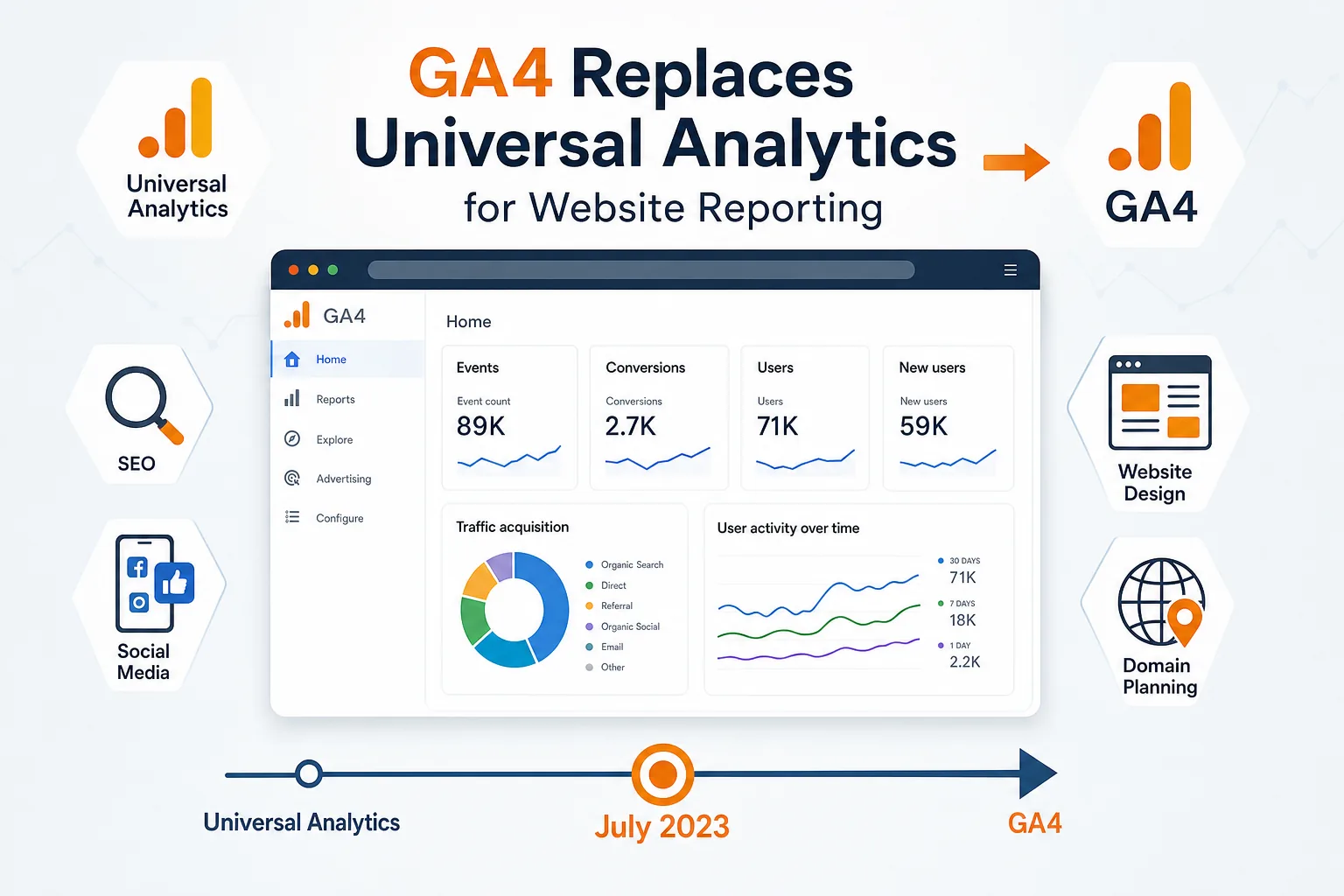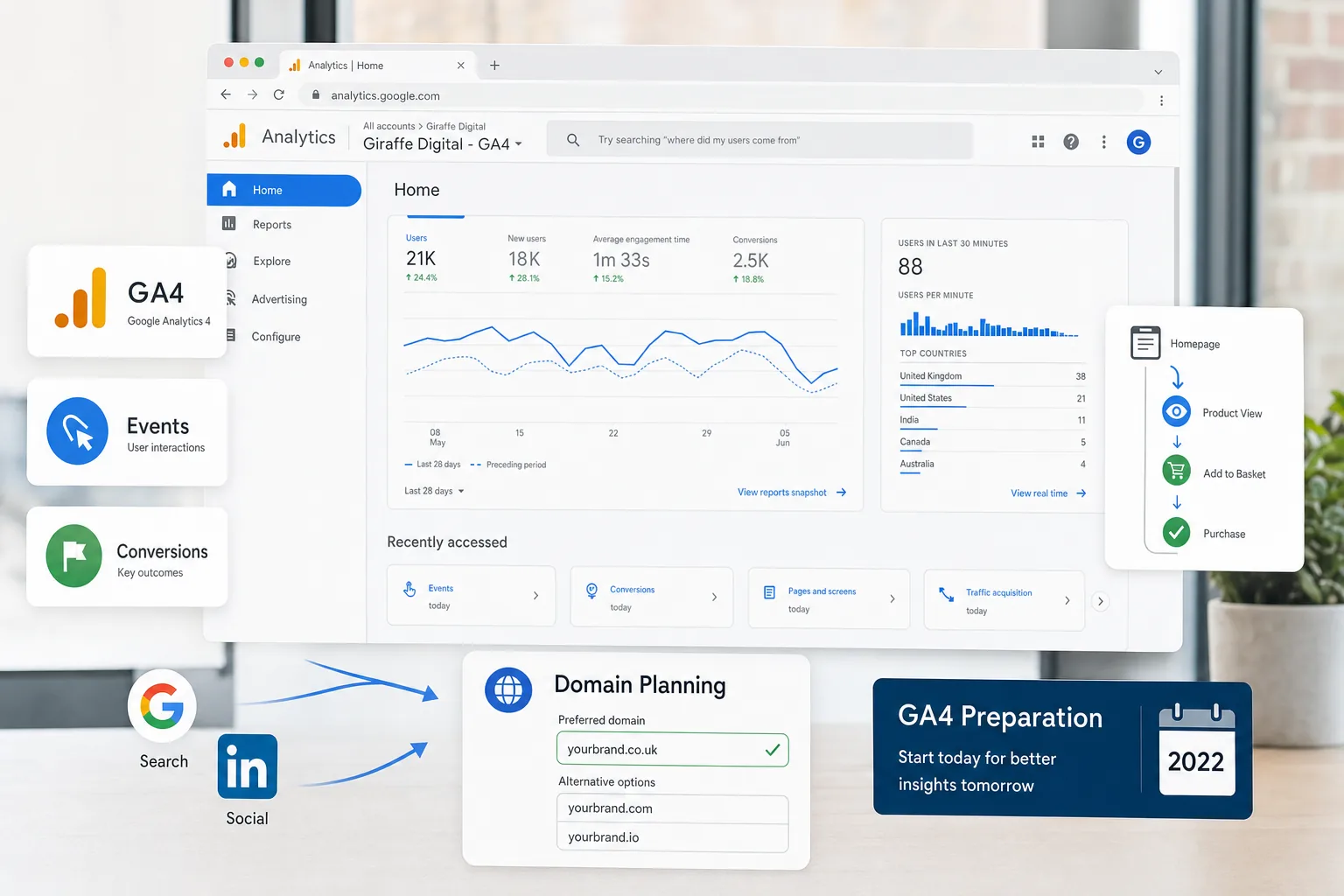
GA4 preparation is becoming an important task for businesses that rely on website analytics to make informed marketing, design and content decisions. Google Analytics 4 is not simply a new coat of paint for the familiar Universal Analytics interface. It uses a different measurement model, a different reporting structure and a stronger focus on events, user journeys and cross-platform behaviour. For UK business owners, the most sensible approach in January 2022 is to begin preparing now while continuing to use existing analytics reports for day-to-day comparisons.
Good analytics should help a business understand what is working, what needs attention and where customers are finding friction. Whether you are planning a new website, improving search visibility, running social media campaigns or refining your brand, GA4 can provide useful data if it is configured properly from the beginning. The key is not to rush into measurement without a plan. A thoughtful setup will make future reporting clearer and reduce the risk of collecting data that is incomplete, inconsistent or difficult to interpret.
Why GA4 preparation matters for business owners
Many businesses treat analytics as something that happens after a website is built. A tracking code is added, reports begin to populate, and the data is revisited when a question arises. GA4 encourages a more strategic approach. Because it is built around events rather than traditional sessions and page views alone, it asks you to think more carefully about the actions that matter to your organisation.
For a lead generation website, those actions may include enquiry form submissions, phone number clicks, brochure downloads, appointment requests and visits to key service pages. For an e-commerce business, they may include product views, basket additions, checkout steps and completed purchases. For a professional services firm, valuable actions might include visits from specific regions, engagement with case studies, or repeat visits before a consultation request.
Beginning GA4 preparation early gives your business time to decide what success should look like. It also allows you to run GA4 alongside your existing Universal Analytics property, so you can become familiar with the new reporting environment without losing the context of the data you already use. This parallel approach is particularly useful for businesses that report monthly on website performance, SEO progress, advertising campaigns or social media activity.
There is another practical benefit: early setup means earlier data collection. GA4 reports are most useful when they have had time to collect a meaningful history. If you wait until you urgently need new reporting, you may find yourself starting with empty charts and limited comparisons. Setting up GA4 now gives your future marketing decisions a stronger foundation.
Understanding the difference between Universal Analytics and GA4
Universal Analytics is familiar to many website owners because it organises reporting around sessions, page views, bounce rate, traffic channels and goals. GA4 still provides useful information about users and traffic sources, but its measurement model is more flexible. Instead of relying heavily on page-based activity, GA4 records interactions as events.
In GA4, a page view is an event. A scroll can be an event. A file download, outbound click, video engagement or form submission can also be treated as an event, depending on how the property is configured. This makes the platform better suited to modern websites, where users may interact with embedded content, downloadable resources, forms, booking tools or single-page application features.
GA4 also introduces data streams. A website stream collects data from your website, while app streams can be used for mobile applications where relevant. Many small and medium-sized UK businesses will begin with a website stream only, but it is useful to understand the structure because it reflects the wider direction of digital measurement.
The reporting interface is also different. Some familiar reports are not presented in exactly the same way, and some metrics have changed in meaning or emphasis. This is why it is sensible to avoid judging GA4 too quickly by expecting it to behave exactly like the older platform. Instead, use the preparation period to map your existing business questions to the new reporting model.
Start with the questions your analytics must answer
Before changing tags or configuring events, take a step back and list the questions your website analytics should answer. This turns GA4 preparation from a technical exercise into a business planning exercise.
Useful questions might include:
- Which marketing channels are bringing the most valuable enquiries?
- Which pages persuade visitors to contact the business?
- Where do users lose interest during a booking or enquiry journey?
- How does social media traffic behave compared with organic search traffic?
- Are visitors using mobile devices differently from desktop users?
- Which downloadable resources or blog posts support lead generation?
- Do visitors from local areas engage differently from visitors further afield?
Once these questions are clear, you can decide which events should be tracked, which events should be marked as conversions, and which reports will be most useful to review regularly. This helps prevent an overly cluttered setup. Not every click needs to become a key performance indicator. The best analytics setups are focused, reliable and connected to business decisions.
Practical steps for GA4 preparation
A sensible GA4 preparation plan does not need to be complicated, but it should be structured. For most websites, the following steps provide a strong starting point.
1. Create a GA4 property alongside your existing analytics
If your business already uses Universal Analytics, set up a GA4 property in parallel rather than replacing your existing reports immediately. This allows you to collect data in GA4 while maintaining the reporting continuity that your team may already understand. It also gives everyone time to become comfortable with the new interface and terminology.
2. Add the measurement tag correctly
GA4 requires its own measurement setup. This may be added directly to the website or managed through a tag management system. Whichever method you use, check that the tag is present on all important pages, including landing pages, blog posts, service pages, contact pages and e-commerce pages where applicable. A partial installation can create misleading reports.
3. Review enhanced measurement settings
GA4 includes enhanced measurement options for common interactions such as page views, scrolls, outbound clicks, site search, video engagement and file downloads. These can be helpful, but they should still be reviewed. For example, a brochure download may be valuable enough to track carefully, while other automatic events may be less important to your regular reporting.
4. Define meaningful conversions
Conversions in GA4 should reflect actions that matter to your business. Common examples include enquiry form completions, quote requests, telephone link clicks, email link clicks, booking confirmations, newsletter sign-ups and e-commerce purchases. Avoid marking too many low-value actions as conversions, as this can make performance appear stronger than it really is.
5. Test forms and key user journeys
Analytics data is only useful if the underlying website experience works properly. Test your contact forms, call-to-action buttons, checkout steps, navigation menus and mobile layouts. If a form confirmation page does not load correctly, or a button is difficult to use on a mobile device, your analytics may show a performance issue without making the cause obvious.
6. Document the setup
Keep a simple record of what has been configured. Include the property details, data stream, key events, conversions, filters or internal traffic exclusions, and any tracking added through a tag management system. Documentation is easy to overlook, but it is valuable when team members change, a new agency becomes involved, or the website is redesigned.
How GA4 supports better website design decisions
Website design should be guided by more than visual preference. A strong website needs to support the user journey, make important information easy to find and encourage the right actions. GA4 can help by showing how users engage with the site once they arrive.
For example, if visitors are reaching a service page from organic search but rarely continue to the contact page, the issue may be with the page content, call-to-action placement, trust signals or page speed. If mobile visitors show lower engagement than desktop visitors, the design may need closer attention on smaller screens. If users regularly download a guide but do not enquire, the follow-up journey may need improving.
GA4 preparation is particularly useful before a website redesign. By identifying the events and conversions that matter before the new site is launched, you can compare performance more clearly after launch. This is better than relying on subjective impressions, such as whether the new design looks more modern. A polished design should also perform commercially.
Businesses planning a new website in 2022 should involve analytics thinking early in the design process. Contact forms, booking journeys, downloadable resources, e-commerce actions and prominent calls to action should all be planned with measurement in mind. This does not mean designing for data at the expense of users. It means designing a site where user needs and business goals are aligned.
Connecting GA4 with SEO and content marketing
SEO remains one of the most valuable long-term digital marketing channels for many UK businesses. GA4 can support SEO by helping you understand how organic search visitors behave after they land on the website. Ranking for a keyword is useful, but it is only part of the picture. The real question is whether those visitors are finding useful information and taking meaningful steps towards becoming customers.
When preparing GA4, consider how your content is structured. Blog posts, advice pages, service pages, location pages and case studies may all play different roles in the journey. Some pages introduce your business to new visitors, while others help people make a final decision. Tracking engaged visits, scroll behaviour, downloads and enquiry paths can help you see which content is genuinely supporting growth.
GA4 should also be considered alongside search performance reporting. Search visibility data can show which queries and pages attract impressions and clicks, while GA4 can show what happens afterwards. Used together, these insights can guide content improvements, internal linking, page layout decisions and calls to action.
Using GA4 to improve social media marketing
Social media activity can create awareness, generate referral traffic and support customer relationships, but it is easy to overvalue surface-level metrics such as likes and shares. GA4 helps businesses look beyond social platform engagement and understand what users do after clicking through to the website.
If your business posts regularly on platforms such as Facebook, Instagram or LinkedIn, make sure campaign links are structured consistently so that traffic can be reviewed clearly. This is particularly important when promoting blog posts, downloadable guides, events, seasonal offers or recruitment content. Consistent campaign tracking helps you compare activity over time and avoid confusing social traffic with other referral sources.
For example, a post may attract fewer clicks than expected but lead to high-quality enquiries. Another post may produce a spike in traffic but very little engagement. GA4 preparation should help you identify these differences. The aim is not simply to increase traffic, but to understand which social activity supports meaningful business outcomes.
Domain names, branding and measurement consistency
Domain decisions can affect branding, trust and measurement. If you are registering a new domain for a business, campaign or rebrand, choose a name that is clear, memorable and aligned with your organisation. Avoid confusing spellings, unnecessary hyphens and names that are too close to other established brands. A good domain should be easy to say, easy to type and suitable for long-term use.
It is also worth thinking about how domains and subdomains will be measured. Some businesses use separate domains for landing pages, booking systems, e-commerce stores or campaign microsites. This can be perfectly valid, but it should be planned carefully so that analytics does not split a single customer journey into disconnected pieces. If a user moves from the main website to a booking platform or payment area, your tracking setup should be reviewed to ensure the journey is understood properly.
For UK businesses, a domain should also support customer confidence. Make sure ownership details, renewal processes and access credentials are managed responsibly within the organisation. Losing control of a domain can cause disruption to email, website access, search visibility and marketing campaigns. Domain registration is not just an administrative task; it is part of your digital infrastructure.
Data privacy, consent and sensible configuration
Analytics must be configured with privacy and consent in mind. UK businesses should consider their obligations under UK data protection law and ensure that website visitors receive appropriate information about cookies and analytics technologies. This is an area where legal advice may be needed, particularly for businesses handling sensitive data or operating across multiple regions.
From a practical perspective, review what you are collecting and why. Avoid sending personal information through analytics events, page URLs or form fields. Names, email addresses, phone numbers and other identifiable details should not be included in analytics data. Event names should be descriptive without exposing private information.
It is also sensible to exclude internal traffic where appropriate, so that staff visits do not distort reports. This can be especially important for smaller websites, where internal testing, content updates and sales team activity may otherwise influence the data. Clean data will make GA4 reports more useful and easier to trust.
Common GA4 preparation mistakes to avoid
One of the most common mistakes is installing GA4 but never configuring it beyond the basic setup. While automatic data collection is useful, it rarely captures the full picture of business value. If your website depends on enquiries, bookings, downloads or e-commerce activity, those actions need specific attention.
Another mistake is trying to recreate every Universal Analytics report exactly. GA4 is different, and some of its value comes from thinking differently about measurement. Rather than forcing old reporting habits into a new platform, decide which business questions matter most and build reports around them.
Businesses should also avoid making major decisions from very small data samples. GA4 may begin collecting data immediately, but early reports can fluctuate. Use the preparation period to check that tracking is working, then review trends as more data becomes available.
Finally, do not leave analytics ownership unclear. Someone in the business should understand what is being measured, who has access and how reports are used. Analytics should support marketing, sales, design and leadership decisions, not sit unused in the background.
Turning preparation into business value
GA4 preparation is not only a technical project. It is an opportunity to improve the way your business understands its online audience. A well-planned setup can help you make better decisions about website design, SEO, social media, content, advertising and digital strategy.
For a business owner, the immediate objective should be simple: set up GA4 correctly, define meaningful conversions, test important journeys and begin collecting useful data. Over time, that data can help answer practical questions. Which services attract the most interest? Which marketing channels generate enquiries? Which pages need clearer content? Which campaigns deserve further investment?
The sooner your business starts preparing, the more confident you will be when using GA4 as part of regular reporting. By approaching the platform thoughtfully in 2022, you can build a stronger measurement foundation and make digital marketing decisions with greater clarity.
Frequently asked questions
How should we start with the questions our analytics must answer?
Before changing tags or configuring events, take a step back and list the questions your website analytics should answer. This turns GA4 preparation from a technical exercise into a business planning exercise. Useful questions might include: Which marketing channels are bringing the most valuable enquiries?; Which pages persuade visitors to contact the business?; Where do users lose interest during a booking or enquiry journey?; How does social media traffic behave compared with organic search traffic?; Are visitors using mobile devices differently from desktop users?; Which downloadable resources or blog posts support lead generation?; Do visitors from local areas engage differently from visitors further afield?. Once these questions are clear, you can decide which events should be tracked, which events should be marked as conversions, and which reports will be most useful to review regularly.