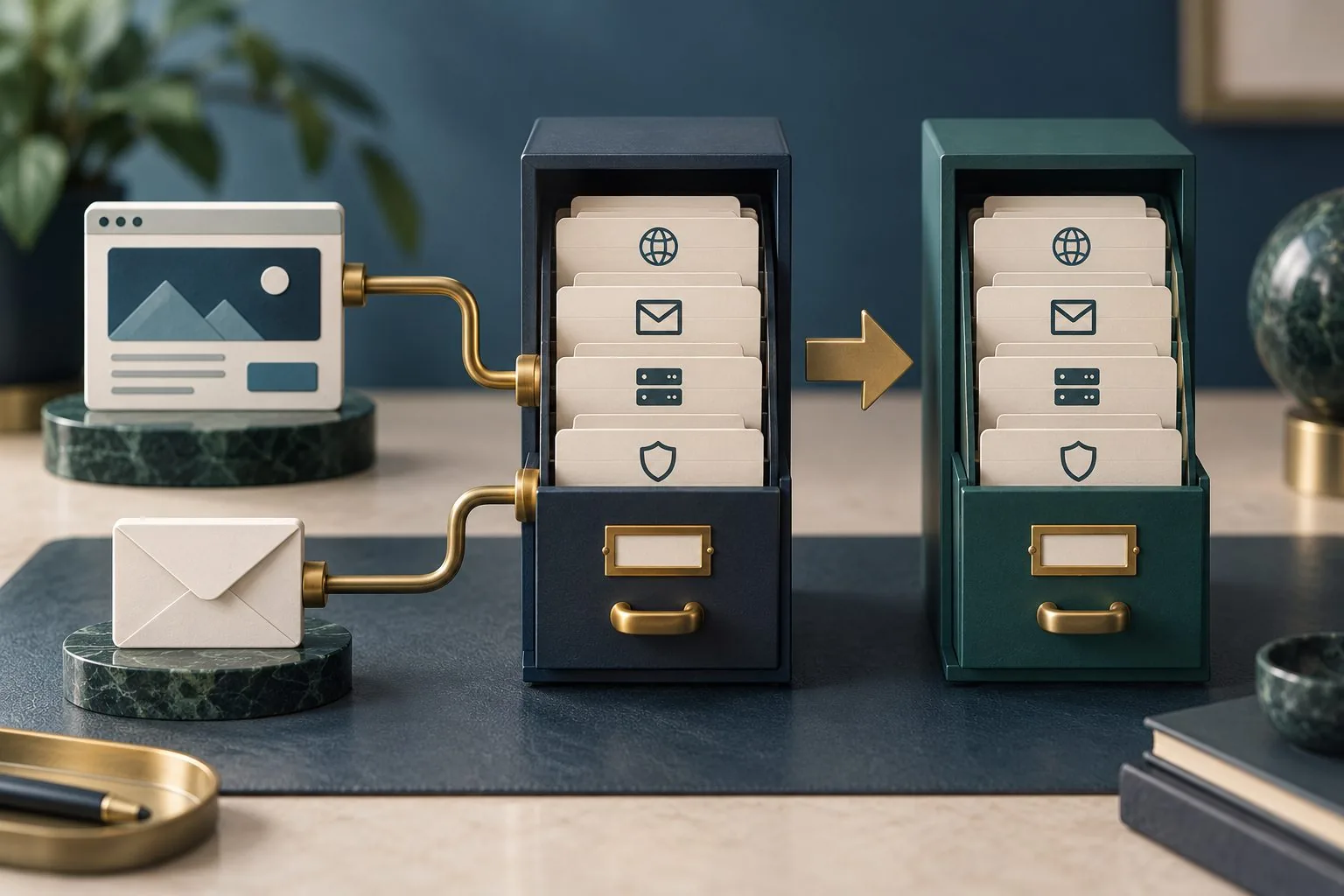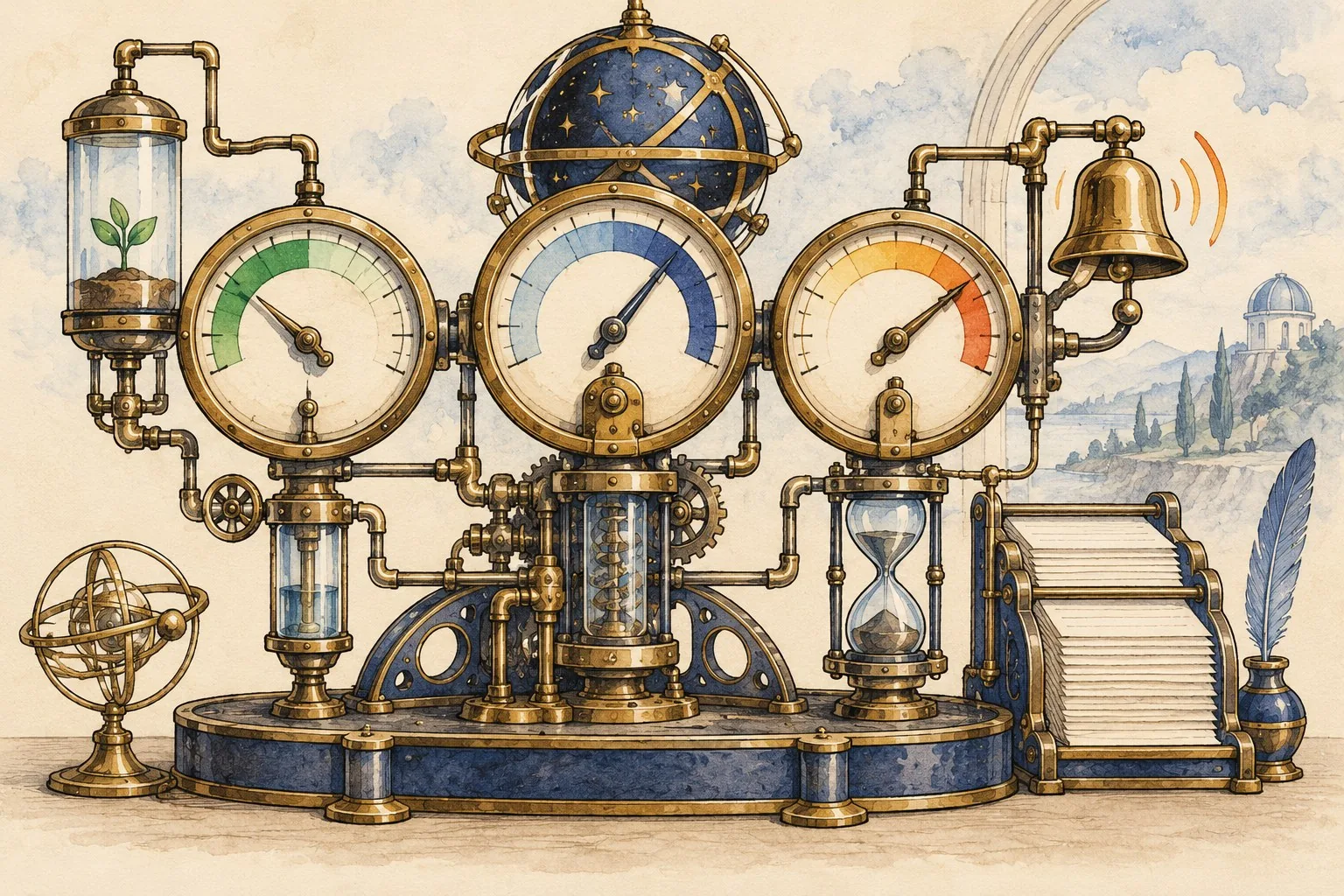
A customer portal should make an important task easier to complete. It might help customers check progress, provide information, retrieve documents or request support. Building an account area without identifying the task can create another place to sign in while leaving the original frustration unresolved.
The first decision is therefore about service design. What does the customer need to achieve, what prevents it today and which part of that problem should a portal solve? The answer will shape the interface, the data, the access model and the team required to operate it.
A useful portal brief describes the complete journey and its dependencies. It should also explain what happens when information is missing, a request fails or a customer needs help. Those conditions reveal more about the proposed service than a polished dashboard alone.
Start with the task customers repeatedly struggle with
Review support conversations, customer interviews and the work staff perform manually. Look for repeated uncertainty rather than simply counting contacts. A customer asking whether a document arrived has a different need from someone asking which document to prepare.
State the need in ordinary language. For example, a customer may need to know whether the business has received the latest information so they can stop chasing it. That statement leaves room to compare a portal with better confirmations or a clearer existing process.
Understand what people are trying to do and how they currently do it before choosing a solution. For a customer portal, investigate the existing journey, difficulties and constraints. Use findings to guide scope rather than expecting a portal to solve an undefined problem. Our customer-focused discovery guide provides the related checks.
Check which customers experience the problem and under what circumstances. A corporate customer with several account users may need shared visibility, while an occasional individual customer may need a simple route that does not require maintaining another account.
Map the process behind the proposed screen
Choose one important task and trace it from the customer's starting point to a meaningful outcome. Identify each handover, system and staff action. If the portal displays a status, establish who changes that status and what it means operationally.
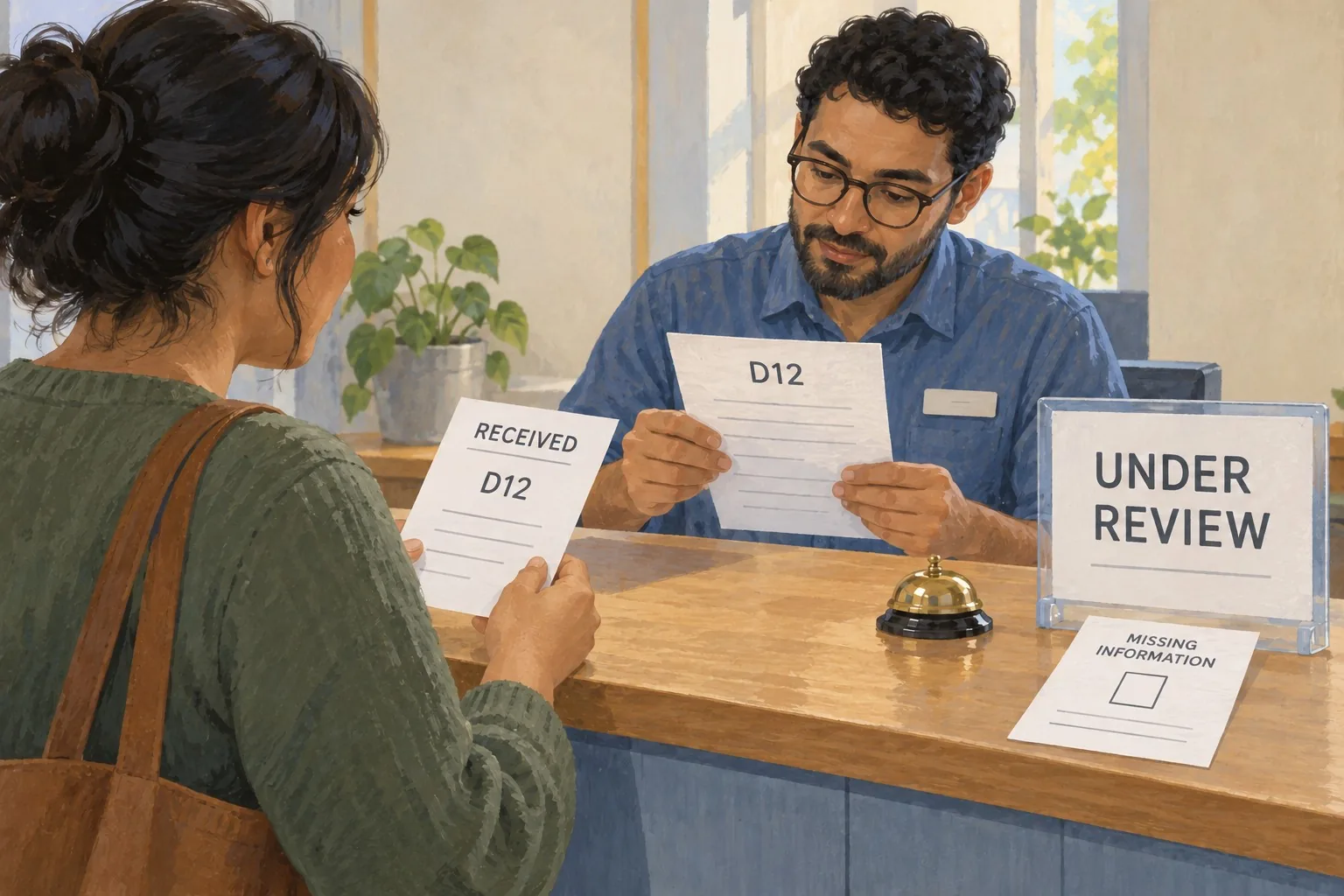
Consider an illustrative document submission journey. A customer uploads a file, but the business still needs to check whether it is complete and suitable. The portal should distinguish received from accepted and explain what the customer should do if further information is required.
Ask what information can be trusted. A dashboard cannot create accurate progress updates if the underlying team does not record them consistently. Improving the operational process may be a prerequisite for publishing that information to customers.
Include work outside the portal, such as an appointment, a telephone discussion or a decision made by a specialist. The customer should understand how those steps connect rather than assume the account area represents the whole service.
Choose a small first journey with a clear outcome
Prioritise a task that is frequent enough to learn from and bounded enough to deliver properly. A focused first release could allow a customer to see which preparation items remain outstanding and submit the required information. It need not include every proposed feature.
Define completion in terms of the customer's task. A successful upload is not the final outcome if the customer still cannot tell what happens next. The journey should provide confirmation, an expected next step and a route for correcting a mistake.
Write acceptance examples before requesting a build. Include a first-time customer, a returning customer, an incomplete submission and a customer who cannot finish without help. These examples give suppliers a common understanding of the work.
Explain what remains outside the first release. Staff and customers need a reliable route for those tasks, even when they are not automated. A limited scope works well when its boundaries are visible and the surrounding service still functions.
Define access around actual customer relationships
A customer organisation may contain several people with different responsibilities. One may submit information, another approve it and another view invoices. Establish those relationships before deciding that every account user should see and change everything.
Successful sign-in must be followed by suitable checks on the requested action and resource. Proving identity and deciding access are different responsibilities. Hiding a button does not enforce permission on the underlying operation. Our account permissions and recovery guide provides the related checks.
Create a matrix of roles, customer records and permitted actions. Include what happens when someone changes role, leaves an organisation or loses access. Ask the technical team to translate that business model into enforceable controls and meaningful tests.
Use fictitious accounts to test boundaries. Confirm that a user can complete the intended task and cannot access another customer's information. Treat downloads, attached documents and administrative actions as part of that review, rather than testing only the dashboard view.
Plan account setup and recovery as part of usability
Explain how the correct customer receives access. A portal invitation should have a clear purpose and lead to an understandable next step. Avoid making people guess whether they already have an account or which email address the business expects them to use.
Discuss recovery with the team responsible for security and support. Customers will forget details, change their contact address or need another colleague to take over. The process should preserve the required checks while providing a practical route back to the service.
Test the experience on the devices customers actually use. A task involving several documents may begin on a phone and continue on a computer. Consider how progress, instructions and confirmation support that behaviour.
Make help visible at the point of difficulty. If a file is rejected, explain the issue in language the customer can act on. If the customer cannot resolve it, provide a relevant contact route with enough context for staff to help.
Agree how the business will operate the portal
Assign responsibility for customer-visible content, records, support and technical maintenance. A portal can fail operationally even when the software works: unanswered requests, stale instructions and inaccurate statuses all affect the customer's experience.
Define what happens when a connected system is unavailable. The portal should not imply that a request succeeded when the business cannot confirm it. Agree how uncertain outcomes are communicated, investigated and reconciled.
Budget for the work that continues after launch. This includes access administration, content updates, support, integration monitoring and improvements based on actual use. The operating model should be discussed alongside the build proposal rather than discovered after delivery.
Choose measures connected to the original problem. Useful examples include completed tasks, repeated requests for clarification, submission corrections and time spent waiting for an answer. Account registrations alone do not establish that the portal helped customers.
Test the service before expanding the feature list
Use a prototype to observe customers attempting the chosen task. Ask them to explain what they think a status means and what they expect next. This can expose confusing language or a missing handover before the team invests in a wider build.
During a controlled release, review the complete journey with staff as well as customers. Compare the information shown with the actual work taking place. Investigate discrepancies before adding more functions that depend on the same data.
Giraffe Digital's website design service connects structure, content and customer journeys. Starting a portal brief with those needs helps establish which experience the business should improve and which dependencies must support it.
A portal earns its place when customers can complete a useful task with clearer information and less uncertainty. Define that outcome, build the supporting process and test access and recovery alongside the interface. The feature list can then grow from evidence about the service people actually need.
Frequently asked questions
How should we start with the task customers repeatedly struggle with?
Review support conversations, customer interviews and the work staff perform manually. Look for repeated uncertainty rather than simply counting contacts. A customer asking whether a document arrived has a different need from someone asking which document to prepare. State the need in ordinary language. For example, a customer may need to know whether the business has received the latest information so they can stop chasing it. That statement leaves room to compare a portal with better confirmations or a clearer existing process. Understand what people are trying to do and how they currently do it before choosing a solution. For a customer portal, investigate the existing journey, difficulties and constraints. Use findings to guide scope rather than expecting a portal to solve an undefined problem.
How should we choose a small first journey with a clear outcome?
Prioritise a task that is frequent enough to learn from and bounded enough to deliver properly. A focused first release could allow a customer to see which preparation items remain outstanding and submit the required information. It need not include every proposed feature. Define completion in terms of the customer's task. A successful upload is not the final outcome if the customer still cannot tell what happens next. The journey should provide confirmation, an expected next step and a route for correcting a mistake. Write acceptance examples before requesting a build. Include a first-time customer, a returning customer, an incomplete submission and a customer who cannot finish without help. These examples give suppliers a common understanding of the work.
How should we define access around actual customer relationships?
A customer organisation may contain several people with different responsibilities. One may submit information, another approve it and another view invoices. Establish those relationships before deciding that every account user should see and change everything. Successful sign-in must be followed by suitable checks on the requested action and resource. Proving identity and deciding access are different responsibilities. Hiding a button does not enforce permission on the underlying operation. Our account permissions and recovery guide provides the related checks. Create a matrix of roles, customer records and permitted actions. Include what happens when someone changes role, leaves an organisation or loses access. Ask the technical team to translate that business model into enforceable controls and meaningful tests.
How should we plan account setup and recovery as part of usability?
Explain how the correct customer receives access. A portal invitation should have a clear purpose and lead to an understandable next step. Avoid making people guess whether they already have an account or which email address the business expects them to use. Discuss recovery with the team responsible for security and support. Customers will forget details, change their contact address or need another colleague to take over. The process should preserve the required checks while providing a practical route back to the service. Test the experience on the devices customers actually use. A task involving several documents may begin on a phone and continue on a computer. Consider how progress, instructions and confirmation support that behaviour.
How should we test the service before expanding the feature list?
Use a prototype to observe customers attempting the chosen task. Ask them to explain what they think a status means and what they expect next. This can expose confusing language or a missing handover before the team invests in a wider build. During a controlled release, review the complete journey with staff as well as customers. Compare the information shown with the actual work taking place. Investigate discrepancies before adding more functions that depend on the same data. Giraffe Digital's website design service connects structure, content and customer journeys. Starting a portal brief with those needs helps establish which experience the business should improve and which dependencies must support it. A portal earns its place when customers can complete a useful task with clearer information and less uncertainty.