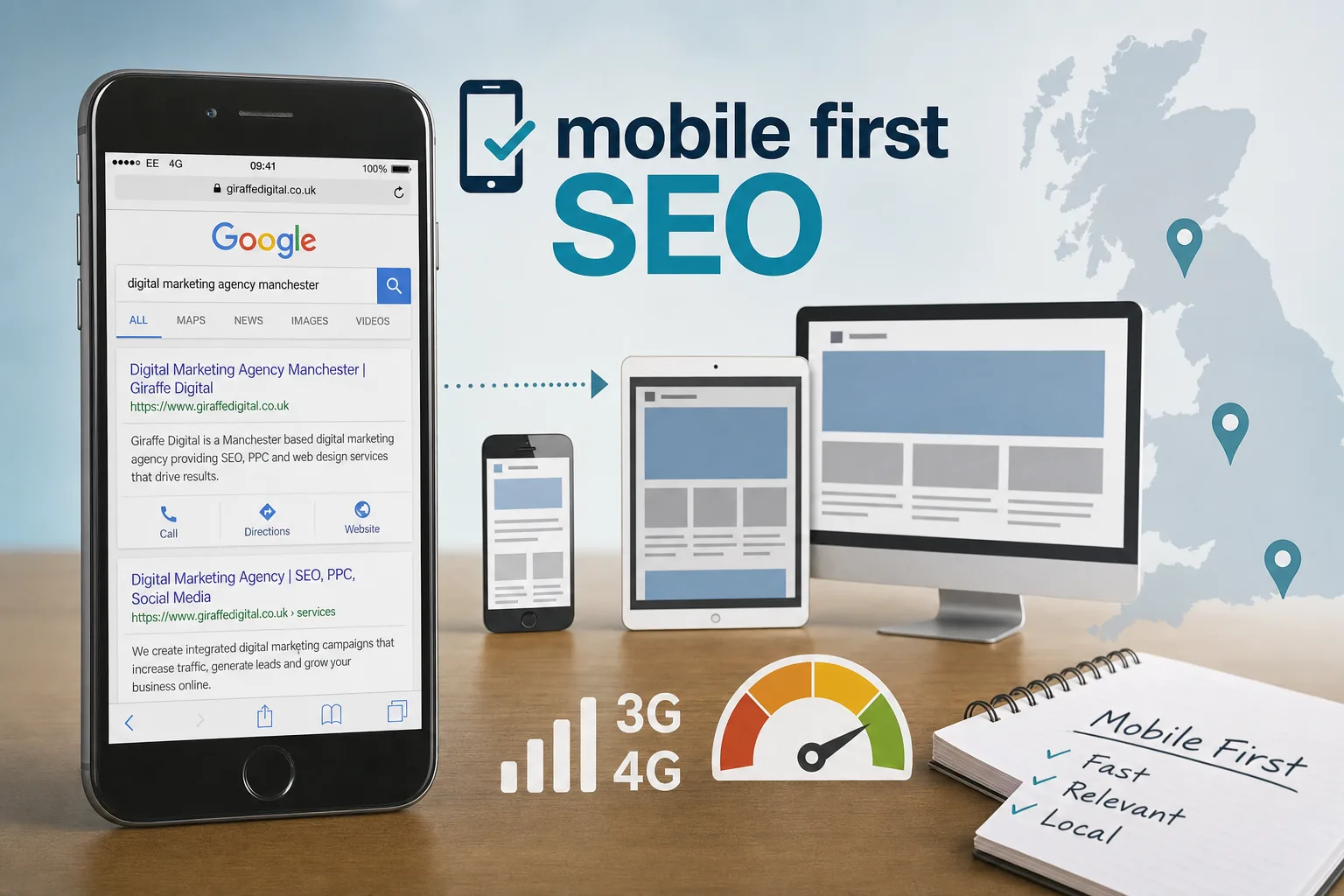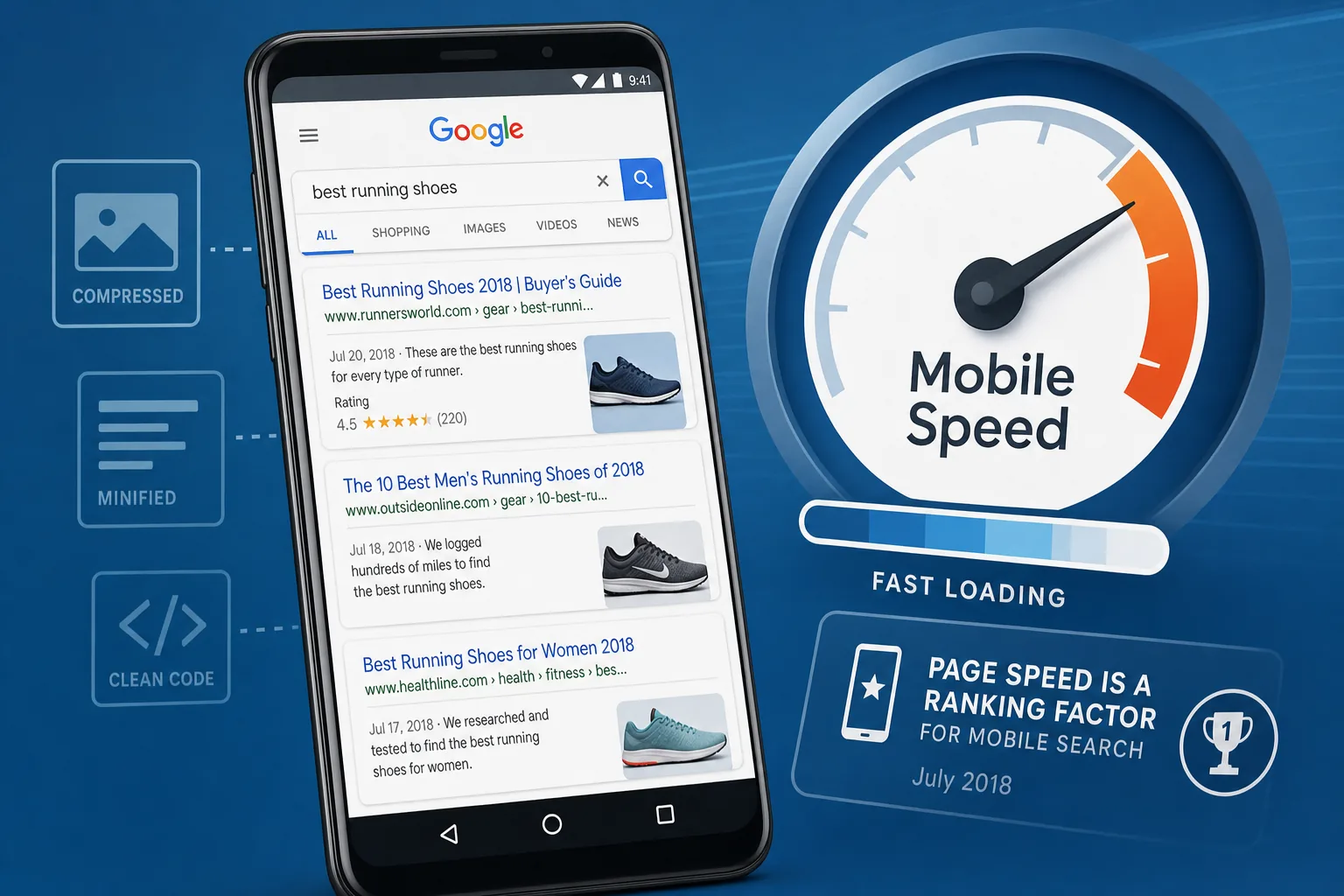
Mobile search has become central to the way customers find, compare and contact businesses. Whether someone is looking for a local service, browsing products during a lunch break or clicking through from a social media post, they expect a website to load quickly and work smoothly on a phone. Google’s mobile speed update, rolling out in July 2018, makes that expectation even more important for business owners who rely on sesearch visibility
What has changed for mobile search
Google has confirmed that page speed is now a ranking factor for mobile searches. Page speed has been considered for desktop search for some time, but this update applies specifically to mobile results. The aim is straightforward: to help users reach useful, fast-loading pages when searching on a mobile device.
This does not mean every website with a slightly slower page will disappear from search results. Google has stated that the update is intended to affect only pages that deliver the slowest experience to users. Relevance still matters. A slower page may still rank if it provides the best answer to a search query, but speed is now part of the competitive picture for mobile search.
For UK businesses, the practical message is clear. If your website is already well built, mobile-friendly and reasonably quick, there is no need to panic. If your pages are heavy, slow to respond or difficult to use on a phone, this is a good time to improve them. Faster pages can support search visibility, but they also make life easier for prospective customers, which is often the more immediate business benefit.
Why mobile page speed matters commercially
Search rankings are important, but mobile page speed is not only an SEO concern. Slow pages can affect almost every part of a digital marketing strategy. If a customer clicks a search result, advert, email campaign or social media post and then waits too long for the page to load, there is a strong chance they will leave before reading the offer.
This behaviour is especially common on mobile. People are often using mobile data rather than Wi-Fi, moving between locations or multitasking. A page that feels acceptable on an office broadband connection may feel frustrating on a commuter train or in a rural area with an inconsistent signal. A beautiful design that depends on very large images, multiple tracking scripts or complex effects may be costing more enquiries than it creates.
Improving mobile page speed can help businesses in several practical ways. It can reduce wasted traffic from SEO and paid campaigns, support higher enquiry rates, improve user trust and make the site feel more professional. For e-commerce websites, faster pages can support product browsing and checkout completion. For service businesses, a quicker route to key information such as phone numbers, opening hours, testimonials and contact forms can make a real difference.
It is also worth thinking about brand perception. A slow website can make a business appear less organised, even if the service behind it is excellent. A fast, clear and reliable mobile experience suggests that the organisation respects the customer’s time and pays attention to detail.
How to check whether your website is too slow
There is no single number that tells the whole story, because page speed depends on the page, device, connection and location of the visitor. However, there are useful checks that can give business owners and marketing teams a clear starting point.
Google’s PageSpeed Insights and Test My Site tools can highlight common performance issues and provide guidance for mobile pages. Chrome Developer Tools can also help technical teams understand how a page loads, which files are being requested and which elements are delaying the first useful view of the page. Independent testing tools can show how a page performs from different locations and connection types.
When reviewing performance, look beyond the homepage. Many visitors arrive directly on service pages, blog posts, product pages or campaign landing pages. If those pages are slower than the homepage, they may be creating a hidden problem. A website can appear polished at first glance while important internal pages carry oversized images, embedded content or old scripts.
Useful questions to ask
- Does the main content appear quickly on a typical mobile connection?
- Can users tap the navigation, call button or enquiry form without waiting for late-loading elements?
- Are images larger than they need to be for a mobile screen?
- Are there third-party scripts that no longer support the business goal?
- Do key landing pages load as quickly as the homepage?
- Is the hosting environment reliable at busy times?
These questions are simple, but they often uncover the biggest opportunities. The objective is not to chase a perfect score for its own sake. The objective is to give customers a faster, clearer route to the information or action they came for.
Common causes of slow mobile pages
Many slow websites are not slow because of one dramatic problem. They are usually slowed down by a combination of small decisions made over time. A new plugin is installed, a larger banner image is uploaded, an old tracking code is left in place, and a homepage slider is added because it looks impressive on a desktop screen. Each addition may seem harmless, but together they can create a heavy mobile experience.
Large and unoptimised images
Images are one of the most common reasons for slow pages. A full-width photograph uploaded straight from a camera or design file may be far larger than required for a mobile screen. Compressing images, choosing appropriate file types and serving sensible dimensions can improve load time without damaging the overall look of the website.
Excessive scripts and plugins
Analytics, live chat, advertising pixels, social media widgets and design plugins can all add requests to a page. Some are genuinely useful, while others remain on a website long after they are needed. A review of scripts and plugins can often remove unnecessary weight and reduce the risk of conflicts or delays.
Slow hosting or server response
Even a well-designed page can feel slow if the server takes too long to respond. Hosting should be chosen for reliability, support, security and suitability for the website’s needs. A small brochure site, a busy e-commerce store and a membership website may all need different hosting arrangements. Speed should be considered alongside resilience and maintainability.
Design features that do not help mobile users
Carousels, autoplay media, oversized background videos and complex animations can add visual interest, but they should be used carefully. On mobile, users usually want a fast answer and a clear next step. Design should support that journey rather than delay it. A clean layout, concise content and obvious calls to action often outperform heavier visual treatments.
Practical improvements for business websites
The best approach is to prioritise improvements that benefit both users and search performance. Some fixes are technical, but many are strategic design and content decisions.
- Optimise images before upload. Resize images to the dimensions required, compress them sensibly and avoid uploading unnecessarily large files.
- Review the mobile layout. Place the most useful information near the top of the page, such as the service summary, location, phone number, opening hours or enquiry button.
- Remove unused scripts. Audit tracking codes, plugins and widgets. Keep what supports marketing decisions and remove what no longer adds value.
- Use caching where appropriate. Browser and server caching can help returning visitors load pages more quickly.
- Minimise bulky page elements. Avoid adding features simply because they look impressive on desktop. Check whether they help mobile users take action.
- Test important landing pages. Campaign, product and service pages should receive the same attention as the homepage.
- Keep forms short and usable. Mobile users are less likely to complete long forms. Ask for the information you need, not everything you might want.
For many businesses, the most valuable improvements come from combining technical performance work with better user experience design. A fast page that is confusing will still lose enquiries. A beautiful page that loads too slowly will also lose enquiries. The strongest websites balance clarity, credibility and speed.
What this means for website design projects
Mobile page speed should be discussed at the start of a website design project, rather than treated as a final technical tidy-up. Design choices influence performance from day one. The number of templates, image style, typography, content structure, plugin requirements and hosting plan all affect how quickly the finished website will load.
A good design process should consider the user’s likely journey. Someone searching on a mobile phone may need a quick answer to a specific question: do you cover my area? Can I see examples of your work? Are you open now? How do I request a quote? When a page is designed around those priorities, it is usually easier to make it faster as well.
Responsive design remains essential, but mobile-friendly does not automatically mean fast. A website can adapt to a smaller screen and still load too much code or too many large assets. Businesses should therefore ask not only whether a new site will work on mobile, but how it will perform on mobile.
Social media traffic depends on fast landing pages
Mobile page speed is also important for social media marketing. A large share of social media usage happens on mobile devices, and posts often create short bursts of attention. If a user taps through from a Facebook post, Instagram profile link, promoted update or shared article, the landing page has only a brief moment to confirm that the click was worthwhile.
Campaign landing pages should be lean, focused and relevant to the message that encouraged the click. If a post promotes a seasonal offer, event, guide or service, the linked page should load quickly and present the next step clearly. Sending social traffic to a slow, cluttered homepage can weaken the campaign even when the creative content performs well.
It is also sensible to check embedded social feeds and sharing widgets. They may be useful in some contexts, but they can add load time. If they do not support the main purpose of the page, consider whether they are necessary.
Domain names, trust and technical foundations
Although domain registration is separate from page speed, it is part of the wider digital foundation. A good domain name should be easy to spell, easy to remember and suitable for the brand’s long-term plans. For UK businesses, it is often worth considering whether the domain clearly supports local credibility, national ambition or a specific service niche.
When registering a domain, keep ownership details organised, use a professional email address, renew the domain in good time and ensure the business controls the account. Avoid overly long names, unnecessary hyphens and spellings that are difficult to explain over the phone. These decisions do not make a page load faster, but they do affect trust, brand recall and the customer’s ability to find the business again.
Technical foundations also include secure browsing. A properly configured security certificate helps reassure visitors and supports a professional online presence. Security, reliability and performance should be viewed together because customers rarely separate them in their own experience. A site that feels slow, insecure or unreliable creates friction before a conversation has even started.
A balanced approach to SEO and speed
The mobile speed update should not encourage businesses to strip websites down so far that they stop communicating value. Search engines still need relevant content, clear structure and helpful information. Customers still need reasons to trust the business. The aim is to remove unnecessary delay, not to remove substance.
Strong mobile SEO in 2018 should include fast-loading pages, clear page titles, useful headings, relevant copy, local signals where appropriate, logical internal linking and a website structure that search engines can crawl. Page speed supports those efforts by improving the experience after the click.
It is sensible to prioritise pages that already attract mobile traffic or support important enquiries. For example, a local trades business might begin with its service and location pages. A professional services firm might prioritise advice pages and consultation enquiry forms. An online retailer might focus on category pages, popular product pages and checkout steps. This ensures performance work is connected to commercial value.
What to do next
Start with a practical review of your website’s mobile performance. Test the homepage, key service pages, landing pages and any content that receives regular search or social media traffic. Make a list of the issues that appear repeatedly, such as large images, slow server response, unnecessary scripts or confusing momobile layouts
From there, separate quick improvements from larger project work. Compressing images, removing redundant plugins and simplifying a landing page may be straightforward. Rebuilding page templates, changing hosting or redesigning a mobile journey may require more planning. Both types of work can be worthwhile when they are aligned with business goals.
Mobile page speed is now a ranking factor for mobile search, but its value goes beyond rankings. A faster website can help more visitors stay, read, enquire and buy. For UK businesses investing in website design, SEO, branding or digital strategy, speed should be treated as a core part of the customer experience rather than a purely technical detail.
Frequently asked questions
What should we know about practical improvements for business websites?
The best approach is to prioritise improvements that benefit both users and search performance. Some fixes are technical, but many are strategic design and content decisions. Optimise images before upload. Resize images to the dimensions required, compress them sensibly and avoid uploading unnecessarily large files; Review the mobile layout. Place the most useful information near the top of the page, such as the service summary, location, phone number, opening hours or enquiry button; Remove unused scripts. Audit tracking codes, plugins and widgets. Keep what supports marketing decisions and remove what no longer adds value; Use caching where appropriate. Browser and server caching can help returning visitors load pages more quickly; Minimise bulky page elements. Avoid adding features simply because they look impressive on desktop.
What can we do next?
Start with a practical review of your website’s mobile performance. Test the homepage, key service pages, landing pages and any content that receives regular search or social media traffic. Make a list of the issues that appear repeatedly, such as large images, slow server response, unnecessary scripts or confusing mo mobile layouts From there, separate quick improvements from larger project work. Compressing images, removing redundant plugins and simplifying a landing page may be straightforward. Rebuilding page templates, changing hosting or redesigning a mobile journey may require more planning. Both types of work can be worthwhile when they are aligned with business goals. Mobile page speed is now a ranking factor for mobile search, but its value goes beyond rankings.