Client and staff journeys defined before interface design.

Client portal development
Client portal development for a clearer working relationship
Give clients a consistent place to find the information and complete the tasks that belong to their project. Giraffe Digital plans and develops client portals around the people using them, the records they can access and the work your team needs to manage.

How Giraffe Digital helps
Start with the tasks clients need to complete
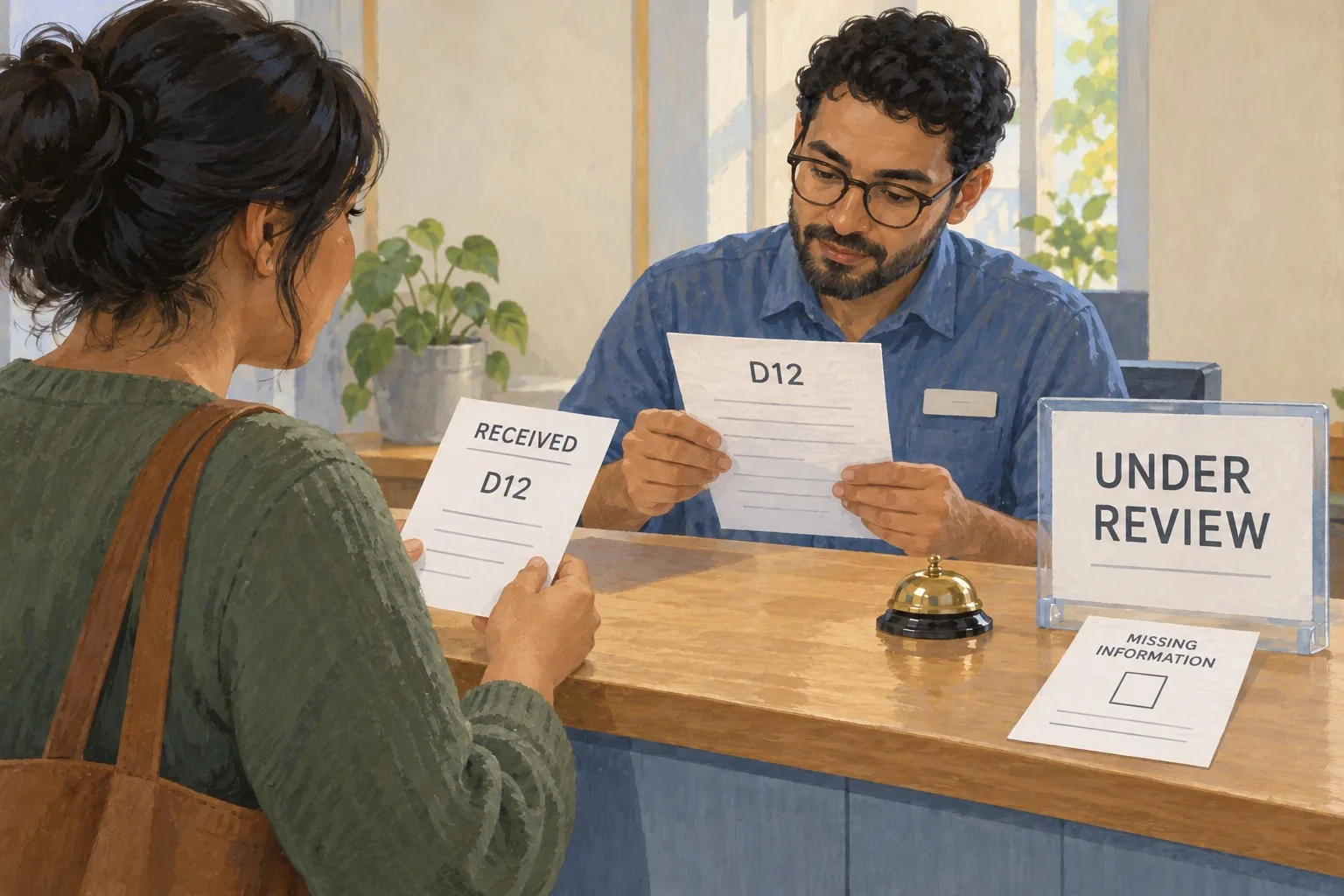
A portal should solve a recognisable problem, such as finding an approved document, checking a project update or supplying requested information. We define those journeys before deciding which screens to build. The brief also identifies who can see each record and who maintains the information behind it.
Talk it through 0333 090 9138What this includes
A defined place for client information and actions
The portal scope connects client tasks with appropriate account access and clear ownership of the information. We agree the screens, records, integrations and operating responsibilities before development.
Account access and record permissions planned around your clients.
Document, update and request workflows included only where they are useful.
Representative account tests, handover and support responsibilities agreed.
Client Portal Development process
Build the customer task and the access rules together
We establish what clients need to do, map which information they can use and develop the agreed interface. Testing follows both the permitted journeys and attempts to cross account boundaries.
Choose the client tasks
Identify the client tasks and repeated administrative work the portal should address.
Map accounts and records
Map accounts, records, permissions and the information each journey requires.
Develop the portal
Develop the agreed interface and review any external connections.
Check access and usability
Test access boundaries and customer tasks before inviting clients.
Make the portal useful without an explanation beside every screen
Navigation should reflect what a client came to do. A document needs a clear name and status; an update needs useful context; a request needs an obvious next action. We plan labels, empty states, error feedback and the route back to the main task. Mobile layouts and keyboard use are considered alongside the desktop interface, so the portal can support the devices clients actually use.
Treat access as part of the core workflow
The brief identifies how users join, how access is checked and which clients each record belongs to. We discuss account recovery, multifactor authentication, administrative roles and the handling of private files. Access checks and record boundaries need tests using different accounts. Hosting, backups, monitoring and the process for removing access are also included in the technical and maintenance discussion.
Connect a portal only where the connection earns its place
A portal may need information from a CRM, website or another business system. We review the available interfaces, data ownership and update responsibilities before agreeing an integration. The plan should explain which system holds the original record and what happens if an update cannot be completed. Starting with a defined set of customer tasks makes it easier to agree a useful first release and assess later additions.
Related services
Services that support Client Portal Development.
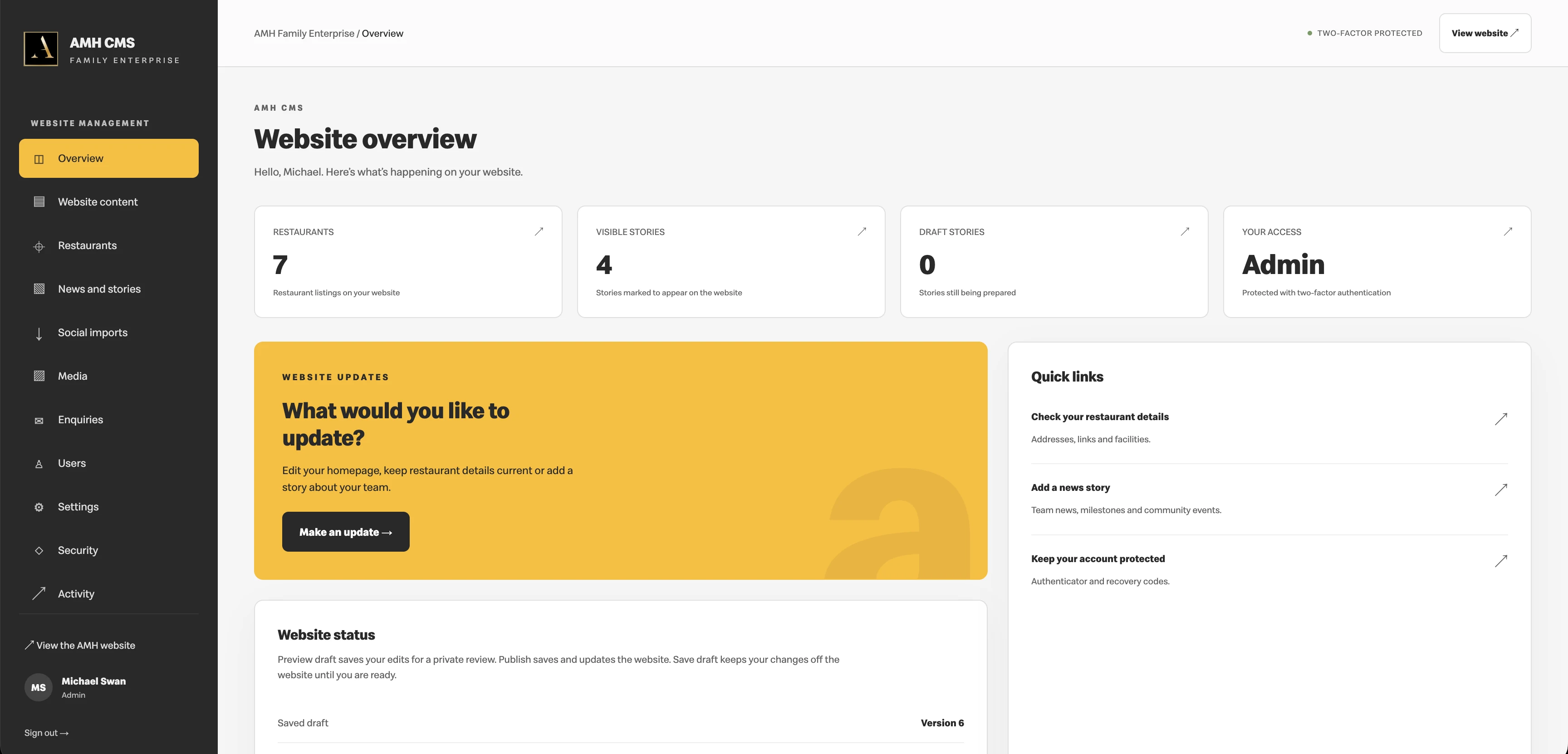
Bespoke CMS Development
Bespoke CMS development by Giraffe Digital. Manage pages, services and publishing through editing tools built around your team and website.
Explore Bespoke CMS Development
Bespoke CRM and Lead Management
Bespoke CRM and lead management from Giraffe Digital. Connect website enquiries, follow-up tasks and customer records around your working process.
Explore Bespoke CRM and Lead Management
Website Maintenance
Website maintenance for builds using Giraffe Digital hosting. Agree updates, checks and support responsibilities around the needs of your project.
Explore Website MaintenanceRelated guidance
Advice to help you choose and plan.
1 Nov 2026
What a Customer Portal Should Solve Before You Build It
Define the customer task a portal should solve, map its operational dependencies, plan access and recovery, and test a useful first journey.
11 Oct 2026
Business Account Access and Recovery: Roles, MFA and Secure Handover
Review service ownership, role scopes, application identities, multifactor protection, recovery routes and staff access changes.

25 Oct 2026
How to Plan User Acceptance Testing for a Bespoke Business Application
Plan user acceptance testing around real business tasks, representative roles and data, clear expected outcomes, issue evidence, retesting and a documented launch decision.
Your questions
Client Portal Development: useful things to know.
What can a client portal include?
The scope can cover client-specific documents, project updates, requests and other defined customer tasks. We first establish who will use it, which information belongs to each account and who keeps it current. Features are selected around those requirements rather than included as a standard list.
How do you plan access to client documents?
We define which records belong to each client and which staff roles need access. Authentication, document handling, account recovery and permission checks are considered together. The agreed test plan includes attempts to access records using accounts that should not be allowed to see them.
Will clients be able to use the portal on a phone?
Responsive layouts and the required mobile tasks are included in the design discussion. We review navigation, forms, document links and error messages at relevant screen sizes. The devices and browser coverage needed for your audience are agreed in the test scope.
Can the portal connect to our existing CRM?
We can assess the proposed connection after reviewing the CRM, its available interfaces and the information that needs to move. The scope defines access, data ownership, update timing and failure handling. An integration is not assumed to be available simply because both systems store client records.
How are accessibility requirements handled?
We agree the required standard and the journeys to assess, including sign-in, navigation, forms and document access. Design and testing should account for keyboard users, readable content and useful feedback. Any conformance statement needs to reflect the completed assessment and the actual release being used.
What should we prepare before requesting a quote?
Bring a short list of client tasks, examples of the information involved and an outline of your existing systems. Explain who will maintain records, how many user roles are needed and any known integration or data requirements. That gives us a useful starting point for scope, costs and a delivery plan.
Discuss your requirements with Giraffe Digital, or read About Giraffe Digital to meet the business behind the work.
Project enquiry
Talk to Giraffe Digital about client portal development.
Describe the information clients need, the tasks they should complete and how your team manages that work today. Existing systems, user roles and document requirements will help us plan a focused portal.
Call us 0333 090 9138