“We need an app” can mean several different things. Customers might be struggling with a booking form on their phones. Staff might need a repeatable task interface. A service might need to work when a connection is unavailable. Before commissioning an app, identify the problem behind the request and compare ways to solve it.
A better mobile website may address the most important difficulty without asking customers to install anything. In other cases, a dedicated app or a progressive web app may suit a repeated task. The decision should follow the customer journey, required capabilities and ongoing operating work. This guide sets out a practical way to assess those choices.
Describe the task that is currently difficult
Start with a concrete example. Instead of “customers want a better digital experience”, write “returning customers need to check their next booking and change it without calling”. Identify who does the task, how often they do it, where they are and what stops them completing it today. Separate observed difficulties from ideas suggested in a meeting.
Watch people use the current website on their own devices where appropriate. A problem might come from unclear navigation, a form that asks for unnecessary details or a confusing account process. Changing the delivery format does not automatically resolve those issues. An app can reproduce the same difficult journey if the underlying task remains poorly designed.
Record the desired outcome in terms you can test. A customer should be able to find a booking, understand whether it can be changed and complete the permitted change. Specify what confirmation they need afterwards. This gives a mobile website proposal and an app proposal the same practical goal.
Consider how customers will reach the service
A first-time visitor arriving from a search result has a different relationship with your business from a regular customer who uses the service every week. Think about the point at which you would ask somebody to install or open an app. What useful task becomes easier, and is that benefit clear before the request?
If the service is occasional, an installation step may add effort to a journey that should be brief. If the customer repeatedly manages several bookings or records, a dedicated interface may become more useful. Treat these as questions to investigate with real users, rather than rules that apply to every business.
Map the routes from your public website, email messages and customer support. Customers still need to discover the service and understand who it is for. An app project should therefore include the pages and explanations around the app, not just the screens inside it. Check what happens when someone follows a link without having the app installed.
Understand the options without assuming their capabilities
A mobile website is accessed through a browser. A progressive web app, or PWA, uses web technologies while offering some app-like behaviour. PWAs can be installable and can support offline operation. Available capabilities vary with the browser and platform, so required features need checking on the actual devices you intend to support. Our offline web apps and notifications guide provides the related checks.
A dedicated app is another possible route, but the phrase alone does not explain the proposed architecture, distribution or maintenance. Ask each supplier to describe what they will build, which devices it will support and how customers will receive updates. Compare specific proposals rather than assuming every app provides the same functions.
Create a requirements list before considering a particular framework. Include the customer task, account access, necessary device features, expected connection conditions and support needs. Ask the developer to demonstrate uncertain capabilities with a small prototype. A convincing presentation is useful context, but a working test gives you stronger evidence for the decision.
Improve the mobile journey before judging the format
Review the current website from the first useful page to the final confirmation. Can visitors recognise the correct service? Can they read the information, use the controls and complete the form? Are prices, eligibility and next steps explained at the point where they are needed? Note the specific obstacles that affect the intended task.
Giraffe Digital's website design services provide a starting point for considering structure, content and enquiries together. A focused mobile design review can establish whether the website's difficulties are caused by the interface, the service process or a capability that requires further development.
Prototype the improved journey before approving a full build. It may reveal that a short account page and clearer booking controls solve the immediate problem. Alternatively, it may show a repeated workflow that deserves its own interface. Either result is valuable because it directs effort towards the task rather than a preferred label.
Make offline requirements precise
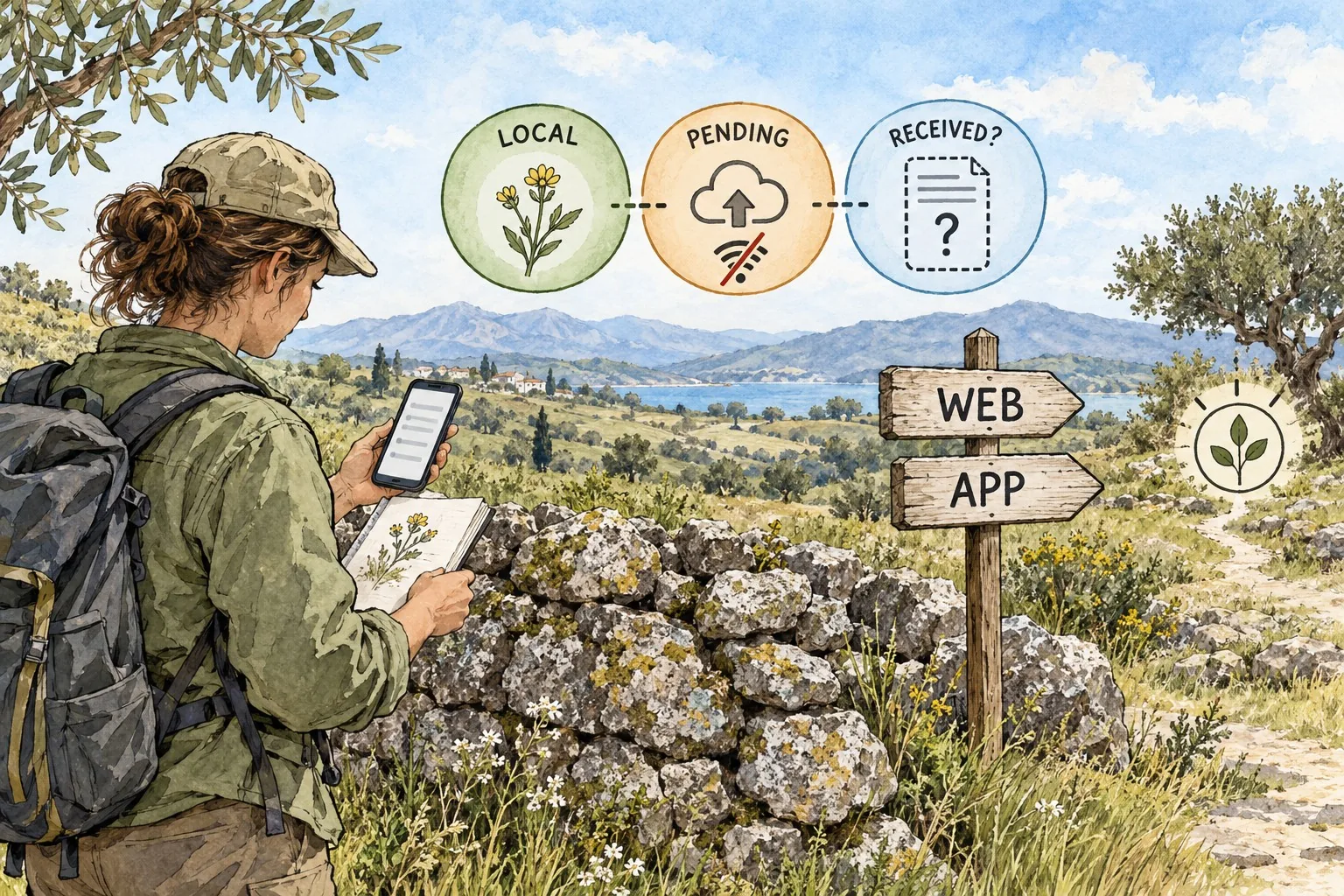
“Works offline” needs a definition. A customer might only need to read previously downloaded information. A field worker might need to record new observations and submit them later. Those are different requirements, with different questions about data, confirmation and conflicts.
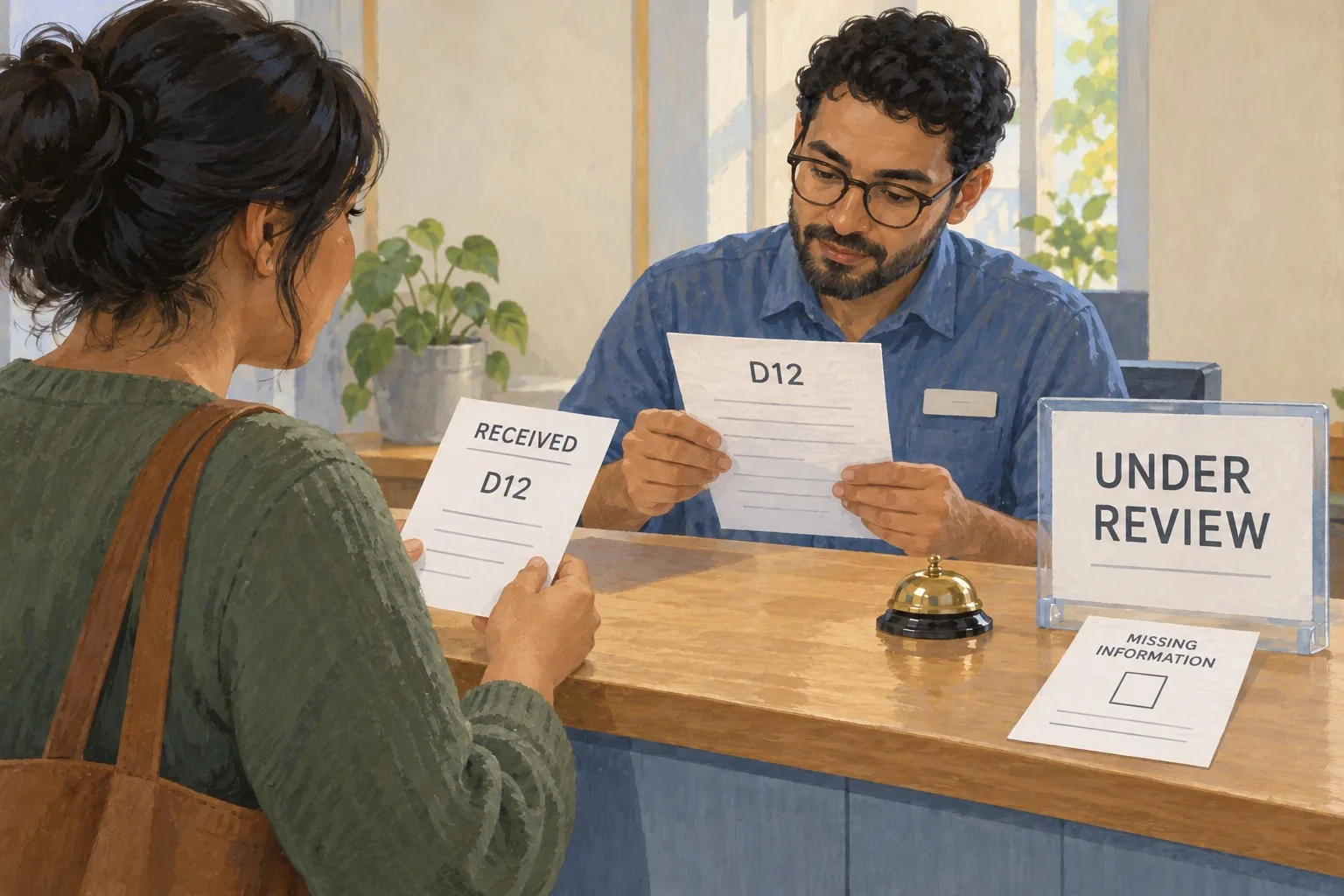
Describe what should remain available without a connection, what can be changed and what the user should see. A record saved on the device is not the same as a record received by the business. The interface must make that distinction understandable. Ask the developer to show the states for local storage, pending submission, successful receipt and a failed or disputed update.
Test a realistic interruption. Start a task with a connection, lose it, continue where permitted and reconnect later. Check whether repeated attempts create duplicate records and whether two people can change the same information. Agree the expected outcome with staff who will use the records afterwards. Offline behaviour should be part of the process design, not a single item ticked off in a proposal.
Include administration and support in the comparison
Customers see the interface, but your team has to operate the service. Ask how staff will manage accounts, correct records, answer questions and investigate a failed task. Identify which information stays in existing systems and which becomes part of a new one. Duplicate administration can make an attractive customer interface difficult to maintain.
Write a support scenario for each option. A customer cannot sign in, a booking appears incorrect or an expected notification does not arrive. What can the support team see, which checks can they perform and when must they escalate? Include a route for customers who cannot use the preferred device or who need another way to complete the task.
Agree ownership of operating instructions and access. The person approving the project should know who will manage routine changes and who can coordinate supplier support. If only one employee understands the new system, include a handover and backup plan before launch.
Compare the complete ongoing effort
Ask for a comparison that includes discovery, design, development, integrations, testing, content and launch. Then include the work after launch: supported devices, updates, user assistance, monitoring and changes to connected systems. Initial build cost is only one part of the decision.
Be explicit about what the business must provide. An app proposal might depend on approved account rules, clean customer records or an existing integration. A mobile website proposal might require content changes and a revised booking process. Record those dependencies alongside the supplier's work so the project plan reflects the complete service.
Choose a review period and useful measures. Completion of the intended task, relevant support questions and repeat use can provide evidence, provided the records are reliable and the measures are defined. Avoid comparing download counts with website visits as though they represent the same behaviour. Focus on whether the chosen approach helps the intended people complete the intended work.
Make a decision you can explain
Prepare a short decision record: the problem, evidence, required capabilities, options considered, prototype findings and operating responsibilities. Note unresolved questions and the checks needed before making a larger commitment. This is especially useful when a supplier recommends a particular technical route.
Giraffe Digital's digital strategy services can help put the proposed interface within the wider customer journey and business priorities. Whether you choose a better mobile website, a PWA or a dedicated app, the strongest brief starts with a real task and ends with a service your team can run.
Frequently asked questions
How should we describe the task that is currently difficult?
Start with a concrete example. Instead of "customers want a better digital experience", write "returning customers need to check their next booking and change it without calling". Identify who does the task, how often they do it, where they are and what stops them completing it today. Separate observed difficulties from ideas suggested in a meeting. Watch people use the current website on their own devices where appropriate. A problem might come from unclear navigation, a form that asks for unnecessary details or a confusing account process. Changing the delivery format does not automatically resolve those issues. An app can reproduce the same difficult journey if the underlying task remains poorly designed. Record the desired outcome in terms you can test.
How should we understand the options without assuming their capabilities?
A mobile website is accessed through a browser. A progressive web app, or PWA, uses web technologies while offering some app-like behaviour. PWAs can be installable and can support offline operation. Available capabilities vary with the browser and platform, so required features need checking on the actual devices you intend to support. Our offline web apps and notifications guide provides the related checks. A dedicated app is another possible route, but the phrase alone does not explain the proposed architecture, distribution or maintenance. Ask each supplier to describe what they will build, which devices it will support and how customers will receive updates. Compare specific proposals rather than assuming every app provides the same functions.
How should we make offline requirements precise?
"Works offline" needs a definition. A customer might only need to read previously downloaded information. A field worker might need to record new observations and submit them later. Those are different requirements, with different questions about data, confirmation and conflicts. Describe what should remain available without a connection, what can be changed and what the user should see. A record saved on the device is not the same as a record received by the business. The interface must make that distinction understandable. Ask the developer to show the states for local storage, pending submission, successful receipt and a failed or disputed update. Test a realistic interruption. Start a task with a connection, lose it, continue where permitted and reconnect later.
How should we include administration and support in the comparison?
Customers see the interface, but your team has to operate the service. Ask how staff will manage accounts, correct records, answer questions and investigate a failed task. Identify which information stays in existing systems and which becomes part of a new one. Duplicate administration can make an attractive customer interface difficult to maintain. Write a support scenario for each option. A customer cannot sign in, a booking appears incorrect or an expected notification does not arrive. What can the support team see, which checks can they perform and when must they escalate? Include a route for customers who cannot use the preferred device or who need another way to complete the task. Agree ownership of operating instructions and access.
How should we make a decision you can explain?
Prepare a short decision record: the problem, evidence, required capabilities, options considered, prototype findings and operating responsibilities. Note unresolved questions and the checks needed before making a larger commitment. This is especially useful when a supplier recommends a particular technical route. Giraffe Digital's digital strategy services can help put the proposed interface within the wider customer journey and business priorities. Whether you choose a better mobile website, a PWA or a dedicated app, the strongest brief starts with a real task and ends with a service your team can run.