Website design is moving quickly, and one of the most important shifts we are seeing in 2009 is the steady emergence of CSS3 web design. CSS (Cascading Style Sheets) has long been the engine behind how a site looks, but CSS3 begins to extend what’s possible without relying so heavily on images, bulky HTML, or scripting. For business owners, that can translate into faster sites, easier updates, and a more consistent brand experience across pages.
It’s also important to be practical: CSS3 is not a single switch you flip. Support varies between browsers, and the sensible approach is to treat new features as enhancements rather than requirements. Used carefully, CSS3 can help you build a site that looks modern in browsers that support it, while still functioning well for everyone else.
What CSS3 actually is (and why it matters to businesses)
CSS3 is the next evolution of CSS, with new properties and new ways to control presentation. Rather than forcing every visitor to download extra images for visual effects, CSS3 aims to let the browser draw more of the interface itself: rounded corners, shadows, gradients, and improved typography controls, amongst other improvements.
From a business perspective, the value sits in three areas:
- Efficiency: fewer images and simpler HTML can reduce page weight, which can improve load times and make content updates quicker.
- Consistency: a central stylesheet helps ensure consistent colours, spacing and typography across the site, reinforcing brand trust.
- Flexibility: when the design is driven by CSS, you can adjust layouts and branding without rebuilding every page.
CSS3 features are arriving in modules, so you will hear designers discussing parts of CSS3 rather than “all of CSS3”. The important point is that you can start adopting certain features now, provided you plan for browser differences and fallbacks.
Practical CSS3 features you can start using now
In May 2009, the most useful CSS3 capabilities for real-world business sites tend to be the ones that provide subtle improvements without risking usability. Here are some of the most common opportunities.
Rounded corners without extra images
Rounded corners have been popular in web design for years, but traditionally they required extra image files and complicated HTML. CSS3 introduces border-radius, letting supporting browsers draw rounded corners without additional images. The practical advantage is simpler templates and fewer assets to manage, especially for buttons, callout boxes and navigation panels.
For a business site, this can reduce design clutter and keep your pages lighter. If a browser does not support it, the element simply shows square corners. That is generally an acceptable fallback: the content remains readable and the page remains usable.
Drop shadows that don’t slow down your site
Shadows are another effect often created with images. CSS3 includes box-shadow and text-shadow. Used in moderation, these can add depth to panels, product callouts, or key headings without downloading extra graphics. The benefit is again speed and maintainability: change a shadow in one place, and the entire site updates.
A sensible approach is to keep shadows subtle so that when they do not appear in some browsers, the design still looks professional rather than “broken”.
Cleaner typography and more reliable font stacks
While websites still rely heavily on “web safe” fonts, CSS3 helps you control typography more precisely with better handling of font styling, spacing, and text effects. Even without relying on unusual fonts, tightening your typographic system (line-height, spacing, heading sizes, and consistent emphasis) can make content easier to scan. For service businesses in particular, improved readability can help visitors understand your offer faster and feel confident enough to enquire.
Practical tip: choose a clear base font size and build a consistent hierarchy for headings and subheadings. A well-structured stylesheet often does more for professionalism than any special effect.
Background enhancements without extra artwork
CSS3 includes richer background options, such as multiple backgrounds and more flexible control over how they are positioned. For some designs, that can reduce the need for sliced background images. Where a visual can be drawn by the browser, your site can load faster and your designer can adjust the style without editing a suite of graphics.
This is particularly helpful for small businesses that need to keep the website fresh throughout the year (new campaigns, seasonal messages, refreshed product ranges) without constantly commissioning new imagery for every small design change.
Better layout habits: less presentational HTML, more structure
Even if you adopt only a few CSS3 features, the broader move towards cleaner, standards-based markup and well-organised stylesheets pays off. Search engines and visitors alike benefit from pages that are structured logically, with headings used as headings and navigation marked up consistently. CSS3 web design tends to go hand-in-hand with this mindset because the design relies more heavily on CSS and less on cluttered HTML.
Browser support in 2009: how to adopt CSS3 without risking your site
The main reason many businesses hesitate is uncertainty around browser support. That is a sensible concern. In 2009, not every browser implements the same CSS3 features, and some implement them with vendor-specific prefixes. The key is to treat CSS3 as progressive enhancement: the baseline experience must work everywhere, and the advanced styling improves the look for browsers that support it.
Design for the baseline first
Start with a layout that works using established CSS2.1 techniques. Ensure the site is readable, navigation is clear, forms are usable, and key calls-to-action (phone number, enquiry form, email link, store address) are prominent. Then layer CSS3 on top for browsers that support it.
Examples of safe enhancements include rounded corners on boxes, subtle shadows, and background refinements. If those enhancements do not show for some visitors, it does not prevent them from contacting you or buying from you.
Use fallbacks and keep effects optional
Where an effect is important to brand feel, consider using a fallback that still looks acceptable. For instance, if you rely on a gradient for a button background, ensure the button still has a solid colour background that works without the gradient. A CSS3 enhancement should never be the only thing making text legible or navigation obvious.
Be careful with “clever” layouts
It can be tempting to chase novelty. The risk is creating a site that looks impressive on one browser but frustrating on another. For most UK businesses, the priority is clear communication and conversions: enquiries, bookings, calls and sales. A restrained approach to CSS3 will serve those goals better than a design that depends on cutting-edge support.
Test on the browsers your customers actually use
Before committing to a CSS3-heavy design, identify your likely audience. A consumer-focused site may see a different browser mix compared to a B2B industrial supplier. Ask your designer or developer to test the main customer journeys (home page to contact, home page to product/service page, checkout or enquiry form) across a sensible range of browsers. The test is not simply “does it look identical”, but “does it work, and does it still feel trustworthy”.
SEO and performance: how CSS3 web design can support search marketing
CSS3 itself is not an SEO tactic. Search engines do not “rank” your site higher because it uses rounded corners. However, CSS3 web design often encourages practices that support search marketing and user experience, and those can have real business impact.
Faster pages through fewer images
When visual effects are created using CSS rather than images, pages can become lighter. Faster load times can improve user satisfaction and reduce abandonment. They can also make your site easier to crawl efficiently. Particularly for brochure-style business sites, reducing the number of decorative images can be an easy win.
Practical tip: keep essential images (product photos, portfolio work, team photography) high quality, but avoid using images purely to create interface effects that CSS can handle.
Cleaner HTML helps engines understand your content
Separating presentation from content tends to produce more meaningful HTML. That makes it easier to use headings properly, organise navigation, and keep content prominent. A well-structured page also supports accessibility and makes it easier for visitors using different devices or settings to use your site.
For SEO in 2009, the fundamentals remain strong: clear page titles, descriptive headings, sensible internal linking, and content that answers what people search for. CSS3 web design can support this by keeping templates tidy and consistent.
Better landing pages for campaigns and social media
More businesses are experimenting with social media and online campaigns to drive visitors to specific landing pages. CSS-driven templates make it much easier to build and iterate landing pages quickly: new page, new call-to-action, a slightly different layout, and consistent branding without rebuilding from scratch.
That flexibility is valuable when you are testing messages. If a particular offer gains traction, your designer can refine the page quickly. If it doesn’t, you can adjust without throwing away a large suite of design files.
Branding and usability: where CSS3 can strengthen trust
A business website’s job is not only to look attractive; it must communicate credibility. CSS3 features, used with restraint, can make interfaces feel more polished and considered. The goal is to support your brand, not distract from it.
Buttons, forms and calls-to-action
Enquiry forms and calls-to-action are where many business sites succeed or fail. CSS3 can help create clear, clickable buttons with subtle depth (for example, a gentle shadow) and consistent styling across the site. It can also help highlight important form fields and validation messages, as long as the site remains usable without those enhancements.
Consider the visitor’s mindset: they are deciding whether to contact you. If the site feels sloppy or inconsistent, confidence drops. A consistent, well-styled interface helps reassure them that your organisation is established and professional.
Content presentation: making information easier to scan
Most visitors do not read every word. They scan. A CSS-led design system can ensure that headings, lists, pull quotes, and key points are displayed consistently. That makes service pages clearer and can increase the chance a visitor reaches the enquiry stage.
If you sell a service, clarity often beats complexity. Use CSS3 enhancements to improve presentation, but keep the content structure simple and logical.
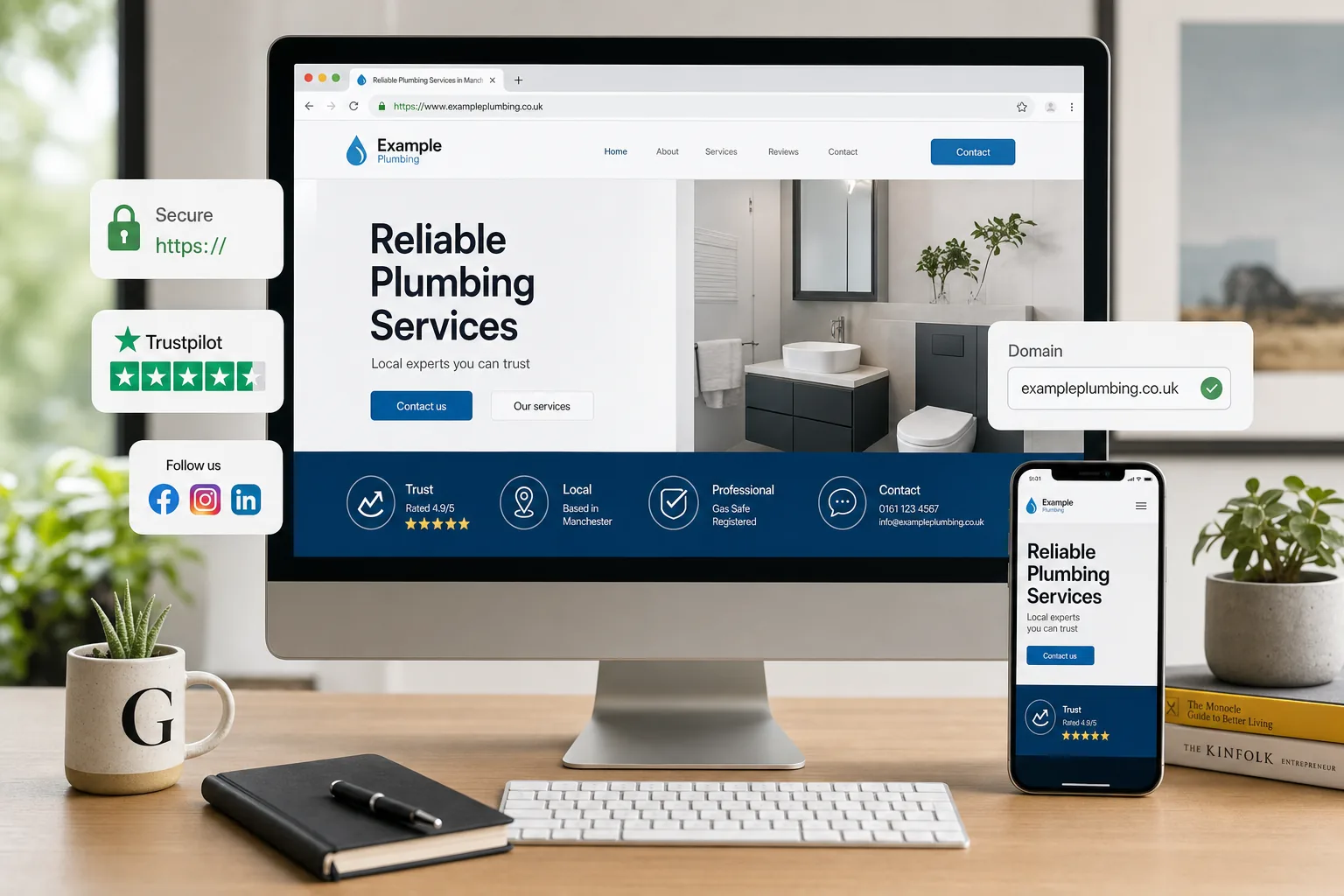
Domain names, hosting and the practical set-up around a modern site
Design improvements work best when the foundations are solid. If you are refreshing your site to take advantage of CSS3 web design, it is worth checking a few basics at the same time.
Choose a domain name that supports your brand
Your domain name should be easy to say, easy to spell, and closely aligned with your business name where possible. For UK businesses, a .co.uk domain is often a strong choice for local credibility. If your preferred name is not available, avoid complicated hyphens or unusual spellings that people will mistype.
Register your domain through a reputable registrar and ensure that the domain is registered in your organisation’s name (not an individual’s), with up-to-date contact details. Keep a record of logins and renewal dates so the business does not risk losing the domain.
Hosting and performance
CSS3 can reduce some page weight, but hosting still matters. Reliable hosting helps ensure pages load quickly and remain available. If you are running marketing campaigns or building visibility through search, an unreliable site can waste that effort.
Ask your provider about backups, uptime, and whether you can access server logs if needed. If your site uses a content management system, ensure it is kept secure and updated by whoever maintains it.
A sensible CSS3 action plan for your next website refresh
If you are considering a redesign or a new site this year, CSS3 web design can be part of the brief without turning your project into an experiment. The key is to focus on business outcomes and adopt CSS3 features in a controlled, testable way.
- Define what success looks like: more enquiries, more phone calls, more brochure downloads, more bookings, or more online sales.
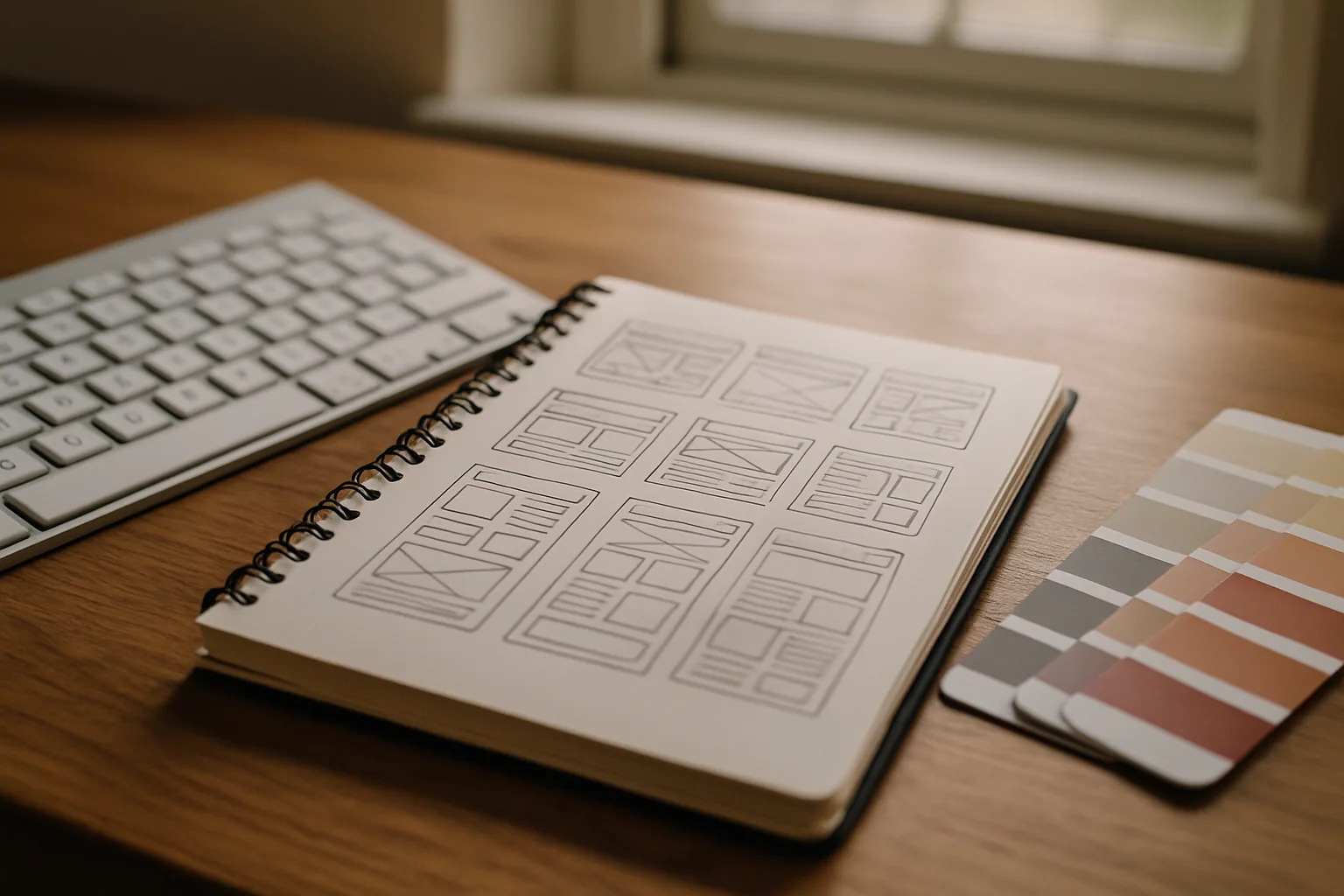
- Start with solid structure: clear navigation, strong content hierarchy, and templates that support search-friendly page titles and headings.
- Use CSS3 for enhancement: rounded corners, subtle shadows, and background refinements that improve polish without affecting usability.
- Keep performance in mind: reduce decorative images where CSS can do the job, compress essential imagery, and avoid unnecessary page weight.
- Test across browsers: ensure the site works well in the browsers your customers use, and accept that it may not look identical everywhere.
- Support your marketing: build landing pages you can adapt for search campaigns and social media activity, keeping the brand consistent.
CSS3 is beginning to give designers more freedom to create attractive, maintainable sites with less reliance on images and messy markup. For UK businesses, the opportunity is to use these improvements to build faster pages, strengthen brand consistency, and make it easier to evolve your site as your marketing changes. Adopt CSS3 carefully, test thoroughly, and keep the focus on making it simple for customers to understand your offer and get in touch.
Frequently asked questions
What is CSS3 actually (and why it matters to businesses)?
CSS3 is the next evolution of CSS, with new properties and new ways to control presentation. Rather than forcing every visitor to download extra images for visual effects, CSS3 aims to let the browser draw more of the interface itself: rounded corners, shadows, gradients, and improved typography controls, amongst other improvements. From a business perspective, the value sits in three areas: Efficiency: fewer images and simpler HTML can reduce page weight, which can improve load times and make content updates quicker; Consistency: a central stylesheet helps ensure consistent colours, spacing and typography across the site, reinforcing brand trust; Flexibility: when the design is driven by CSS, you can adjust layouts and branding without rebuilding every page.
How can we adopt CSS3 without risking our site?
The main reason many businesses hesitate is uncertainty around browser support. That is a sensible concern. In 2009, not every browser implements the same CSS3 features, and some implement them with vendor-specific prefixes. The key is to treat CSS3 as progressive enhancement: the baseline experience must work everywhere, and the advanced styling improves the look for browsers that support it. Start with a layout that works using established CSS2.1 techniques. Ensure the site is readable, navigation is clear, forms are usable, and key calls-to-action (phone number, enquiry form, email link, store address) are prominent. Then layer CSS3 on top for browsers that support it. Examples of safe enhancements include rounded corners on boxes, subtle shadows, and background refinements.
How can CSS3 web design support search marketing?
CSS3 itself is not an SEO tactic. Search engines do not "rank" your site higher because it uses rounded corners. However, CSS3 web design often encourages practices that support search marketing and user experience, and those can have real business impact. When visual effects are created using CSS rather than images, pages can become lighter. Faster load times can improve user satisfaction and reduce abandonment. They can also make your site easier to crawl efficiently. Particularly for brochure-style business sites, reducing the number of decorative images can be an easy win. Practical tip: keep essential images (product photos, portfolio work, team photography) high quality, but avoid using images purely to create interface effects that CSS can handle.
What should we know about a sensible CSS3 action plan for our next website refresh?
If you are considering a redesign or a new site this year, CSS3 web design can be part of the brief without turning your project into an experiment. The key is to focus on business outcomes and adopt CSS3 features in a controlled, testable way. Define what success looks like: more enquiries, more phone calls, more brochure downloads, more bookings, or more online sales; Start with solid structure: clear navigation, strong content hierarchy, and templates that support search-friendly page titles and headings; Use CSS3 for enhancement: rounded corners, subtle shadows, and background refinements that improve polish without affecting usability; Keep performance in mind: reduce decorative images where CSS can do the job, compress essential imagery, and avoid unnecessary page weight; Test across browsers: ensure the site works well in the browsers your customers use, and accept that it may not look identical everywhere; Support your marketing: build landing pages you can adapt for search campaigns and social media activity, keeping the brand consistent.