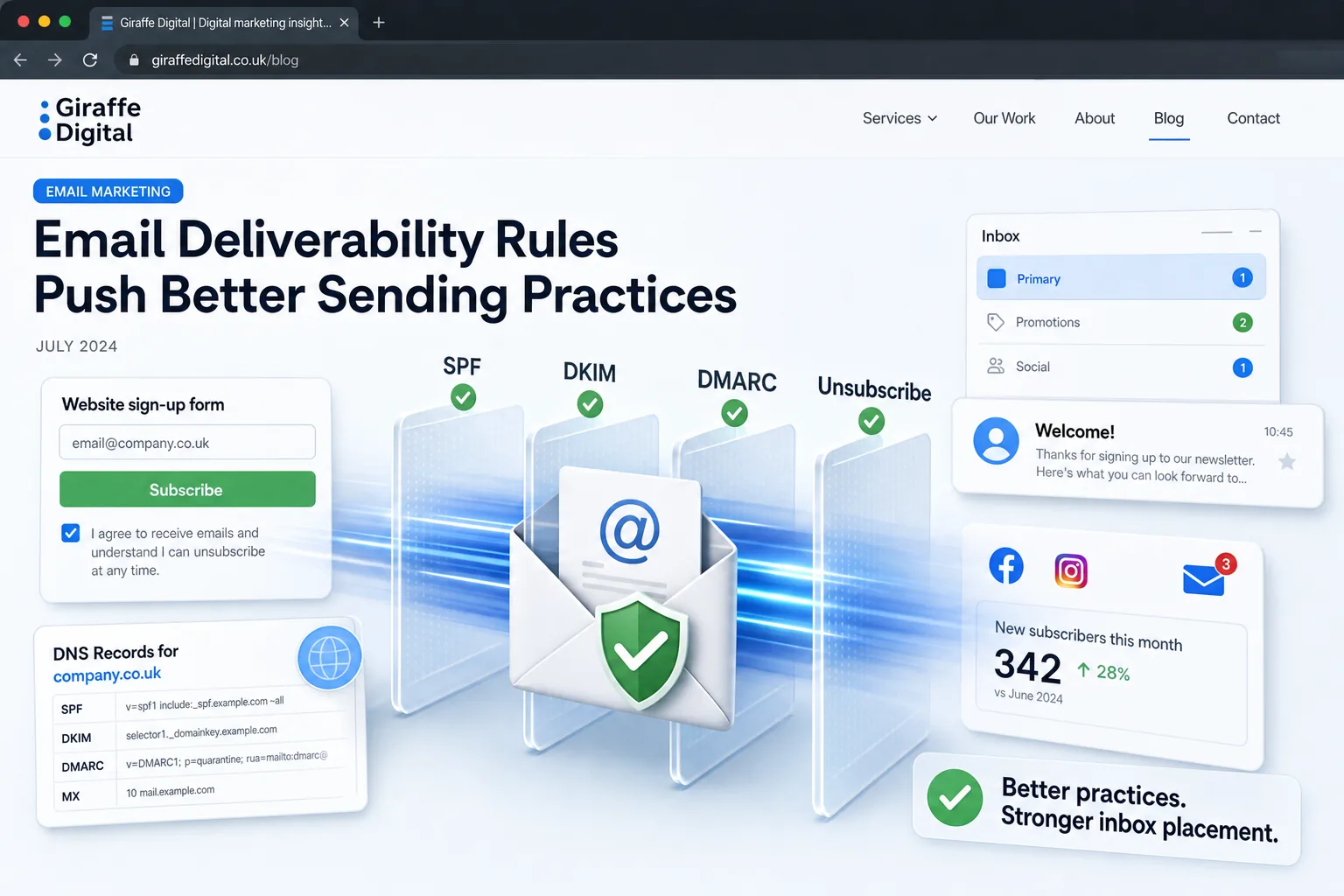

Your business domain may send email through more services than your team realises. Alongside everyday mailboxes, there can be website forms, newsletters, invoices, booking confirmations, support tools and older automations. Each may use a different provider and configuration. An audit needs to establish which services are active, why they send and who is responsible for them.
No single report proves that you have found every sender. Some messages are infrequent, and some tools use a provider's address rather than your own domain. A useful audit combines a business inventory, observed messages, provider settings and authentication evidence. The result is a documented picture of known activity, with uncertainties clearly identified.
Start with the business processes that generate messages
Ask each relevant team what email their tools send. Cover sales, finance, customer service, marketing and operations. Include messages triggered by customer actions as well as campaigns someone launches manually. A forgotten invoice reminder can be as important to the business as its main newsletter.
Walk through the website too. Contact forms, account creation, password resets, purchases and booking changes may each trigger messages. Record whether the email goes to a customer, a staff member or both. The same form can create several messages through different routes.
Include less visible systems such as monitoring tools, document workflows and shared devices where relevant. Ask about seasonal processes and annual communications. A report covering the last few days cannot be expected to reveal a service that sends only during a yearly renewal cycle.
Create a sender register with named owners
For each service, record its purpose, provider, business owner and technical contact. Add the account used to administer it and the circumstances that trigger a message. Distinguish an active service from a retired tool whose account or domain settings still exist.
Record the visible From address using an actual message where possible. Do not assume that the company name displayed in a mailbox tells you which domain sent the message. A branded sender name can accompany an address belonging to a different provider.
Use the register to expose gaps. If nobody owns a tool, identify someone who can assess whether it is still needed. If access belongs to a former supplier, establish how the business will inspect or manage the service. Treat these as operating questions before attempting changes to domain records.
Collect representative messages from real journeys
Send controlled test messages for the important flows, using suitable test accounts and approved methods. Trigger the same action a customer or staff member would take. A newsletter preview may not use the same route as a live campaign, so check what the test actually represents.
Keep enough evidence to identify the service, message type, date and relevant authentication results. Someone with the appropriate technical knowledge can inspect message headers to understand the sending route. Handle the samples according to your information handling arrangements, particularly where they contain customer or operational details.
Compare tests with ordinary messages already received. Differences can reveal separate sending configurations, an old integration or a feature that uses another provider. Avoid drawing a conclusion from one successful test when the service has several message types.
Understand the authentication questions
SPF, DKIM and DMARC provide different evidence about messages using your domain. SPF concerns authorised sending infrastructure for the relevant sending identity. DKIM adds a signature associated with a domain. DMARC evaluates alignment with the visible From domain through qualifying SPF or DKIM results.
Messages sent to personal Gmail accounts must meet the applicable authentication requirements, with additional requirements for bulk senders. Check the requirements that apply to your activity and destination. Authentication helps establish identity, but it does not guarantee inbox placement. Our email authentication guide provides the related checks.
Ask the technician to record the authentication and alignment evidence for each important route. A message can show a successful technical check without establishing the alignment you expected for your business domain. Specific observed results are more useful than a statement that the provider generally supports authentication.
Compare the inventory with aggregate reports
Where DMARC reporting is configured and available, use the reports to look for sending sources and authentication patterns. Treat them as evidence to compare with the register, rather than an automatic list of approved suppliers. Reporting coverage and the selected time period affect what you can see.
A DMARC reporting view can show message volume, sending sources and authentication results. Such a view can help identify patterns requiring investigation. It still needs the business context that explains which processes should be sending. Our DMARC reporting guide provides the related checks.
Review a period appropriate to your activity and document its limits. A low-volume service might not appear in a short reporting window. Some legitimate messages may travel through providers that share infrastructure with other customers. An unfamiliar IP address is a reason to investigate, not proof that the message is malicious or a reason to authorise that address immediately.
Resolve unfamiliar senders through evidence
When a source does not match the register, ask who recognises the message type and the sending tool. Check provider account settings, integration records and actual message samples. The apparent mismatch may be an unrecorded service, a changed delivery route or activity that the business did not authorise.
Keep unresolved entries separate from approved ones. Record what you know, what remains uncertain and who will investigate. A spreadsheet marked complete while important unknowns remain can encourage premature domain changes.
Do not add a new SPF include, DKIM record or other authorisation simply because an unexplained source appears in a report. Establish the intended provider and follow its current configuration guidance with the person responsible for your domain. Authorisation changes should reflect a confirmed business requirement.
Check provider configuration against the intended identity
Review each confirmed provider's instructions and the settings in the actual account. Providers may use separate configurations for campaigns, transactional email or particular domains. Record which configuration applies to the flow you tested, along with the domain or subdomain involved.
Check the relevant DNS records with a qualified administrator. Several services can depend on the same domain, so a change made for one tool may affect another. Ask for the proposed change, its reason and the flows that need testing afterwards.
If you use separate subdomains for particular activities, include them in the register. Make clear which identities customers will see and who maintains them. A neat technical separation only helps if the team understands it and the live messages use the intended configuration.
Retire unused services carefully
Before removing access or authentication settings, confirm that the service is no longer required. Check scheduled jobs, seasonal tasks and dependencies elsewhere. A tool that has not sent recently may still support an important infrequent process.
Agree the retirement with its business owner, stop the relevant sending activity and record the change. Coordinate any domain-record adjustment with the administrator, then test the remaining important flows. Keep a record of what was removed and why so that future investigations have context.
Also remove unnecessary administrative access through your normal account process. A sender audit can reveal old users and integrations, but each change should be tied to the actual service and its current ownership.
Review before changing domain policy
An authentication audit can inform later policy decisions, but the decision needs evidence about important legitimate flows. Ask your administrator to explain the impact of a proposed DMARC policy and how you will monitor the result. Avoid treating one reassuring dashboard as proof that every operational message has been checked.
Record the tests completed, reporting period reviewed and remaining uncertainties. Assign owners to resolve gaps and repeat checks after new tools or integrations are introduced. The register should become part of onboarding a sender, rather than an annual document that immediately falls out of date.
Giraffe Digital's digital strategy service can help businesses map how websites and tools support customer communication. A useful sender audit leaves you with an evidence-based inventory, clear responsibilities and a practical process for keeping domain email activity understandable as the business changes.
Frequently asked questions
How should we start with the business processes that generate messages?
Ask each relevant team what email their tools send. Cover sales, finance, customer service, marketing and operations. Include messages triggered by customer actions as well as campaigns someone launches manually. A forgotten invoice reminder can be as important to the business as its main newsletter. Walk through the website too. Contact forms, account creation, password resets, purchases and booking changes may each trigger messages. Record whether the email goes to a customer, a staff member or both. The same form can create several messages through different routes. Include less visible systems such as monitoring tools, document workflows and shared devices where relevant. Ask about seasonal processes and annual communications. A report covering the last few days cannot be expected to reveal a service that sends only during a yearly renewal cycle.
How should we collect representative messages from real journeys?
Send controlled test messages for the important flows, using suitable test accounts and approved methods. Trigger the same action a customer or staff member would take. A newsletter preview may not use the same route as a live campaign, so check what the test actually represents. Keep enough evidence to identify the service, message type, date and relevant authentication results. Someone with the appropriate technical knowledge can inspect message headers to understand the sending route. Handle the samples according to your information handling arrangements, particularly where they contain customer or operational details. Compare tests with ordinary messages already received. Differences can reveal separate sending configurations, an old integration or a feature that uses another provider.
How should we compare the inventory with aggregate reports?
Where DMARC reporting is configured and available, use the reports to look for sending sources and authentication patterns. Treat them as evidence to compare with the register, rather than an automatic list of approved suppliers. Reporting coverage and the selected time period affect what you can see. A DMARC reporting view can show message volume, sending sources and authentication results. Such a view can help identify patterns requiring investigation. It still needs the business context that explains which processes should be sending. Our DMARC reporting guide provides the related checks. Review a period appropriate to your activity and document its limits. A low-volume service might not appear in a short reporting window. Some legitimate messages may travel through providers that share infrastructure with other customers.
How should we check provider configuration against the intended identity?
Review each confirmed provider's instructions and the settings in the actual account. Providers may use separate configurations for campaigns, transactional email or particular domains. Record which configuration applies to the flow you tested, along with the domain or subdomain involved. Check the relevant DNS records with a qualified administrator. Several services can depend on the same domain, so a change made for one tool may affect another. Ask for the proposed change, its reason and the flows that need testing afterwards. If you use separate subdomains for particular activities, include them in the register. Make clear which identities customers will see and who maintains them. A neat technical separation only helps if the team understands it and the live messages use the intended configuration.
How should we review before changing domain policy?
An authentication audit can inform later policy decisions, but the decision needs evidence about important legitimate flows. Ask your administrator to explain the impact of a proposed DMARC policy and how you will monitor the result. Avoid treating one reassuring dashboard as proof that every operational message has been checked. Record the tests completed, reporting period reviewed and remaining uncertainties. Assign owners to resolve gaps and repeat checks after new tools or integrations are introduced. The register should become part of onboarding a sender, rather than an annual document that immediately falls out of date. Giraffe Digital's digital strategy service can help businesses map how websites and tools support customer communication. A useful sender audit leaves you with an evidence-based inventory, clear responsibilities and a practical process for keeping domain email activity understandable as the business changes.