When normal trading is interrupted, customers look for clear answers quickly. They want to know whether you are open, how to contact you, whether deliveries are affected, what safety measures are in place and what they should do next. A well-planned website gives your business a reliable, owned channel for publishing those answers in one place, then sharing them through search, email and social media.
Disruption can take many forms: severe weather, transport issues, supplier delays, building works, public health concerns, staff shortages, local incidents or changes to opening hours. Whatever the cause, the communication challenge is often the same. If customers cannot find accurate information, they may assume the worst, call repeatedly, visit unnecessarily or choose a competitor. Your website should reduce uncertainty, not add to it.
For UK business owners, this is not just a technical issue. It is a brand, customer service and digital marketing issue. The stronger your website is before disruption occurs, the easier it is to respond calmly and professionally when circumstances change.
Why your website should be the centre of disruption communication
Social media is useful for fast updates, but it should not be the only place your business communicates. Posts can be missed, algorithms can limit reach and not every customer uses the same platform. Email is valuable too, but inboxes become crowded and messages may not reach people who are simply searching for information.
Your website is the natural centre for business communication because it is owned by your organisation and accessible to almost everyone. It gives you a permanent, searchable and shareable location for the latest information. If a customer searches for your business name, service or location, your site should provide the clearest answer available.
A strong business communication website also helps your team stay consistent. Instead of different staff members giving slightly different answers by phone, email and social media, everyone can refer to the same live page. This reduces mistakes and helps maintain a professional tone when pressure is high.
During disruption, your website can answer practical questions such as:
- Are you open as usual or operating reduced hours?
- Can customers still visit your premises?
- Are appointments, deliveries or collections affected?
- Which phone number or email address should people use?
- Are there alternative ways to buy, book or receive support?
- When will the next update be published?
The aim is simple: make your website the place customers trust first.
Build a clear update area before you need it
Many businesses only think about urgent website updates once a problem has already started. By then, customers may already be asking questions. A better approach is to build a simple, flexible update area into your website design so it can be used whenever needed.
This does not have to be complicated. For some businesses, a clearly labelled news or updates section is enough. For others, a dedicated service status page may be more appropriate. The important point is that the page is easy to find, easy to update and written in plain English.
Use simple page structures
An effective update page should be quick to scan. Include the date and time of the latest update, a short summary at the top and clear sections for different audiences if needed. For example, a retailer might separate information for online orders, in-store visits and returns. A professional services firm might separate client appointments, document deadlines and remote consultations.
A useful structure could include:
- Current status: a brief statement explaining what has changed.
- What customers should do: practical next steps.
- Contact details: the best route for urgent and non-urgent enquiries.
- Service changes: any changes to opening hours, delivery times or appointments.
- Next update: when you expect to provide more information.
This helps customers understand the situation without reading a long announcement. It also helps search engines recognise that the page contains timely, useful information.
Keep the language calm and specific
Good communication during disruption should be honest, measured and specific. Avoid vague phrases such as we are monitoring the situation unless you also explain what that means for customers. If you do not yet know the answer, say so clearly and tell people when you expect to update them.
For example, instead of writing deliveries may be delayed, write orders placed this week may take longer than usual to arrive. We will email customers individually if their delivery date changes. This gives people a clearer expectation and reduces unnecessary enquiries.
Make important information visible across the website
When disruption affects core services, do not hide the update in a blog archive. Important information should be visible in the places customers are most likely to visit.
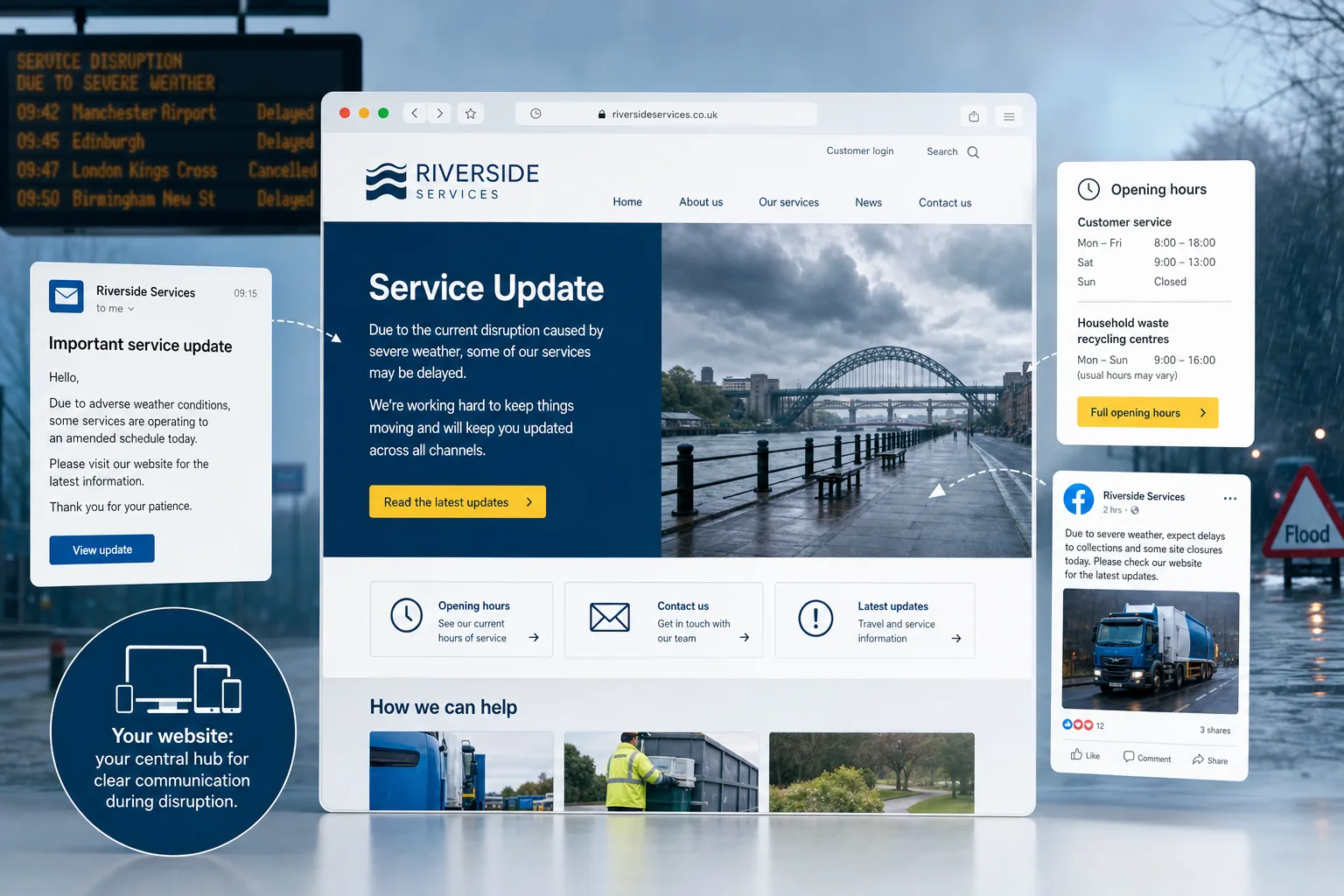
Your homepage is the obvious starting point. A short notice near the top of the page can link to the full update. The notice should be prominent without overwhelming the design. It should explain the issue briefly and direct visitors to the latest details.
Consider adding relevant notices to:
- Contact pages, especially if phone lines are busy or opening hours have changed.
- Booking or enquiry forms, so people know when to expect a reply.
- Product or service pages affected by delays or availability issues.
- Delivery, returns, appointment or support pages.
- Checkout pages, where practical information can prevent frustration.
Website design plays a major role here. The message should be easy to notice on desktop and mobile, with clear contrast, readable text and a strong call to action. Avoid intrusive pop-ups that make essential content harder to access, particularly on mobile devices.
It is also worth checking whether your content management system allows trusted team members to update these areas quickly. If only one person can edit the site, communication may be delayed at exactly the wrong moment.
Use search marketing to help customers find the right answer
During disruption, many customers will not navigate your website from the homepage. They will search. Some will search your business name with phrases such as opening times, delivery update or contact number. Others will search for local services and expect current information before making an enquiry.
Search marketing should support clear communication. Start by making sure your key pages have accurate page titles, meta descriptions and headings. If your opening hours, services or contact details have changed, update them on the website rather than relying only on social media posts.
If you use a local business listing, keep your opening hours, phone number and website link up to date. Customers often see this information before they reach your site. Inconsistent details can cause confusion and damage trust.
For your own website, a dedicated update page can target searches around your business name and service changes. A simple page title such as Service Updates and Opening Hours may be more useful than a clever headline. Searchers want clarity, not wordplay.
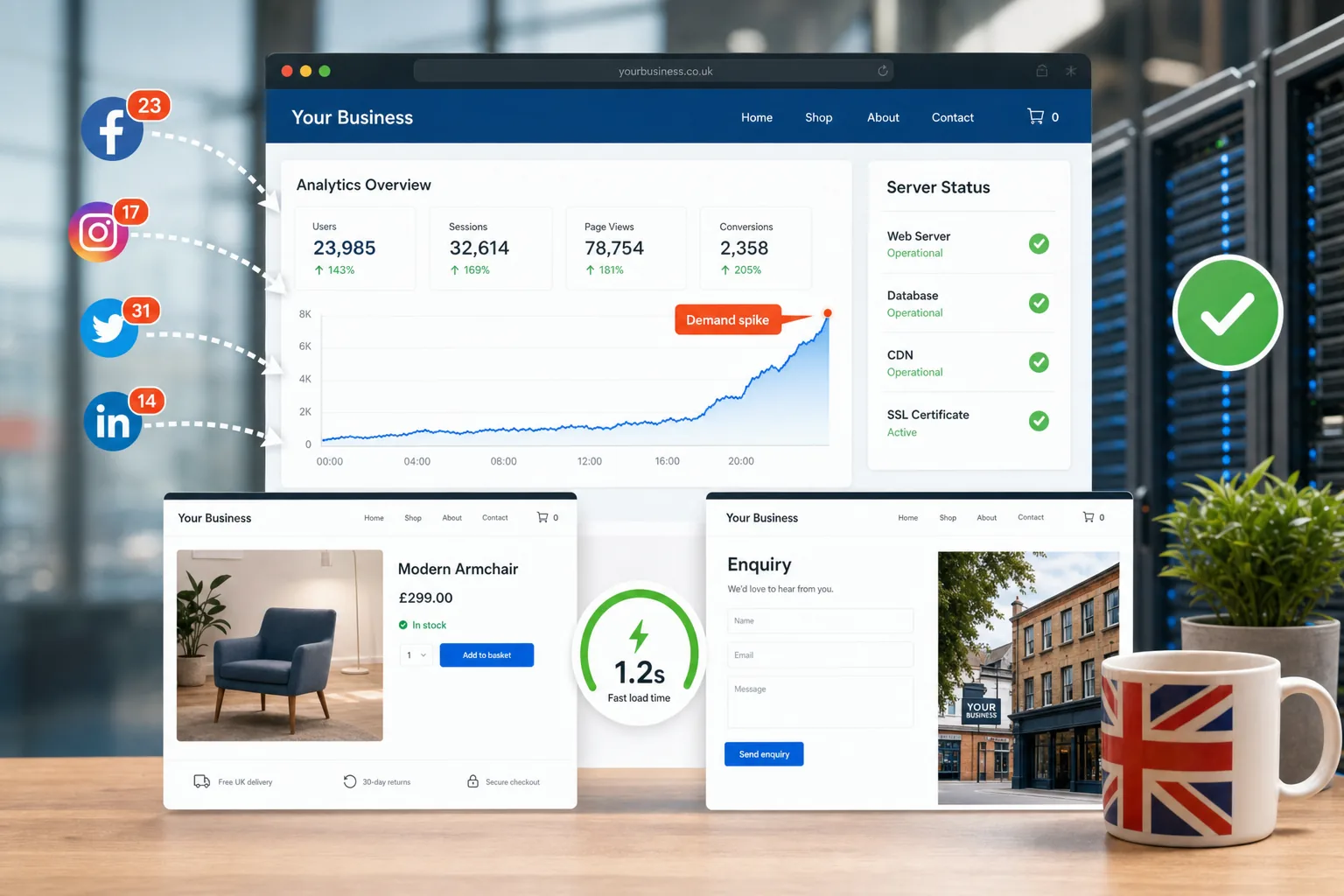
Technical basics matter too. A slow or unreliable website is frustrating when people are looking for urgent information. Make sure your site is mobile-friendly, loads quickly, uses HTTPS and can cope with increased traffic if a large number of customers visit at once. These are not just development details; they affect customer confidence.
Connect your website with social media and email
Your website should hold the full, current information, but social media and email help you distribute it. The most effective approach is to publish one clear update on your website, then link back to it from other channels.
On Facebook, Twitter, Instagram and LinkedIn, keep posts short and direct. Mention the key point, then send people to your website for the latest details. This avoids long comment threads becoming the main source of information, where replies can become outdated or difficult to manage.
For example, a post might say that opening hours have changed for the week and direct customers to the latest update page. If the situation changes again, you can update the website and publish a fresh social post pointing to the same location.
Email is helpful for customers who have already bought, booked or enquired. Keep the subject line clear and avoid unnecessary promotional messaging in urgent updates. If the email relates to an operational change, lead with the practical information. Link to your website for the full details and future updates.
This joined-up approach has several advantages. It reduces duplication, gives customers a single source of truth and helps your team avoid conflicting messages across channels.
Check your domain and hosting arrangements
A disruption plan should include the less visible parts of your online presence. Your domain name and hosting must be properly managed so your website remains available when customers need it.
Your domain name should be registered using accurate business contact details and renewed well before expiry. Choose a domain that is easy to spell, easy to say over the phone and closely connected to your business name or service. For UK businesses, a relevant UK domain can support recognition and trust, particularly for local customers.
Avoid relying on confusing spellings, excessive hyphens or domain names that are too close to another organisation's brand. This can cause customer confusion and may create legal issues. If your business uses multiple domain variations, make sure they are redirected properly to the main website rather than left unused or pointing to old content.
Hosting is equally important. A website that becomes unavailable during a busy period can undermine your communication. Speak with your web team about backups, uptime, security updates and who to contact if there is a technical problem. These details are easy to ignore until something goes wrong.
Prepare practical content for common scenarios
One of the best ways to make your business communication website more resilient is to prepare content frameworks in advance. You do not need to publish every scenario, but you can create draft templates that can be quickly adapted.
Useful templates might include:
- A temporary closure notice.
- A change of opening hours announcement.
- A delivery or supply delay update.
- A staff availability or appointment change notice.
- A remote service or telephone support update.
- A frequently asked questions page for customers.
These templates should use plain language and leave space for details such as dates, affected services and customer actions. Preparing them in advance helps ensure the tone is calm and professional, rather than rushed.
It is also sensible to decide who approves updates. In a small business, this may be the owner or manager. In a larger organisation, it may involve operations, marketing and customer service. The approval process should be clear enough to protect accuracy, but not so slow that updates are delayed unnecessarily.
Design for accessibility and reassurance
Disruption can make customers anxious. Good website design can reduce that anxiety by making information easy to find and understand. Accessibility is a key part of this. Use readable font sizes, clear headings, meaningful link text and good colour contrast. Do not rely only on images to communicate important updates, because some visitors may not see them or may be using assistive technology.
On mobile, avoid long blocks of text without headings. Many people will check your website while travelling, standing outside your premises or trying to make a quick decision. They need the essential message first, followed by more detail if required.
Reassurance also comes from consistency. Make sure your brand voice, logo, navigation and contact details remain familiar. A disruption update should look like part of your official website, not a hastily added note that raises doubts about its reliability.
A good disruption update does not need to be dramatic. It needs to be accurate, visible and easy to act on.
Turn short-term communication into long-term trust
Customers remember how businesses communicate when things do not go to plan. A clear website update can prevent confusion, reduce pressure on your team and show that your organisation is organised and considerate.
After disruption has passed, review what happened. Which questions did customers ask most often? Which pages received the most visits? Did people struggle to find contact details? Did social media comments reveal gaps in your website content? These observations can improve your website design, content strategy and search marketing for the future.
Your website should not be treated as a static brochure. It is a working communication tool that supports customer service, sales, recruitment, reputation and local visibility. When circumstances change, it can help your business respond with clarity.
For UK business owners planning a new website or reviewing an existing one, disruption communication should be part of the brief. Ask whether the site will be easy to update, whether important notices can be displayed quickly, whether search engines can find the right pages and whether customers can get answers without needing to phone.
A strong business communication website gives your organisation a dependable voice when customers need one most. With the right structure, content and digital strategy in place, your website can help protect trust, support enquiries and keep your business moving through uncertain periods.
Frequently asked questions
How should we make important information visible across the website?
When disruption affects core services, do not hide the update in a blog archive. Important information should be visible in the places customers are most likely to visit. Your homepage is the obvious starting point. A short notice near the top of the page can link to the full update. The notice should be prominent without overwhelming the design. It should explain the issue briefly and direct visitors to the latest details. Consider adding relevant notices to: Contact pages, especially if phone lines are busy or opening hours have changed; Booking or enquiry forms, so people know when to expect a reply; Product or service pages affected by delays or availability issues; Delivery, returns, appointment or support pages; Checkout pages, where practical information can prevent frustration.
How should we prepare practical content for common scenarios?
One of the best ways to make your business communication website more resilient is to prepare content frameworks in advance. You do not need to publish every scenario, but you can create draft templates that can be quickly adapted. Useful templates might include: A temporary closure notice; A change of opening hours announcement; A delivery or supply delay update; A staff availability or appointment change notice; A remote service or telephone support update; A frequently asked questions page for customers. These templates should use plain language and leave space for details such as dates, affected services and customer actions. Preparing them in advance helps ensure the tone is calm and professional, rather than rushed. It is also sensible to decide who approves updates.