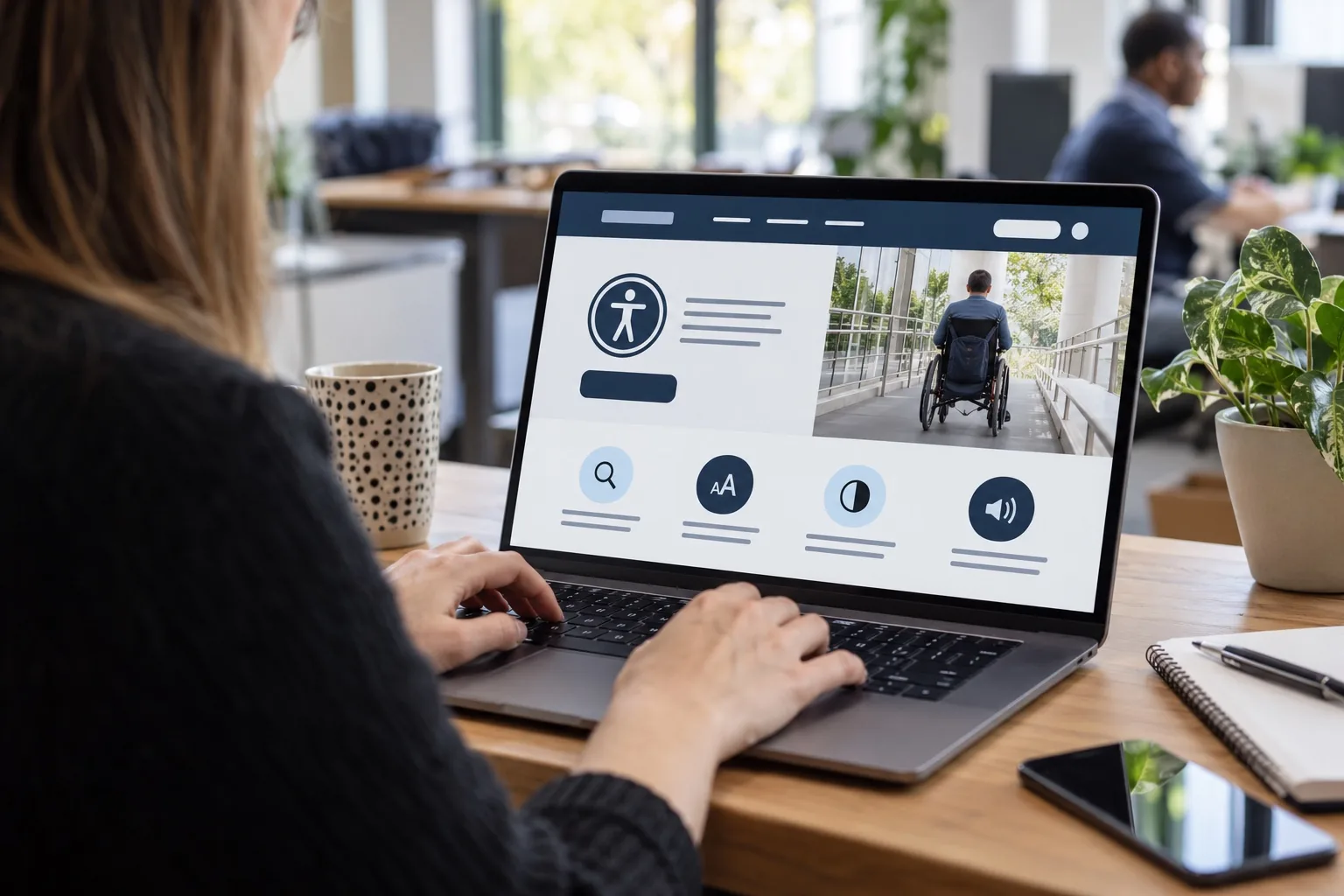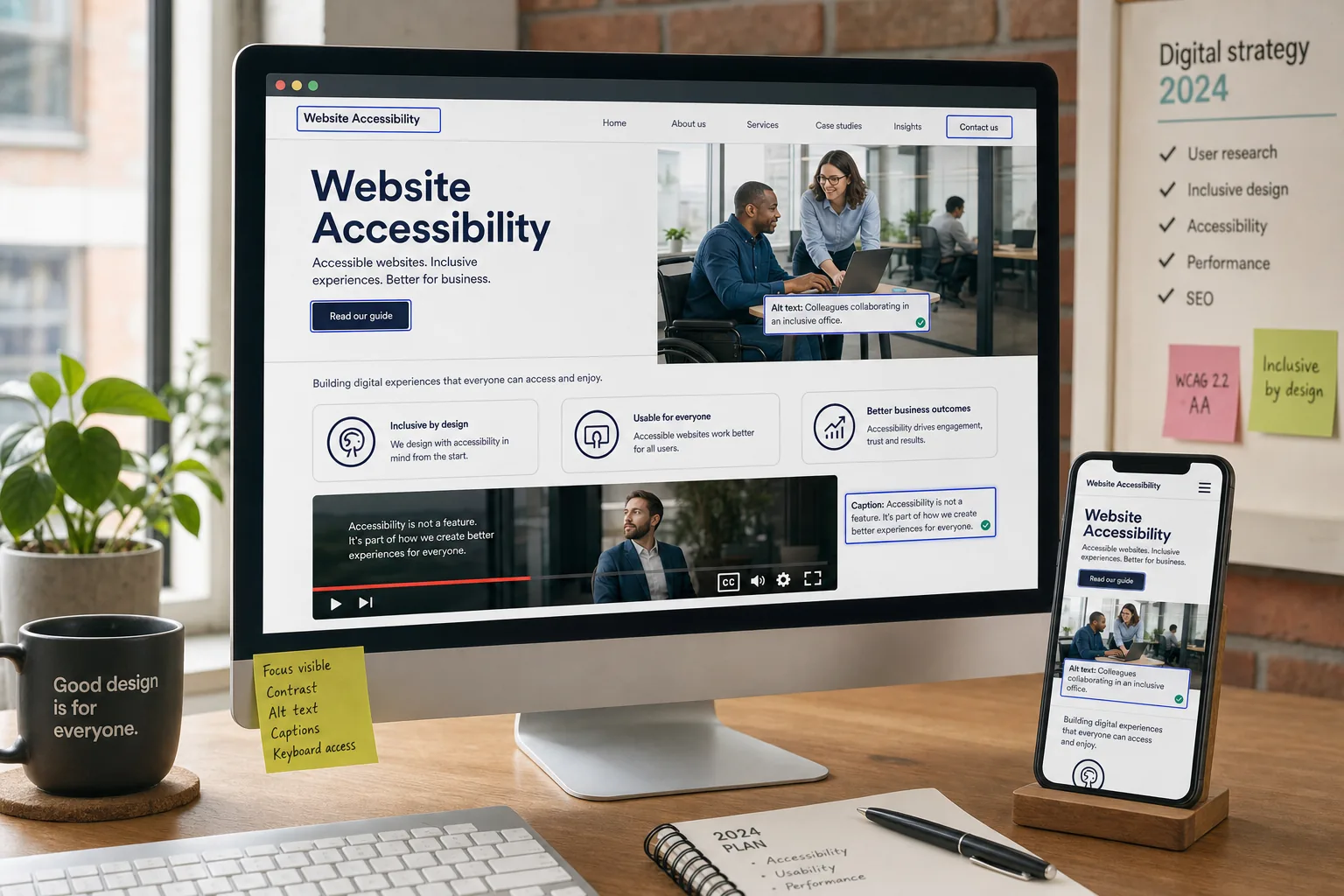
Website accessibility is no longer a specialist concern reserved for public sector websites or large organisations. For UK businesses investing in website design, SEO, branding and digital marketing in 2024, it has become a practical commercial priority. An accessible website helps more people understand your content, complete enquiries, buy products, read updates and interact with your brand without unnecessary barriers.
Accessibility is about making digital experiences usable for people with a wide range of abilities, devices and situations. That includes people who use screen readers, keyboard navigation, captions, voice control, zoom settings or high-contrast modes. It also includes customers with temporary injuries, older users, people browsing on small screens, and visitors trying to use your website in bright sunlight, noisy environments or with a poor connection.
For business owners, the message is straightforward: accessible websites tend to be clearer, faster, easier to use and more effective. They support better customer service, stronger search performance and a more trustworthy brand experience.
Why website accessibility matters more to businesses in 2024
Customer expectations have changed. People expect websites to be simple to navigate, readable on different devices and respectful of their needs. If a visitor cannot read your text, understand your forms, operate your menu or access your content, they are unlikely to stay. In many cases, they will simply choose a competitor whose website is easier to use.
There is also a legal and ethical dimension. In the UK, businesses should be aware of their responsibilities under the Equality Act 2010, which requires service providers to make reasonable adjustments so disabled people are not placed at a substantial disadvantage. Public sector organisations also have specific accessibility obligations. While not every private business has the same technical requirements as a public body, ignoring accessibility can still create reputational, legal and commercial risk.
Beyond compliance, website accessibility supports growth. It can reduce friction in the buying journey, help users find information more quickly and make content easier for search engines to interpret. It also sends a clear brand signal: your organisation values clarity, inclusion and professional standards.
The business value of accessible website design
Accessible design is often described as designing for disabled users, but its benefits are much wider. When a website is planned properly, accessibility improves the experience for almost everyone.
Clear navigation helps first-time visitors understand where to go. Strong colour contrast makes pages easier to read on mobile screens. Descriptive headings help users scan information quickly. Well-labelled forms reduce mistakes and abandoned enquiries. Captions make video content usable without sound. Logical page structures help screen reader users and search engines understand your content.
These improvements are not cosmetic. They can influence how confidently people interact with your business. A visitor who can easily read your service page, compare options, fill in a form and understand the next step is more likely to make an enquiry. Accessibility supports conversion by removing avoidable obstacles.
It is also valuable for brand perception. A website that feels thoughtful and easy to use reflects positively on the organisation behind it. For sectors such as professional services, healthcare, education, property, hospitality and e-commerce, trust is essential. Accessibility contributes to that trust by showing attention to detail and respect for different customer needs.
Key accessibility principles for business websites
The Web Content Accessibility Guidelines, commonly known as WCAG, provide an internationally recognised framework for improving accessibility. As of April 2024, WCAG 2.2 is the current recommendation, and many organisations aim for Level AA as a practical benchmark. Business owners do not need to memorise every technical criterion, but it is useful to understand the main principles.
Make content perceivable
Visitors need to be able to perceive your content in a format that works for them. This means using readable text, suitable colour contrast, alternative text for meaningful images, captions for videos and layouts that do not break when zoomed. If important information is only communicated through colour, an image or audio, some users may miss it.
Make functionality operable
People should be able to use your website with different input methods. Not everyone uses a mouse or touchscreen. Menus, forms, buttons and interactive elements should be accessible by keyboard. Users should be able to see where they are on the page when tabbing through links and controls. Avoid interactions that rely on precise movements, very short time limits or confusing pop-ups.
Make information understandable
Accessible content is not only about technical structure. It is also about communication. Use plain, direct language where possible. Break complex information into shorter sections. Label forms clearly. Explain errors in a helpful way. Avoid jargon unless your audience genuinely expects it, and define specialist terms when they matter.
Make the website robust
A robust website works reliably across browsers, devices and assistive technologies. This depends on good code, semantic HTML, properly labelled components and careful testing. If a site relies on unstable plugins, inaccessible scripts or poorly built templates, accessibility can suffer even when the visual design looks polished.
Accessibility and SEO work together
Website accessibility and search engine optimisation are closely connected. They are not the same discipline, but many good practices overlap. Search engines need to crawl, interpret and rank content. Users need to read, understand and act on it. A website that is logically structured and easy to navigate supports both aims.
Heading structure is a good example. Clear headings help visitors scan the page and help search engines understand the hierarchy of information. Descriptive link text is another. A link that says request a consultation is more useful than one that simply says click here, both for people using screen readers and for search context.
Image alt text also has a dual role. It helps users who cannot see an image understand its purpose, and it gives search engines useful context. The key is to write alt text for people first. A meaningful product image, team photograph, infographic or service illustration should have an accurate description. Decorative images can usually be treated differently so they do not clutter the experience for screen reader users.
Page speed, mobile usability and clean page layouts also matter. Slow, cluttered or unstable pages can be difficult for everyone, including people using assistive technology. They may also underperform in organic search and paid landing page journeys. Accessibility should therefore be considered as part of technical SEO, content strategy and conversion optimisation, not as a separate afterthought.
Common accessibility issues found on business websites
Many accessibility problems are avoidable, especially when they are considered early in a website design or redesign project. Some of the most common issues include low-contrast text, missing form labels, images without meaningful alt text, menus that cannot be operated by keyboard, unclear error messages, videos without captions and pages that do not resize well on mobile devices.
Another frequent issue is overcomplicated design. Animated sliders, auto-playing media, intrusive pop-ups and unusual navigation patterns can create barriers. They may also distract visitors from the main commercial goal of the page. Strong design does not need to be complicated. It should guide the user, present information clearly and make the next step obvious.
Forms deserve particular attention. Contact forms, quote request forms, booking forms and checkout flows are often where conversion happens. If a form is difficult to complete, inaccessible or vague about required fields, businesses can lose enquiries without realising why. Labels should be visible and connected to fields, instructions should be clear, and error messages should explain what needs fixing.
PDFs and downloadable documents can also create problems. If essential information is only available in a poorly structured PDF, some users may not be able to access it easily. Where possible, important service details, policies, menus, specifications or guides should also be provided as accessible web pages.
How accessibility supports social media marketing
Accessibility does not stop at the website. Social media marketing should also be planned with inclusive communication in mind. If a campaign drives traffic to a website, both the social content and the landing page should be easy to understand and use.
On social platforms, simple changes can make content more accessible. Add captions to videos, especially for product demonstrations, interviews, announcements and event clips. Use clear copy in posts rather than relying entirely on text embedded in images. Add alt text to important images where the platform supports it. Avoid long strings of emojis or decorative characters that can be frustrating when read aloud by assistive technology.
Hashtags should be written in CamelCase, such as #WebsiteAccessibility, so screen readers can interpret the words more clearly. When posting graphics, make sure key information is readable on mobile screens and repeated in the post copy if necessary. Campaigns are more effective when users can understand the message quickly and follow through to an accessible page.
For businesses using paid social campaigns, accessibility can also improve the quality of traffic. If the advert is clear, the call to action is specific and the landing page is usable, users are more likely to take the intended action. Accessibility strengthens the full customer journey rather than only one channel.
Domain names, branding and accessibility
Domain registration may not seem closely linked to accessibility, but naming choices can affect how easily people remember, type and share your web address. A strong domain name is usually short, clear, easy to spell and closely connected to the business or service. Avoid unnecessary hyphens, confusing abbreviations and words that are easily misheard.
For UK businesses, a relevant UK domain can support trust and local recognition, particularly when the organisation serves a regional or national audience. It is also sensible to register important variations where appropriate, such as common spelling alternatives or key extensions, to protect the brand and reduce customer confusion.
Accessibility should also be considered in email addresses and campaign URLs. If a radio advert, podcast mention, printed leaflet or networking conversation includes a web address, people should be able to understand and recall it easily. Clear naming helps users with memory, hearing, language or cognitive processing differences, and it benefits everyone else too.
When choosing a domain, think about how it will appear in search results, social profiles, business cards, vehicle graphics and email signatures. A readable, credible name can reinforce brand consistency across digital marketing channels.
Practical steps to improve website accessibility
Improving accessibility does not always require rebuilding an entire website. Many organisations can make meaningful progress by reviewing high-impact areas first, then creating a plan for deeper improvements over time.
- Audit key pages: Start with your homepage, main service pages, contact page, landing pages and checkout or enquiry process. These pages usually carry the most commercial value.
- Check colour contrast: Make sure text is readable against its background, including buttons, banners, navigation links and footer content.
- Review headings: Use headings in a logical order so visitors and assistive technologies can understand the page structure.
- Improve form usability: Add clear labels, helpful instructions and understandable error messages.
- Add meaningful alt text: Describe informative images accurately and avoid keyword stuffing.
- Test keyboard navigation: Check whether users can move through menus, forms, buttons and pop-ups without a mouse.
- Caption video content: Provide captions for videos used on your website and social channels.
- Write clearer content: Use plain language, shorter paragraphs and specific calls to action.
- Check mobile behaviour: Ensure pages resize properly and remain usable when zoomed or viewed on smaller screens.
- Build accessibility into future work: Include it in website briefs, content creation, brand guidelines and campaign planning.
Automated accessibility tools can help identify some issues, but they cannot judge everything. Human review is still important, especially for content clarity, keyboard journeys, form behaviour and the real experience of using assistive technology. A balanced approach combines technical checks with practical user-focused testing.
Accessibility should be part of every website project brief
If you are commissioning a new website, accessibility should be discussed from the start. It is much easier to build accessibility into design systems, templates and content structures than to retrofit it later. Your brief should cover colour contrast, typography, navigation, form design, content hierarchy, video requirements, content management responsibilities and testing expectations.
Accessibility also affects brand guidelines. Colours may look attractive in isolation but fail when used for small text. A decorative font may suit a campaign graphic but be unsuitable for core website content. Button styles, icons, image treatments and animation choices should all be reviewed for usability as well as visual appeal.
Content teams need guidance too. A technically accessible website can become less accessible over time if new pages are uploaded with poor headings, missing alt text, inaccessible PDFs or confusing copy. Training and simple editorial standards help protect the quality of the site after launch.
For e-commerce websites, accessibility needs particular attention across product listings, filters, basket pages and checkout. For lead generation websites, focus on service pages, trust signals, forms and calls to action. For membership, booking or portal-based websites, account access and user journeys must be tested carefully.
Moving from compliance to competitive advantage
Some businesses first approach website accessibility because they are concerned about compliance. That is understandable, but it is only part of the picture. The stronger opportunity is to create a digital presence that more people can use with confidence.
Accessible websites can support better engagement, clearer communication, improved search performance and stronger conversion journeys. They reduce friction for customers and make marketing activity work harder. They also help future-proof a website as user expectations, technology and legal awareness continue to develop.
For UK business owners planning a redesign, SEO project, content refresh or wider digital strategy in 2024, accessibility deserves a place at the centre of the conversation. It is not a box to tick at the end of a project. It is a practical way to build better websites, reach more people and strengthen the value of every digital marketing investment.
Frequently asked questions
What should we know about practical steps to improve website accessibility?
Improving accessibility does not always require rebuilding an entire website. Many organisations can make meaningful progress by reviewing high-impact areas first, then creating a plan for deeper improvements over time. Audit key pages: Start with your homepage, main service pages, contact page, landing pages and checkout or enquiry process. These pages usually carry the most commercial value; Check colour contrast: Make sure text is readable against its background, including buttons, banners, navigation links and footer content; Review headings: Use headings in a logical order so visitors and assistive technologies can understand the page structure; Improve form usability: Add clear labels, helpful instructions and understandable error messages; Add meaningful alt text: Describe informative images accurately and avoid keyword stuffing; Test keyboard navigation: Check whether users can move through menus, forms, buttons and pop-ups without a mouse; Caption video content: Provide captions for videos used on your website and social channels; Write clearer content: Use plain language, shorter paragraphs and specific calls to action; Check mobile behaviour: Ensure pages resize properly and remain usable when zoomed or viewed on smaller screens; Build accessibility into future work: Include it in website briefs, content creation, brand guidelines and campaign planning.